


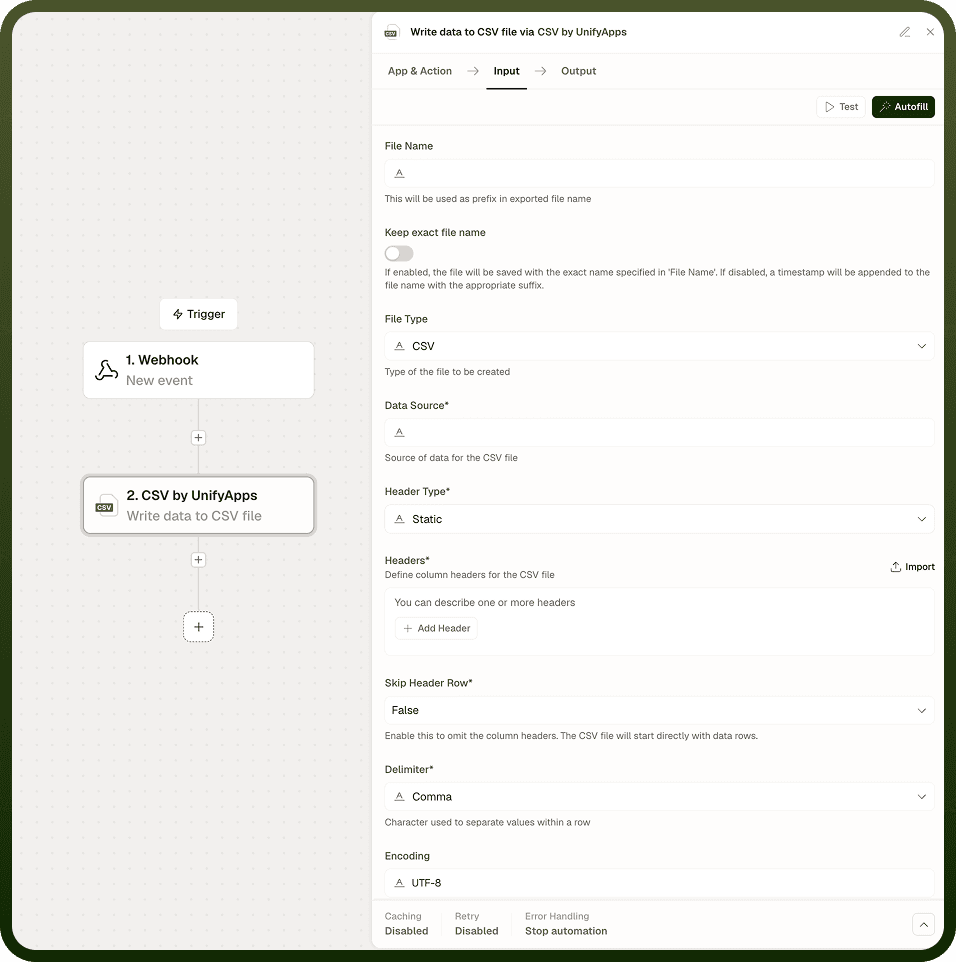
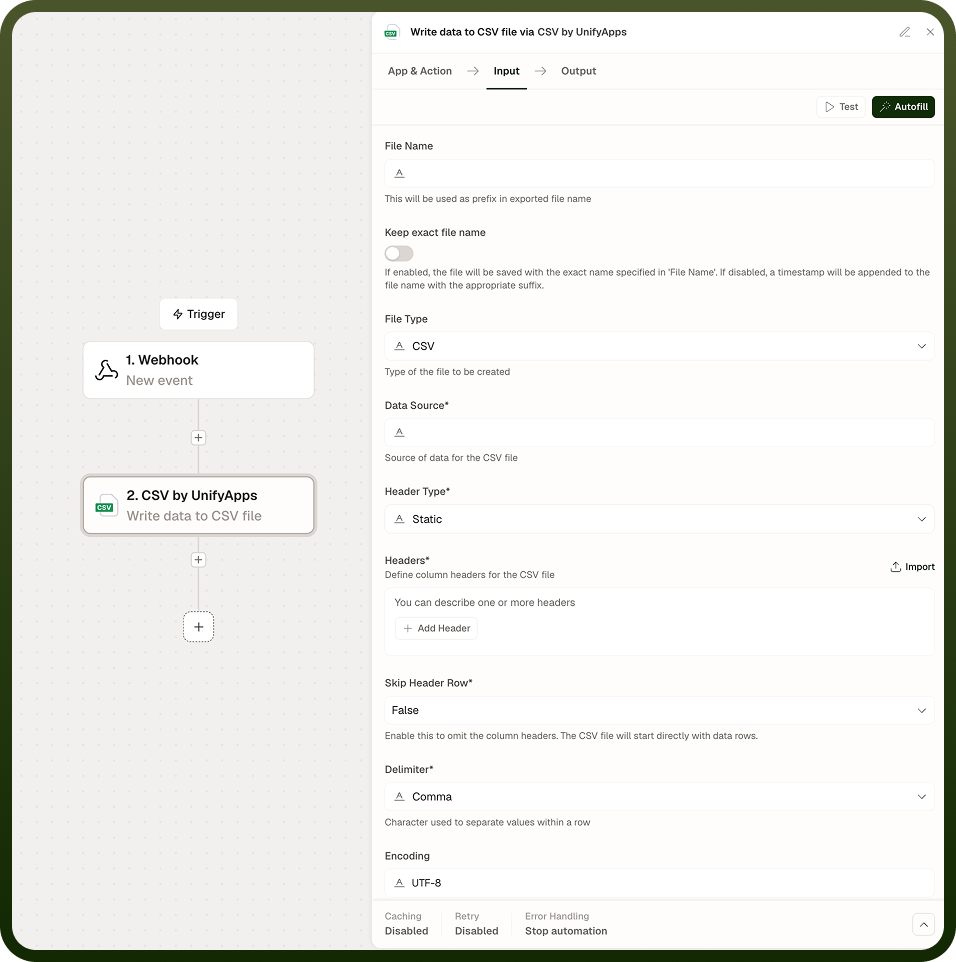
The CSV node writes rows into a delimited file. You choose the delimiter and whether a header row is included; all output files are UTF-8 encoded. Use it to export automation results for downstream systems or to produce CSV output for other nodes.
Overview
The write side of the CSV node produces a delimited text file from rows your automation supplies. The delimiter is configurable — comma, tab, semicolon, pipe, colon, or space — to match whatever format the downstream consumer expects. When a header row is included, each row's values align to the column names declared in the header. Files are written in UTF-8 encoding by default. The start row is counted from 1 (row 1 is the first row), consistent with the node's read operations.
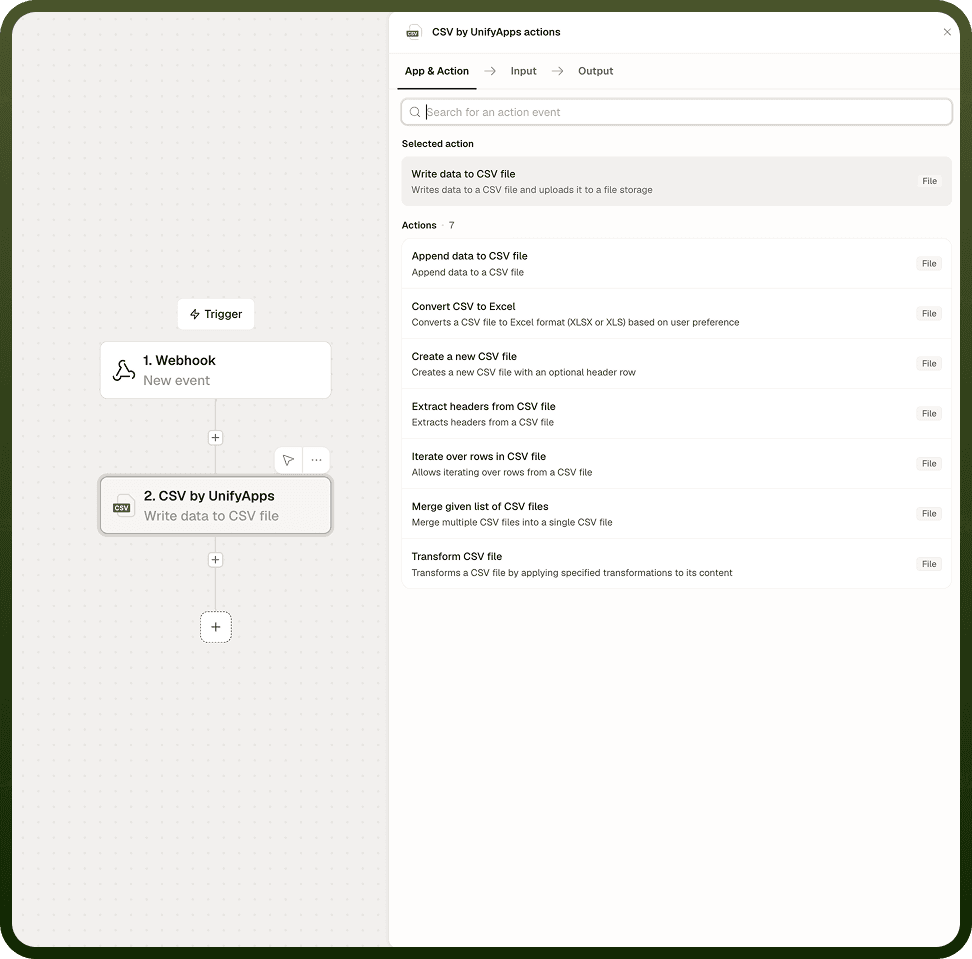
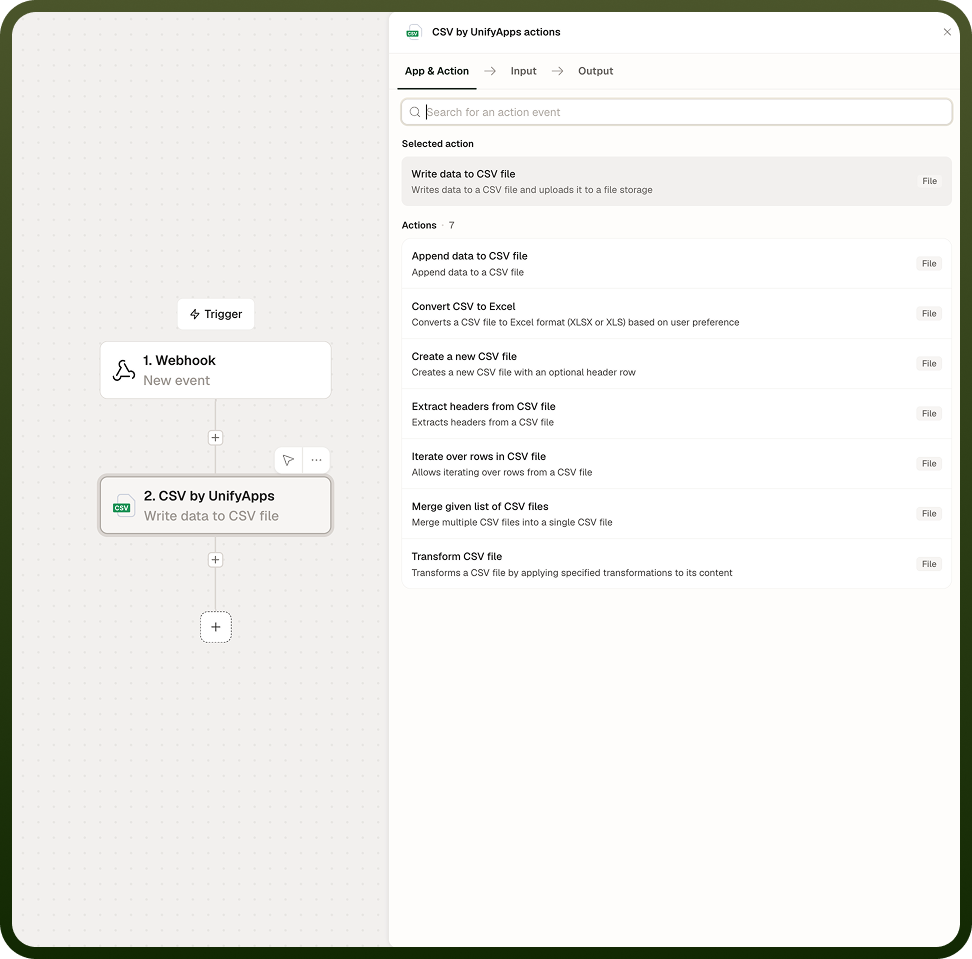
Operations
Create CSV
Initializes a new delimited file with the specified settings. Configure the delimiter, whether a header row is present, and the encoding. This operation sets up the file before rows are written to it.
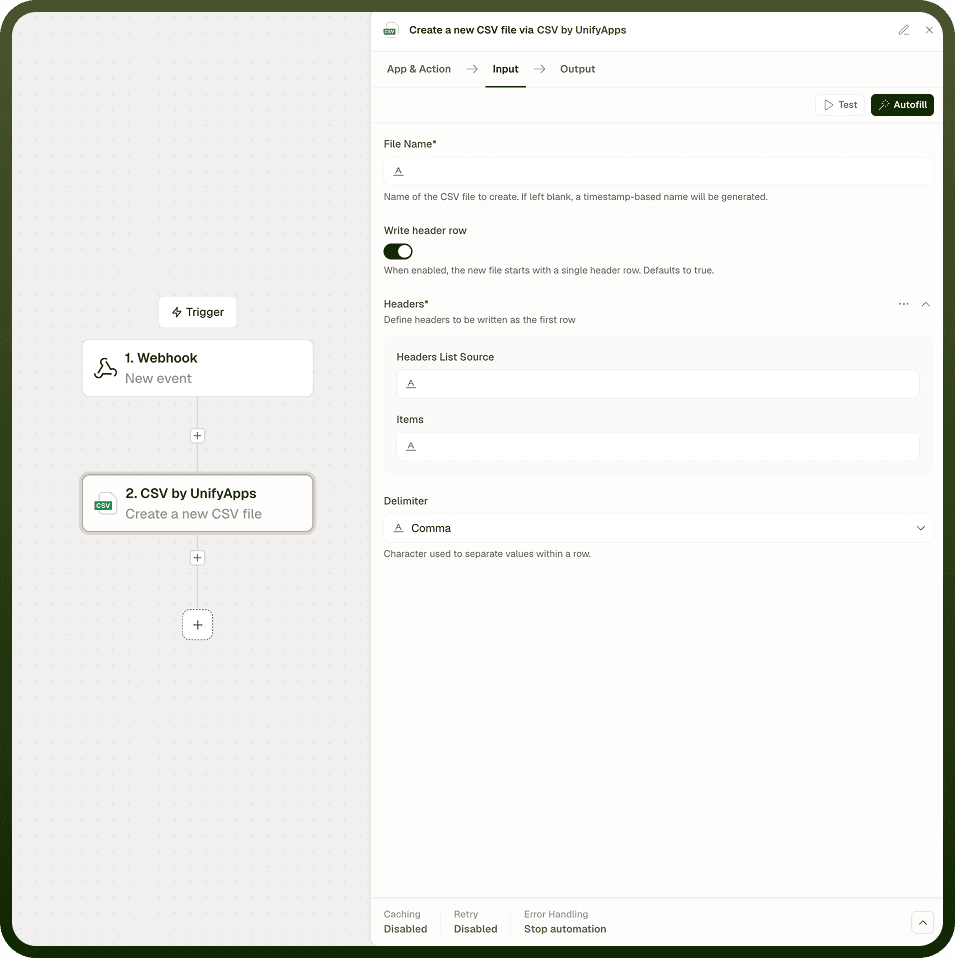
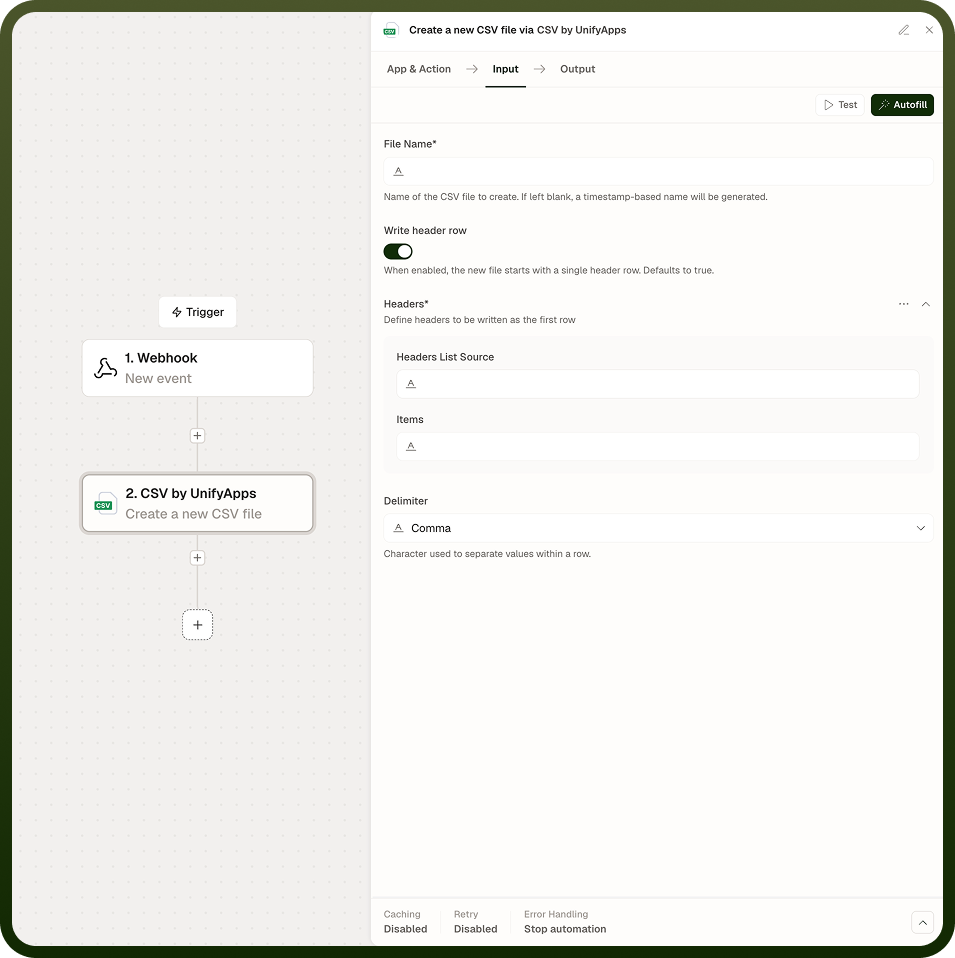
Write Rows
Writes one or more rows of data to the file. Each row is an ordered list of values. When a header row is configured, values correspond to the declared columns by position. Provide the rows as data pills from earlier steps — for example, from a loop that accumulates results.
Delimiter Options
The CSV node supports the following delimiters:
Delimiter | Character | Common use |
|---|---|---|
Comma | , | Standard CSV; accepted by most tools by default. |
Tab | \t | TSV (tab-separated values); common in database exports. |
Semicolon | ; | Used in some European locales where comma is the decimal separator. |
Pipe | | | Common in log formats and some legacy systems. |
Colon | : | Used in some configuration and data exchange formats. |
Space | Used in some fixed-format text exports. |
Notes
Keep the following in mind when writing CSV files.
Match the delimiter to what the downstream consumer expects — confirm the setting before deploying.
All CSV files are written in UTF-8 encoding by default.
If a header row is included, column names come from the header declaration; downstream systems that read the file map values by those names.
The start row is counted from 1 (row 1 is the first row).
Values that contain the chosen delimiter character must be quoted — check that your data does not include unescaped delimiter characters before writing.
Always test the produced CSV with the downstream system or tool that will consume it before relying on the output in production — delimiter choice, encoding, and header presence all affect compatibility.