


Execute Streaming REST Multipart Request sends a multipart/form-data request and processes the response as a stream. Use it when uploading files to an API that returns its output progressively — such as an AI service that processes an uploaded document and streams back analysis results before the full response is ready.
Overview
This action combines two capabilities: multipart request encoding for file and field uploads, and streaming response handling. Form fields and file attachments are configured exactly as in Execute REST Multipart Request, and the response is delivered as a continuous stream of chunks exactly as in Execute Streaming REST Request. It is useful for AI inference services, media processing pipelines, and any API that accepts file uploads and begins streaming output before the result is complete.
Content-Type is set automatically: Do not set Content-Type in the Headers field. The node generates the multipart/form-data boundary and sets the header correctly. Run Asynchronously is also not available — streaming is the response model for this action.
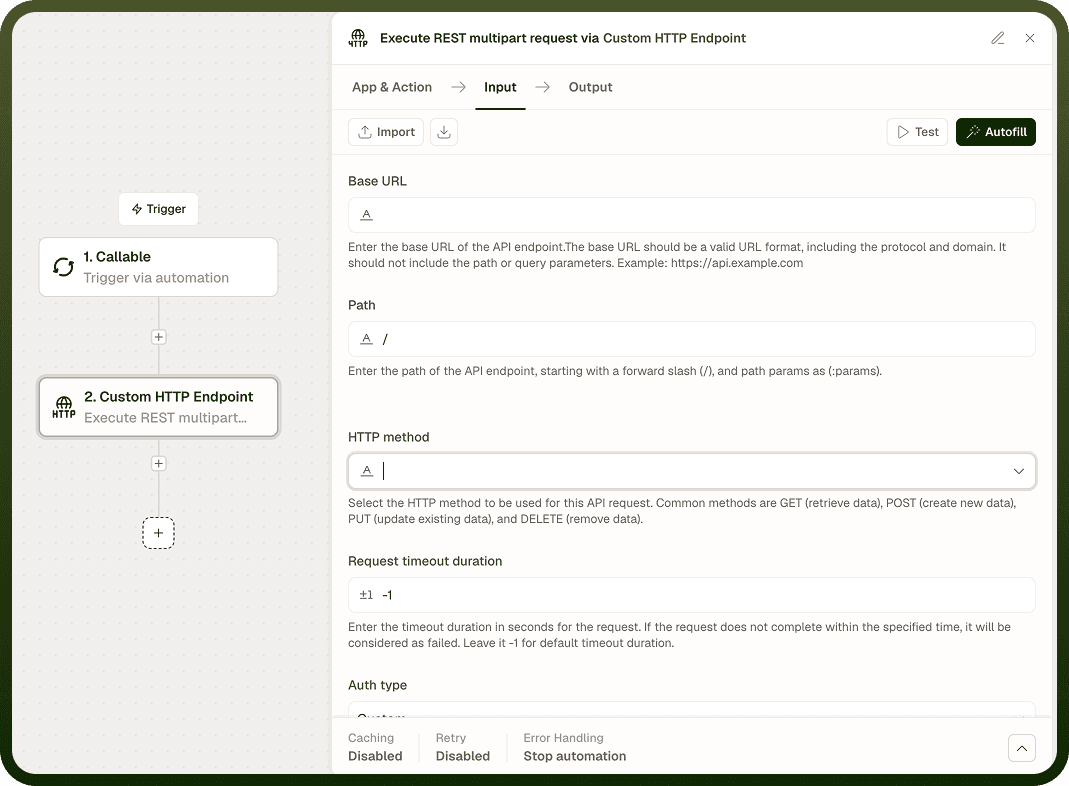
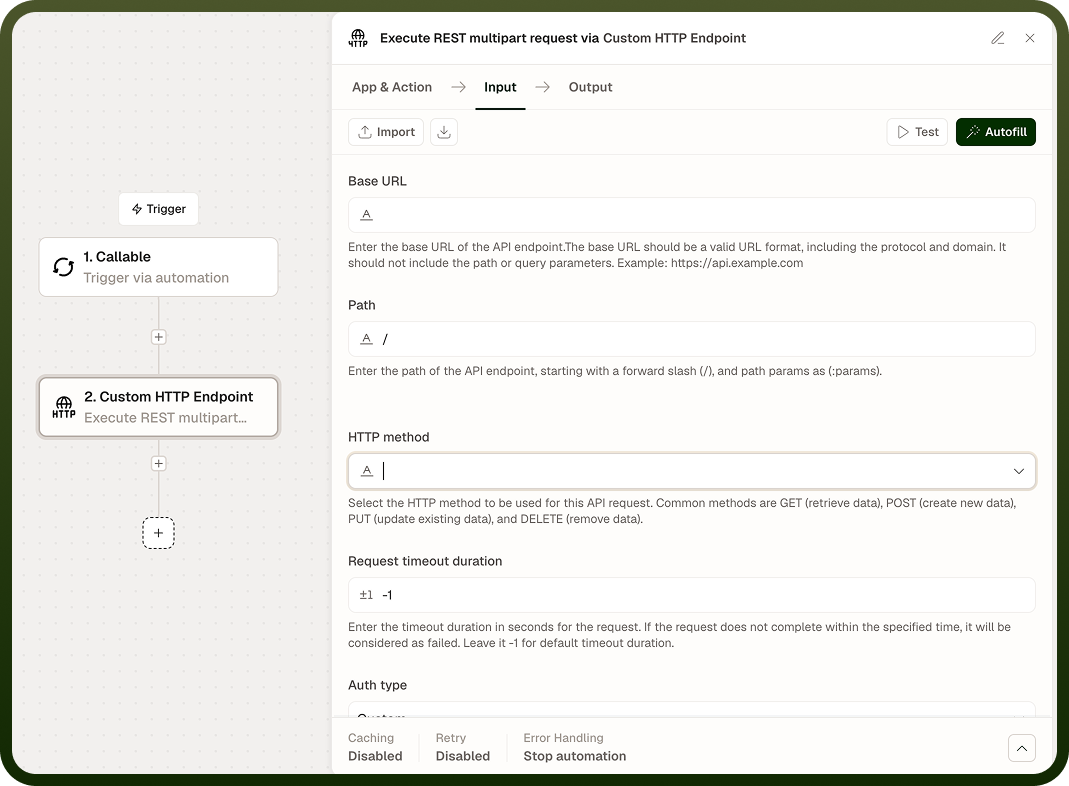
Input
Field | Description | Required* |
|---|---|---|
Method | HTTP method: POST or PUT. POST is most common for upload-and-stream endpoints. | Yes |
URL | The endpoint URL for the streaming multipart request. | Yes |
Headers | Additional request headers such as Authorization. Do not set Content-Type — it is set automatically with the multipart boundary. | No |
Query Parameters | Key-value pairs appended to the URL as a query string. Values are URL-encoded automatically. | No |
Form Fields | Text key-value pairs included as form parts in the multipart body alongside any file attachments. | No |
File Attachments | One or more files to upload. Each attachment requires a field name, filename, file content, and MIME type. | No |
Authentication Type | Authentication scheme: None, Basic, or Custom. | No |
Username | Username for Basic authentication. Active only when Authentication Type is Basic. | No |
Password | Password for Basic authentication. Active only when Authentication Type is Basic. | No |
Custom Auth Configuration | Configuration object for a custom authentication scheme. Active only when Authentication Type is Custom. | No |
SSL Verification | Verify the server's TLS certificate. Enabled by default; disable only in trusted, non-production environments. | No |
Proxy URL | Route the request through an HTTP or HTTPS proxy. Buffering proxies may interfere with streaming responses. | No |
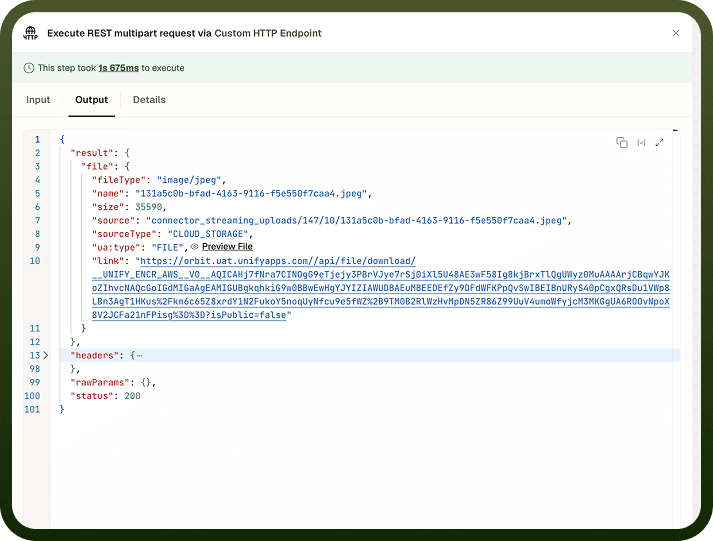
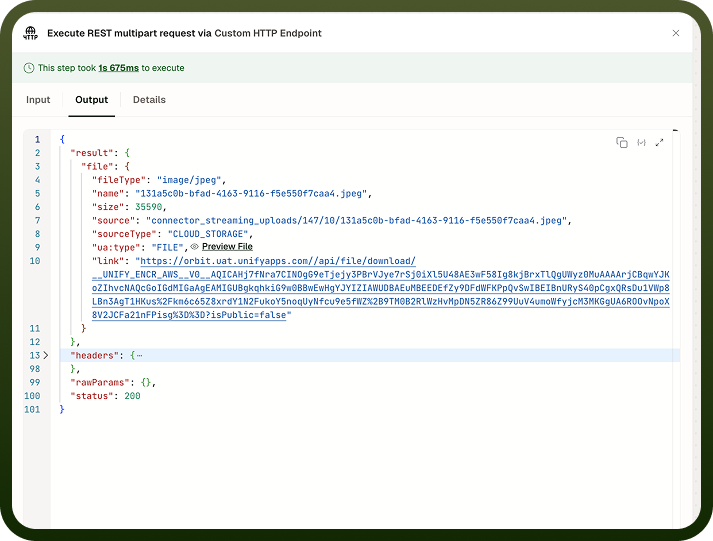
* Required fields must be populated for the node to run.
Output
Field | Description |
|---|---|
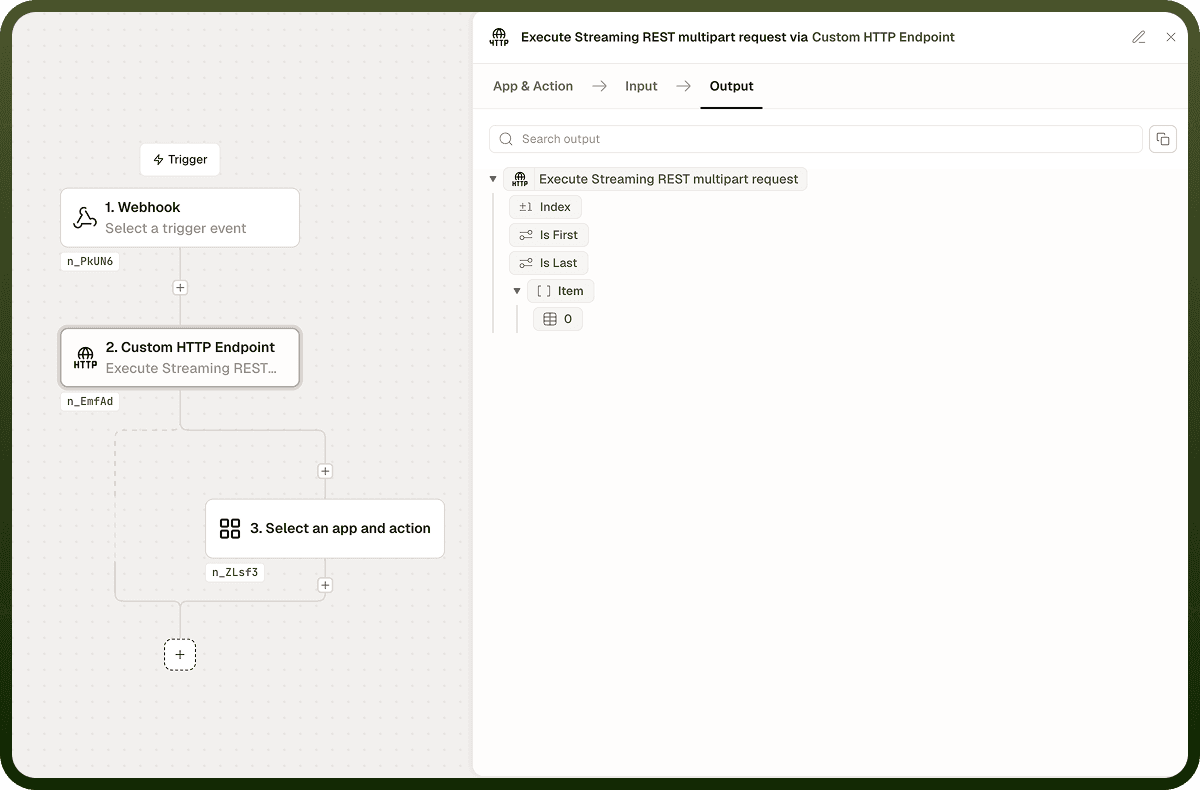
Status Code | The HTTP status code returned when the server accepts the upload and opens the streaming response. |
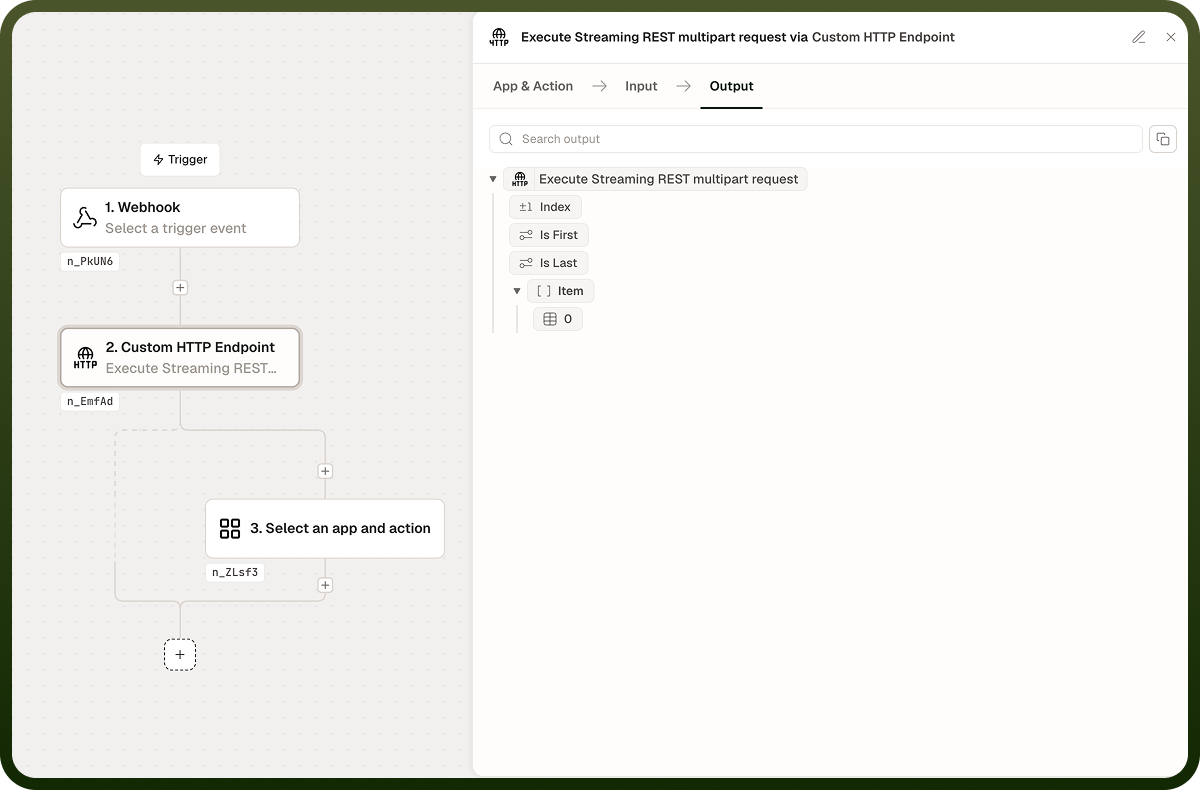
Response Stream | The stream of response chunks yielded progressively as the server processes the uploaded content and sends output. Each chunk is a raw string. |
Response Headers | A map of the HTTP response header names and values received when the connection was established. |
Notes
Run Asynchronously is not available for this action. Streaming is the response model — the automation consumes chunks as they arrive rather than waiting for a single complete response.
Do not set Content-Type in Headers. The node sets Content-Type: multipart/form-data; boundary=<generated> automatically. Overriding it will break the request.
Form Fields and File Attachments can be combined freely in the same request body.
Large file uploads increase the time before the server begins streaming a response. Pre-fetch or cache files earlier in the automation where possible to reduce latency.
Some proxies buffer entire responses before forwarding them, which prevents streaming. Use a direct connection or a streaming-compatible proxy if chunked output is not arriving progressively.
HTTP 4xx and 5xx status codes are returned in Output and do not halt the node.