


Convert Code to Dependency Graph analyzes source code using a syntax-tree approach and produces a structured graph of the relationships between code units — modules, functions, or components — making codebase structure navigable for search, impact analysis, and visualization pipelines. The node provides two language-specific actions: Transform Python Code to Graph and Transform Java Code to Graph.
Overview
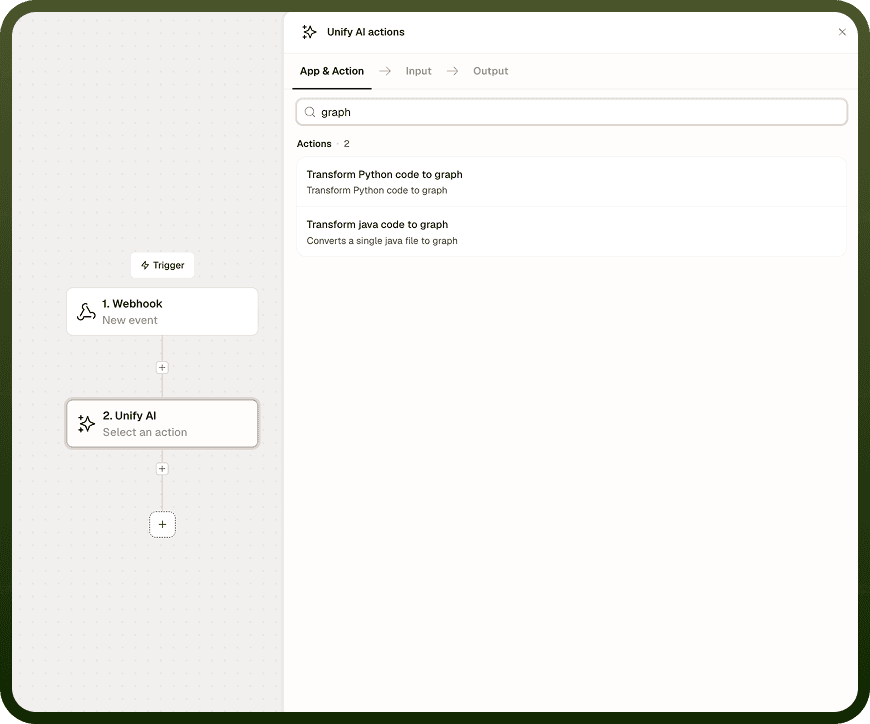
The Convert Code to Dependency Graph capability in the Unify AI toolkit offers two language-specific actions: Transform Python Code to Graph and Transform Java Code to Graph. There is no generic "Convert Code to Dependency Graph" action — you select the action that matches your source language. Each action parses source code by following language grammar (the same syntax-tree approach used by the code-splitting strategies in Chunk Text), identifies how units of code reference or depend on each other, and returns a graph structure describing those relationships.
The output can feed graph search, impact analysis, visualization, or any pipeline that needs to understand how parts of a codebase relate. The operation caps individual chunk sizes during analysis.
Input
Field | Type | Required | Description |
|---|---|---|---|
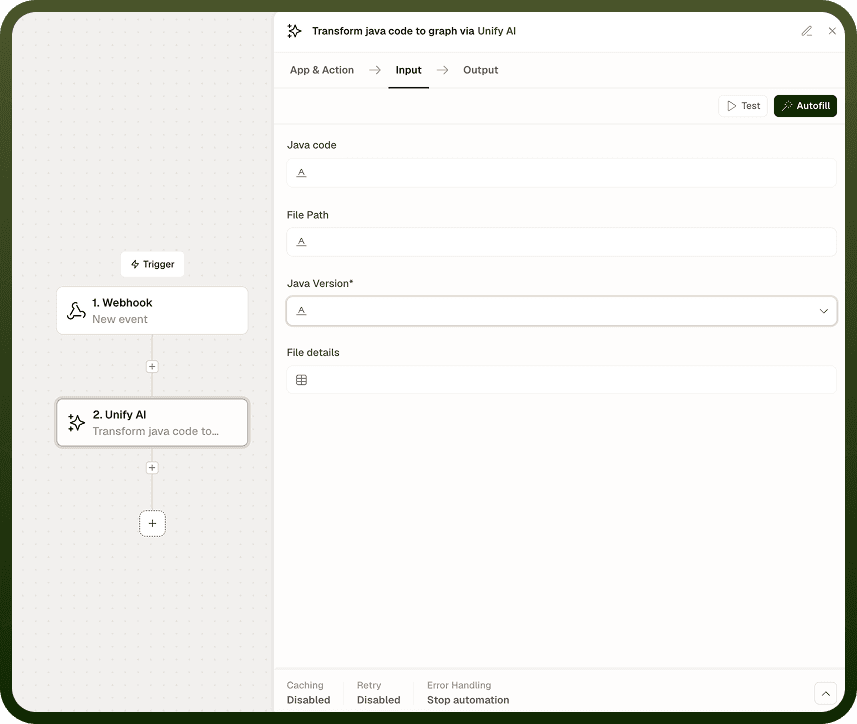
Action | dropdown | Yes | Select Transform Python Code to Graph or Transform Java Code to Graph. Choose the action that matches the language of your source code. |
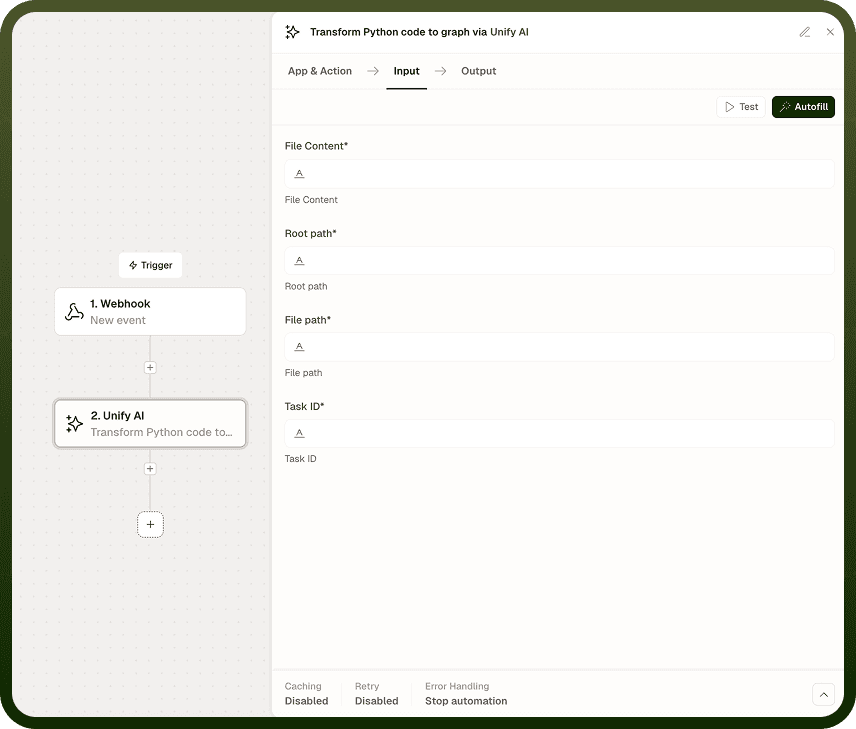
Source Code | string | Yes | The source code to analyze. For large codebases, pass logical units rather than the entire codebase at once. |
Output
Returns a dependency graph describing the relationships between code units. The graph structure identifies which modules, functions, or components reference or depend on each other, depending on the selected action and how the code is organized.
Notes
Two language-specific actions are available: Transform Python Code to Graph and Transform Java Code to Graph. There is no generic "Convert Code to Dependency Graph" action.
The syntax-tree approach respects code structure — analysis follows language grammar rather than splitting arbitrarily.
Per-chunk size limits apply. For large codebases, break the code into logical units (files or modules) before passing them to this operation.
Use the output graph with a graph query or visualization step to explore dependencies, identify cycles, or trace impact paths.
To chunk code text for embedding and retrieval (rather than building a graph), use Chunk Text with the code-aware or syntax-tree strategy instead.