


The CSV Reader by UnifyApps enables you to read the text content of a CSV file and pass key information to downstream automation steps.
Overview
The CSV Reader by UnifyApps enables you to read the text content of a CSV file and pass key information to downstream automation steps. This node iterates through each row and returns data as objects.
Use Case
A practical application involves processing client details from a CSV file containing Name, Company, Phone Number, Service, and Account ID. The workflow uses the CSV Reader to interpret file information and pass it to subsequent automation steps, such as generating invoices via Razorpay.
Use case example workflow for CSV Reader
How to Parse a CSV File
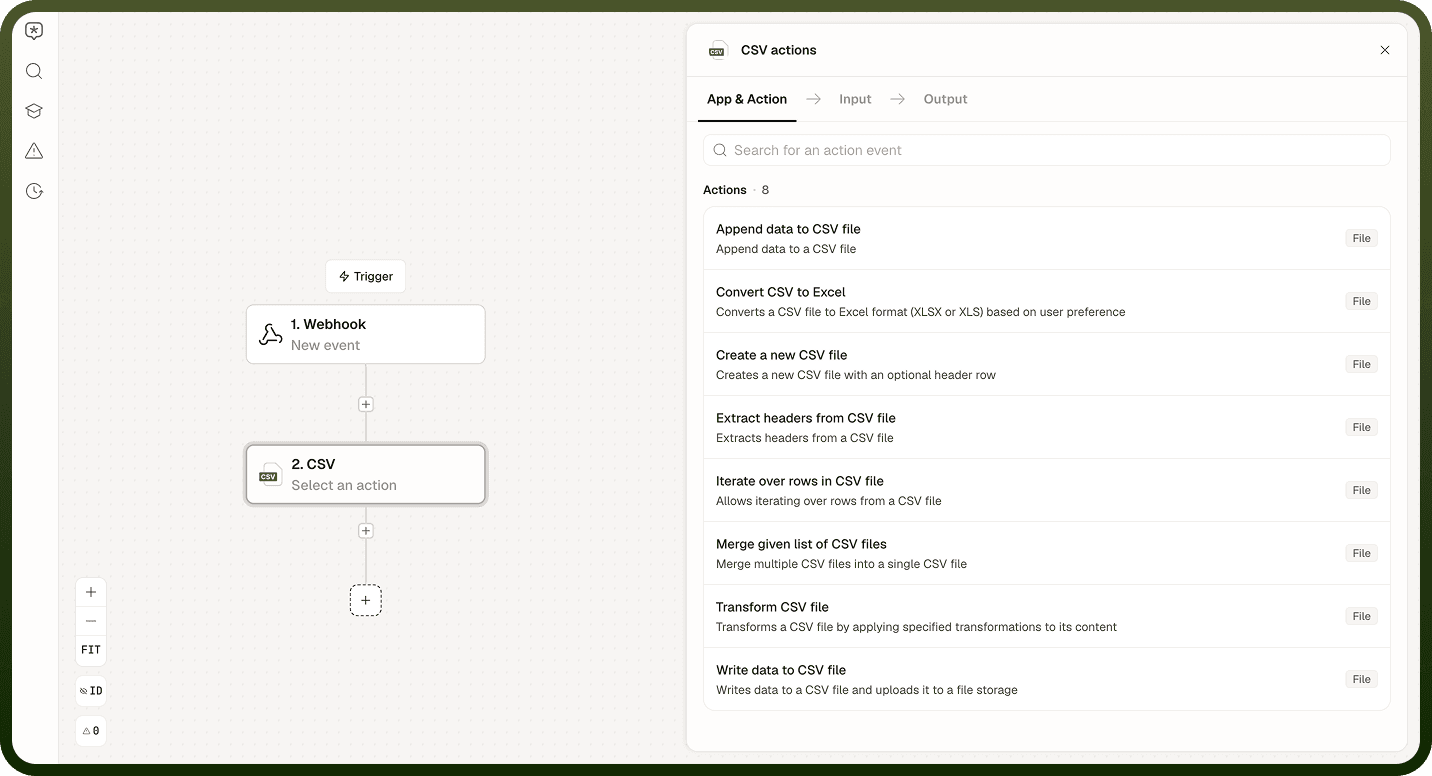
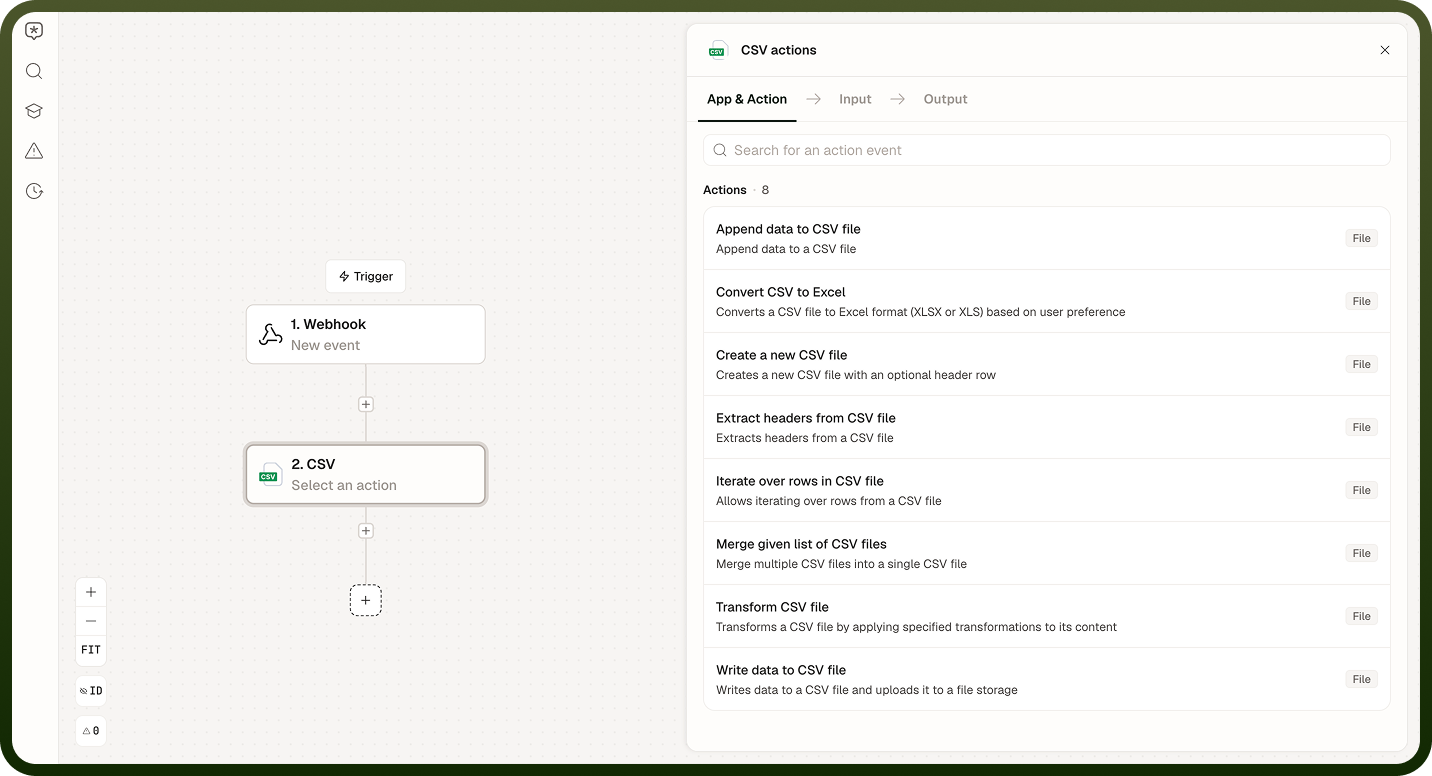
Add the CSV Reader node and select "Consume data from the CSV file."Adding the CSV Reader node and selecting the action
Configure required inputs:
File — Provide the CSV file URL or a data pill
Header Row — Set to True if the file has headers; False otherwise
Columns — List desired column names
Batch — Default is False for individual row reading; True enables batch processing
Encoding — Select Unicode encoding (default UTF-8)
Delimiter — Specify the parsing character (typically a comma)
Quote character — Define the quote style used in the file
Input parameters configuration for the CSV Reader node
Add an app action within the reader iteration (for example, Variable by UnifyApps).
Note: A step must be added after the CSV Reader node; an automation cannot be deployed without a downstream step inside the iteration.
Review the output format, which varies based on the Batch setting:
Batch = False — Returns a single object with a "Row" key
Batch = True — Returns an array of objects with a "Rows" key
Output examples for Batch = False and Batch = True
Notes
Keep the following in mind when using CSV Reader by UnifyApps:
Specify the delimiter explicitly when the CSV uses a non-standard character (semicolon, tab, or pipe); the default comma delimiter will misparse the file if the separator differs.
The node reads the CSV and exposes each row as an iterable object; add a Loop operator after the CSV Reader to process rows individually.
Large CSV files increase run time; for files with thousands of rows, consider breaking the file into smaller chunks before processing.
Check the FAQ section for known parsing edge cases, such as quoted fields that contain the delimiter character.
Validate the CSV column names and data types in a test run before deploying so type mismatches are caught early.