


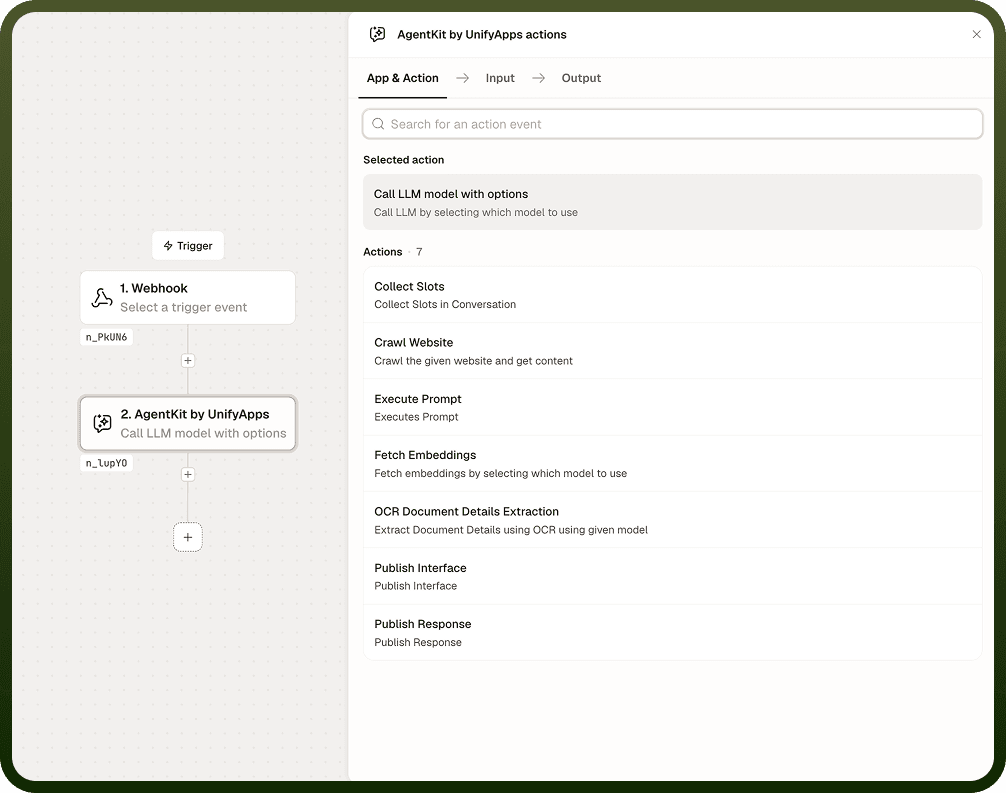
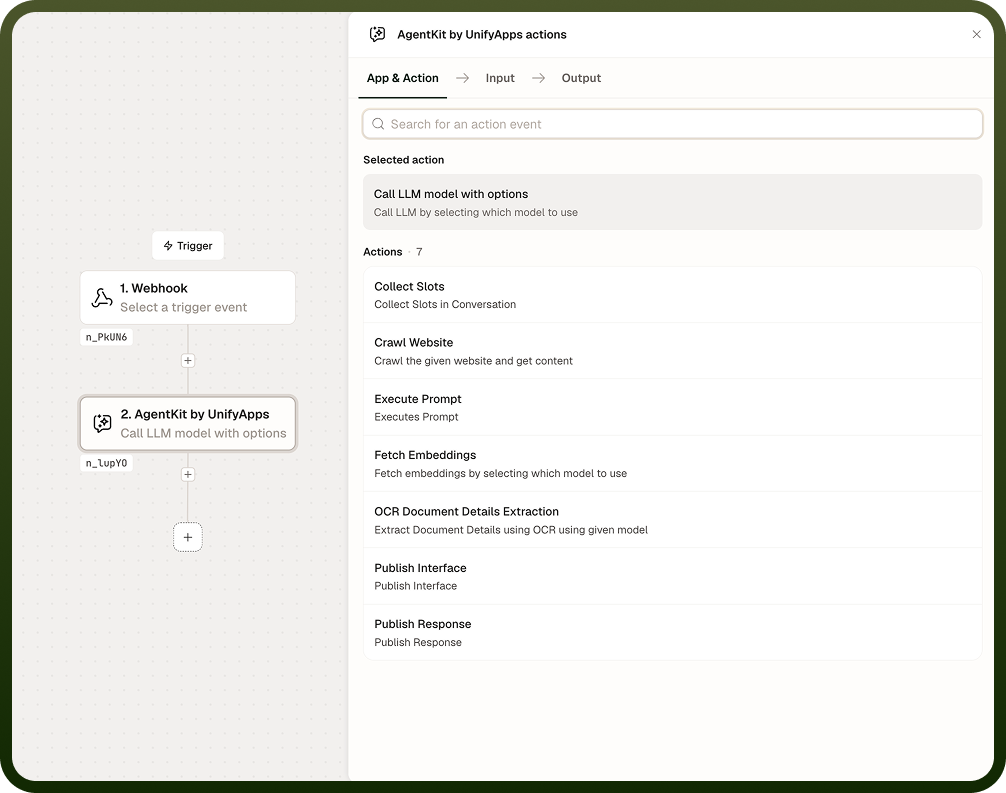
Call LLM Model with Options sends a prompt to a language model of your choice and returns the model's response. You select the model — Claude, GPT, Gemini, and others — when building the automation, and pass the prompt, an optional system instruction, and any call settings as inputs at run time. Use this node when you need a configurable, single model call inside a larger automation flow.
Overview
This node is the current, supported way to invoke a language model in AgentKit. An older operation named Call LLM Model (without "with Options") is deprecated — do not build new automations on it, and migrate any existing ones. The "with options" version provides full control over model selection and call parameters. Because the model is chosen at build time rather than per run, automations that need different models for different cases should branch and use a separate node per path.
Input
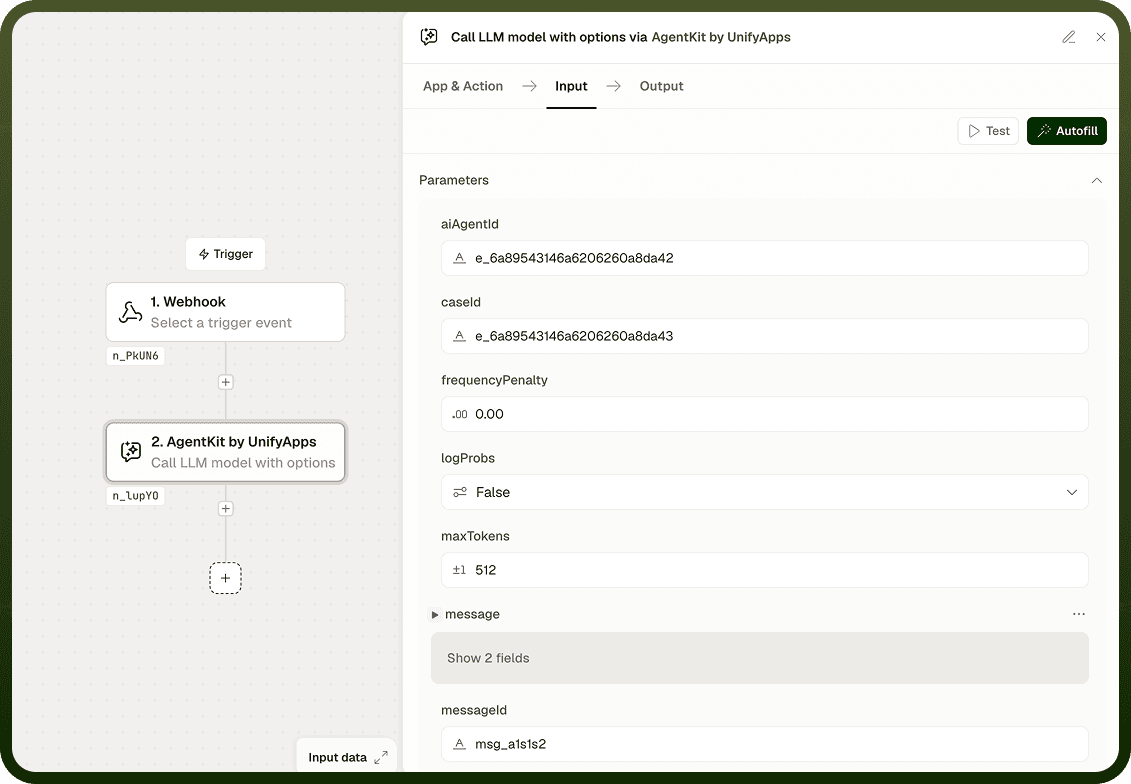
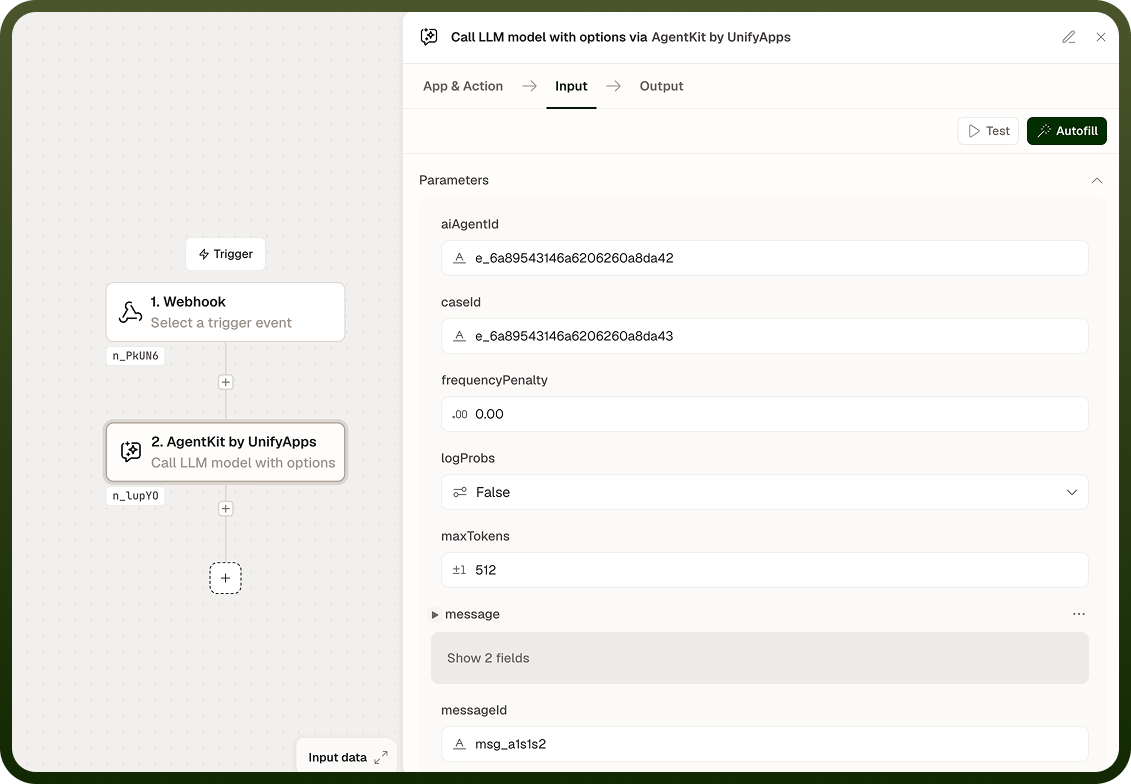
Field | Description | Required* |
|---|---|---|
Model | The language model to call. Selected when building the automation (Claude, GPT, Gemini, and others) and fixed for the run — it cannot be switched at run time. | Yes |
Prompt | The user-turn input sent to the model. Accepts static text or dynamic values from prior steps. | Yes |
System Prompt | System-level instructions that establish the model's behavior, persona, or constraints for this call. | No |
Temperature | Controls response randomness. Higher values produce more varied output; lower values produce more deterministic responses. | No |
Max Tokens | Maximum number of tokens in the model's response. Caps output length for the call. | No |
Call Options | Additional model-specific settings passed at invocation time. Available options depend on the selected model. | No |
Output
The node returns two values:
Response — the model's generated text, ready to use in downstream steps.
Usage — token usage details for the call, including prompt tokens, completion tokens, and total tokens.
Notes
The model is fixed at build time. If your automation needs different models for different scenarios, use a branch and a separate Call LLM Model with Options node for each path.
The deprecated Call LLM Model (without "with Options") should not be used for new automations. Existing automations using it should be migrated to this node.
Available call options vary by model — consult the model's documentation for supported parameters.
Dynamic values from earlier steps can be interpolated into the Prompt and System Prompt fields.