


Upsert Record writes a record to a UnifyApps Storage object — updating it if a record with the supplied ID already exists, or creating a new one if no match is found.
Overview
The Upsert Record action combines create and update into a single step, keyed on the record ID. If a record with the given ID exists, its fields are updated using the operations you specify. If no record has that ID, a new record is created. This makes upsert useful when incoming data may or may not already exist in the object — for example, syncing external records or processing events that can repeat. Upsert is not a "find by any field and merge" operation; it matches exclusively on ID. Supply the right ID to update an existing record, or leave the ID empty to force a create with a system-generated ID. The same per-field operations and blank/null handling options available in Update Record apply here.
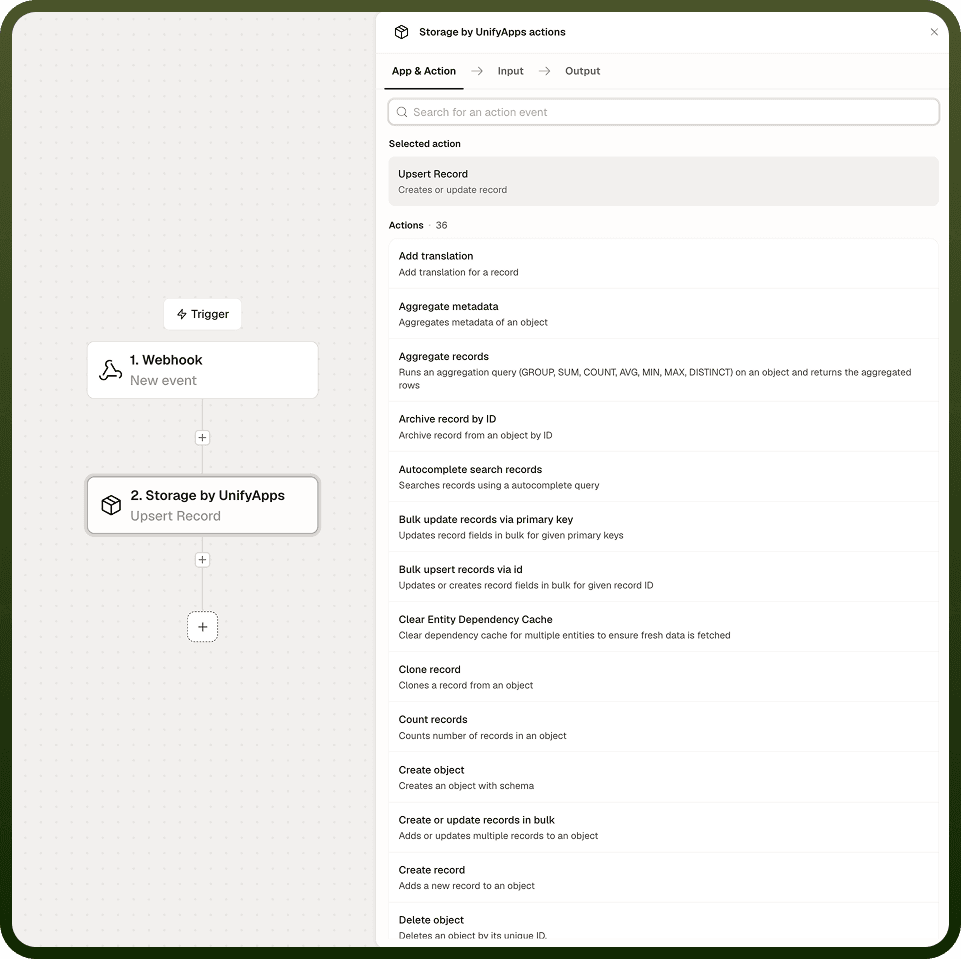
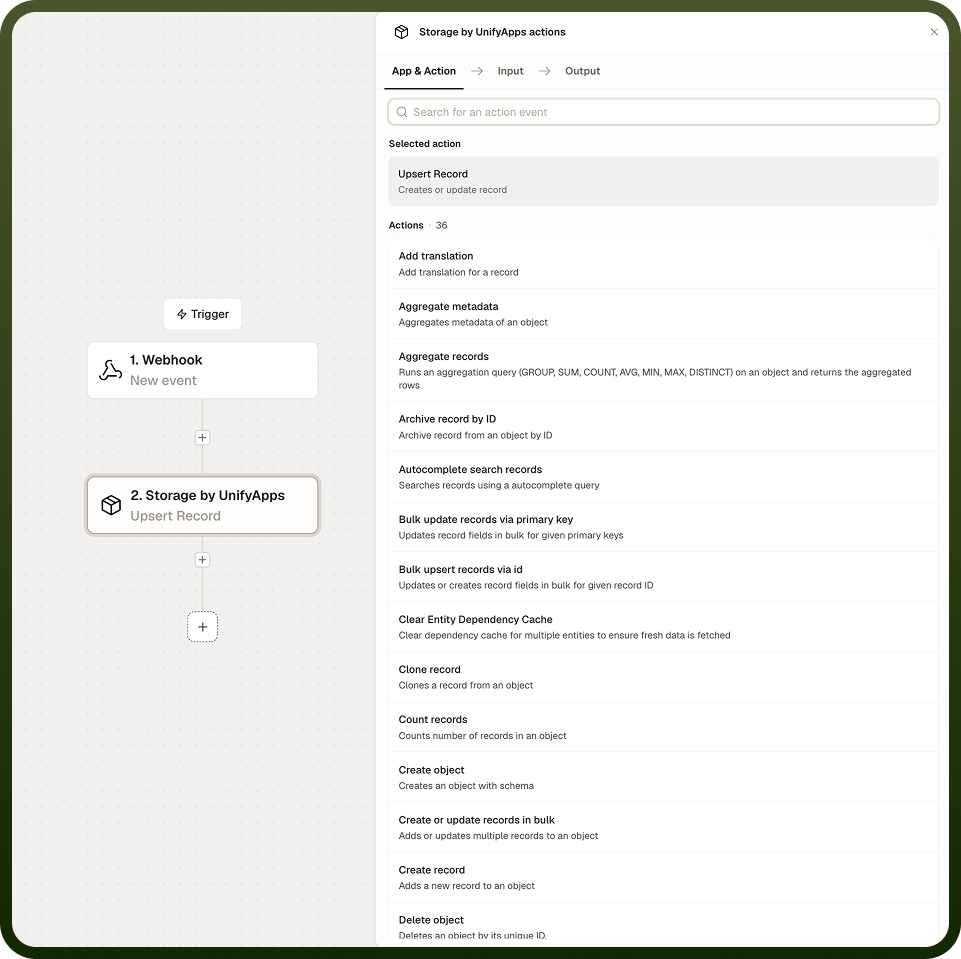
Input
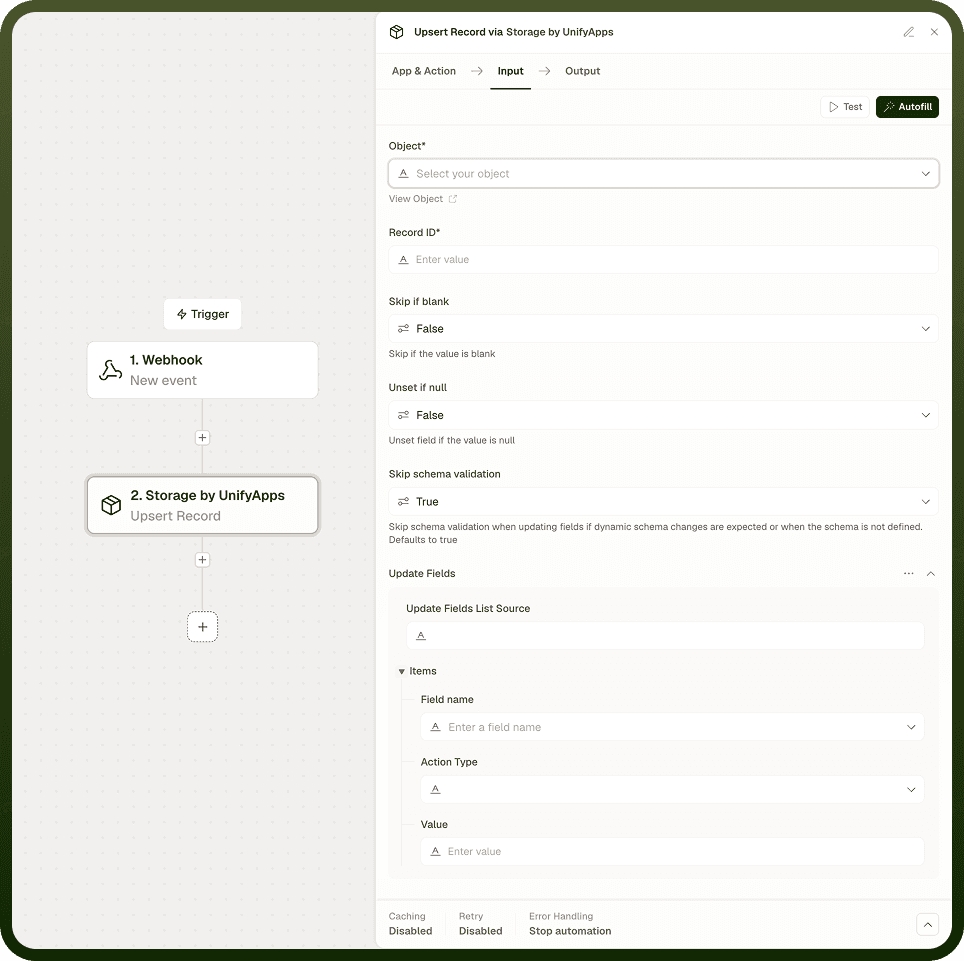
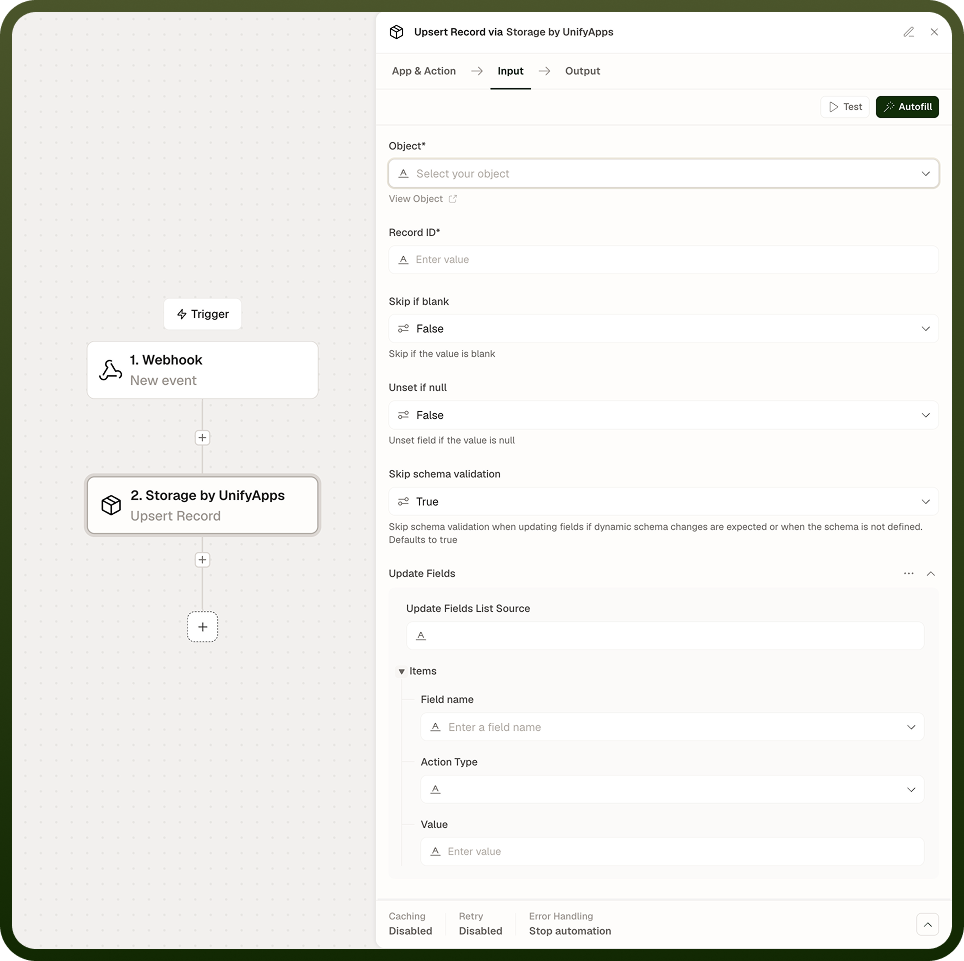
Field | Description | Required |
|---|---|---|
Object | The Storage object (table) to write to. | * |
Record ID | The ID used for matching. If a record with this ID exists, it is updated; if not, a new record is created. Leave empty to force a create with a system-generated ID. | |
Fields | Field names and the values or operations to apply. | * |
Field operation | Per-field operation: Set (replace value), Unset (remove field), Increment (add to numeric value), Decrement (subtract from numeric value), Add to set (add item to list, unique), Remove from set (remove item from list). Defaults to Set. | |
Skip if blank | Per-field option. When enabled, the field is skipped if its incoming value is empty or null. | |
Unset if null | Per-field option. When enabled and the incoming value is genuinely null, the field is removed from the record rather than stored as null. |
Output
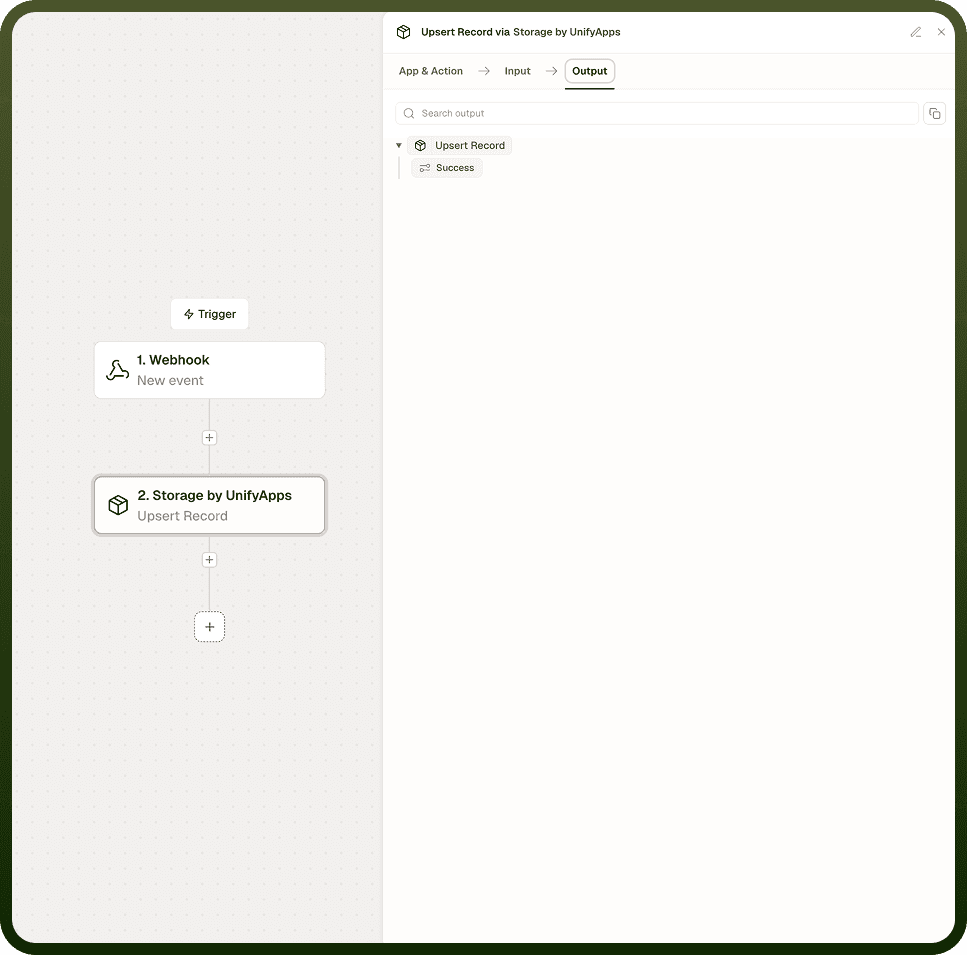
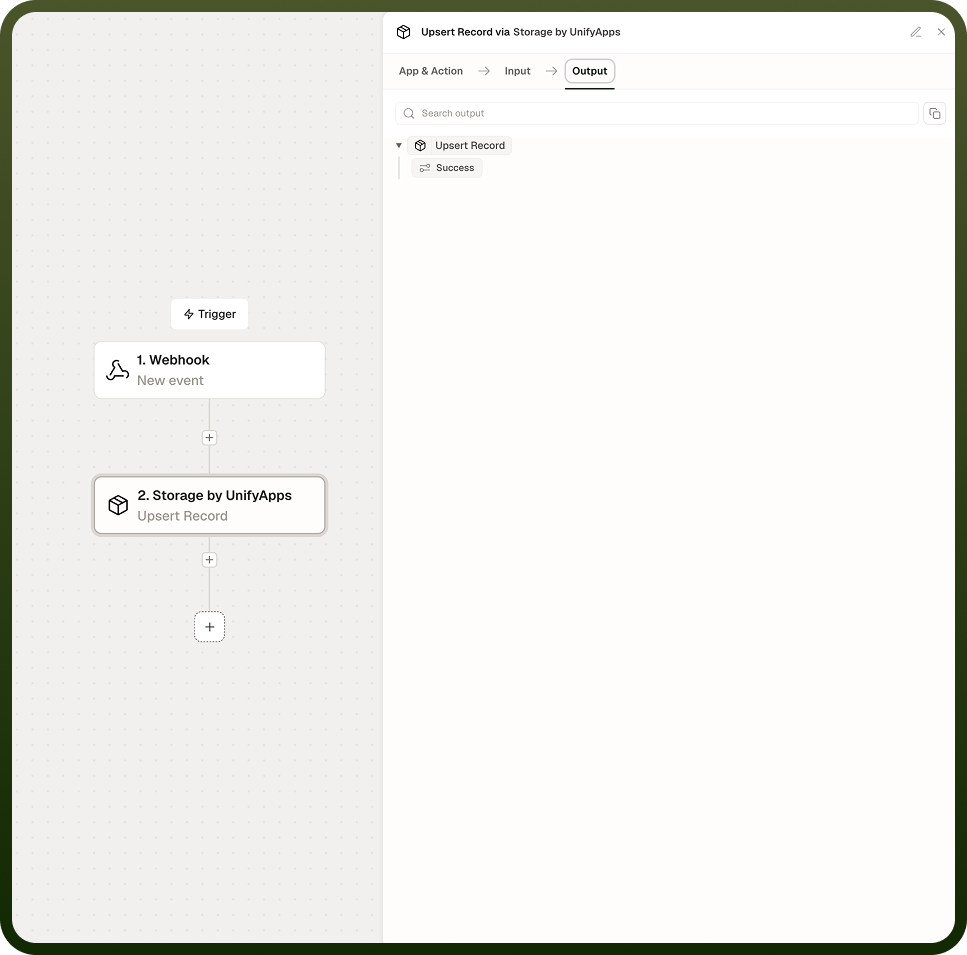
The created or updated record, with its ID and all current field values after the operation has been applied.
Notes
Keep the following in mind when using Upsert Record.
Upsert matches on the record ID; supply the right ID to update an existing record, or leave the ID empty to force a create with a system-generated ID.
This is not a "find by any field and merge" operation — matching is by identity (ID), not by arbitrary field values.
An empty string is stored as-is; it is not treated as null and will not clear a field.
Use Skip if blank to leave existing field values untouched when the incoming value is empty or null.
Use Unset if null to remove a field when the incoming value is genuinely null, rather than storing null.
Choose blank and null handling deliberately for each field: store "" to mean an actual empty string, Skip if blank to mean "don't touch this field," and Unset if null to mean "delete this field when the value is null."