


The Meeting Bot node joins a video meeting as an automated participant, retrieves the recording, and leaves — all from within an automation. Use it to capture meeting content for transcription, summarization, archiving, or downstream processing without requiring a human attendee.
Overview
The bot joins a meeting using its URL, appears in the participant list under the display name you configure, and records the session. After the meeting ends (or when you call Leave), the recording becomes available for the next step to retrieve and process. All operations are asynchronous — the automation waits for the meeting to conclude before continuing.
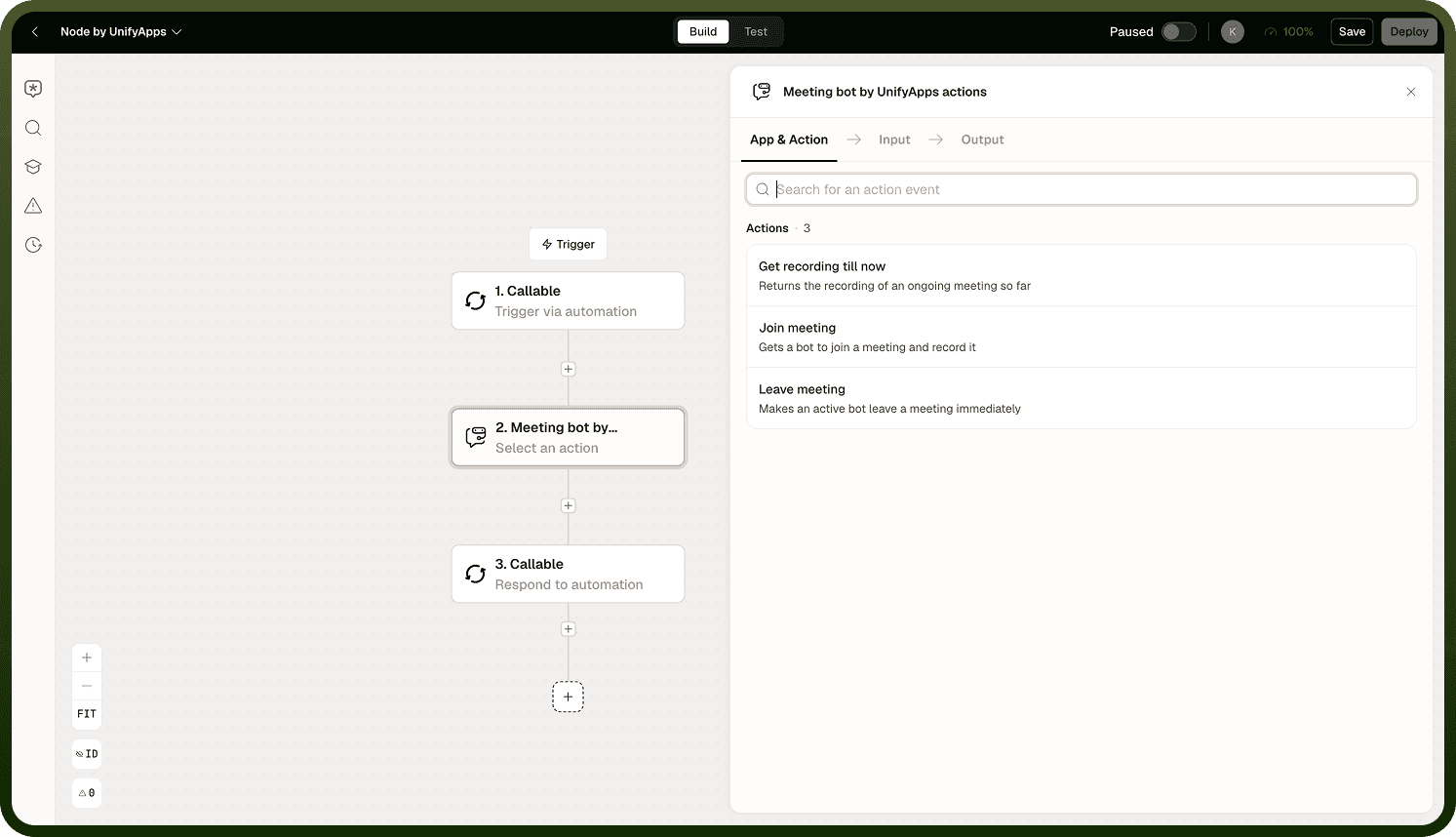
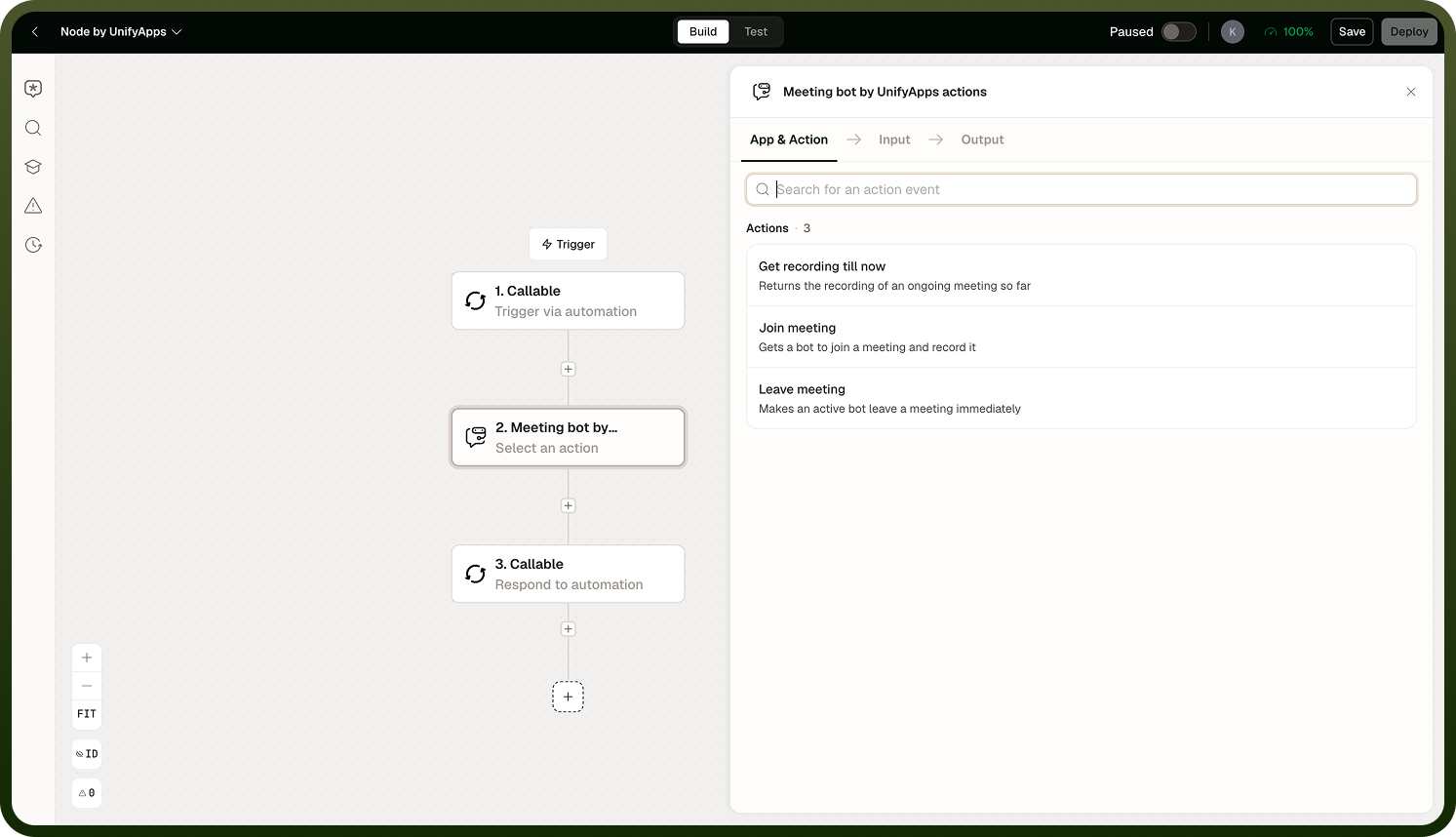
Joining a Meeting
Provide two inputs to join:
Meeting URL — the invitation link for the meeting. Supported platforms depend on the node's configured connection.
Display name — the name the bot shows in the participant list. Choose a name that clearly identifies it as a bot so participants know they are being recorded.
The Join operation is asynchronous. The automation pauses while the bot attends the meeting; it resumes when the bot leaves or is removed.
Note: Recording consent requirements vary by jurisdiction and meeting platform. Before deploying automations that record meetings, confirm that all participants have been notified and that recording is permitted under your organization's policies and applicable law. The bot's display name is the primary mechanism for signalling its presence — use a name that makes the bot's role clear.
Getting the Recording
After the meeting ends, use the Get Recording operation to retrieve the recorded file. The recording is returned as a file that can be passed to a transcription step, stored in a file destination, or processed by a Code or AI node.
Leaving a Meeting
Call Leave to remove the bot from the meeting before it ends naturally — for example, after a fixed duration, or when a condition in the automation is met. If the meeting ends on its own, the bot exits automatically.
Notes
Keep these guidelines in mind when using the Meeting Bot node:
Always use a display name that clearly identifies the participant as an automated bot — this is the primary way to signal to meeting participants that recording is happening.
Confirm recording consent requirements for your jurisdiction and meeting platform before using this node in production.
The recording becomes available after the bot leaves or the meeting ends — design the automation to retrieve it in a step after the Leave or meeting-end event.
Operations are asynchronous; the automation run pauses while the bot is in the meeting.
A clearly named bot and verified consent compliance are prerequisites before using this node in any production environment.