


Schedule Fine-Tuning Job sets up a recurring model training job that runs on a configurable interval, keeping a fine-tuned model current as your training data grows — without requiring manual reruns.
Overview
Schedule Fine-Tuning Job is the first half of the model-customization lifecycle in the Unify AI toolkit; Deploy Fine-Tuned Model is the second. It configures a recurring fine-tuning run against a model you have already set up in the platform, on an interval measured in minutes. A minimum interval applies and cannot be set below it.
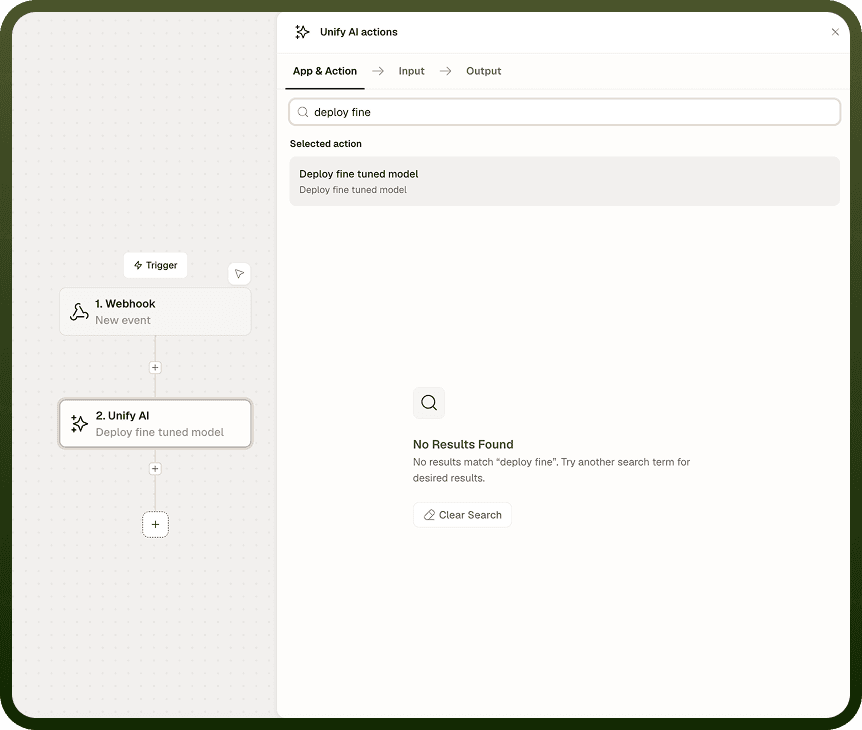
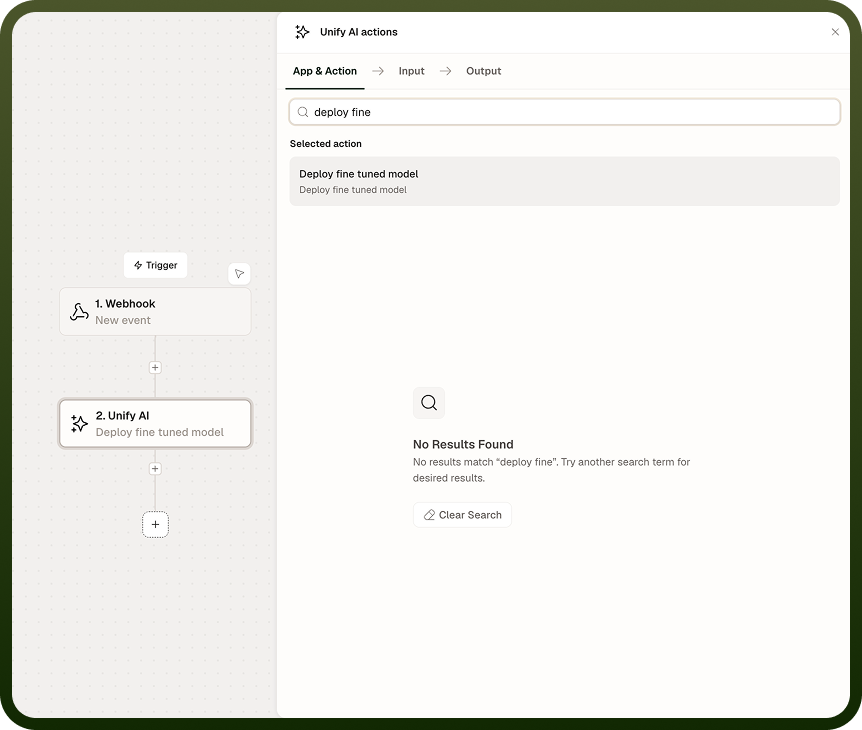
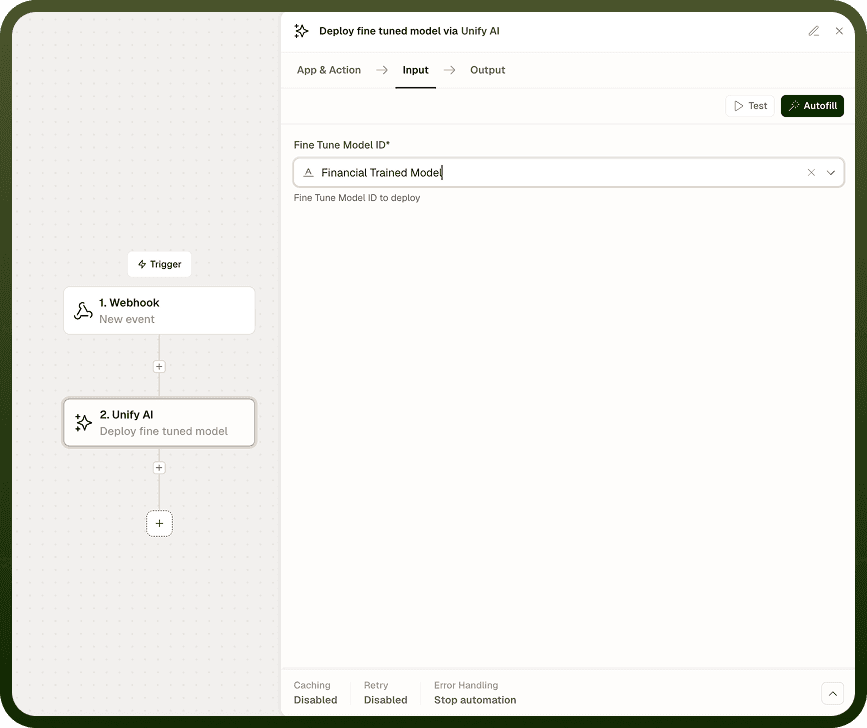
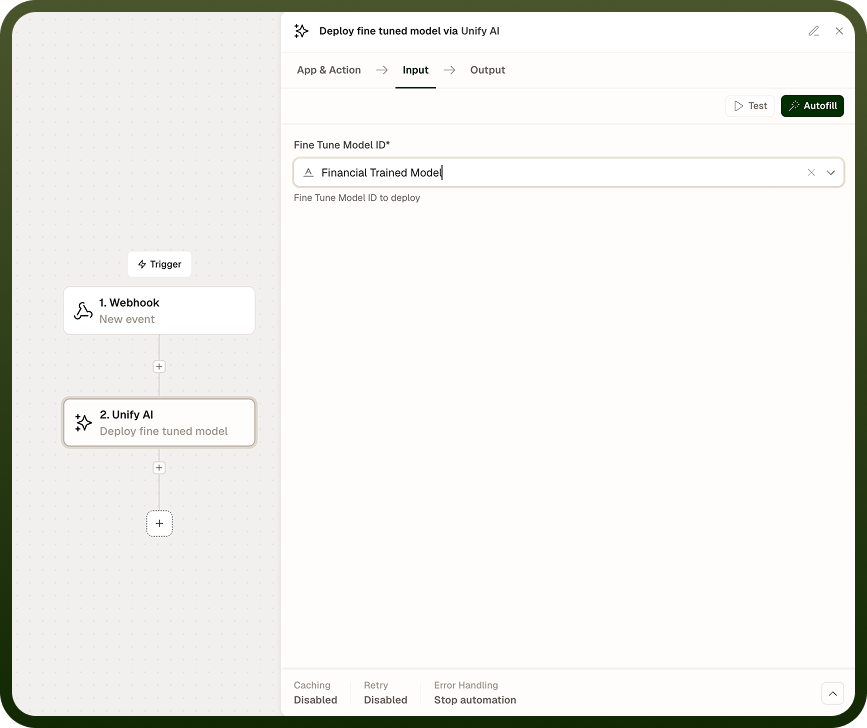
Use this operation when your training data updates regularly and you want the model to retrain automatically on each cycle. Completing training does not automatically publish the result — after each run, use Deploy Fine-Tuned Model to make the latest trained model available for use.
Input
Field | Type | Required | Description |
|---|---|---|---|
Model | string | Yes | The model to run fine-tuning against. Must be configured in the platform beforehand. |
Training Data | file or reference | Yes | The dataset to use for the fine-tuning run. |
Interval (minutes) | integer | Yes | How often the job runs, in minutes. A minimum value applies and cannot be set below it. |
Output
Returns a job identifier and scheduling confirmation for the configured fine-tuning job. Use this identifier to track or reference the job in subsequent steps.
Notes
The interval is measured in minutes; a small minimum value applies and cannot be set below it.
The model must be configured in the platform before it can be referenced here — the operation does not create or configure models.
Schedule Fine-Tuning Job only trains the model — it does not deploy the result. Use Deploy Fine-Tuned Model as the next step in the lifecycle.
As training data grows, scheduled retraining keeps the model up to date without manual reruns.
Test the full lifecycle — schedule, train, deploy — end-to-end before relying on it in production pipelines.