


The Respond node formats and emits a response from an automation. Use it at the end of a flow to shape how the automation's output is presented — as a message, a structured reply, or a formatted block of text — without generating new content through an LLM.
Overview
Respond is a formatting node, not a generation node. It does not call a language model. The content comes from the automation itself — from earlier steps, data pills, or static text — and Respond assembles it into the final output the automation returns or displays.
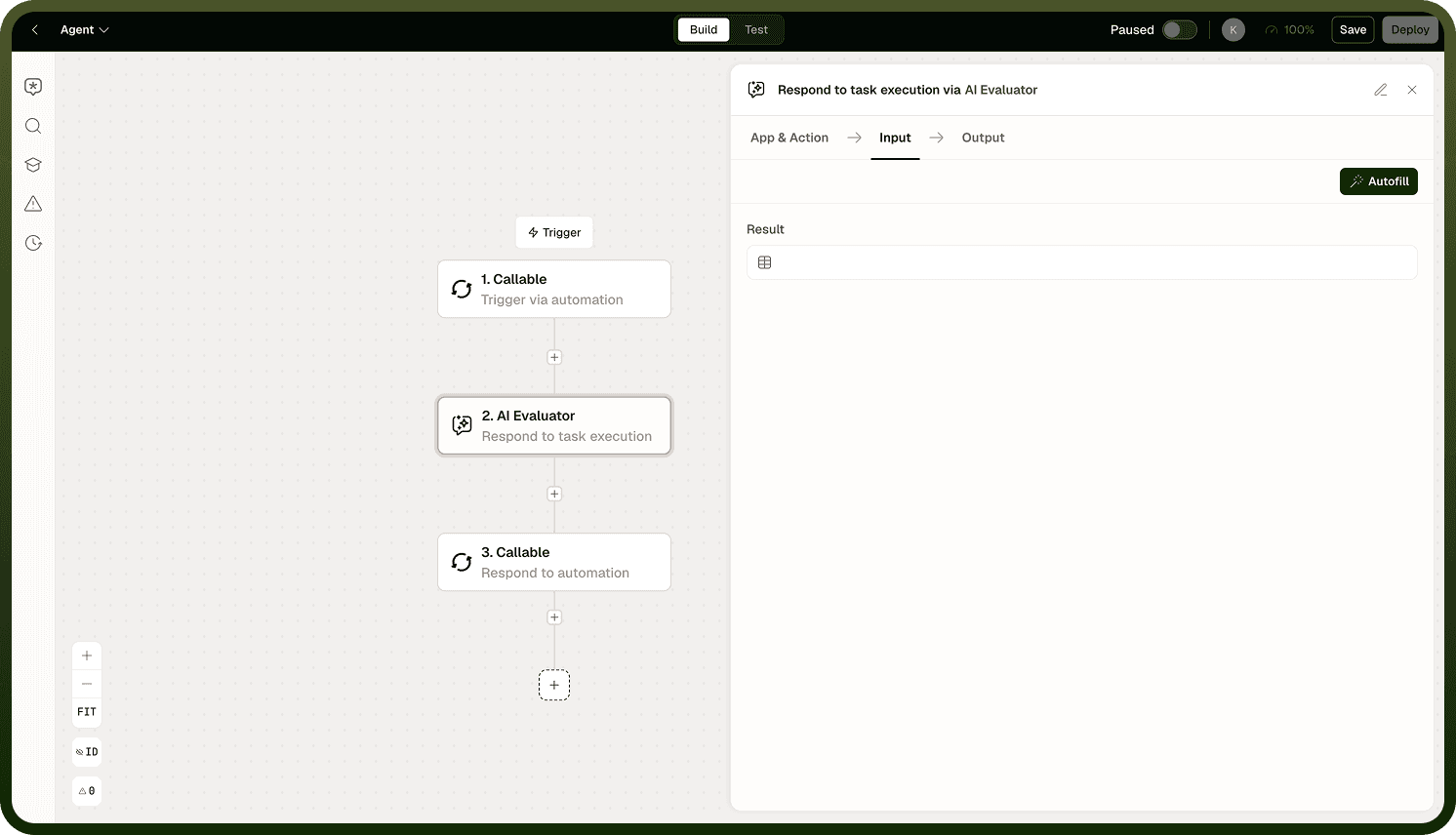
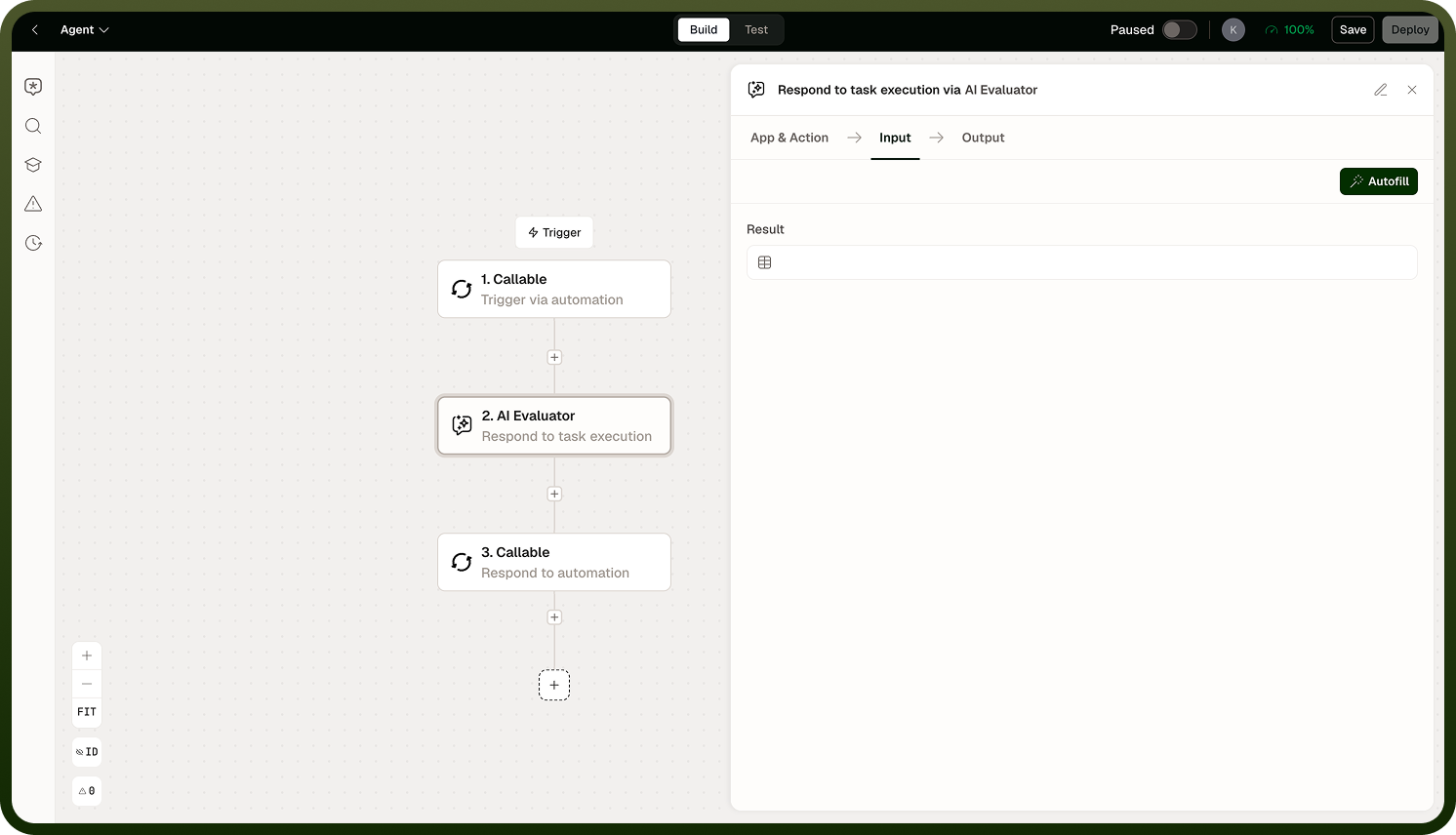
Note: There is no response schema on the Respond node. Unlike the Prompt node, Respond does not instruct a model to produce a particular shape. What you put in is what comes out. Use template expressions and data pills to compose the output you need.
When to Use Respond
Use the Respond node when:
The automation's job is done and you want to return a final value or message to the caller.
You need to combine data from multiple earlier steps into a single formatted output.
You are building a chatbot or conversational automation and want to emit the reply text.
You want to standardize the output format without involving an LLM in the final step.
If you need the model to generate the response content — to write text, summarize, or reason — use the Prompt or Agent node before Respond, then pass the generated text into Respond for final delivery.
Output
The node passes the assembled response forward as the automation's output. In agent and chatbot flows, this is the message the end user or calling system receives. In standard automations, it is the value returned to the next step or the caller.
Respond Node output
Notes
Keep the following in mind when using the Respond node:
Respond is typically the last node in a flow. Placing steps after it is valid but uncommon.
Use data pills and template expressions to compose dynamic responses from earlier steps.
For content generation before the response, use Prompt or Agent upstream, then hand the result to Respond for delivery.
The Respond node is intentionally minimal — its value comes from the upstream steps that shape the data you compose and pass into it.