

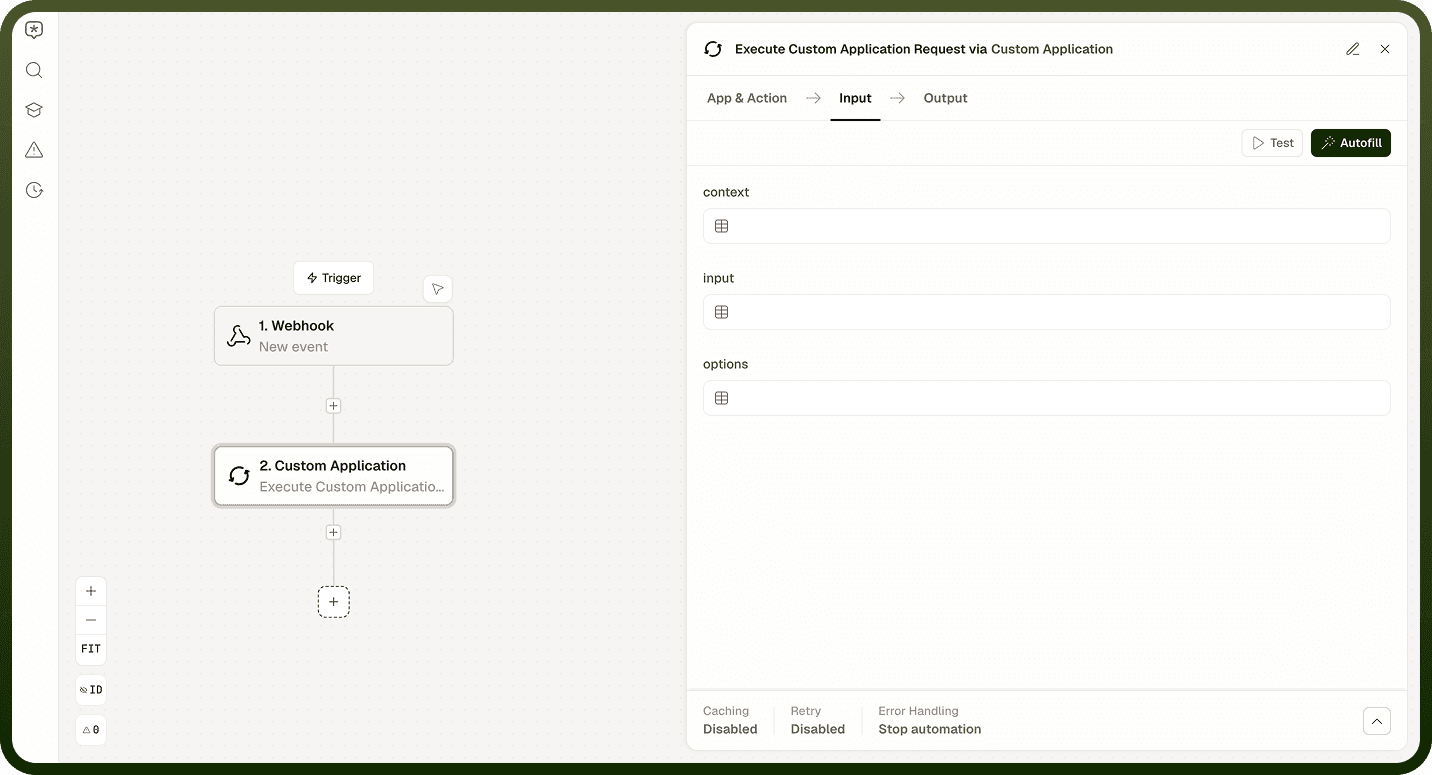
The Custom Application node runs a user-defined application or workflow as a step in an automation. You reference the target application or callable your team has built and registered, and the node resolves that target's input schema dynamically so you can map data into it correctly at design time. It then executes the target and returns its result.
Use it to invoke something your team built — a custom connector, a callable workflow, or a registered application — from another automation, without hand-coding the integration contract.
Overview
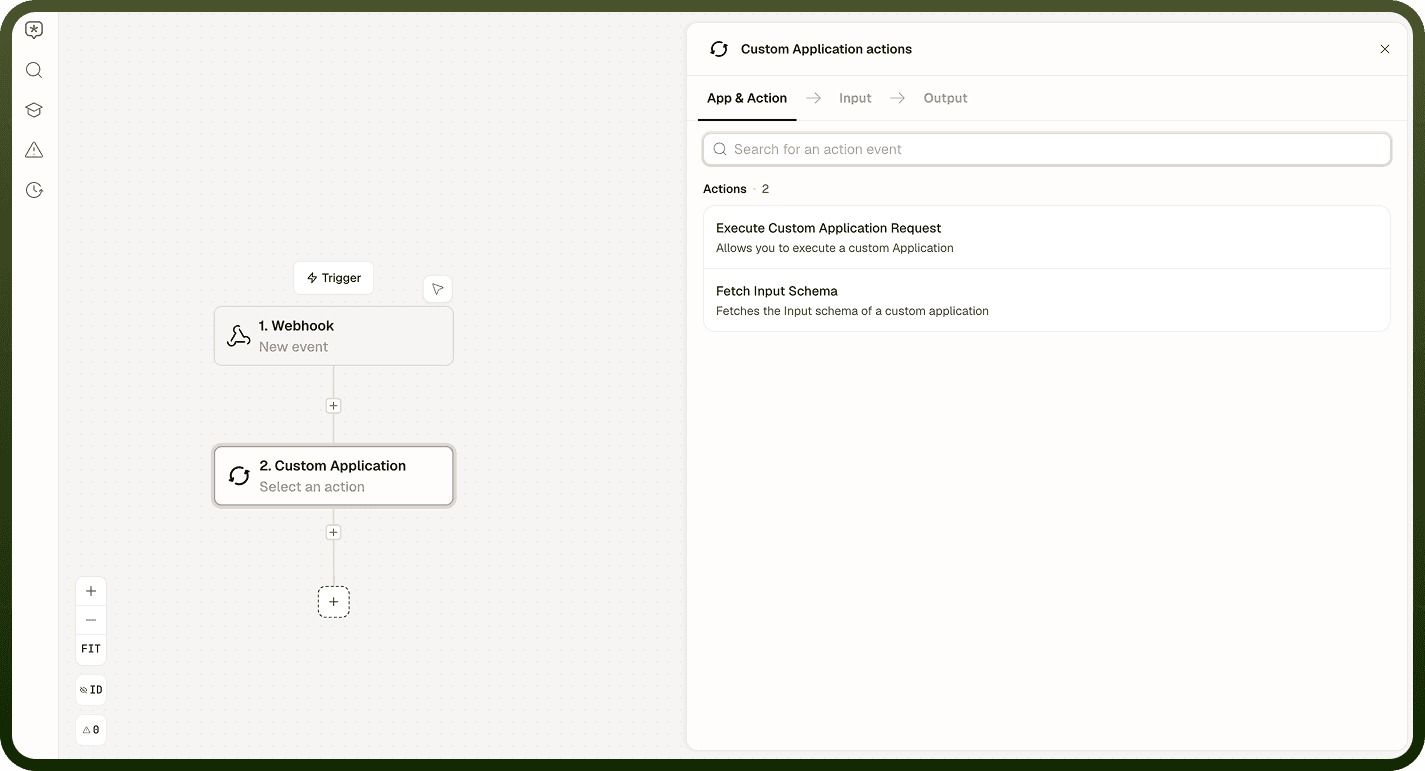
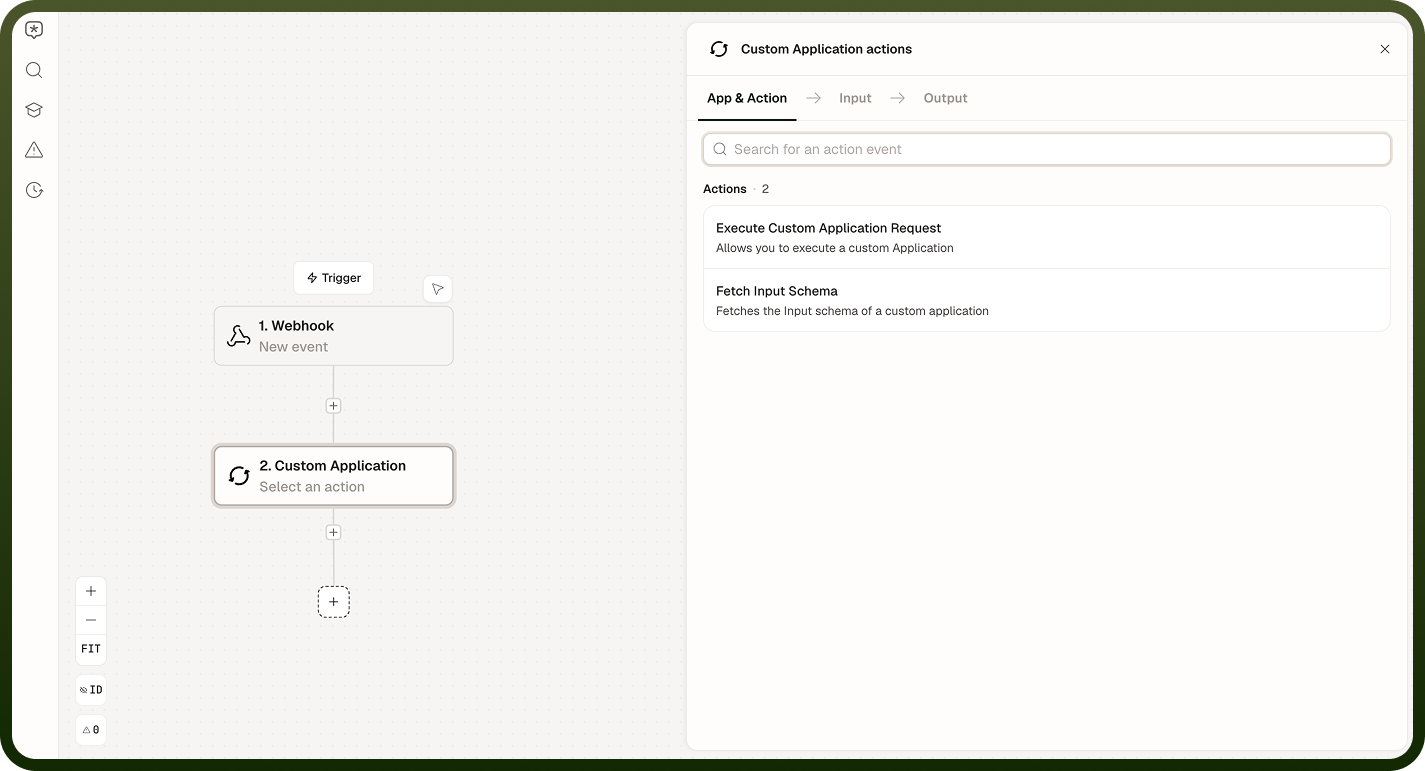
Fetch Input Schema
Retrieves the input schema for the referenced application or callable. The automation builder calls this at design time to show you the target's expected inputs so you can map data into them. You do not typically need to call this explicitly at runtime — the builder uses it automatically when you configure the node.
Input
Input Field | Description |
|---|---|
Application Reference | The identifier of the custom application or callable to inspect. |
Output
Returns the input schema of the referenced target, describing the fields it expects and their types.
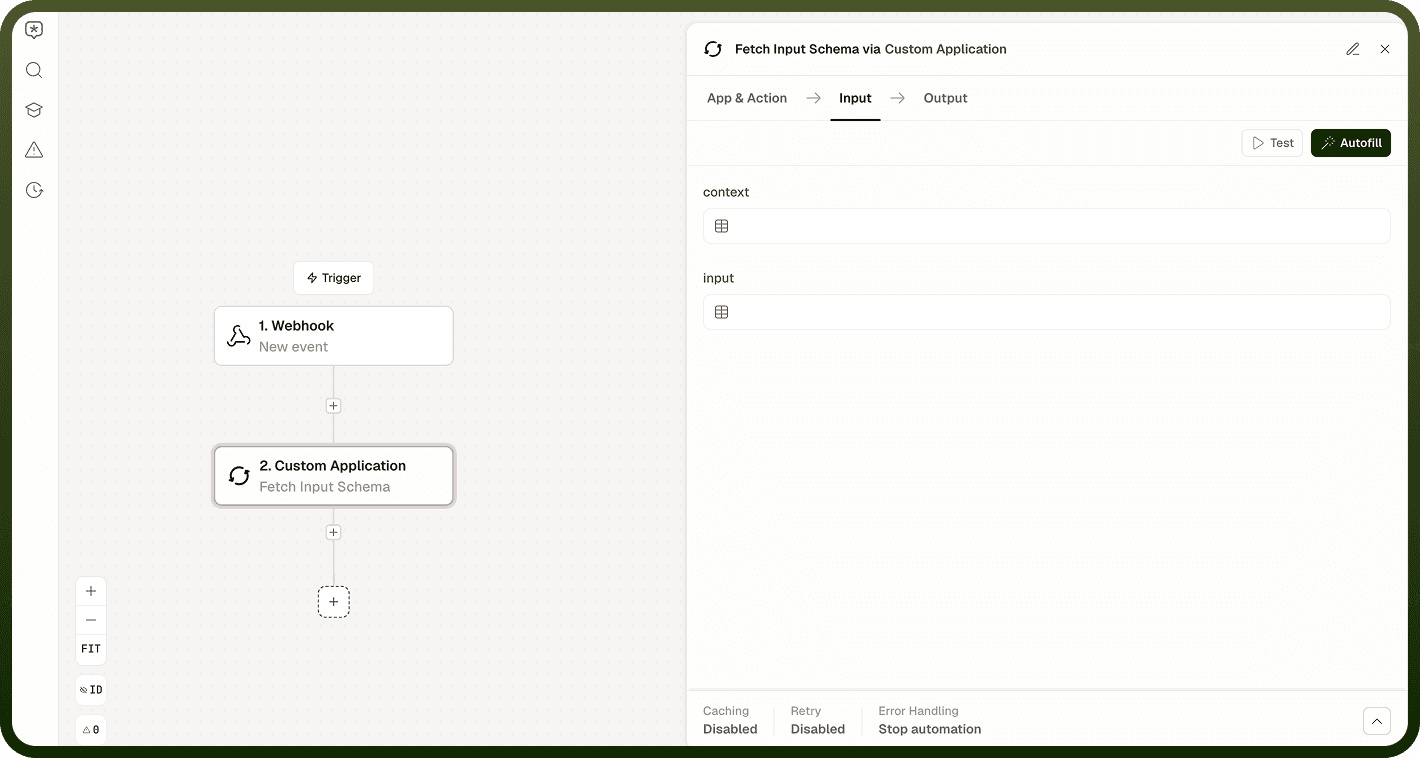
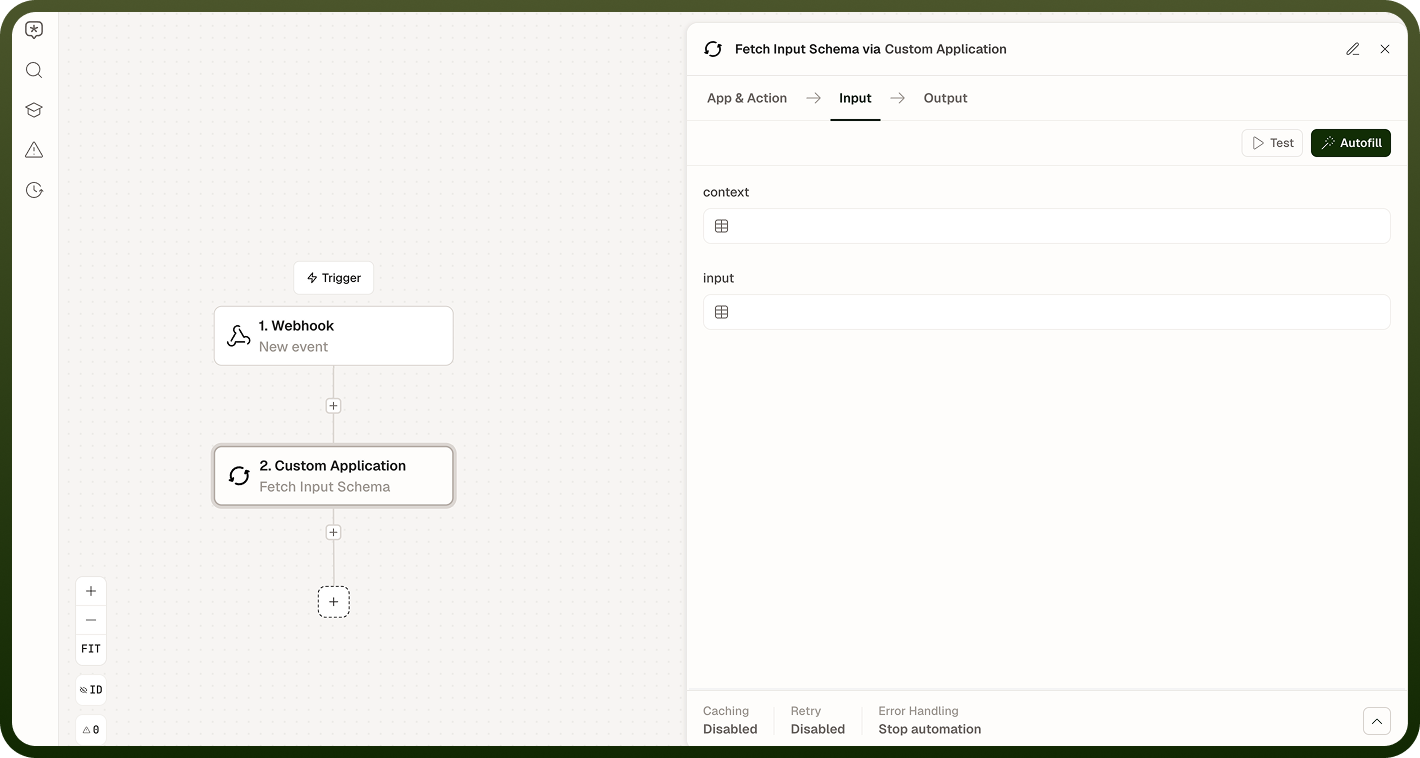
Execute Application
Invokes the referenced application or callable with the inputs you provide. Can run synchronously (wait for the result before continuing) or asynchronously (fire and continue without waiting).
Input
Input Field | Description |
|---|---|
Application Reference | The identifier of the custom application or callable to invoke. |
Inputs | The input values to pass to the application, matching its declared input schema. |
Execution Mode | Synchronous (wait for the result) or asynchronous (fire and continue without waiting for completion). |
Output
In synchronous mode, returns the result produced by the application. In asynchronous mode, returns a reference to the triggered execution rather than its result.
Environment-Specific Integration Nodes
Some environments include additional custom integration nodes that are provisioned per workspace and do not appear in every deployment. These fall into a few categories:
Category | Description |
|---|---|
Custom-code execution | Nodes that run bespoke server-side code — custom Java, framework beans, or job scripts — on a deployment-specific service. Used to bridge to systems or logic that requires real code beyond the standard nodes. |
Customer-specific helpers | Nodes built for a particular organization's needs, such as message-template matching or region and number lookups tailored to that organization's data. |
Third-party SaaS integrations | Purpose-built connectors to a specific external product — for example, a community-management platform's user and tag operations. |
Custom Application vs. Standard Connectors
A standard connector is a broadly available integration to a known application, with documented operations available to all workspaces. Custom Application and environment-specific integration nodes are narrower: they invoke your team's own code, serve one organization's bespoke logic, or wrap one specific product, and they appear only in the environments set up for them.
When a specialized node is not available or not needed, the general-purpose alternatives still apply:
Use Custom HTTP to call an external API directly.
Use the Code node to run your own script in the sandbox.
Use the Connector SDK to build a reusable, shareable connector.
Notes
To make the most of it:
Use Fetch Input Schema at design time to verify the target's expected inputs before wiring data into the Execute step — mismatched inputs fail at runtime.
Prefer synchronous execution when downstream steps depend on the application's output; use asynchronous execution when you want to kick off work and continue without waiting.
Keep the application reference stable — if the target is renamed or re-registered, update the reference in every automation that calls it.
For environment-specific integration nodes, treat their inputs and behavior as defined by the deployment that built them; do not assume they behave like standard nodes.
When a custom node is not available in your workspace, use Custom HTTP, the Code node, or the Connector SDK as the appropriate general-purpose alternative.