


The HL7 Tools node converts between HL7 v2.x healthcare messages and JSON so automations can parse, generate, and acknowledge the pipe-delimited messages exchanged between hospital systems.
Overview
HL7 Tools is a built-in node for working with HL7 v2.x — the pipe-delimited message standard used across clinical systems for admissions, orders, lab results, scheduling, and more. It gives automations three capabilities: parse an inbound HL7 message into JSON for downstream processing, generate a new HL7 message from JSON data, and generate an acknowledgement (ACK) to send back to the originating system. Use it to integrate with electronic health records, lab information systems, or any hospital interface engine without hand-coding the HL7 format.
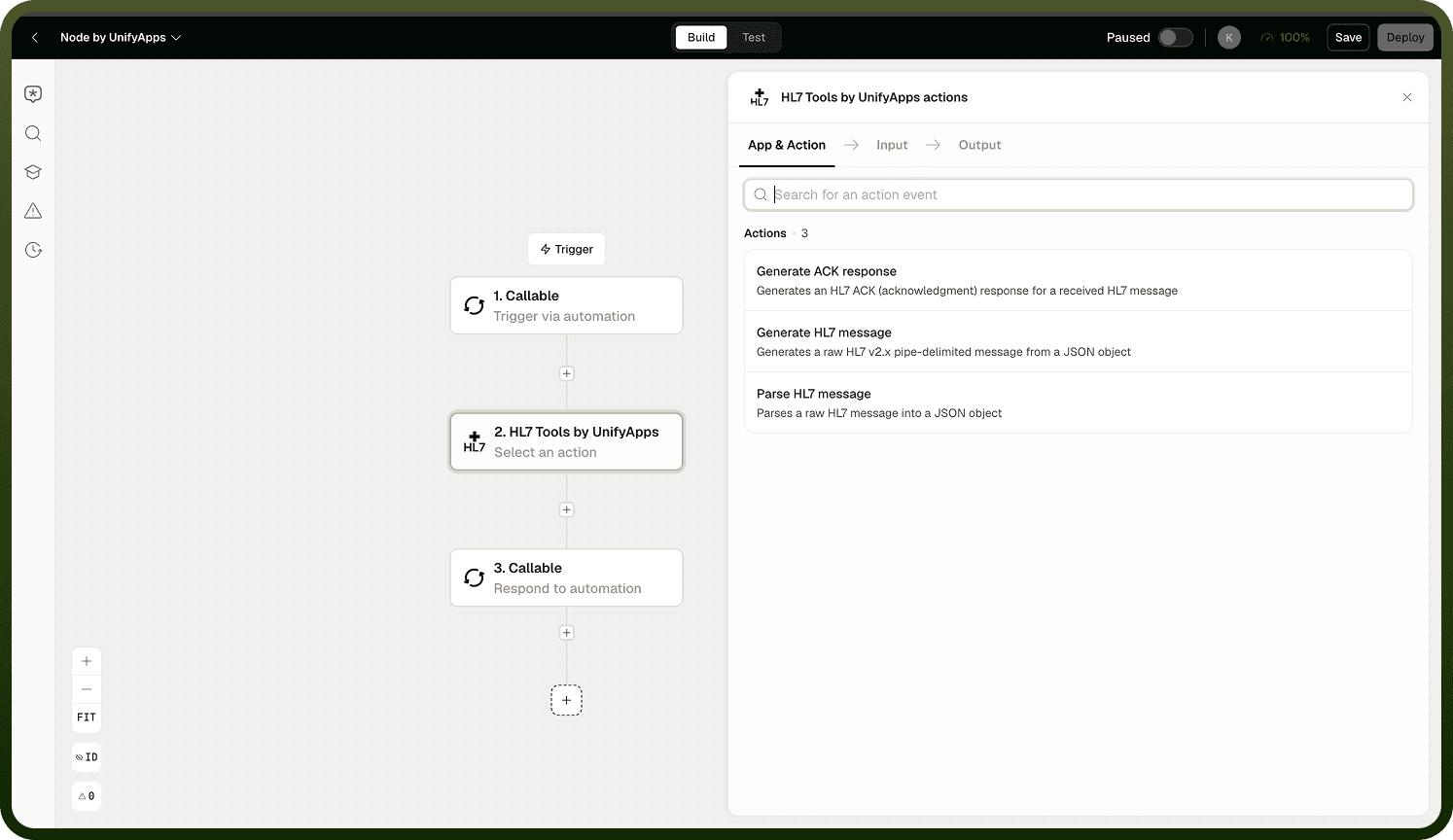
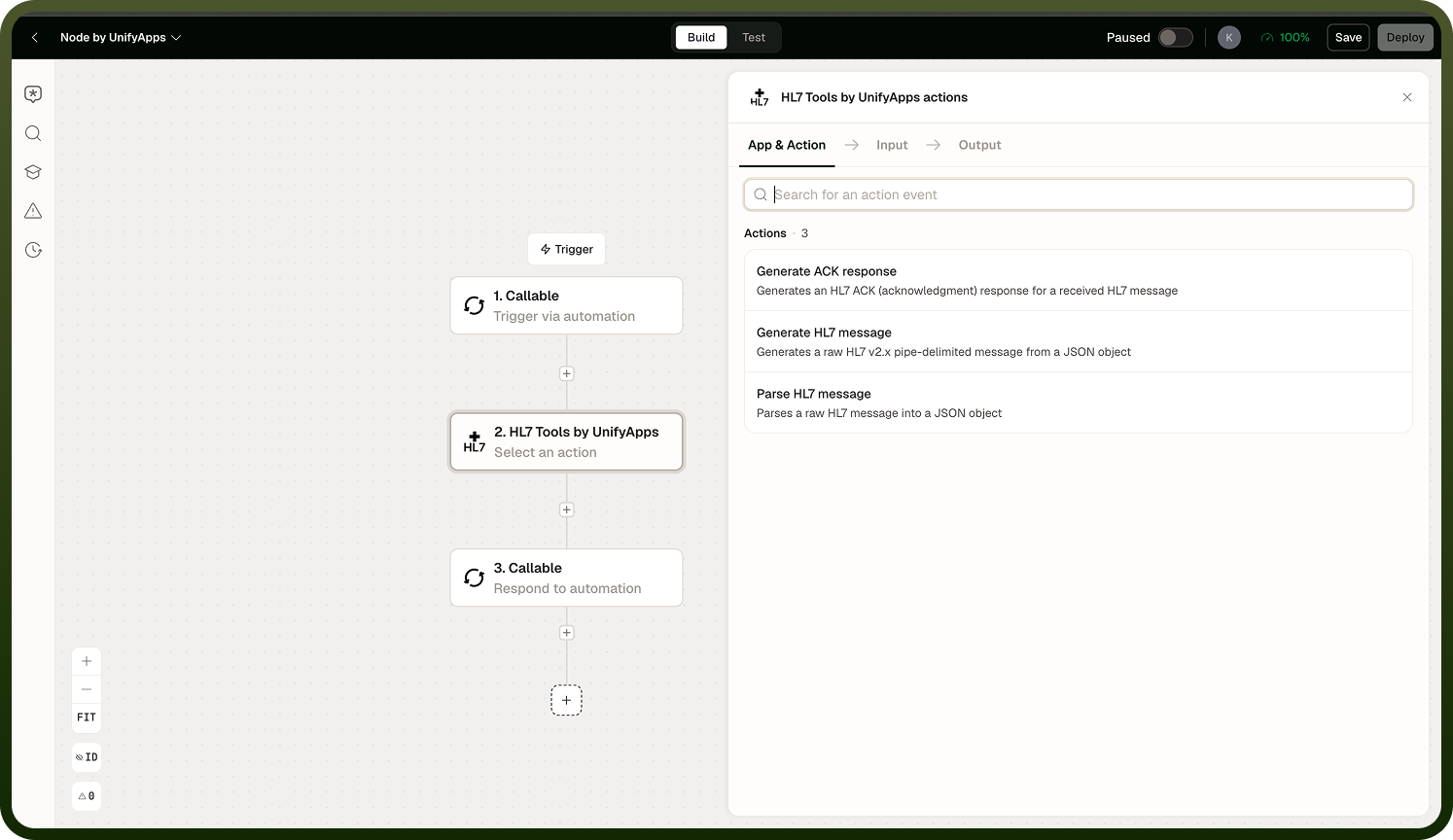
Operations
Choose one operation per node instance from the three available actions.
Operation | Description | Key detail |
|---|---|---|
Parse | Converts an inbound HL7 v2.x message into a JSON object for use in subsequent nodes. | Permissive — accepts slightly malformed messages; does not validate strictly. |
Generate | Builds a well-formed HL7 v2.x message from a JSON input. | Use when your automation needs to produce an outbound HL7 message from structured data. |
Generate ACK | Builds an acknowledgement reply for an inbound message with the appropriate accept, error, or reject code. | Send back to the originating system to confirm receipt per the HL7 ACK protocol. |
Parsing HL7
The Parse operation converts an HL7 v2.x message into a JSON object. HL7 Tools supports HL7 v2.x versions, with 2.5.1 as the common default, along with the standard message types — admit/discharge/transfer, orders, results, scheduling, and so on.
Two behaviors are important to understand when using Parse:
Permissive parsing: The node does not strictly validate the input message. It will accept slightly malformed HL7 rather than rejecting it outright. This is forgiving for real-world feeds where messages may carry minor irregularities, but it means a successful parse does not imply full HL7 compliance. Do not use a successful parse result as a compliance check.
Field naming: By default, parsed fields are keyed by their segment-and-position — for example, PID-5 for the patient name field in the PID segment. To get friendlier names, supply your own field mappings that translate segment-position keys into descriptive names. Keep mappings consistent: changing them changes the shape of the output JSON, which can break downstream nodes that reference specific keys.
Generating HL7 and ACKs
The Generate operation builds an outbound HL7 v2.x message from a JSON input. Provide a JSON object structured to match the target message type and the node will produce the correctly formatted, pipe-delimited HL7 string.
The Generate ACK operation builds the acknowledgement reply you send back after receiving a message. It emits an ACK message with the appropriate acknowledgement code — accept, error, or reject — depending on how you configure the node. Use Generate ACK as the return step in any integration where the sending system expects a receipt confirmation per the HL7 ACK protocol.
Note: Generate ACK is distinct from Parse. Use Parse to read an inbound message, then use Generate ACK (separately) to send the reply back. They are independent operations — configure each in its own node instance.
Notes
Keep the following in mind when using the HL7 Tools node.
HL7 Tools supports HL7 v2.x only; it is not designed for HL7 FHIR or v3.
Parsing is permissive — a successful parse does not mean the message is fully spec-compliant. Do not rely on it as a validation gate.
Default field keys use segment-and-position notation (for example, PID-5). Supply field mappings if downstream nodes need human-readable property names.
Changing field mappings changes the output JSON shape. Update any downstream references if you modify mappings after an automation is deployed.
Each operation (Parse, Generate, Generate ACK) is a separate node instance — you cannot combine them in a single node.
Generate ACK produces the acknowledgement message string; you are responsible for sending it back to the originating system via the appropriate connector.