


Auth by UnifyApps provides comprehensive identity and authentication management capabilities within automation workflows.
Overview
Auth by UnifyApps provides comprehensive identity and authentication management capabilities within automation workflows. The node supports user authentication flows, identity provider management, multi-factor authentication, password management, external session handling, and SAML federation — enabling automations to orchestrate secure access control and identity lifecycle operations.
Use Cases
Automated User Onboarding — When a new employee record is created, an automation orchestrates the full auth setup: creating the user account, configuring MFA, sending a triggered password reset for first-login, and registering the user with the appropriate identity provider. The workflow validates each step and alerts HR on any failures.
Security Incident Response — When a security alert fires, an automation uses Update Max Login Failures to lock the account after excessive attempts, Re-triggers MFA to force re-verification on next access, and logs all auth events for the security team's audit trail.
SSO Federation Setup — For enterprise customers requiring SSO, an automation uses Create Identity Provider to register the customer's IdP, then generates a SAML Response to validate the federation configuration before enabling the connection for production use.
Actions
Authentication
Login to UnifyApps — Authenticates a user against UnifyApps and returns a session token for subsequent API calls within the automation
Biometric Registered — Checks whether a user has registered biometric authentication (fingerprint, face ID) on their device
Create User External Session — Creates an authenticated session for a user in an external system, enabling cross-platform SSO flows
Identity Provider Management
Create Identity Provider — Registers a new identity provider (SAML, OIDC) in the UnifyApps tenant
Update Identity Provider — Modifies the configuration of an existing identity provider
Delete Identity Provider — Removes an identity provider registration
Fetch Identity Providers — Retrieves a list of all configured identity providers for the tenant
Password Management
Reset Password — Resets a user's password directly, typically used in admin-initiated flows
Trigger Reset Password — Sends a password reset email or notification to the user, initiating the self-service reset flow
Validate Reset Password Session — Verifies that a password reset token/session is still valid before allowing the reset to proceed
Multi-Factor Authentication
Verify MFA — Validates a user's MFA code (TOTP, SMS, email) as part of a step-up authentication flow
Re Trigger MFA — Resends the MFA challenge to the user, used when the initial code expires or is not received
Security Controls
Update Max Login Failures — Sets the maximum number of failed login attempts before account lockout, enforcing brute-force protection policies
SAML
Generate SAML Response — Produces a signed SAML assertion for validating SSO federation configurations or testing IdP integrations
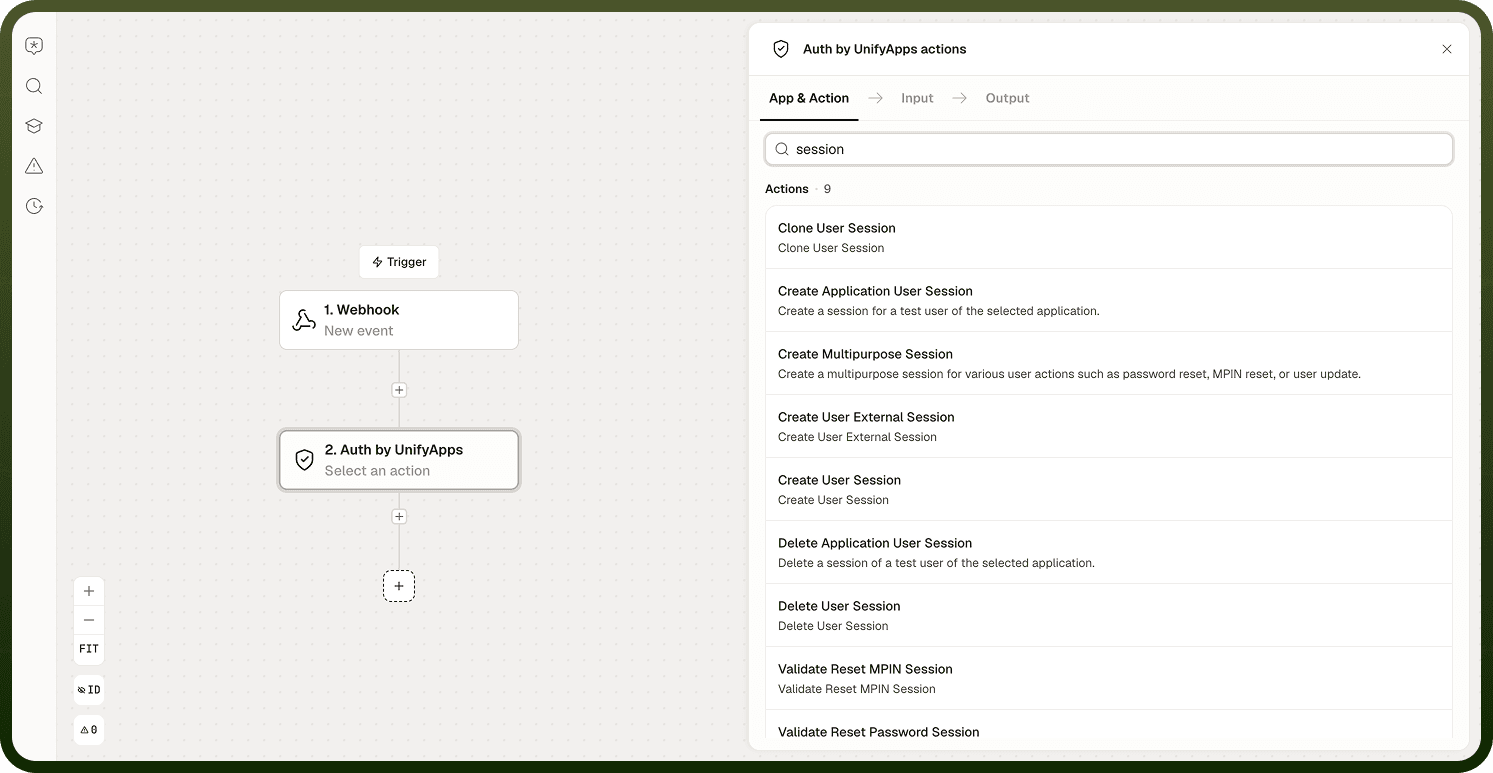
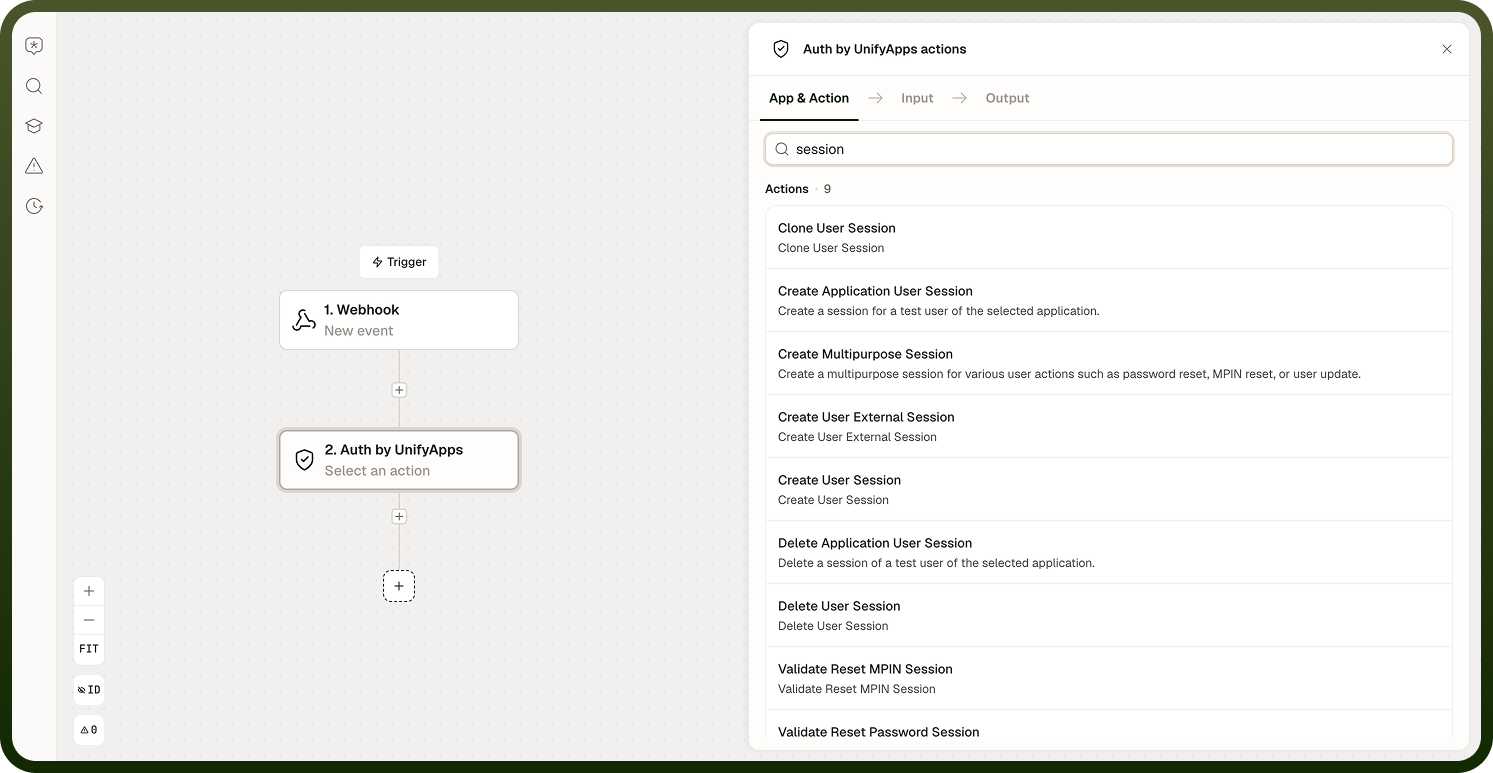
Auth action selection interface
Security Note: Actions that modify authentication configuration (Create/Update/Delete Identity Provider, Reset Password, Update Max Login Failures) should be protected with appropriate automation access controls to prevent unauthorized identity changes.
Notes
Keep the following in mind when using Auth by UnifyApps:
Confirm that the connected service account has the minimum required scopes for the Auth actions being used; requesting excess permissions is a security risk.
Token expiry is not handled automatically; add a validation step or error handler to detect expired tokens and trigger re-authentication when needed.
When building login or session flows, test with both valid and invalid credentials to confirm the automation handles authentication failures gracefully.
Use the Auth node for centralized identity operations rather than embedding credentials in Custom HTTP requests, which are harder to audit and rotate.
Review the Use Cases section before choosing which Auth action to use; some operations look similar but differ in whether they modify session state.