


The Calendar node manages events in the platform's own built-in calendar. You can create, update, fetch, and delete events as steps in an automation — booking a slot, recording a meeting, or driving reminders from a workflow.
Note: This node targets the internal UnifyApps calendar, not an external calendar service. To integrate with Google Calendar or Microsoft Outlook, use their dedicated connectors instead.
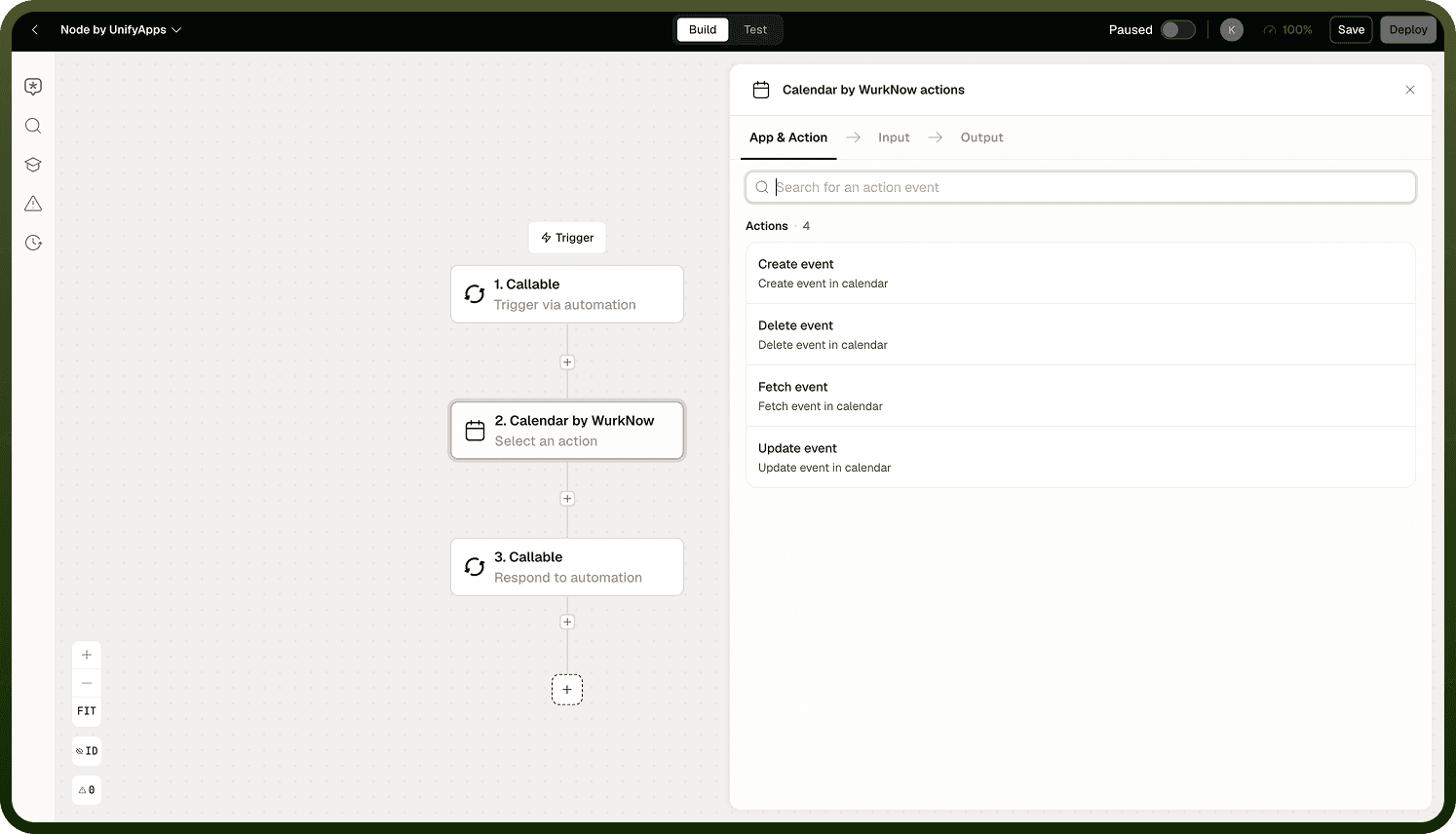
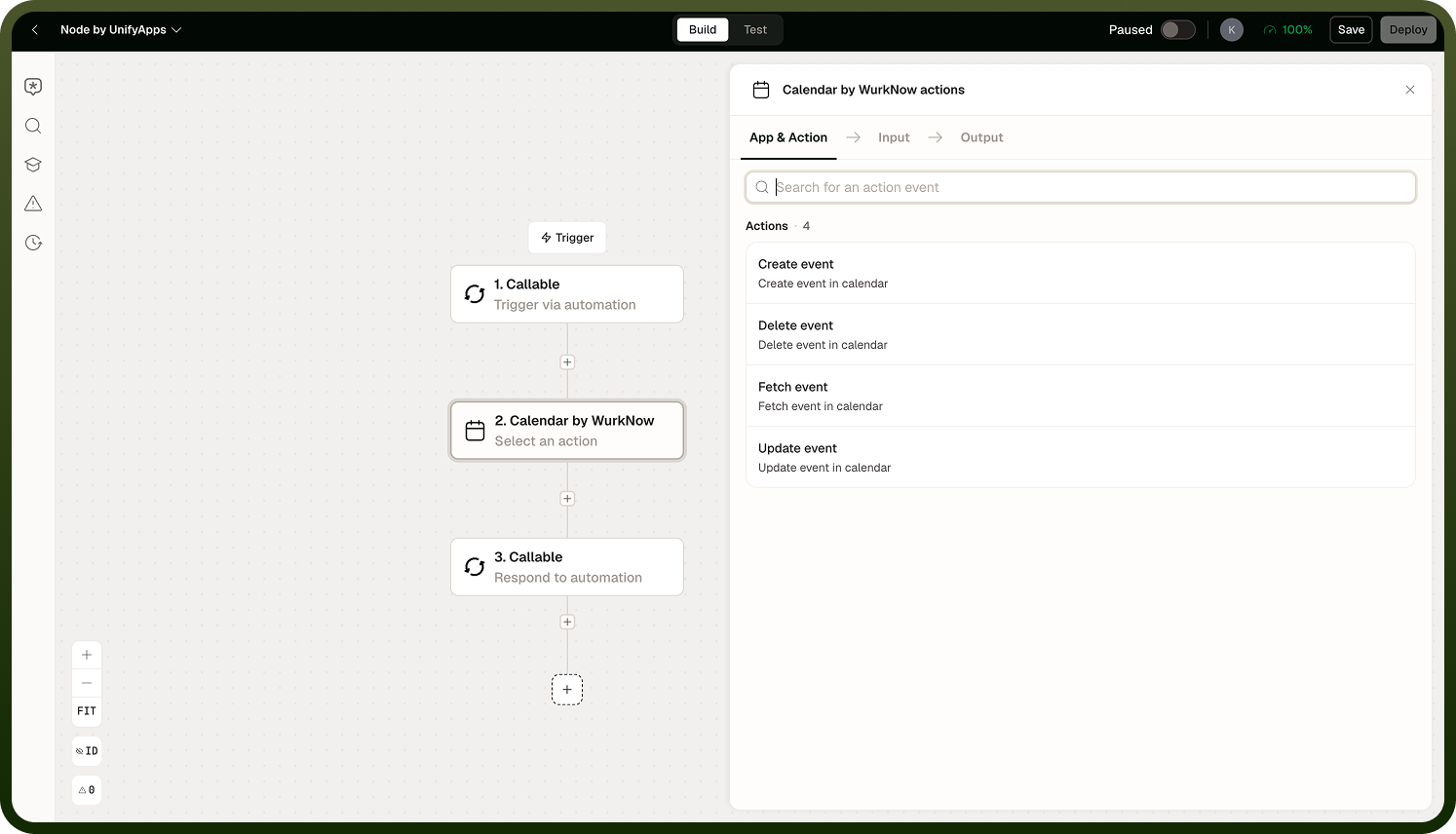
Note: This node targets the internal UnifyApps calendar, not an external calendar service. To integrate with Google Calendar or Microsoft Outlook, use their dedicated connectors instead.
Operations
Create Event
Creates a new event in the built-in calendar. Supports timed events with explicit start and end times, all-day events, timezone settings, attendees (individual users and user groups), and an optional recurrence rule.
Input
Input Field | Description |
|---|---|
Title | The event name or subject. |
Start | The event start time. For all-day events, a date is sufficient. |
End | The event end time. For all-day events, a date is sufficient. |
Timezone | The timezone for interpreting the start and end values. |
All-Day | When enabled, treats the event as spanning full calendar days rather than specific hours. |
Attendees | Individual users or user groups to include on the event. |
Recurrence Rule | Optional. An iCalendar RRULE string describing how the event repeats — for example, every weekday, or weekly on Monday and Wednesday. |
Output
Returns the created event's ID and full event record, including its resolved fields and recurrence rule if set.
Update Event
Updates an existing event by ID. You can change any of the event's fields — title, times, timezone, attendees, or recurrence rule.
Input
Input Field | Description |
|---|---|
Event ID | The ID of the event to update. |
Fields to Update | Any subset of the event's fields: title, start, end, timezone, all-day flag, attendees, or recurrence rule. |
Fetch Events
Retrieves events from the calendar, optionally filtered by a date range. When the range includes recurring events, each occurrence is expanded into its own record — plan downstream steps accordingly.
Input
Input Field | Description |
|---|---|
Since | The start of the date range to fetch events for. |
Until | The end of the date range. Always supply this when fetching recurring events to bound the expansion. |
Output
Returns a list of event records. Recurring events are expanded per occurrence — each occurrence carries its own occurrence ID and original start time. A single recurring event covering a long range can produce many records.
Delete Event
Removes an event from the calendar by ID.
Input
Input Field | Description |
|---|---|
Event ID | The ID of the event to delete. |
Recurring Events
Recurrence is stored as an iCalendar RRULE on the event (for example, RRULE:FREQ=WEEKLY;BYDAY=MO,WE). At fetch time the platform expands the rule into its individual occurrences over the requested date range, returning one record per occurrence rather than a single recurring record.
Two consequences follow from this:
A date range covering many repeats of a frequent event can return far more records than you might expect — a daily event fetched over 90 days returns 90 records.
When you do not supply an Until value, the platform applies a default expansion window. Always set an explicit Until date when fetching recurring events to control result size and performance.
Design any steps that process fetch results to handle a list of occurrences, not a single event object.
Notes
To make the most of it:
Always supply a bounded since/until range when fetching recurring events; unbounded fetches on high-frequency recurrences can produce very large result sets.
Use the recurrence rule for events that repeat on a predictable schedule rather than creating individual events in a loop — a single recurring event is easier to update and delete.
Store the event ID returned by Create Event if you expect to update or delete it later in the same automation or a linked one.
Remember that this node manages the internal platform calendar only. Calendar integrations with external services require their own dedicated connectors.