


Execute SOAP Multipart Request sends a SOAP message with binary file attachments using MIME multipart encoding. Use it when a SOAP service expects documents, images, or other binary data to accompany the XML envelope in a single request.
Overview
SOAP with Attachments (SwA) extends the standard SOAP message format by packaging the XML envelope and binary files together in a MIME multipart body. The Execute SOAP Multipart Request action builds this combined message automatically — you provide the XML envelope and any files, and the node handles MIME boundary generation and part encoding. The XML envelope is always the root MIME part; each file becomes an additional MIME part with its own Content-ID and Content-Type.
Content-Type is set automatically: Do not set Content-Type in the Headers field. The node generates the MIME multipart boundary and constructs the correct header value, including the boundary parameter.
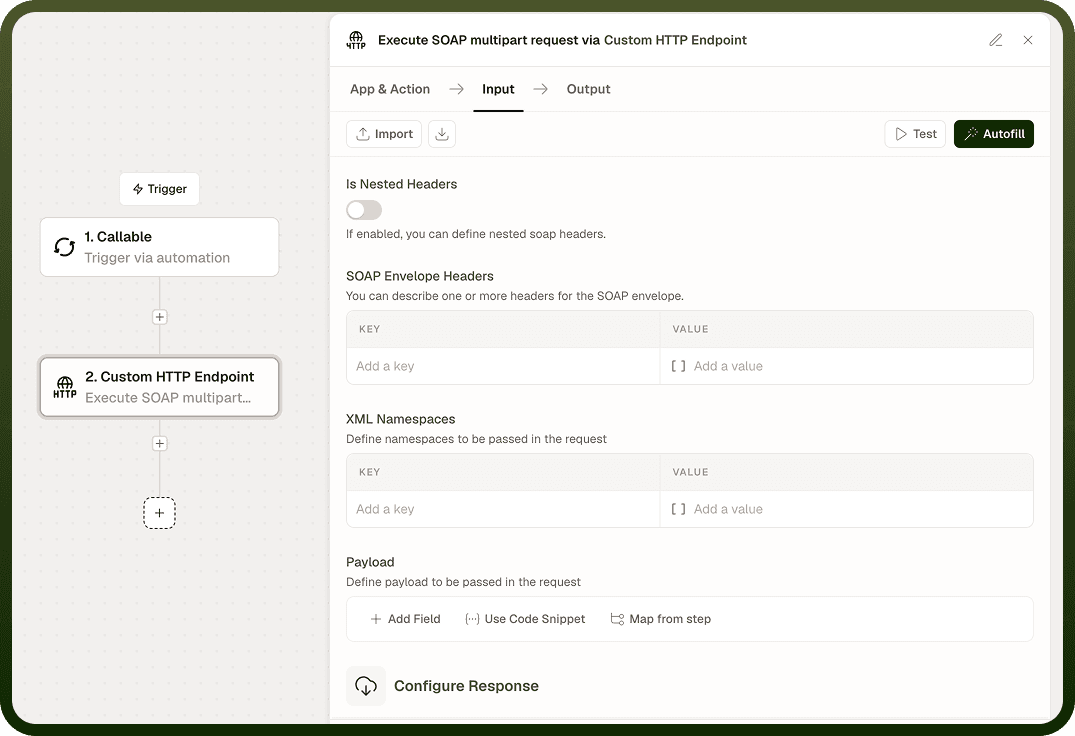
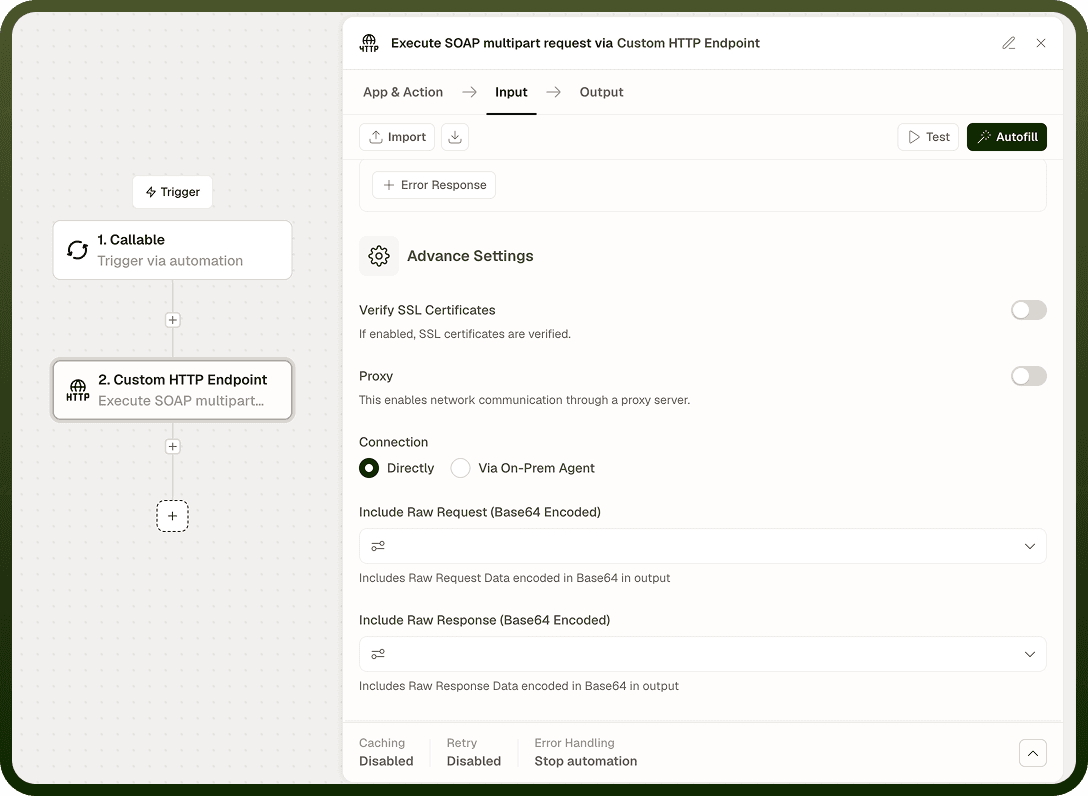
Input
Field | Description | Required* |
|---|---|---|
URL | The SOAP service endpoint URL. | Yes |
Request Body | The complete SOAP XML envelope (the primary MIME part). Must be valid XML and include the <Envelope> and <Body> elements. | Yes |
SOAP Action | Value for the SOAPAction HTTP header. Required by most SOAP 1.1 services to identify the operation being invoked. | No |
SOAP Version | SOAP protocol version: 1.1 or 1.2. Determines the Content-Type the node sets for the SOAP part. | No |
File Attachments | One or more binary files to attach as additional MIME parts. Each attachment specifies a Content-ID, filename, file content, and MIME type. | No |
Headers | Additional HTTP headers to include alongside the node-generated SOAP and MIME headers. Do not set Content-Type here. | No |
Authentication Type | Authentication scheme: None, Basic, or Custom. | No |
Username | Username for Basic authentication. Active only when Authentication Type is Basic. | No |
Password | Password for Basic authentication. Active only when Authentication Type is Basic. | No |
Custom Auth Configuration | Configuration object for a custom authentication scheme. Active only when Authentication Type is Custom. | No |
SSL Verification | Verify the server's TLS certificate. Enabled by default; disable only in trusted, non-production environments. | No |
Proxy URL | Route the request through an HTTP or HTTPS proxy. | No |
Run Asynchronously | Execute the request in the background; the automation continues immediately. Recommended for requests with large attachments. | No |
* Required fields must be populated for the node to run.
Output
Field | Description |
|---|---|
Status Code | The HTTP status code returned by the SOAP server (e.g., 200 for success, 500 for a SOAP fault). |
Response Body | The raw response body as a string — typically an XML SOAP envelope, or a multipart response if the service returns attachments. |
Response Headers | A map of the HTTP response header names and values returned by the server. |
Notes
The XML envelope is always the first (root) MIME part. Each File Attachment becomes a subsequent MIME part with its own Content-ID and Content-Type.
Do not set Content-Type in Headers. The node generates the MIME multipart boundary and sets the complete header value automatically.
Reference attachments from within the SOAP body using the Content-ID you assign to each file attachment.
SOAP fault responses (HTTP 500 with a <Fault> body) are returned in Output and do not halt the node. Parse the XML envelope to detect faults.
Large attachments increase request time. Enable Run Asynchronously for requests with significant binary payloads to avoid automation timeouts.