


The Document Extraction & Editing operations in the Utility node read text and metadata out of documents, render PDF thumbnails and page dimensions, and read or write structured data within DOCX files. Use them to process document attachments, inspect file properties, or programmatically edit Word documents inside an automation.
Overview
Seven operations cover document reading and writing: extracting plain text from DOCX, DOC, or PPT files, reading the embedded text layer from any supported format, retrieving a thumbnail image or page dimensions from a PDF, and reading or writing tracked-change data within DOCX files. These operations are the building blocks for document-processing automations — receive an attachment, pull its text, inspect its structure, and hand the data on.
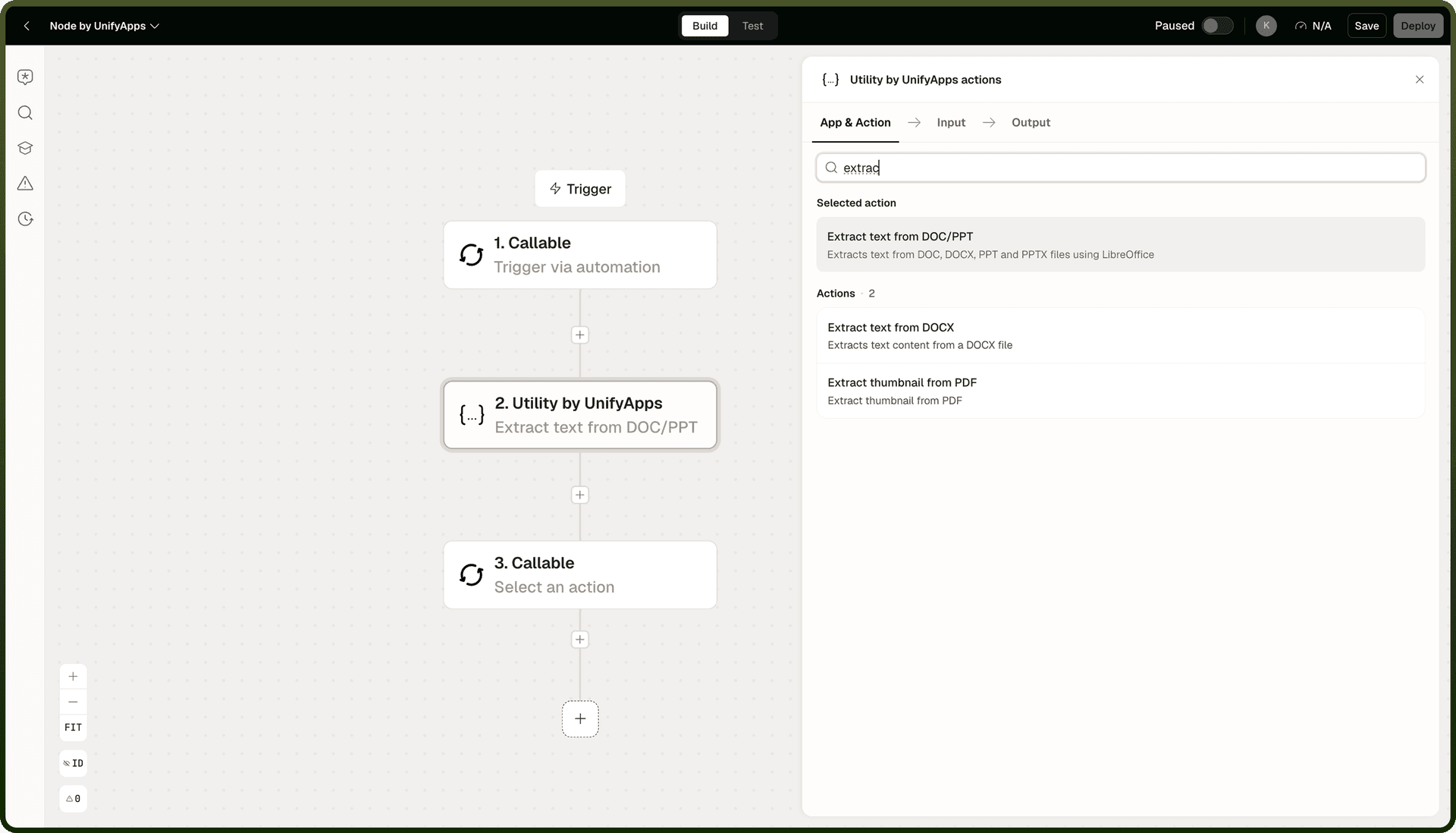
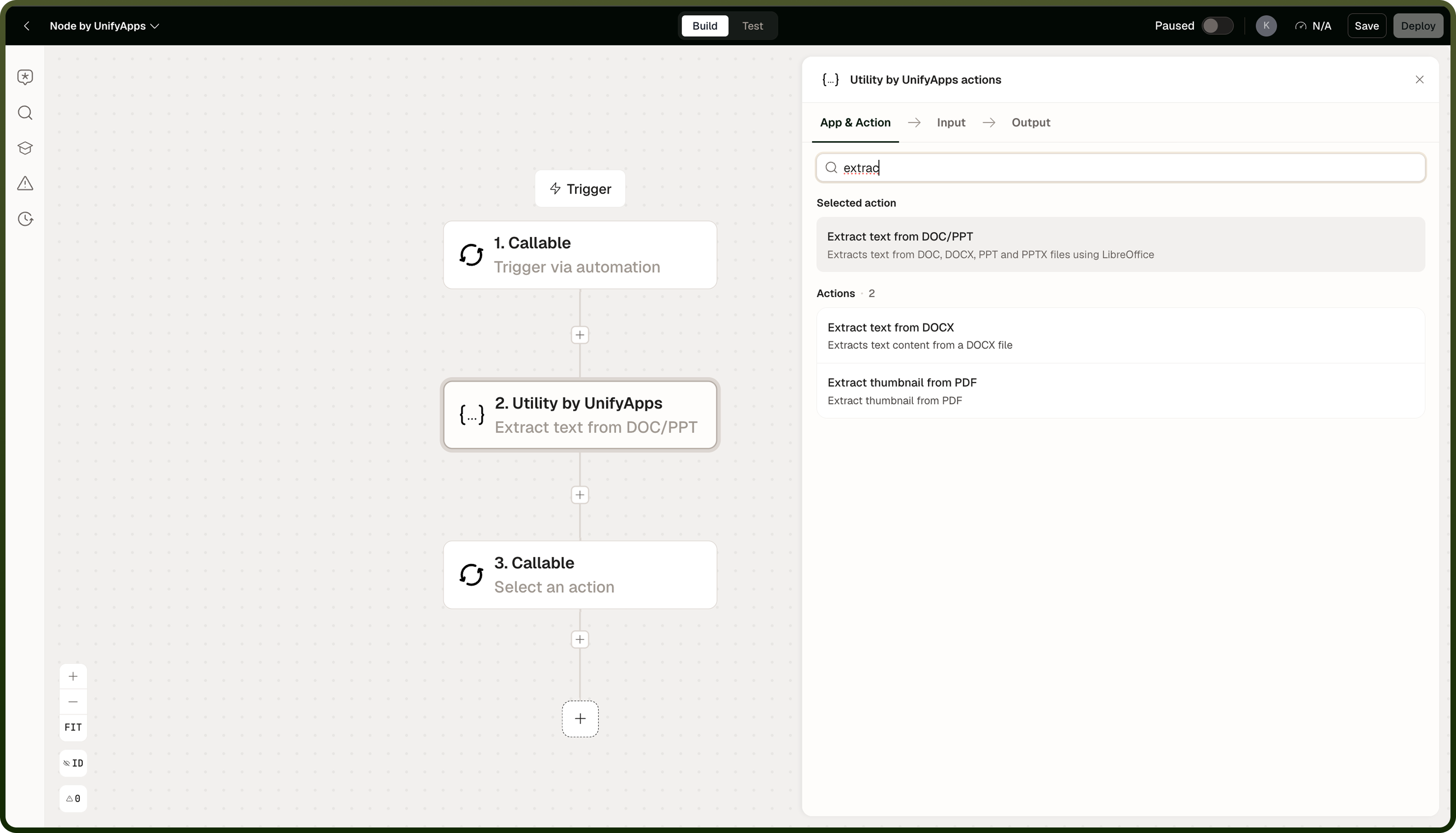
Operations
Operation | What it does |
|---|---|
Extract text from DOCX | Extracts the plain text content from a DOCX (Word) file. |
Extract text from DOC/PPT | Extracts the plain text content from a legacy DOC or PPT file. |
Extract thumbnail from PDF | Renders a thumbnail image of one or more pages of a PDF file. |
Get PDF Dimensions | Returns the width and height of each page in a PDF file. |
Retrieve text from file | Auto-detects the file format and extracts the embedded text layer. Works page-by-page for PDFs. Returns an error for encrypted or password-protected files. Caps output at approximately 250,000 characters; very large files spill to disk automatically. |
Read Changes to Docx file | Reads tracked changes (revisions) recorded in a DOCX file and returns them as structured data. |
Write Data to Docx file | Writes structured data into a DOCX file, updating designated fields or placeholders. |
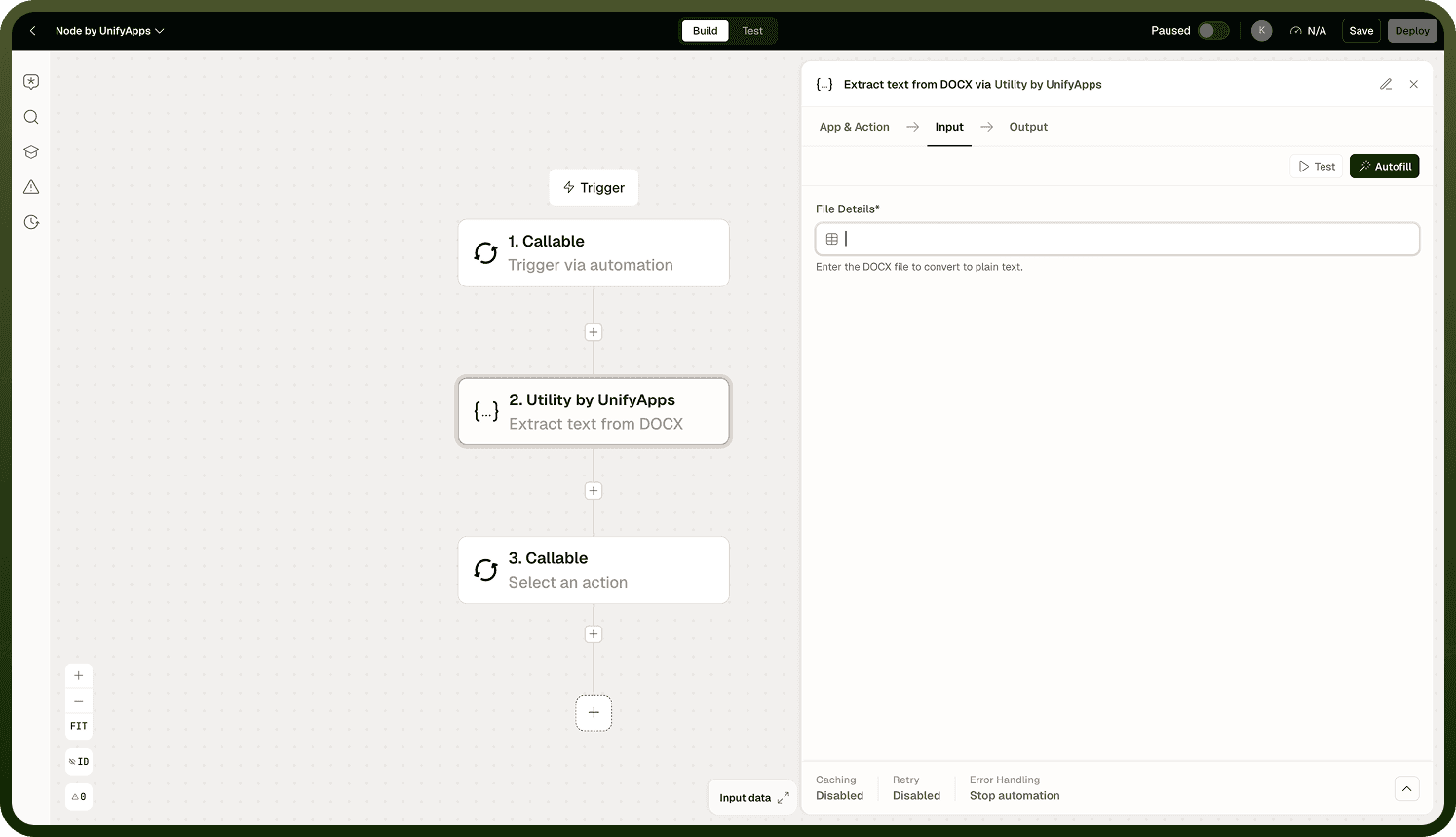
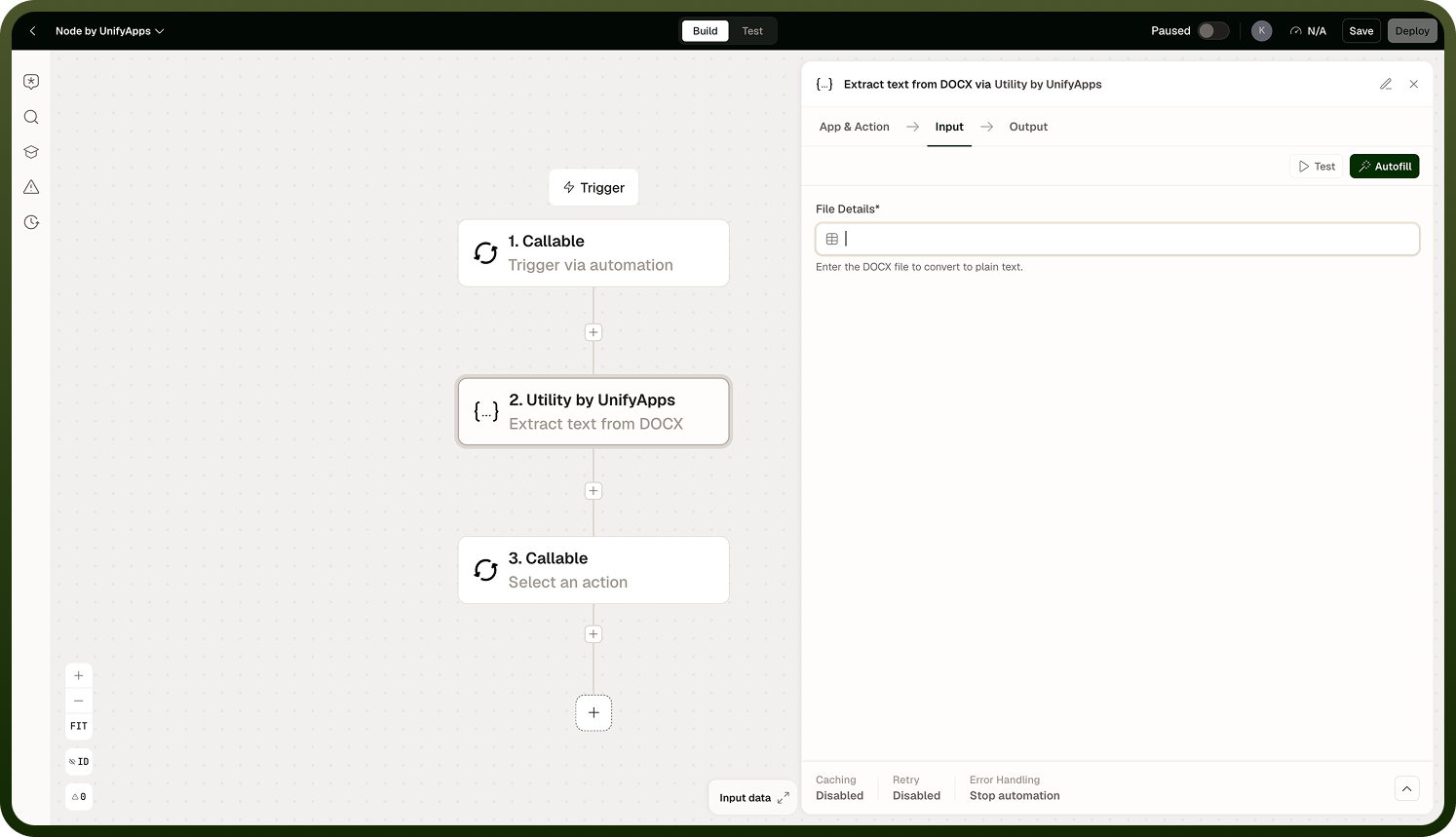
Retrieve text from file is not OCR: It reads the embedded text layer only. Scanned or image-only documents have no text layer and will return little or nothing. Use an OCR-capable step for those files.
Notes
Keep the following in mind when using these operations.
Retrieve text from file reads the embedded text layer — it does not perform OCR. Scanned documents or image-only PDFs have no text layer and will return little or nothing. Use an OCR-capable node or service for those files.
Retrieve text from file detects encrypted or password-protected files and returns an error rather than partial or garbage content.
Output from Retrieve text from file is capped at approximately 250,000 characters. Files exceeding this limit have their output truncated, or for very large files the platform writes the result to disk and returns a file reference instead of inline text. Large files are handled without exhausting memory, but the step may run more slowly.
Extract text from DOCX and Extract text from DOC/PPT are format-specific; Retrieve text from file is the general-purpose option when the format is unknown or variable at run time.