


The Ontology node builds a unified data model — a single, deduplicated view of your important entities (customers, products, accounts) consolidated from many source systems, with the relationships between them. It is the platform's master data management (MDM) capability. Use it to create one trustworthy version of a business entity instead of conflicting copies scattered across apps.
Overview
You define entity models and entities, connect them with relationships, feed in source records, and the node resolves them into clean golden records. Entities are stored in a property-graph so you can traverse relationships; the data lives in an analytics store by default (a document store is also available).
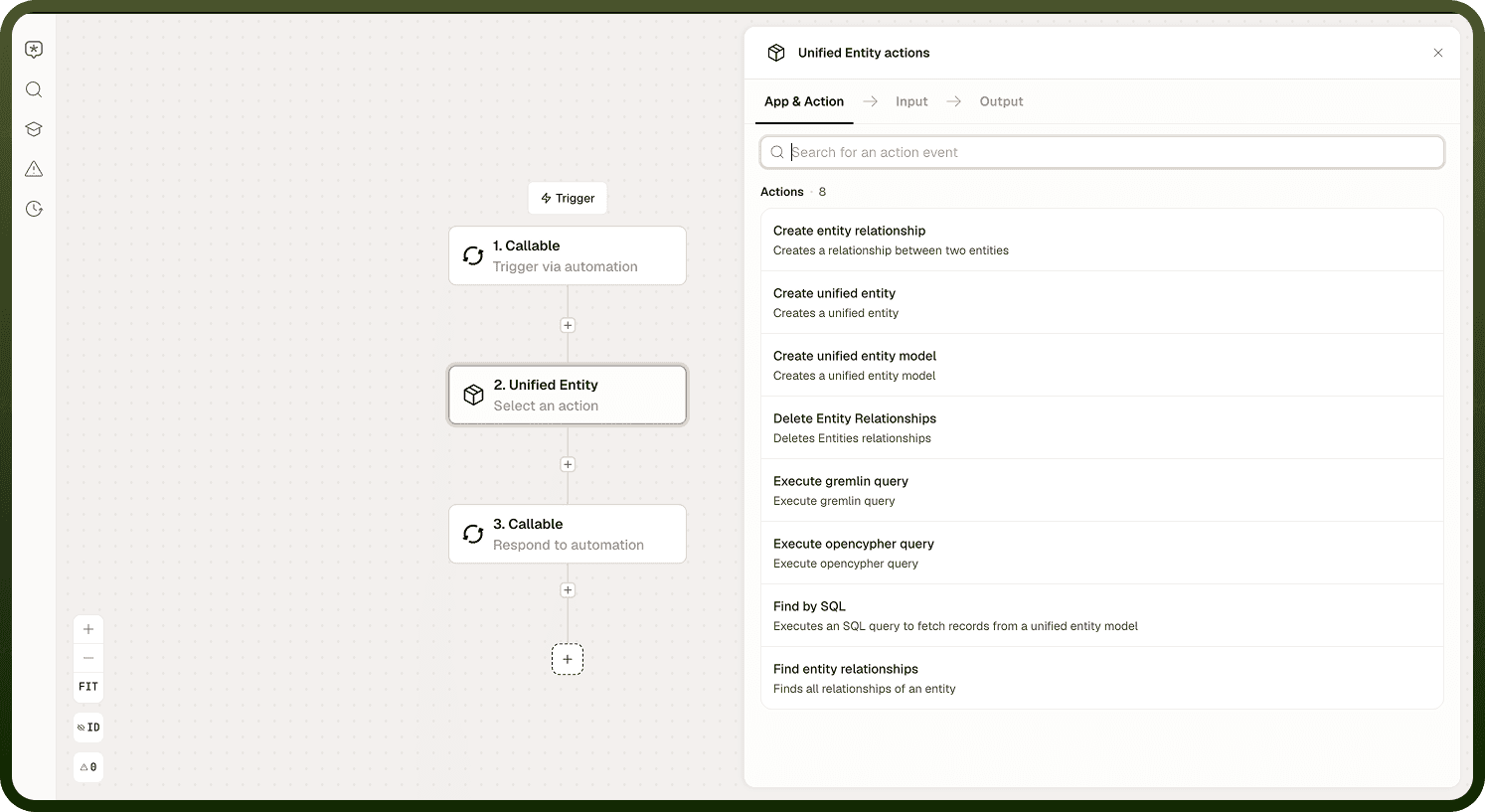
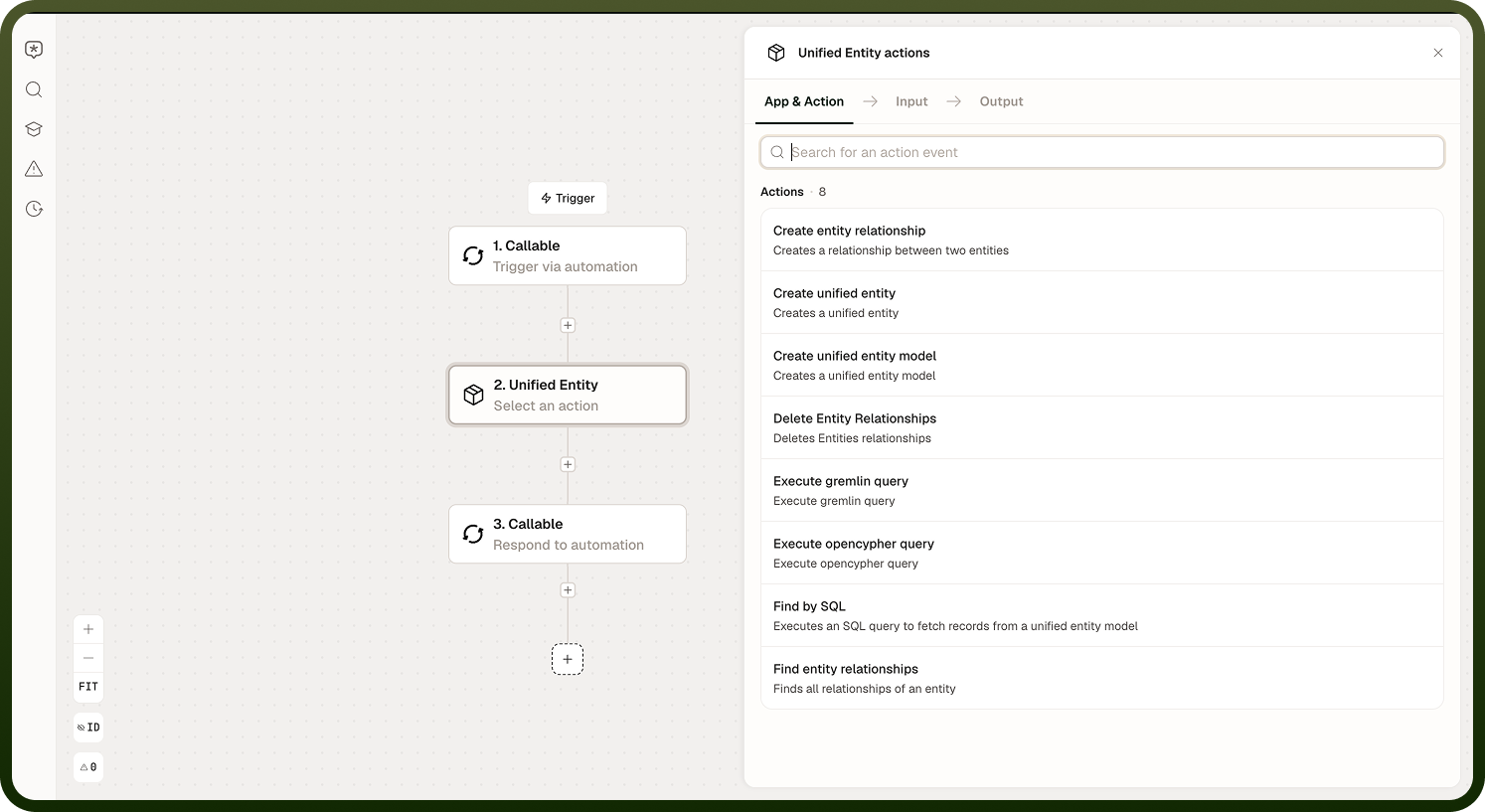
The pipeline has three distinct rule stages — matching, survivorship, and data quality — plus a staging layer before golden records are produced.
Entity and Relationship Management
Entity Models and Entities
Input Field | Description |
|---|---|
Entity model | The schema definition for a category of business entity (for example, "Customer" or "Product"). Defines the properties and structure. |
Entity data | A record conforming to the entity model to create or update in the graph. |
Output: The created or updated entity ID and its properties within the unified model.
Relationships
Input Field | Description |
|---|---|
Source entity | The entity from which the relationship originates. |
Target entity | The entity the relationship points to. |
Relationship type | The named relationship connecting the two entities (for example, "purchased-from" or "belongs-to"). |
Output: Confirmation that the relationship was created or updated in the property graph.
Staging to Golden Record Pipeline
Source data lands in a staging layer first, then is processed into golden records. The pattern is a pipeline you orchestrate explicitly — it is not a single button.
Create staging records — ingest source data into the staging layer. This is fire-and-forget; it does not block until the data is merged.
Fetch staging records — retrieve the staged records for inspection or to pass into subsequent steps.
Run matching — deduplicate staged records against existing golden records. Optionally enable survivorship to merge matched records.
Run data-quality rules — validate records and quarantine those that fail, passing only valid ones through.
Create Staging Records
Input Field | Description |
|---|---|
Entity model | The model the source records conform to. |
Source records | The raw records from the source system to ingest into staging. |
Output: Staging record IDs. Creation is asynchronous; the records persist shortly after the node returns.
Matching, Survivorship, and Data-Quality Rules
Matching
Compares incoming staged records against existing golden records and classifies each as create (no match found), update (matched with high confidence), or flagged (matched with a lower confidence score requiring review). Matching only finds duplicates — it does not merge them unless survivorship is also enabled.
Input Field | Description |
|---|---|
Staging records | The staged records to run matching against. |
Matching rules | The configured rules defining what constitutes a match (for example, matching on name and email). |
Enable survivorship | When enabled, matched records are merged field by field using the configured survivorship strategy. Off by default. |
Output: Records classified into create, update, and flagged buckets.
Survivorship (merge strategy — optional)
When enabled in the matching step, survivorship decides which field value wins when records are merged. Available strategies:
Strategy | Winning value |
|---|---|
Most recent | The value from the record with the latest timestamp. |
Most frequent | The value that appears most often across matched records. |
Source priority | The value from the highest-priority source system as defined in the configuration. |
Minimum | The lowest numeric or lexicographic value. |
Maximum | The highest numeric or lexicographic value. |
Designated winner | A specific value or source you designate as always winning for this field. |
Data-Quality Rules
Validates records against configured quality rules. Records that fail are quarantined; records that pass continue through the pipeline.
Input Field | Description |
|---|---|
Records | The records to validate. |
Quality rules | The validation rules to apply (for example, required fields, format checks, range constraints). |
Output: Valid records (passed through) and quarantined records (failed, with failure reasons).
Querying the Unified Data
Three query modes are available against the entity graph:
Query mode | Description |
|---|---|
Gremlin | Graph traversal language. Best for relationship-heavy questions such as "which accounts connect to this customer." Queries must be scoped to a specific model — see the gotcha below. |
openCypher | Graph query language (Cypher syntax). Alternative graph traversal. Same scoping requirement as Gremlin. |
SQL | Queries a relational view of the entity model. Familiar syntax for flat or tabular retrieval. |
Scoping gotcha: Graph queries (Gremlin and openCypher) are not automatically scoped to your model. If you do not include the model filter in the query itself, a traversal can reach into other models' data. Always include the model constraint in every Gremlin and openCypher query.
Audit Retrieval
A dedicated operation for reading the change history of MDM records over time — who changed what and when.
Input Field | Description |
|---|---|
Entity ID | The golden record whose audit trail to retrieve. |
Date range | Optional. Restrict the audit results to a specific time window. |
Output: A chronological list of changes to the entity, with timestamps and the before/after values for each changed field.
Notes
Matching finds duplicates; survivorship merges them. You must explicitly enable survivorship in the matching step to get automatic merges. Without it, matched records are classified but left as-is.
Staging creation is fire-and-forget. Do not assume a staging record is immediately available for matching after the create step returns. Build the pipeline steps explicitly and sequence them.
Always scope graph queries. Omitting the model filter in Gremlin or openCypher allows traversals to cross into other models' data — a hard-to-debug data bleed. Include the model constraint in every query.
The analytics store is the default storage backend. A document store is available when the access pattern requires it; select the appropriate store in the entity model configuration.
Quarantined records do not progress to golden records until the quality issues are resolved and the records are re-submitted.