

The RSS Feed node reads syndication feeds — both RSS and Atom. It operates in two modes: a one-off fetch of the current items, and a polling trigger that watches a feed and starts your automation when new entries appear. Each item arrives with its standard fields: title, description, link, publish date, guid, and author. Use the one-off fetch to pull a feed on demand, and the trigger to react to new posts — news monitoring, content syndication, or alerting on a status feed. Protected feeds can be reached with a bearer token.
Operations
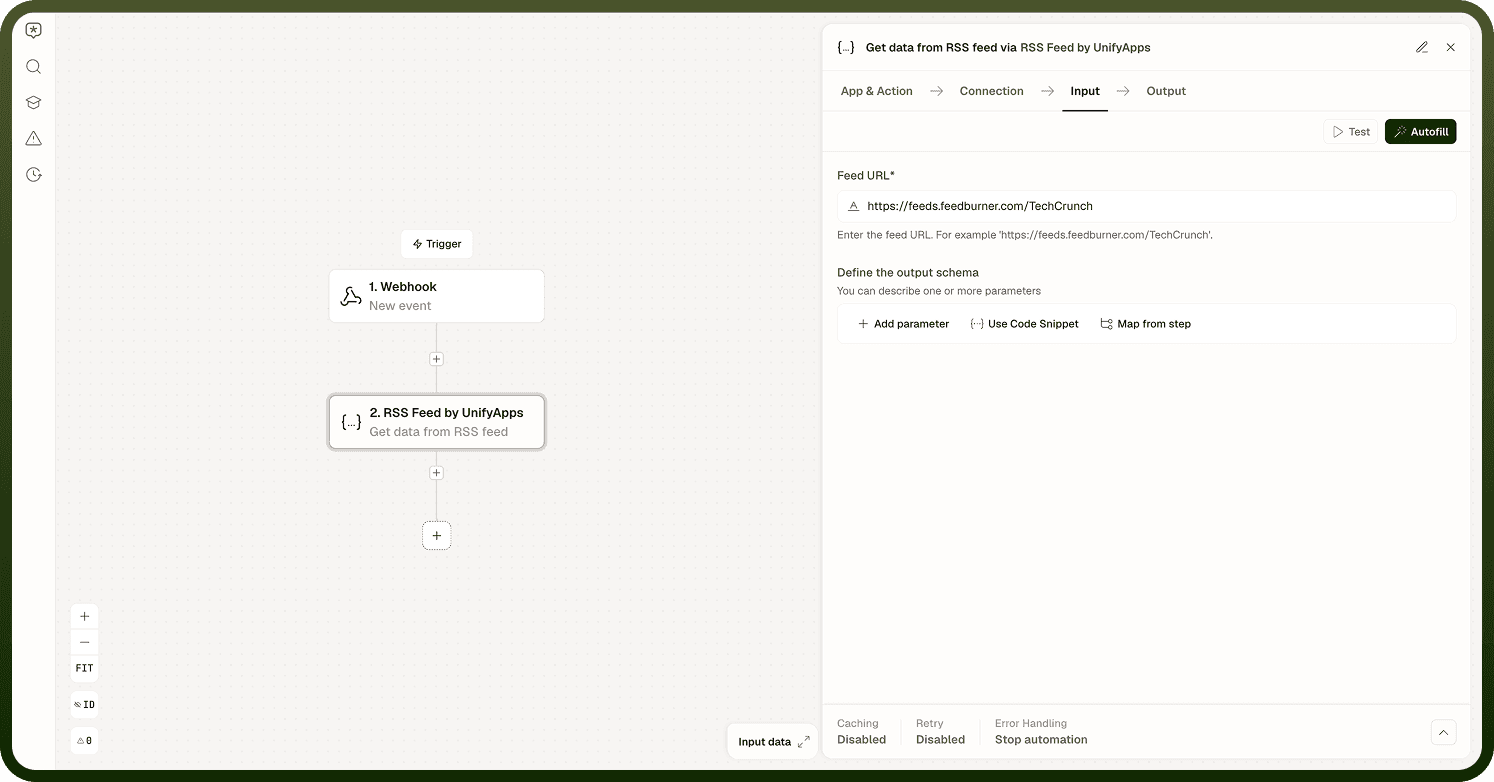
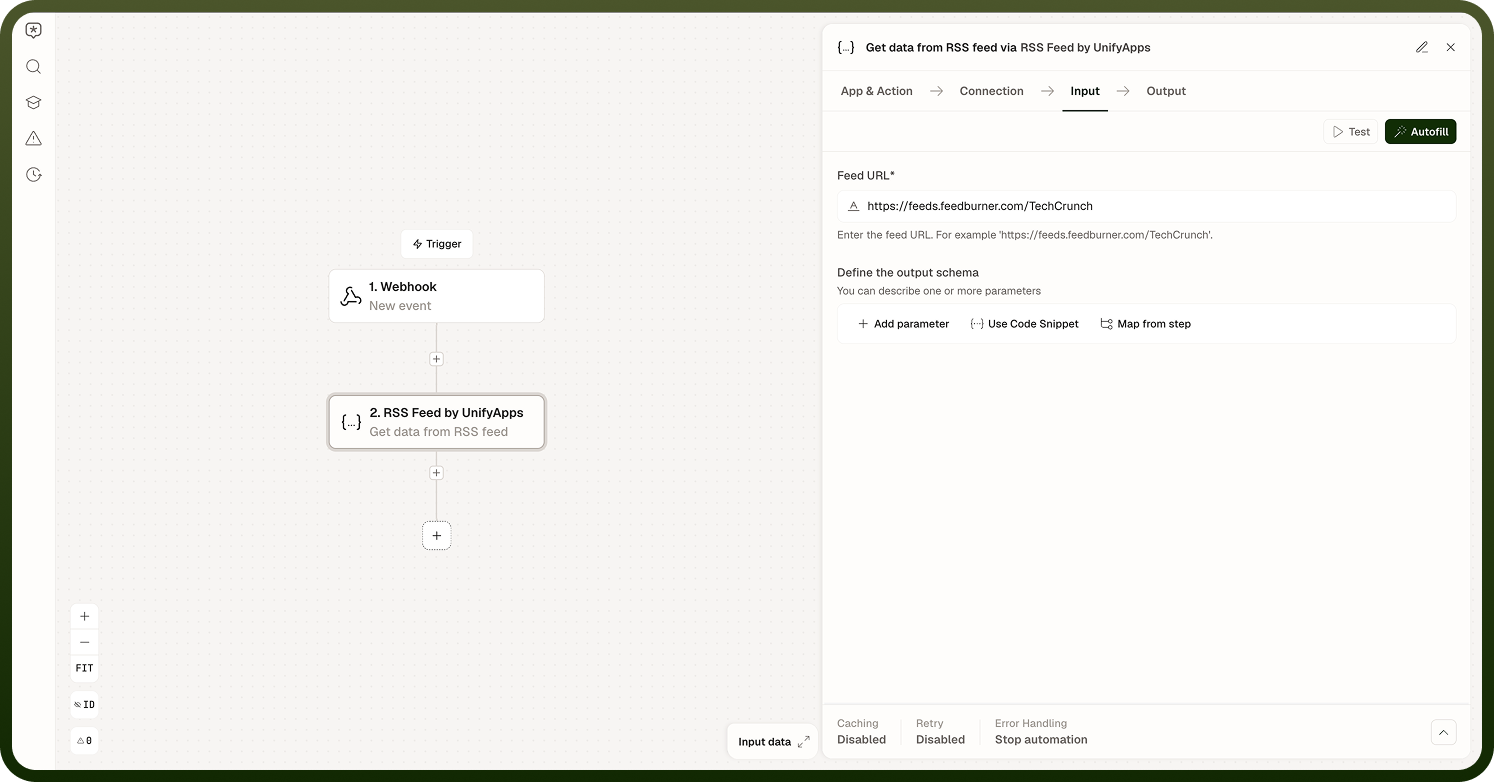
Get Data from Feed
A one-off fetch of the feed's current items. Call this when you need to pull items at a point in time without setting up a recurring trigger — for example, pulling the latest posts from a feed as part of a larger pipeline.
Input
Input Field | Description |
|---|---|
Feed URL | The URL of the RSS or Atom feed to fetch. |
Bearer Token | Optional. An authentication token for protected feeds. |
Output
Returns a list of feed items. Each item includes title, description, link, publish date, guid, and author fields where present in the feed.
On New Item (Trigger)
A polling trigger that watches a feed on a schedule and starts your automation whenever new entries appear. This is the mode to use for continuous monitoring — news alerts, status feed subscriptions, or content syndication pipelines.
Input
Input Field | Description |
|---|---|
Feed URL | The URL of the RSS or Atom feed to watch. |
Poll Interval | How often the trigger checks the feed, in minutes. Configurable from 1 to 30 minutes; defaults to 10 minutes. |
Batch Size | Maximum number of new items to process per polling cycle. Defaults to 100. |
Bearer Token | Optional. An authentication token for protected feeds. |
Output
Each poll cycle that finds new items emits those items to the automation. The trigger outputs the same fields as the one-off fetch: title, description, link, publish date, guid, and author.
How the Polling Trigger Works
The trigger polls the feed on its configured schedule — every 10 minutes by default. Each cycle it reads newest-first and walks back until it reaches items it has already seen (the cutoff), so only genuinely new items are forwarded. New items are tracked using their publish date as the checkpoint, supplemented by a small set of recently-seen IDs to avoid re-firing on the same entry.
Two behaviors to plan for:
Publish date is the dedupe key. Items that lack a publish date, or that share an identical timestamp, can be tracked imperfectly — a feed that back-dates or omits publish dates may cause missed or duplicate events.
First-enable look-back. When the trigger is first enabled it looks back a short window (approximately the last hour) rather than processing the entire feed history. Items older than that window are not surfaced on the first run.
The checkpoint is stored per automation, so the same feed URL used in two separate automations tracks its read position independently.
Notes
To make the most of it:
Prefer feeds that include publish dates on every item; deduplification is most reliable when every item has a unique, non-null timestamp.
Set a poll interval appropriate to how frequently the feed publishes — a 1-minute interval on a feed that updates weekly wastes capacity.
If you need to process historical feed items, use the one-off fetch rather than enabling the trigger and waiting for it to catch up.
When a protected feed requires a token, store the token in a platform credential rather than embedding it directly in the node configuration.
Design downstream steps to handle bursts — a feed that publishes many items between poll cycles will forward them all at once up to the batch size.
Matching your poll interval to the feed's actual publish frequency keeps the automation responsive without wasting capacity on feeds that update infrequently.