


The Wait for Signal node pauses an automation until a matched signal arrives, then resumes with the signal's payload. Use the long wait (persisted) variant for pauses that must survive service restarts or long gaps between emit and wait.
Overview
The wait side of a Signals pair suspends the current automation and holds it until the expected signal arrives. Three wait variants serve different needs: a standard Wait for Signal suited for short, in-session pauses; a Long Wait that writes the wait state to durable storage so it survives service restarts and extended gaps; and Wait for Multiple Signals that holds until all specified signals have arrived. Every wait has a configurable timeout — if the signal does not arrive in time, the automation resumes anyway with a timeout flag set and an empty payload. Always design the step after a wait to check for this flag.
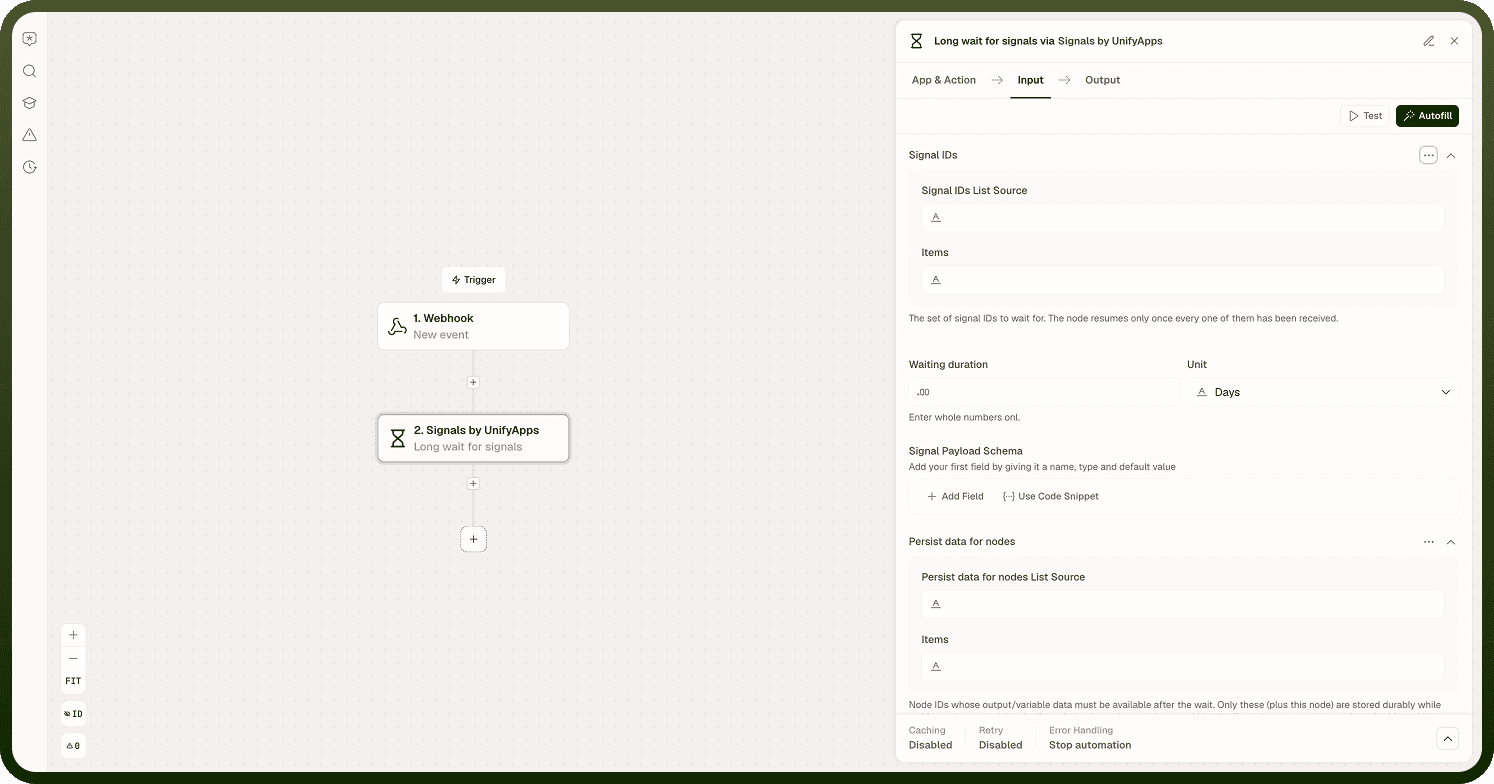
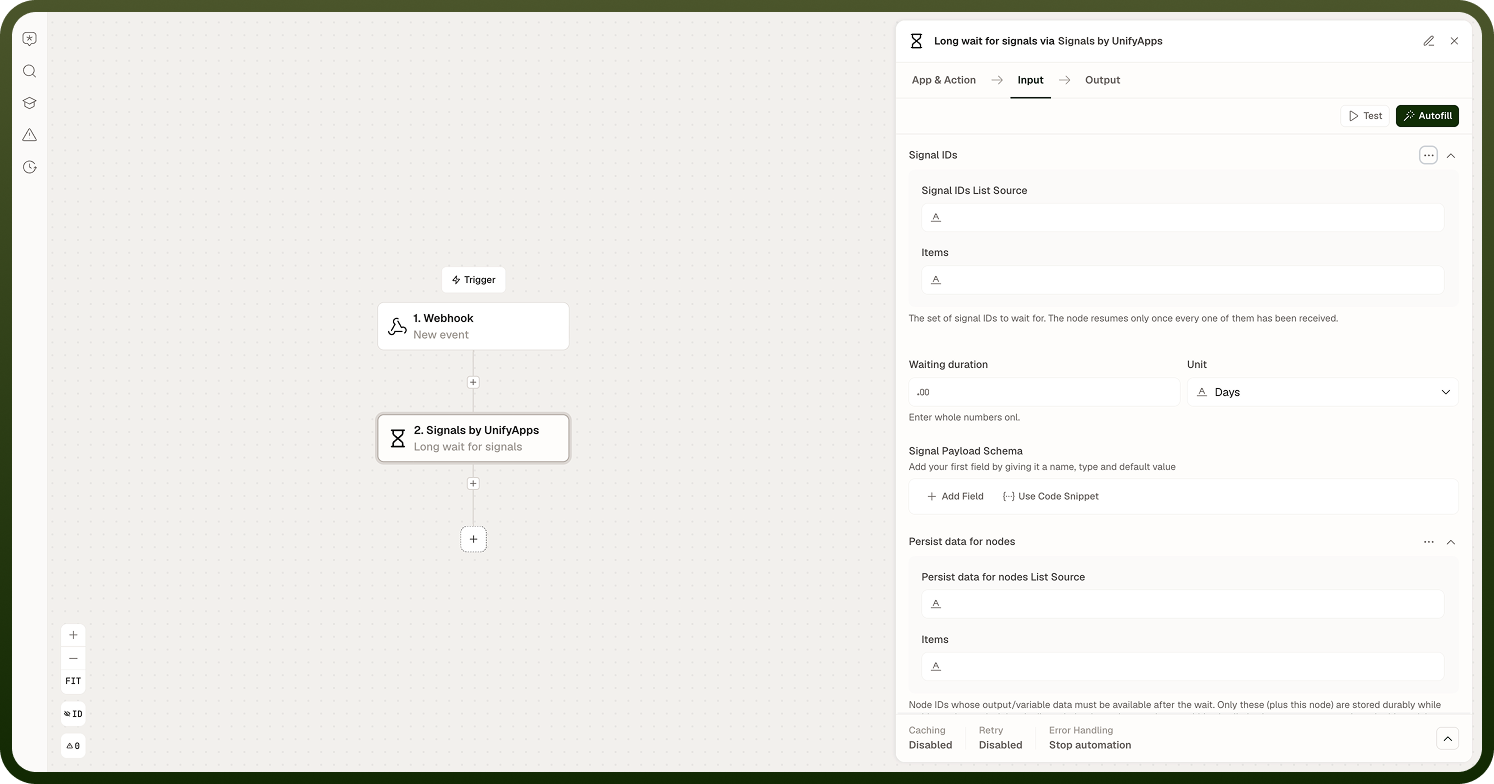
Wait for Signal
Pauses the automation until a signal with the matching automation, node, and signal ID arrives. On resume, the emitter's payload is available as data pills in subsequent steps. Configure a timeout; if the signal does not arrive within the timeout window, the automation resumes with a timeout flag and an empty payload.
Long Wait (Persisted)
Writes the wait state to durable storage before suspending. The wait survives service restarts and can remain active for extended periods. Use this variant whenever the gap between the emitter and the wait node may be long, or when the wait must remain active across a deployment. Pair it with the cleanup option on the corresponding Emit Signal node so the saved signal state is freed after delivery.
Wait for Multiple Signals
Holds the automation until all specified signals have arrived. Each named signal can carry its own payload. A partial set of signals does not resume the automation early — all must arrive within the timeout window. On timeout, the automation resumes with a timeout flag regardless of which signals did or did not arrive.
Timeout and Payload Behaviour
Every wait variant has a configurable timeout (a duration and unit). On timeout:
The automation resumes automatically — it does not block indefinitely.
The resume context includes a timeout flag set to true and an empty payload.
The step immediately after the wait should read the timeout flag and branch accordingly — do not assume the payload contains signal data.
The payload schema you attach to an emit is described for the builder's convenience but is not strictly enforced at runtime. Design downstream steps to tolerate missing or unexpected fields rather than assuming the payload is perfectly shaped.
Emit-before-wait risk: For standard (non-persisted) waits, a signal emitted before the wait node is reached can be missed. Use the Long Wait variant for resilient hand-offs where the emit and wait order cannot be guaranteed.
Notes
Keep the following in mind when configuring signal waits.
Every wait has a timeout. On timeout the automation resumes with a timeout flag and empty payload — always check the flag in the next step.
Signal matching is by automation ID, waiting node ID, and signal ID. The emitter and waiter must agree on the same signal ID.
For ordinary waits, if the signal is emitted before the wait node is reached, the signal can be missed. Use the Long Wait to avoid this.
The Long Wait requires the emitter to set the cleanup option so saved signal state is freed after delivery.
Wait for Multiple Signals blocks until all specified signals arrive — a partial set does not trigger early resume.
The payload schema is not strictly enforced at runtime; design downstream steps to tolerate variation.
Always test signal flows end-to-end, including the timeout path, to confirm that the "signal never arrived" case is handled gracefully before deploying to production.