


Execute LogQL Query runs a LogQL query against the workflow-log store and returns the matching log entries. It is the execution half of the LogQL pair — typically receiving its query string from Create LogQL Query — and is the primary way to inspect workflow execution logs and variables from inside an automation.
Overview
The workflow-log store records what happened during automation runs: which nodes executed, what variables held at each step, and when each event occurred. Execute LogQL Query gives your automations programmatic access to that data by running a LogQL expression over a time window you specify.
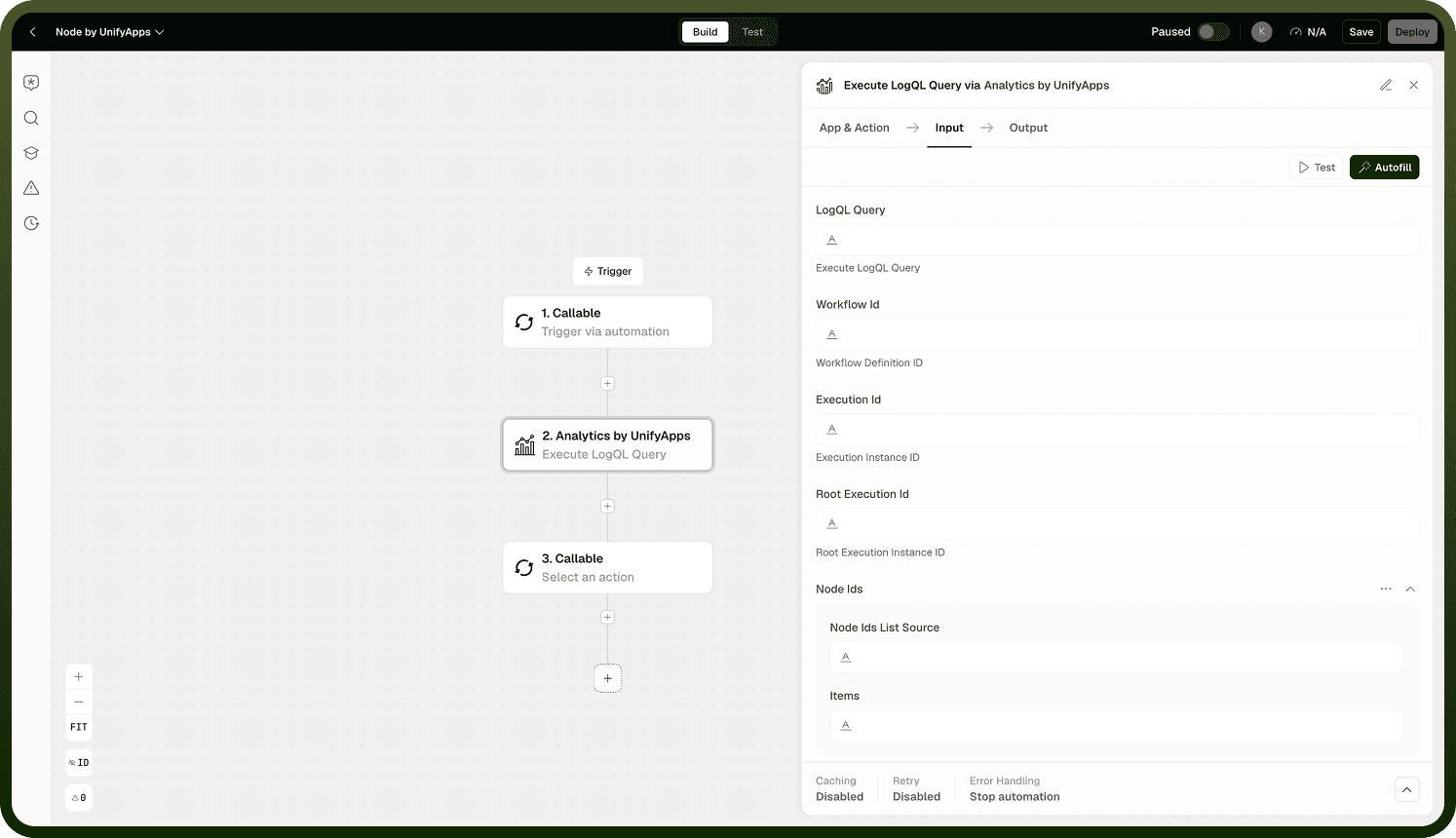
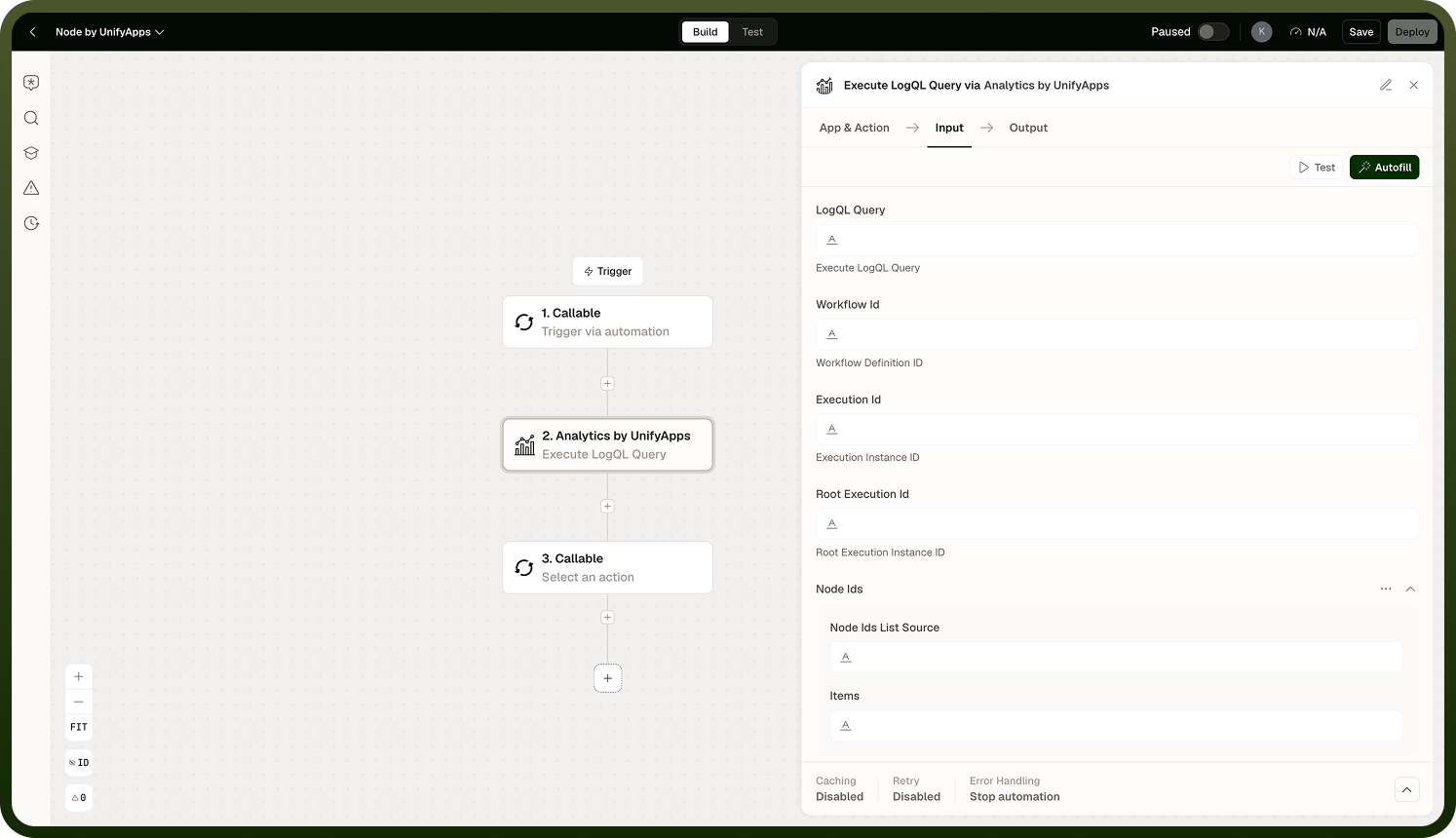
In practice, you rarely write LogQL from scratch. The recommended pattern is to use Create LogQL Query to generate the query from workflow or execution identifiers, then pass its output string directly into this node's LogQL Query field. If you already have a valid LogQL expression — for example, from a prior debugging session — you can supply it directly without the preceding node.
Input
Field | Description | Required |
|---|---|---|
LogQL Query | A valid LogQL expression targeting the workflow-log store. Typically the output of Create LogQL Query, but can also be a hand-authored LogQL string. | * |
Start Time | The beginning of the time window to search, as a timestamp or relative expression. Log entries before this point are excluded. | * |
End Time | The end of the time window to search. Log entries after this point are excluded. | * |
Limit | Maximum number of log entries to return. Use this to cap results when querying broad time windows or high-volume log streams. |
Output
The action returns the log entries matching the query within the specified time window:
An array of log entry objects, each containing the log line text, timestamp, and any structured labels associated with the entry.
The number of entries returned, bounded by the Limit field if one was set.
Notes
Keep the following in mind when using Execute LogQL Query.
LogQL queries the workflow-log store — execution logs and variables — not the analytics and reporting store. For business data, use the SQL actions.
Both Start Time and End Time are required. An unbounded time range is not supported; always scope your query to the window you need.
Set a Limit when querying broad time windows or workflows with high log volume to avoid returning an unmanageable number of entries.
The recommended upstream node is Create LogQL Query, which generates a correctly scoped query from workflow, execution, or node IDs. Writing LogQL manually is supported but requires familiarity with the log store's label structure.
Log entries are returned in the order stored — typically chronological. If ordering matters for your downstream logic, verify the order before relying on position.
If no entries match the query and time window, the output array is empty — this is not an error. It may indicate the automation run predates your Start Time, or that the query's label selectors matched no stored streams.