


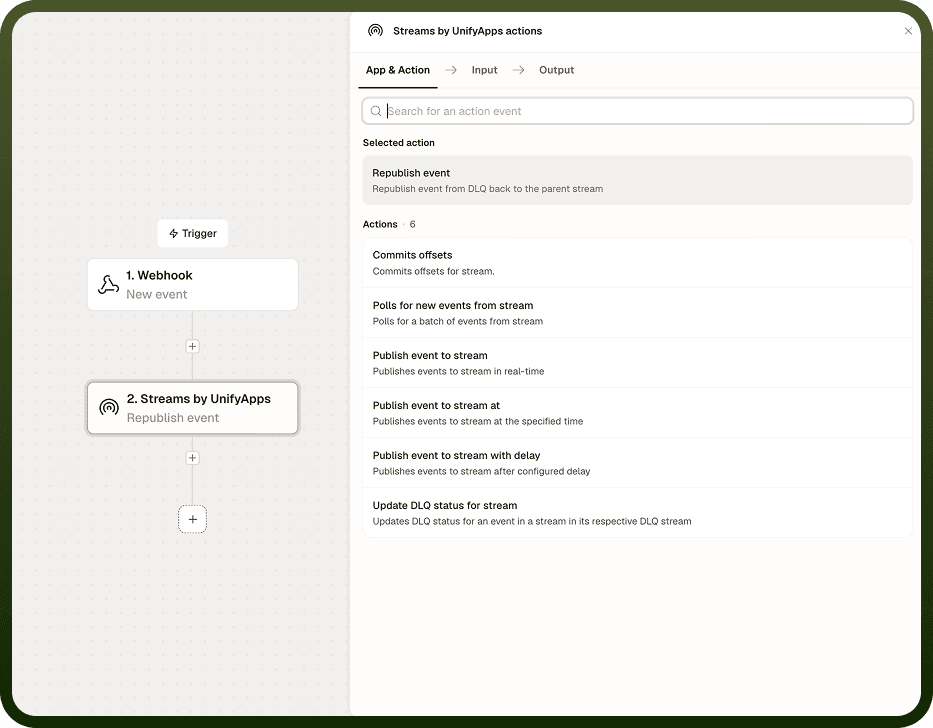
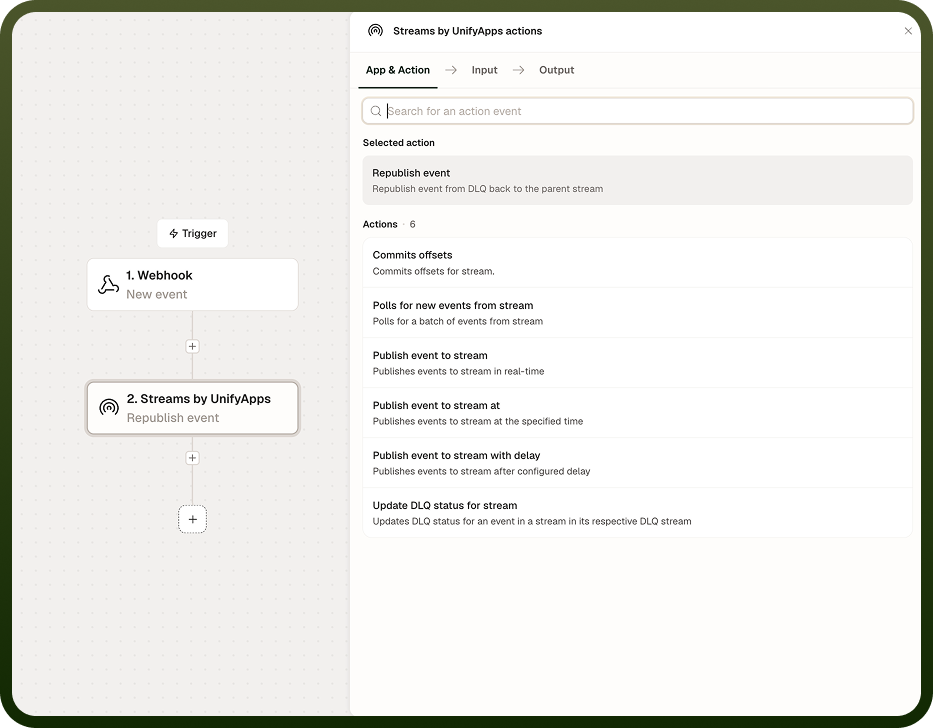
Republish DLQ Event sends a failed event from the dead-letter queue back to its original stream for reprocessing. Use it after resolving the underlying issue — a schema mismatch, a downstream timeout, or a processing error — to retry the event without reconstructing its payload manually. A duplicate-replay guard prevents accidental double-replays unless you explicitly force them.
Overview
After an event is captured by Update DLQ, Republish DLQ Event puts it back on the original stream so it goes through the same consumer automations again. The republished event re-enters the stream at the tail and is treated like any new publish — it is subject to the same schema validation and ordering rules as a fresh event. The built-in guard means a second call for the same DLQ event is blocked unless you set Force to true, protecting against replay loops.
Input
Field | Type | Required | Description |
|---|---|---|---|
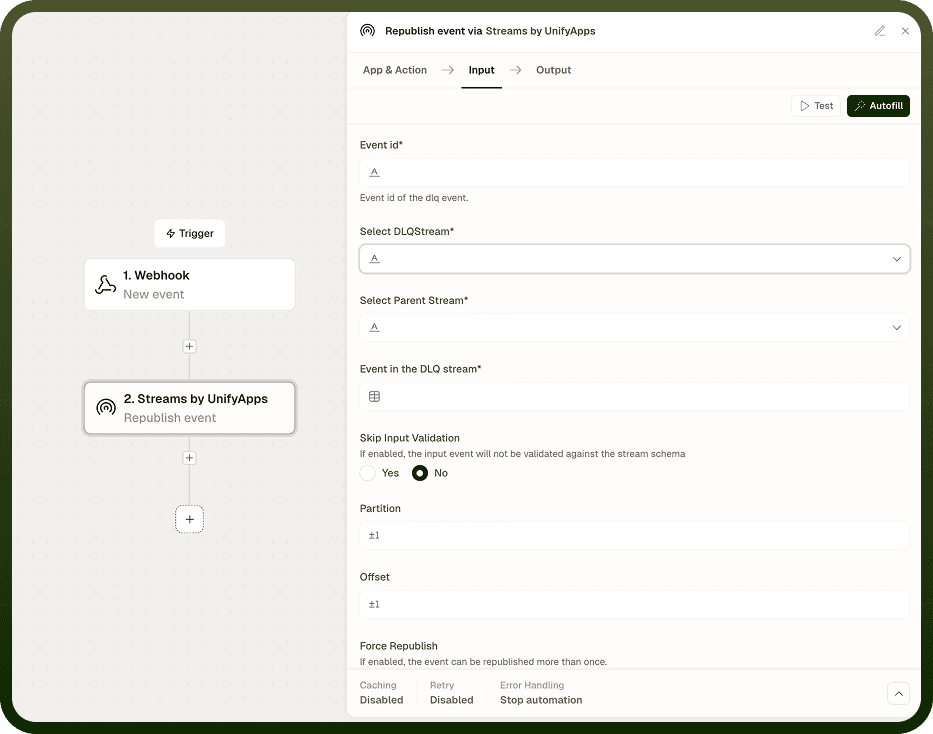
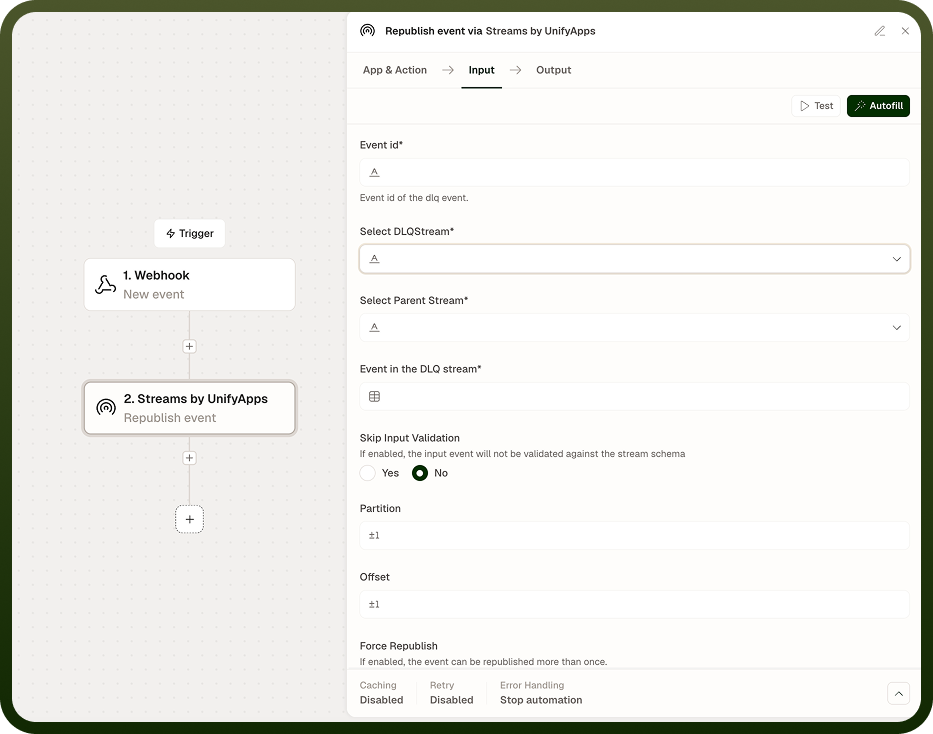
Stream | String | Yes | The original stream the event belongs to. The event will be republished to this stream. |
DLQ Event ID | String | Yes | The identifier of the event in the dead-letter queue, returned by the Update DLQ action as dlqEventId. |
Force | Boolean | No | When true, bypasses the duplicate-replay guard and republishes even if the event has already been replayed. Use with caution. Default: false. |
Output
The action returns a confirmation once the event is re-accepted by the stream.
Field | Type | Description |
|---|---|---|
newEventId | String | The identifier of the republished event on the original stream. This is a new ID — the original DLQ event ID is retired. |
status | String | Confirmation that the event was accepted by the stream and the DLQ entry was closed. |
Notes
Resolve the root cause — schema mismatch, downstream failure, or processing error — before republishing. Replaying an event into an unchanged automation typically produces the same failure.
The duplicate-replay guard is on by default. A second call for the same DLQ event ID is blocked unless Force is true.
Use Force only when you are certain the event has not already been reprocessed — for example, after confirming the first replay failed before it reached consumers.
Build a deliberate retry policy: define how many times you will attempt republish and under what conditions, rather than replaying indefinitely.
The republished event enters the stream as a new event with a new ID and is subject to the same schema validation as any fresh publish. The original DLQ entry is closed on success.
Fix first, then replay: Republishing sends the same event payload back through the same stream. If the root cause of the failure is still present, the event will fail again and can be moved back to the DLQ. Confirm the fix is in place before triggering a replay.