


The On-Prem Browser node drives AI-powered browser automation on an on-prem agent's host, following natural-language instructions to navigate and interact with internal web applications via Playwright.
Overview
On-Prem Browser brings AI-driven automation to browsers running inside your network. You supply natural-language instructions describing what the browser should do; the node routes those instructions to an on-prem agent, which uses an AI model to interpret them and drive a local browser via Playwright. The results come back as a stream of steps — each step describing an action taken and what the browser returned.
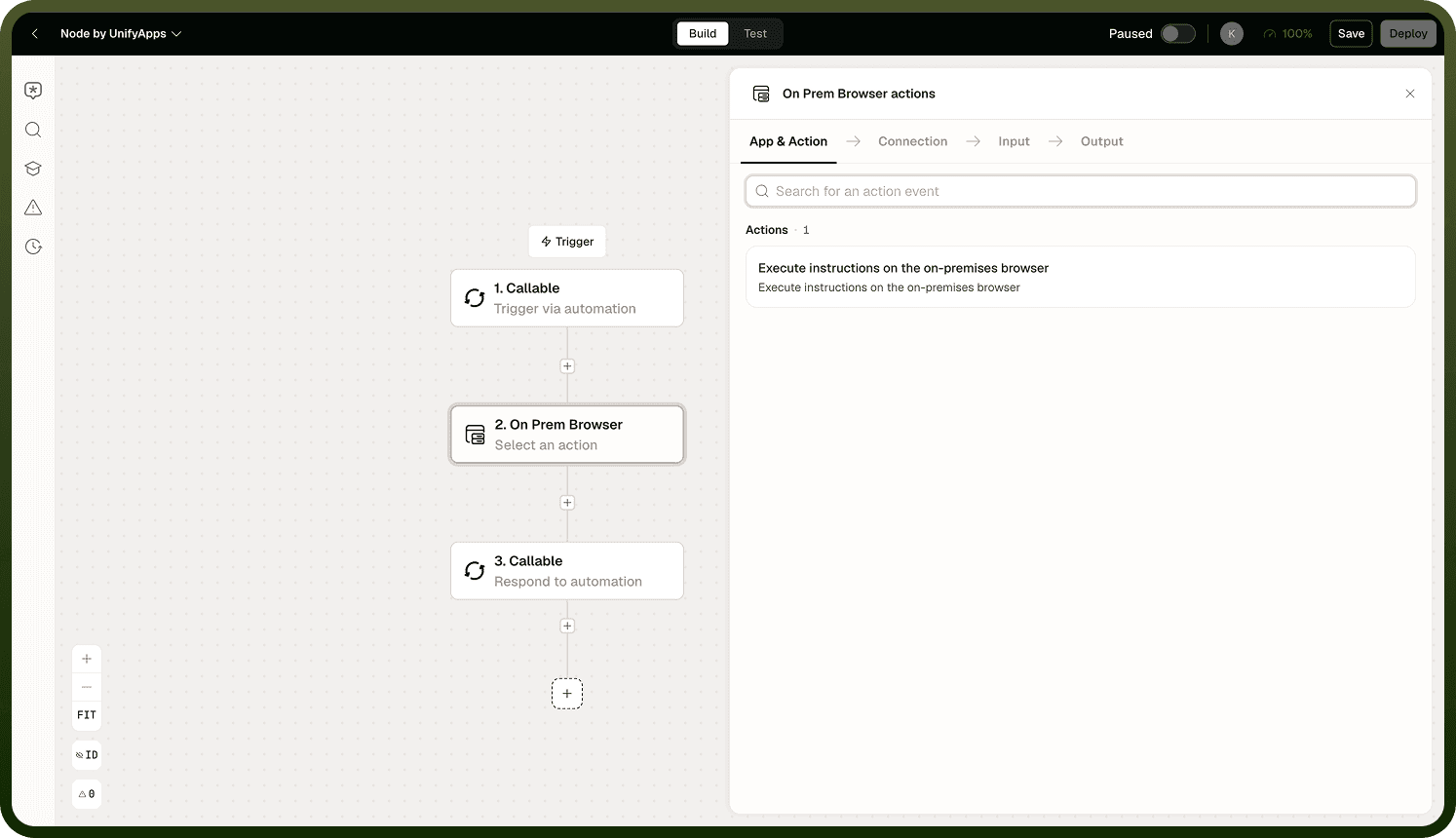
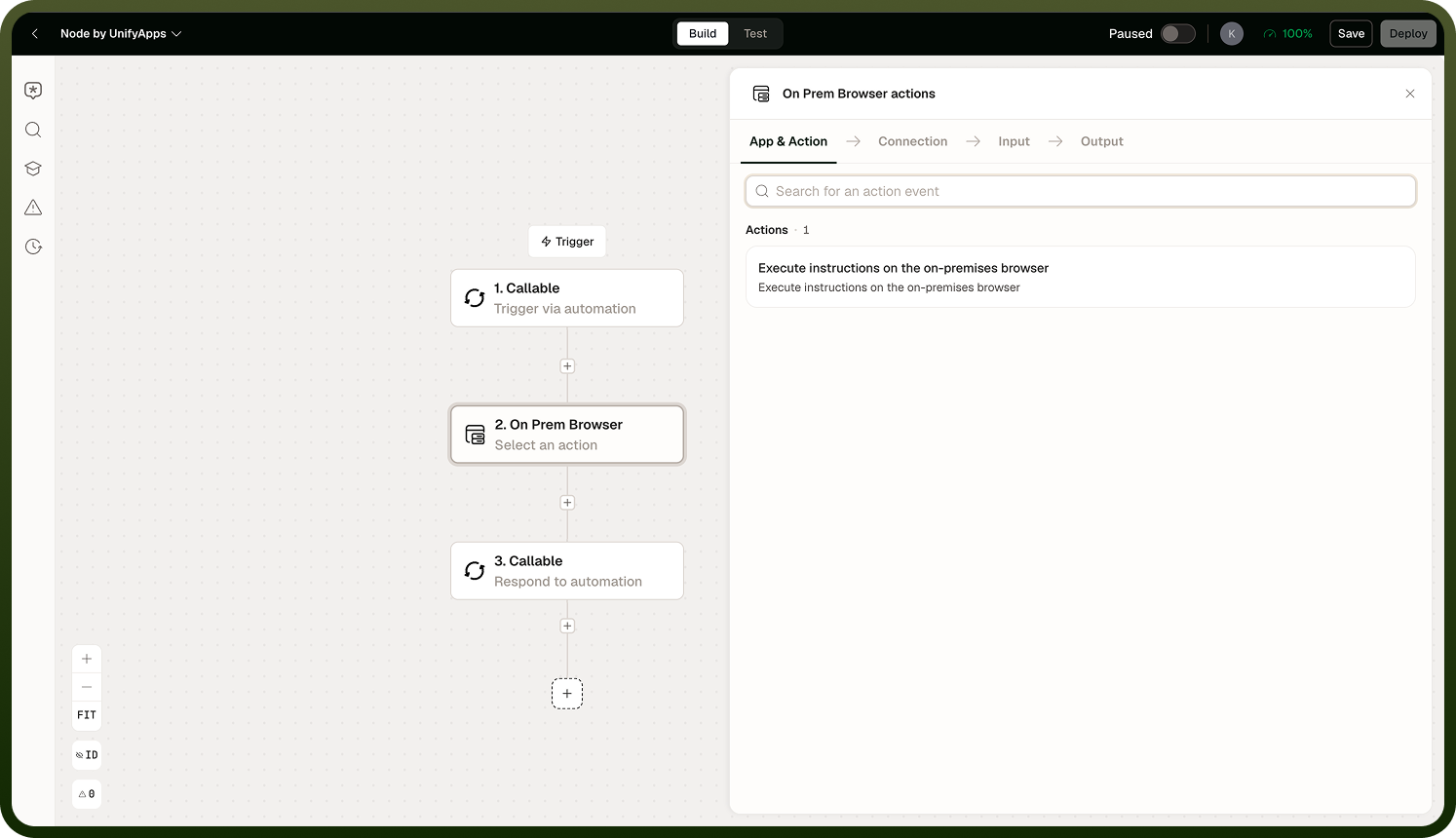
Because the browser runs on the agent's host — inside your network — it can reach internal web applications that are not accessible from the internet: intranet tools, internal portals, line-of-business apps behind a VPN. The agent initiates an outbound connection to the platform only; no inbound firewall openings are required. You select the agent (or agent group) via the Connection setting on the node.
Natural-language input: Unlike script-based automation, On-Prem Browser accepts plain instructions such as "log in to the internal HR portal and download last month's headcount report." The AI model on the agent interprets the instruction and determines the sequence of browser actions needed to carry it out.
Requirements
On-Prem Browser has two runtime prerequisites that must be present on the agent host before the node can run.
Requirement | Detail |
|---|---|
Browser runtime | A Playwright-supported browser (such as Chromium, Firefox, or WebKit) must be installed on the agent host and accessible to the agent's OS user. |
AI model runtime | The AI model that interprets natural-language instructions and drives the browser must be available on the agent host. |
Verify both prerequisites are installed and correctly configured in the agent's environment before deploying On-Prem Browser in production. If either is missing, the node will error when the automation runs.
Check prerequisites before production use: A missing browser or model runtime produces a runtime error, not a configuration warning. Confirm both are present on the agent host and reachable by the agent's OS user before enabling this node in a live automation.
Notes
Verify that the browser runtime and AI model runtime are both installed on the agent host before using this node in production.
Natural-language instructions should be specific and unambiguous — the more precisely you describe the target page and the actions you want, the more reliably the automation executes.
Results are returned as a stream of steps; downstream nodes receive the full step sequence describing what the browser did and the outcome of each action.
Because the browser runs on the agent's host, it has access to any internal resource that host can reach — including applications behind a VPN or on a private network segment.
For complex workflows, test instructions incrementally to isolate steps that need refinement before running the full automation end-to-end.
When you need multiple agents for redundancy, target an agent group as the Connection so the platform can route to any available member