

The Variable node treats a list as a first-class data type. Use the list operations to build up a collection during a loop, trim unwanted entries, or update a specific item at a known position — all without replacing the list wholesale.
Overview
A list is one of the types the Variable node supports alongside string, number, boolean, and object. A list can hold any value, and its items can themselves be lists, enabling 2D and 3D structures. The list operations let you grow, shrink, or modify a list variable incrementally. A common pattern is to initialize an empty list before a loop, then use Add Item to List inside the loop to collect matching items as iterations run — a regular list variable already persists across loop iterations within the same run, so this doesn't require a session variable.
Create List
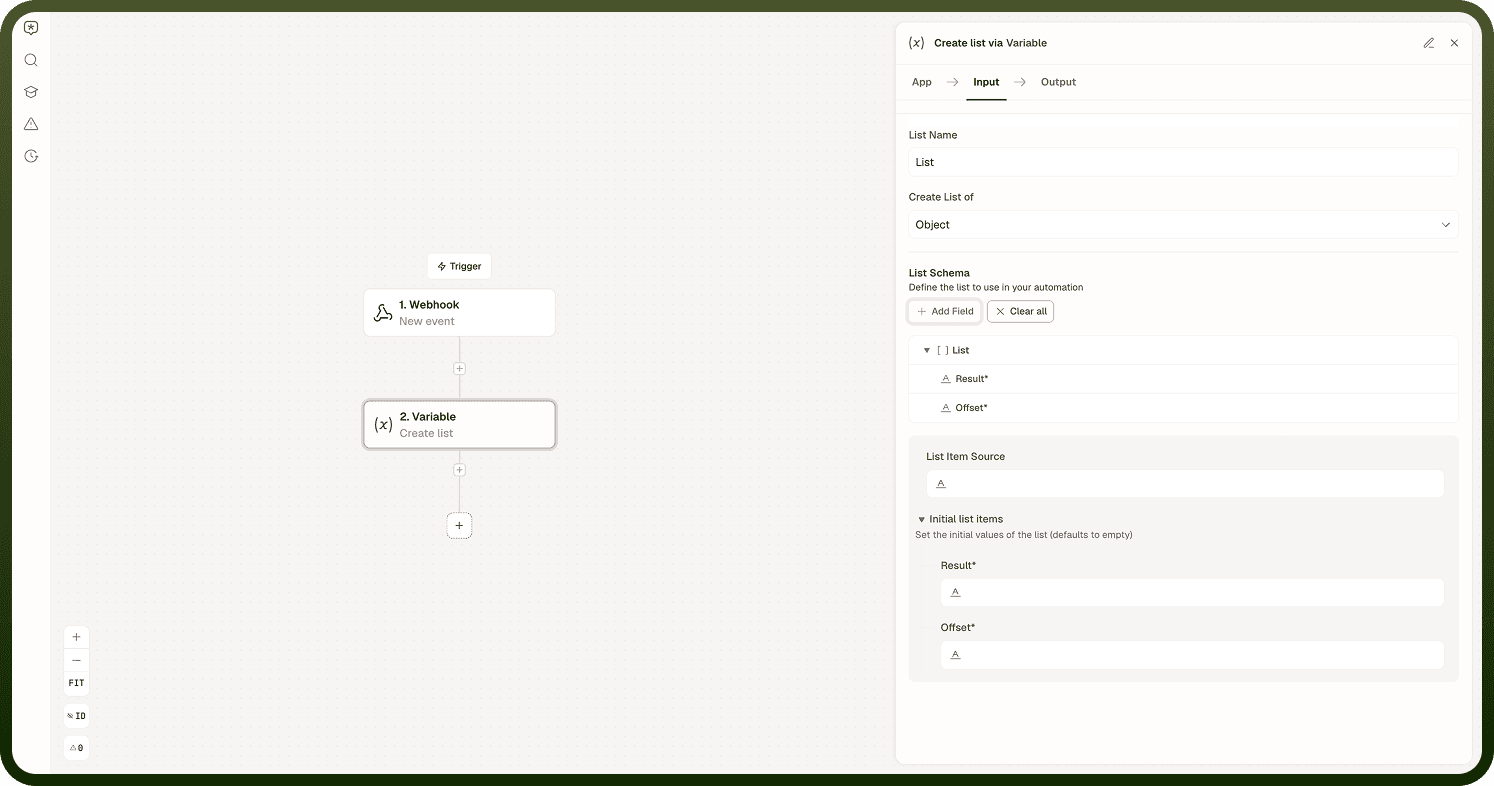
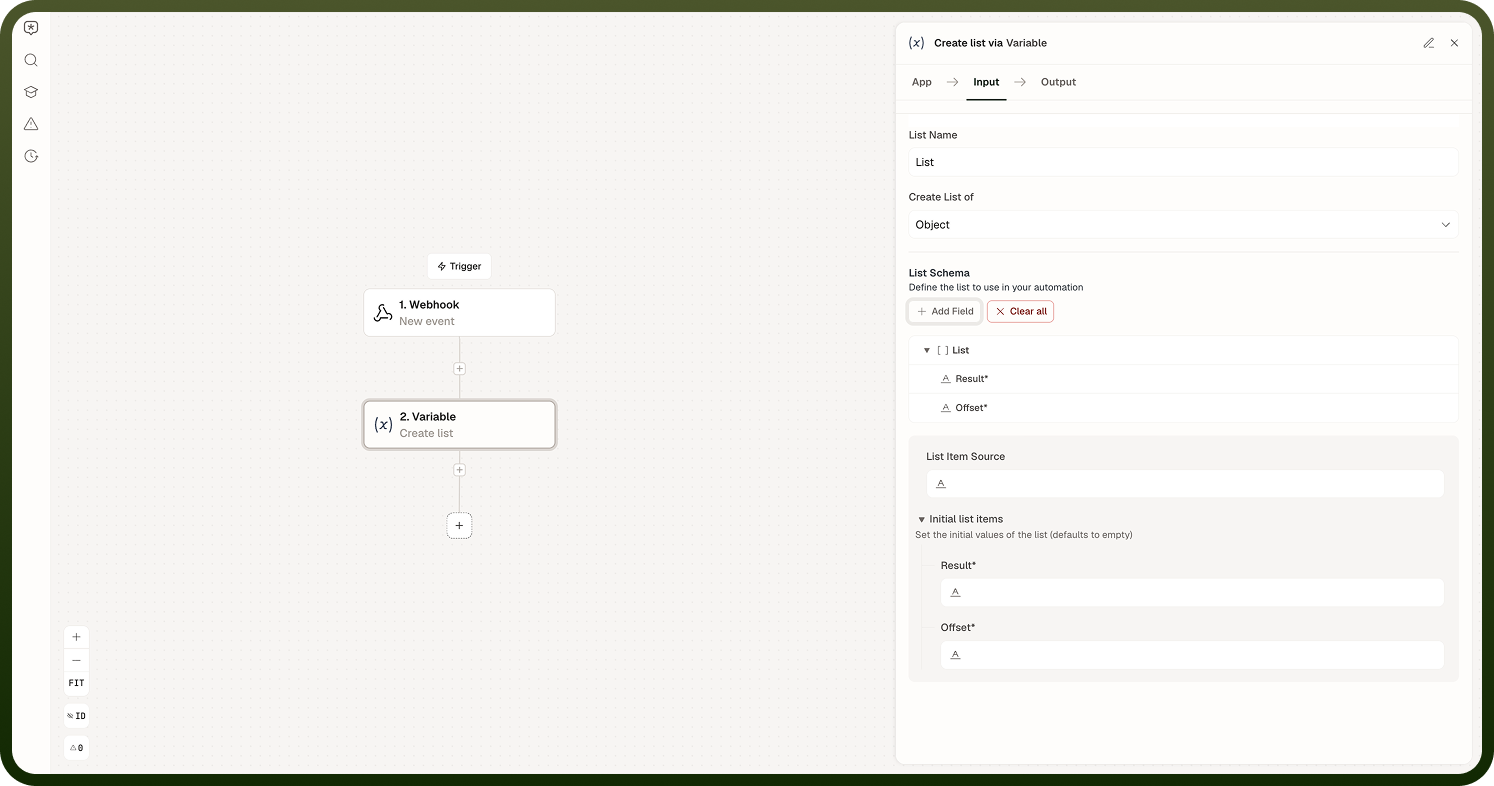
Initializes a new list variable and lets you define the schema its items must follow. Add Item to List, Add Items to List, and Modify Item at Index all require a list that was set up with this action first.
Input Fields:
Key — Unique field name for the list variable
Display Label — Name of the field
Create List of — The type of the list's items (Object, String, Number, Integer, Boolean)
List Schema — The item schema, defined field by field when the list type is Object
Initial list items — Optional starting values for the list (defaults to empty)
Exclude field in runs — Omits sensitive information from run logs
Add Item to List
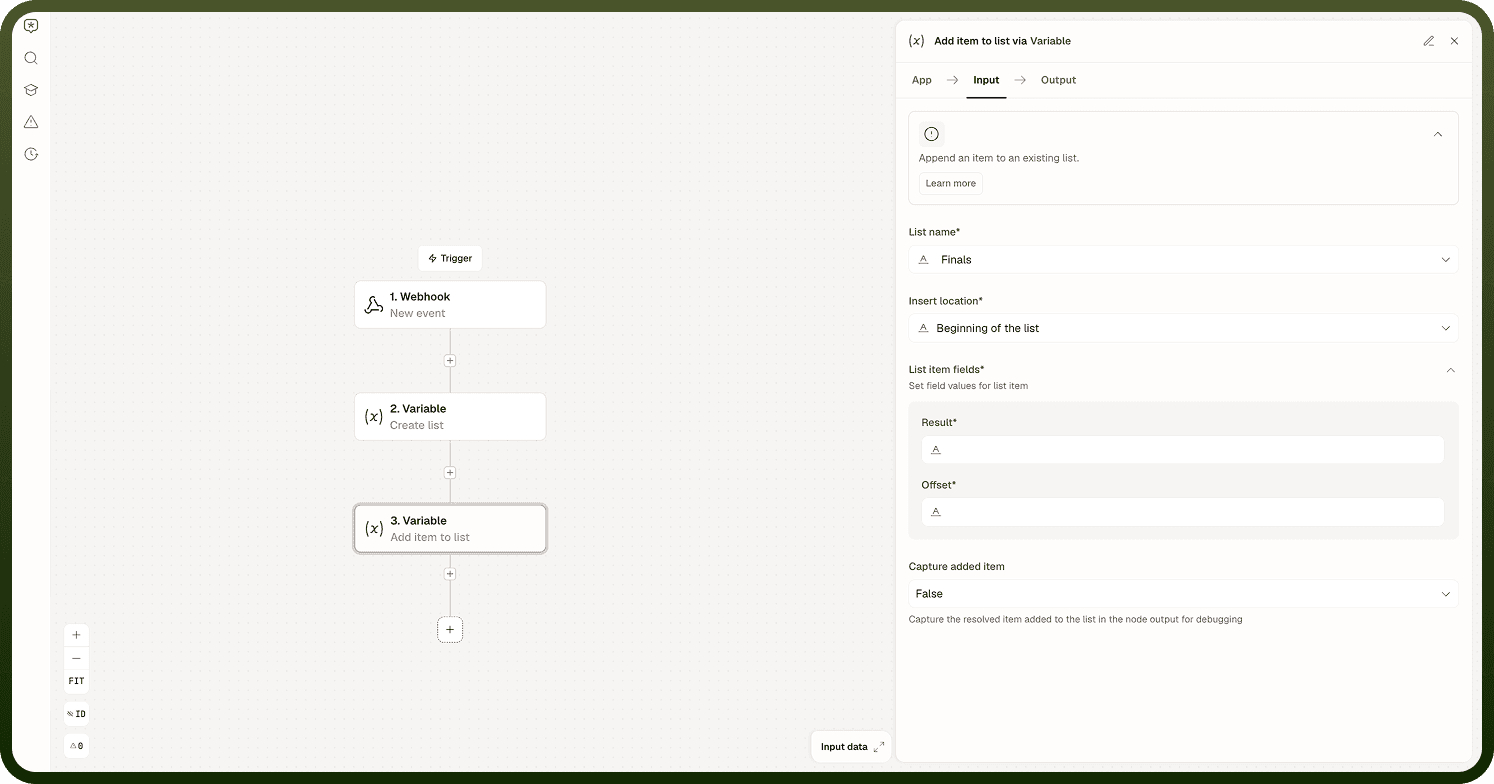
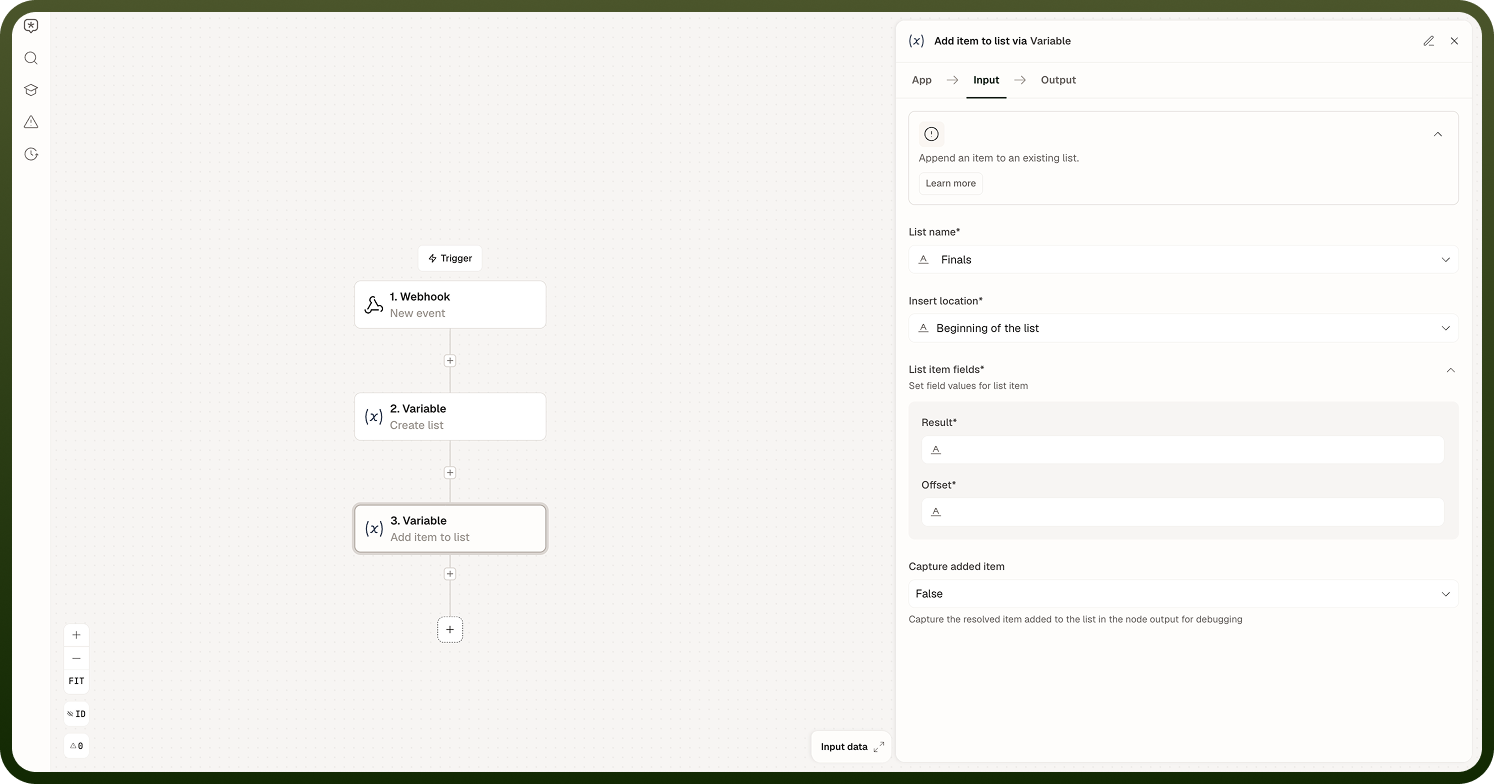
Appends or inserts an item into a list variable. Specify the variable name and the value to add. Items are added in the order the operation is called, making this the right tool for accumulating results inside a loop.
It adds multiple items to an existing list in a single step, instead of calling Add Item to List once per item. Map a source array of items and, optionally, capture the resolved items that were added for debugging.
Input Fields:
List name — The list to add items to
Insert location — Beginning of the list or End of the list
List item source — A data pill for the source array of items to add
List item fields — Field values mapped for each item being added
Capture added items — Captures the resolved list of items added, in the node output, for debugging
Modify Item at Index
Updates or removes an item in a list at a given index. There is no separate "remove" action — Modify Item at Index handles both cases through its Operation field. Choose Update item at index to overwrite the item at that position, or Remove item at index to delete it, in which case the remaining items shift down by one to fill the gap.
Input Fields:
List name — The list to modify
Operation — Update item at index or Remove item at index
Index — Zero-based position of the item to update or remove
List item fields — New values for the item at this index (shown only when Operation is Update item at index)
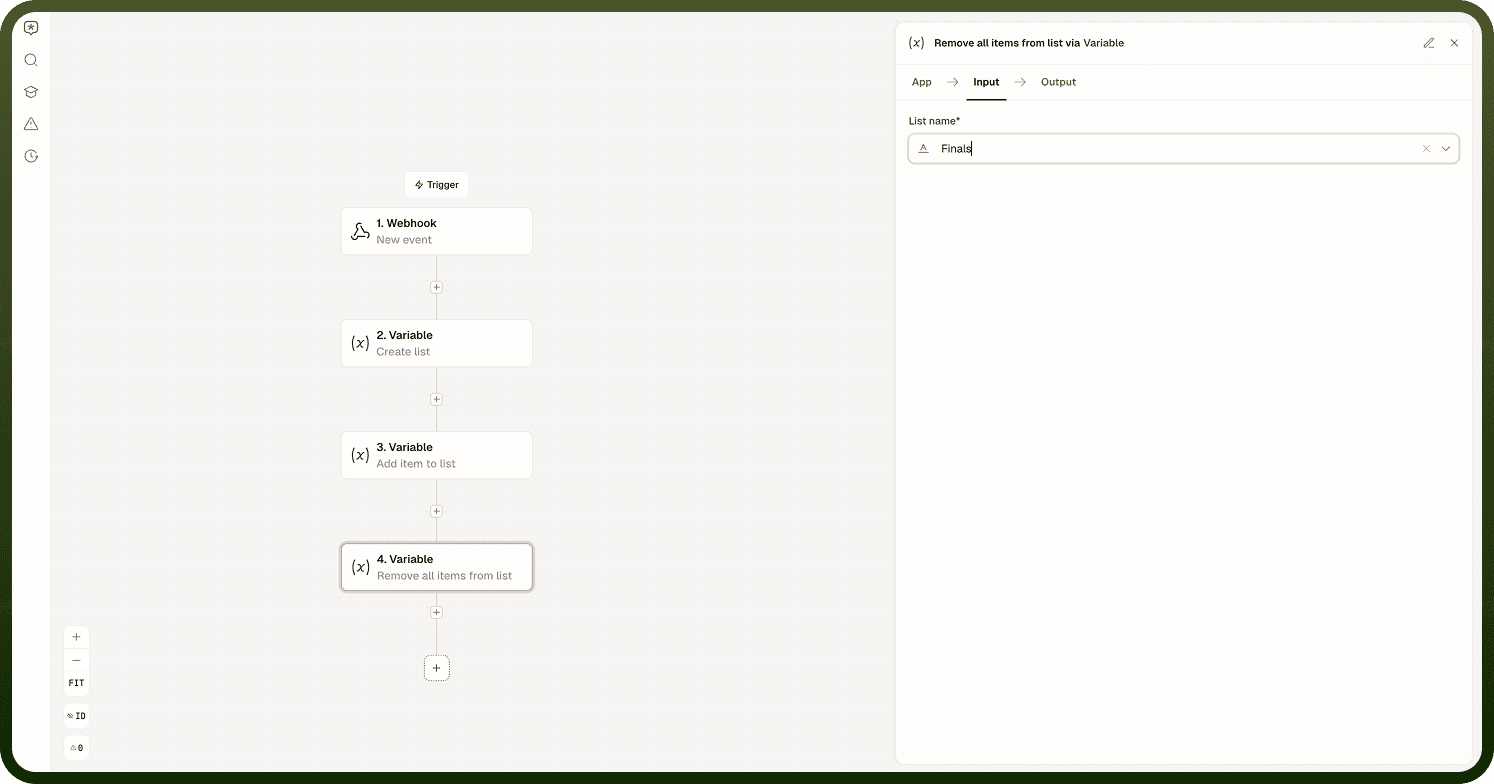
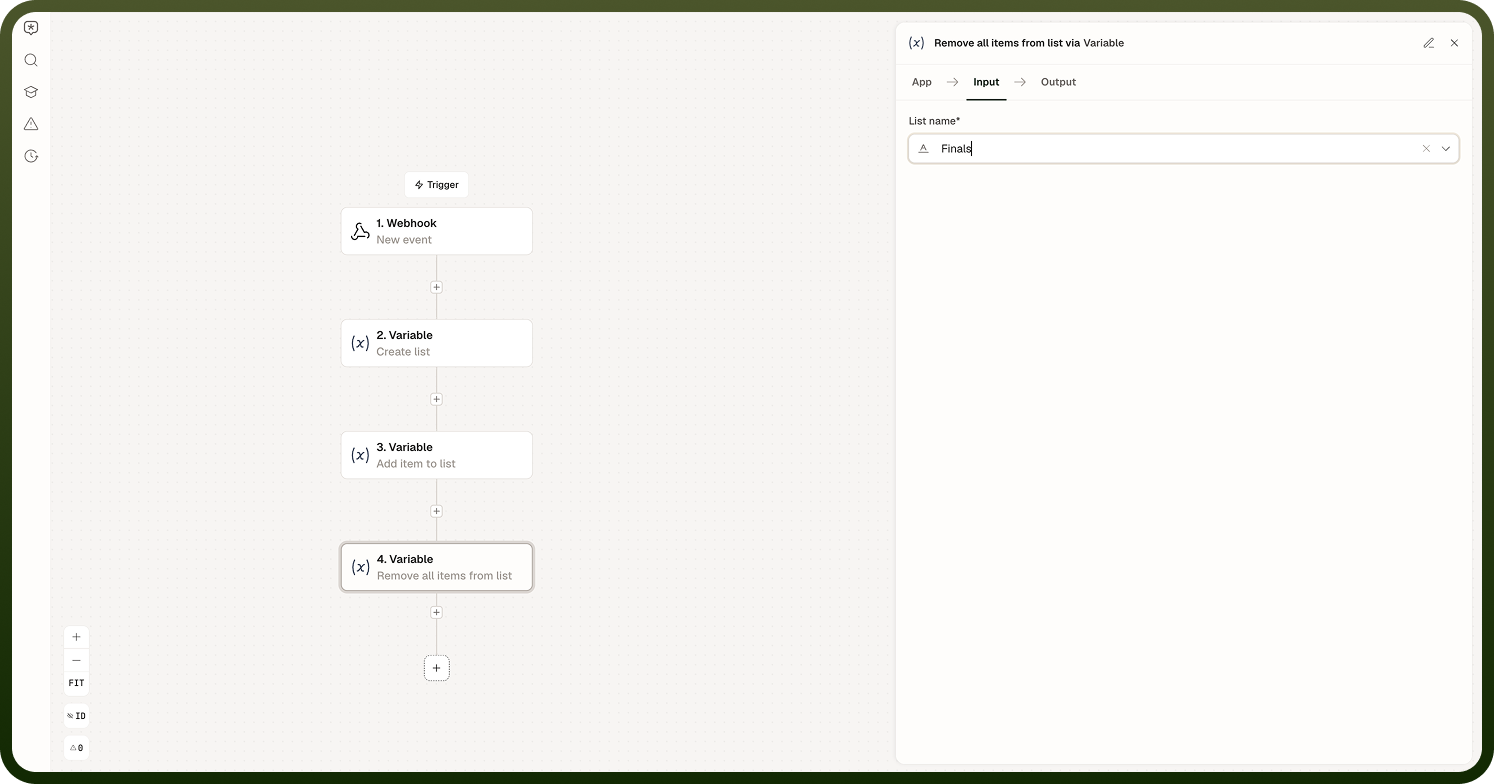
Remove All Items from List
Removes all items from an existing list, leaving the variable as an empty list. Use this before a conditional branch that should not carry forward items accumulated during a previous path through the automation.
Input Fields: List name — the list to clear.
Notes
Keep the following in mind when working with list variables.
List variables, like all session variables, live only for the duration of a single run and are not persisted across runs.
List variables persist across loop iterations within the same run — this is what makes the initialize-then-accumulate pattern reliable.
Sub-automations get their own isolated variables; a list variable in the parent is not accessible in a child sub-automation unless passed in explicitly.
There is no built-in increment for the Variable node. To bump a numeric value inside a list, read the item at its index, compute the new value, and write it back with Modify Item at Index.
If you need a list to survive between runs, write it to a Storage record instead.
For lists that grow large, confirm that the list size stays bounded across all likely inputs before deploying to production.