


Count Records returns the number of records in a UnifyApps Storage object that match a set of filter conditions, without returning the records themselves.
Overview
The Count Records action runs a count query against a Storage object and returns a single integer. You can apply the same filter conditions available in Fetch Records to scope the count to a relevant subset of data; leave filters empty to count all records in the object. Because Count Records returns no record data, it is faster and lighter than fetching rows when you only need a number — for example, to check whether any matching records exist before taking action, to build pagination logic, or to evaluate a threshold in a conditional branch.
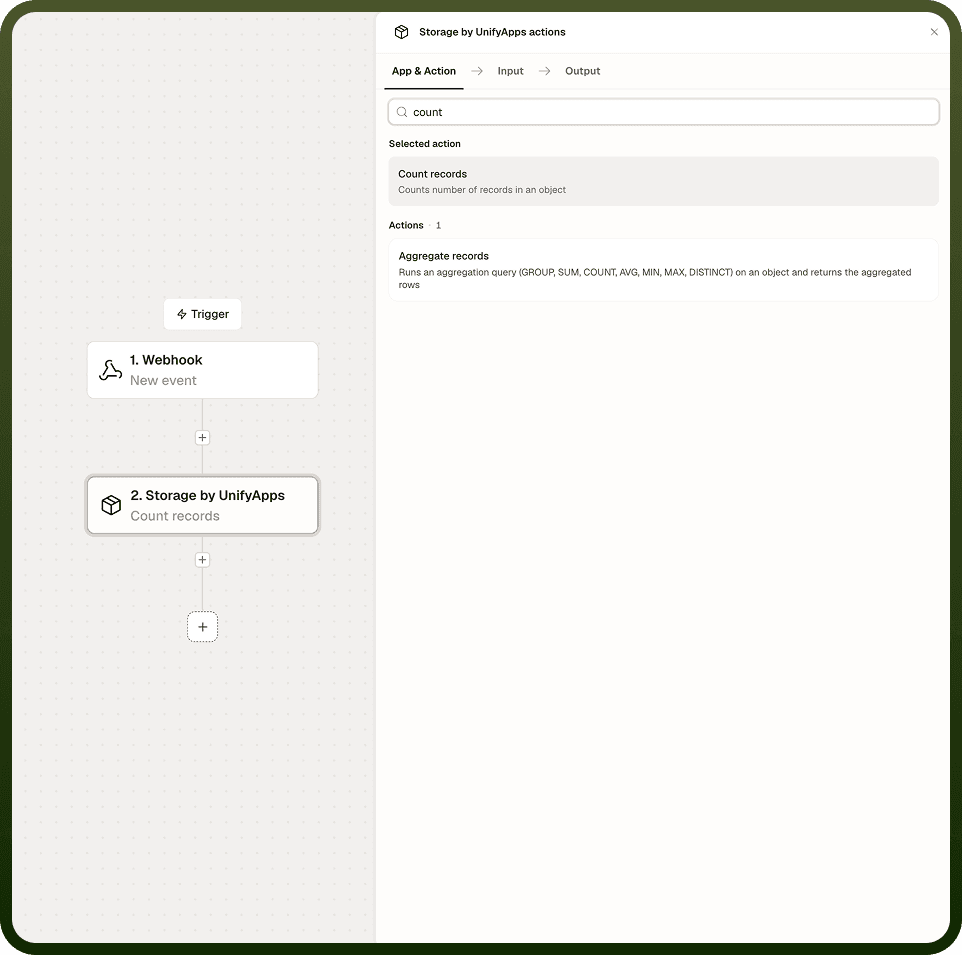
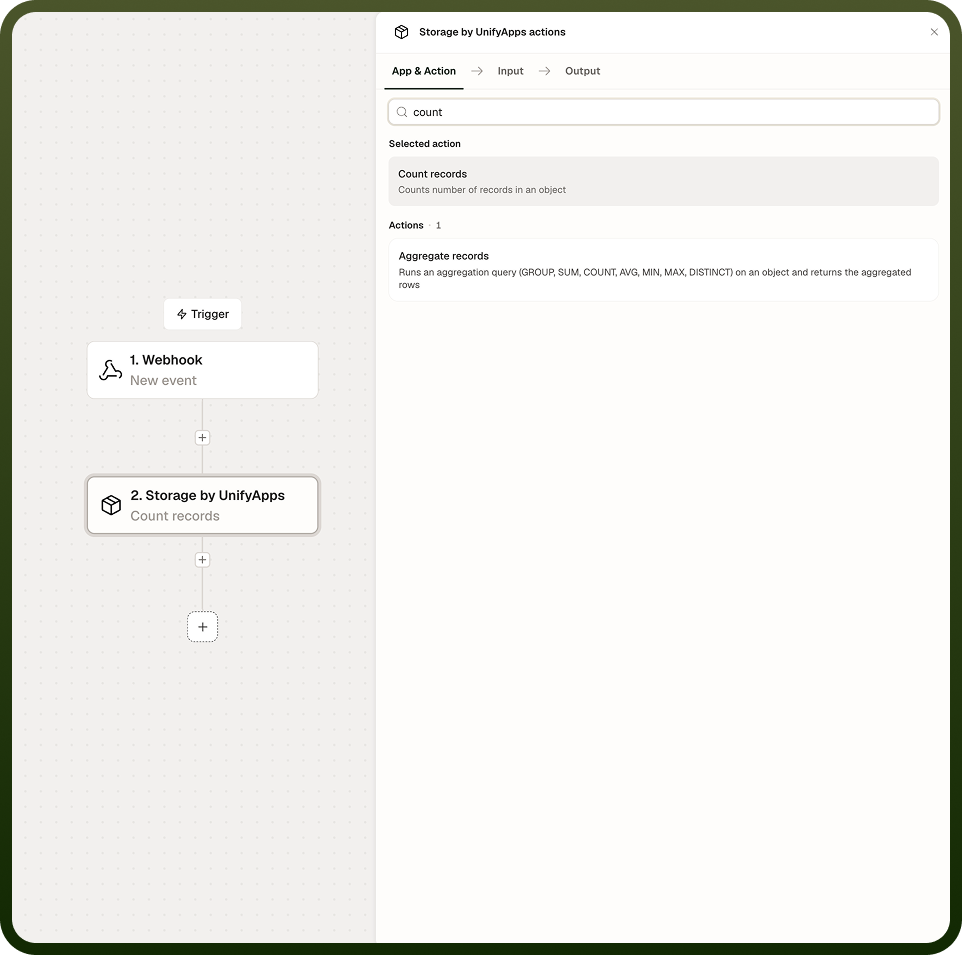
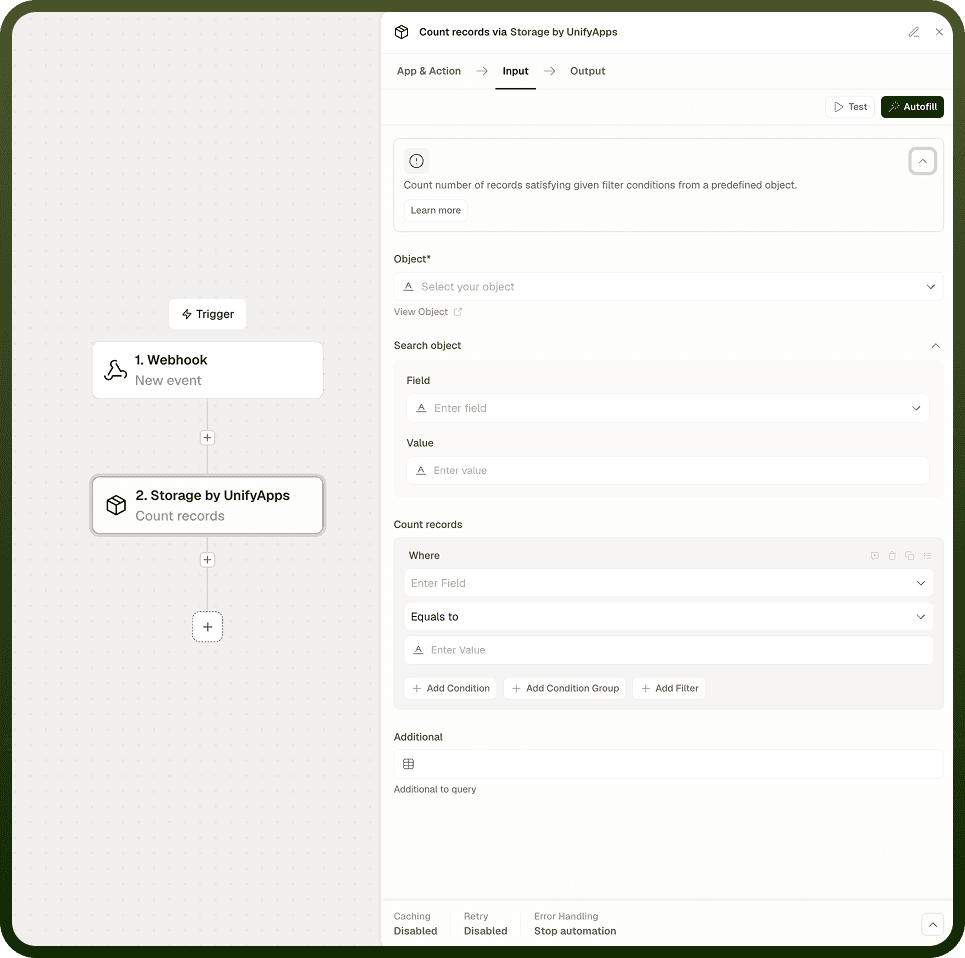
Input
Field | Description | Required |
|---|---|---|
Object | The Storage object (table) to count records in. | * |
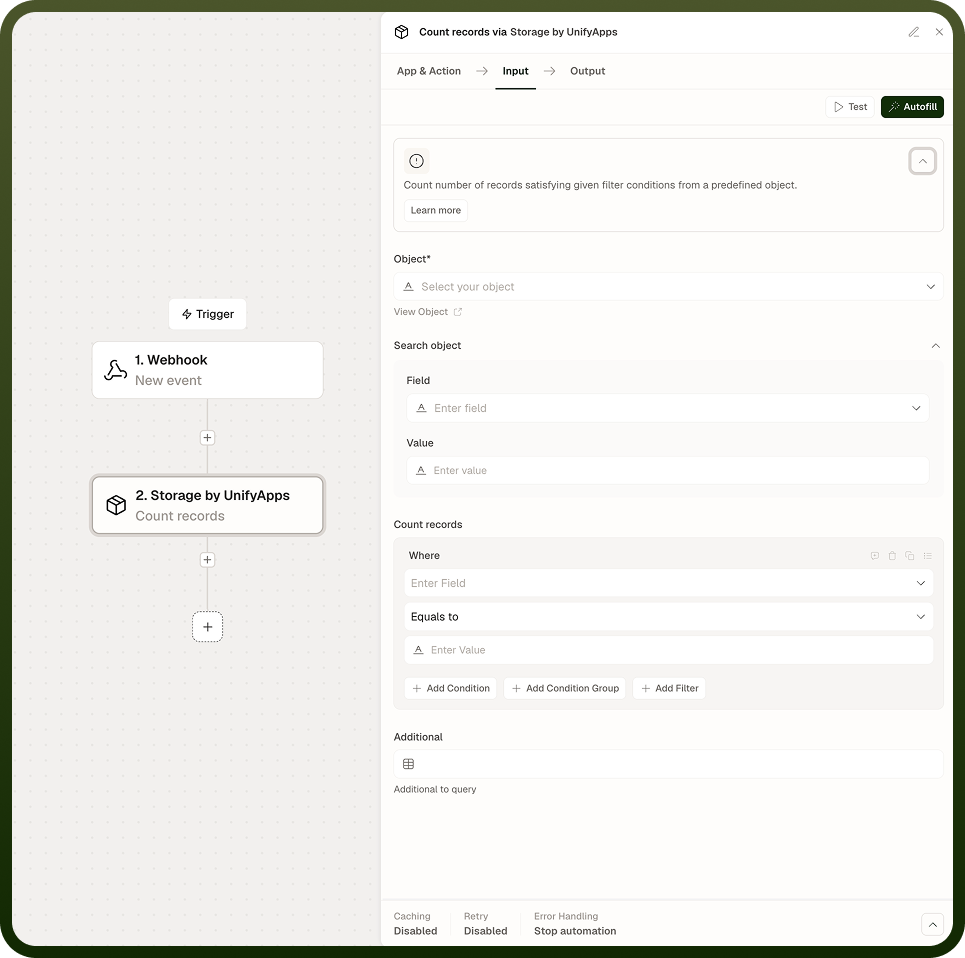
Filters | Structured filter conditions and text search to apply before counting. Leave empty to count all records in the object. |
Output
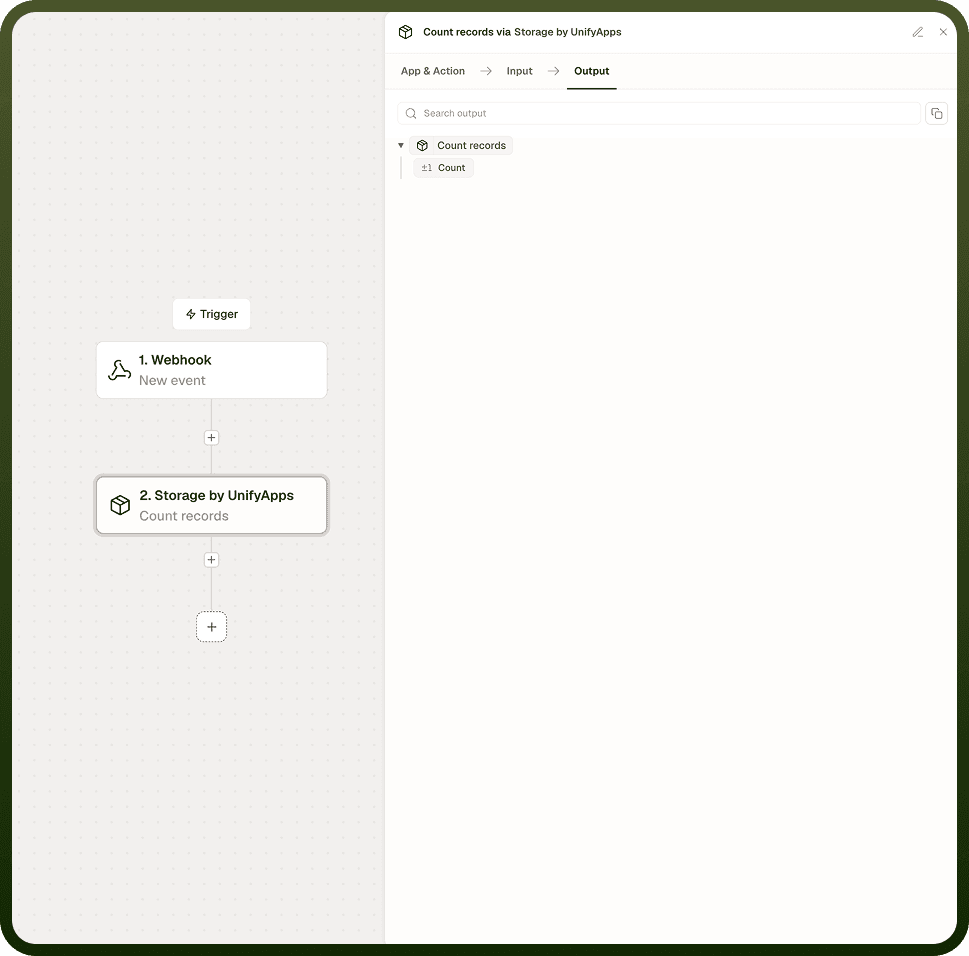
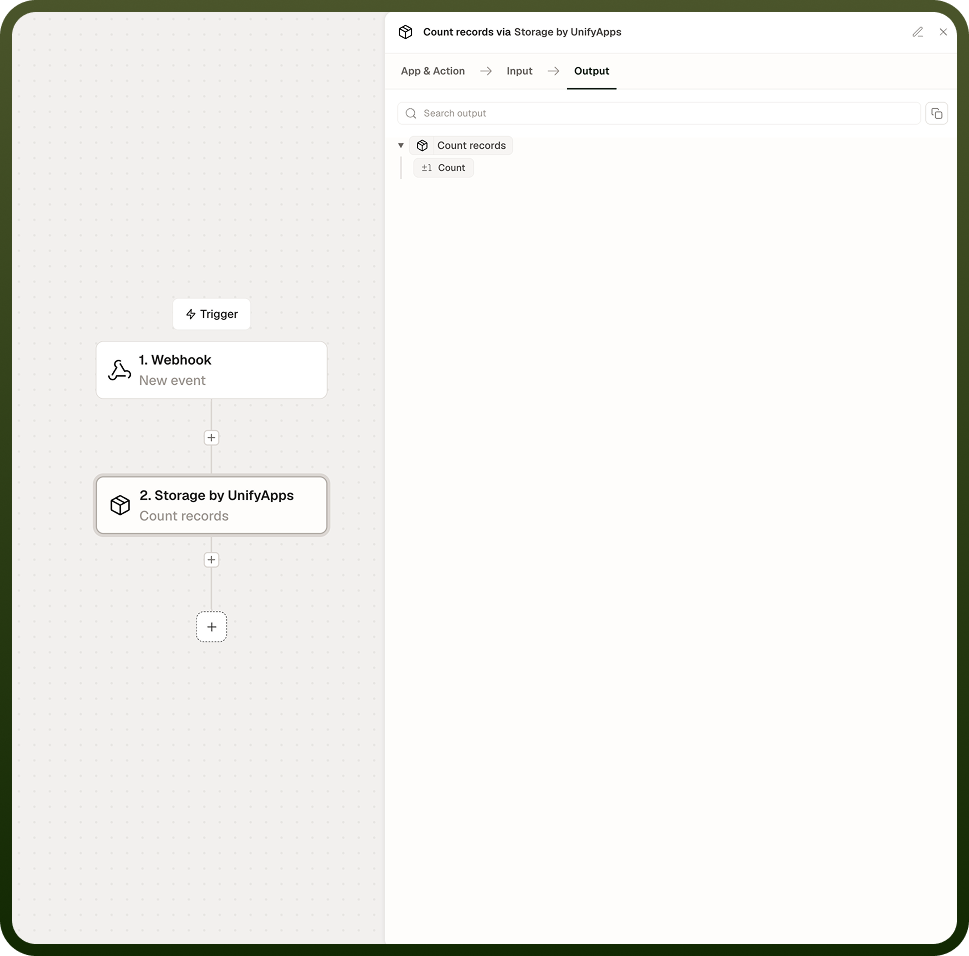
A single integer representing the number of records in the specified Storage object that match the supplied filters. If no filters are applied, the output is the total record count for the entire object.
Notes
Keep the following in mind when using Count Records.
Count Records supports the same filter logic available in Fetch Records — structured conditions and text search both apply.
An empty filter returns the total number of records in the object, with no conditions applied.
The output is a single integer; use it in a conditional branch, a loop boundary check, or a pagination calculation in a downstream step.
Count Records returns no record data; use Fetch Records when you need the actual rows in addition to a count.
Use the Include total count option in Fetch Records instead when you need both records and a count returned together in one step.
For large objects, Count Records is significantly more efficient than fetching rows just to measure the list length — it transfers only an integer and does not move record data through the automation.