


The Auth node's session operations create, clone, and delete user sessions. Sessions are server-side and opaque — they are not tokens you decode locally — and they expire automatically. Plan your authentication flows with re-authentication in mind.
Overview
A session is an opaque session identifier backed by server-side state with an expiry. Because the state is server-side, you cannot inspect a session's contents locally — the platform manages what it holds. A standard user session defaults to one hour and is configurable at creation time. Three session types exist: a regular user session for authenticated users, an external session that bridges a login from an outside identity provider, and a multipurpose session — a short-lived session used internally by reset and MFA flows. Sessions expire on their own; do not assume a session will last indefinitely.
Create Session
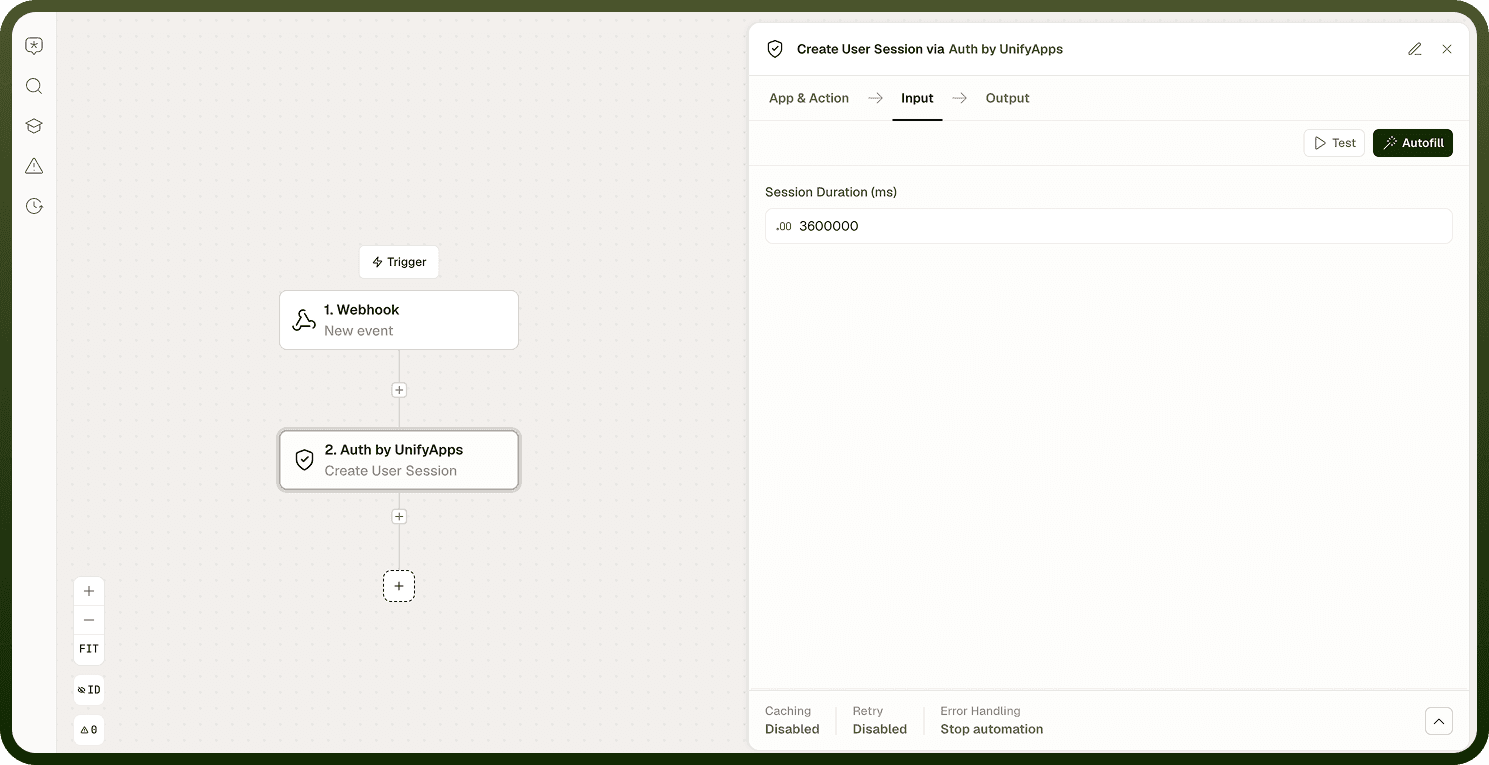
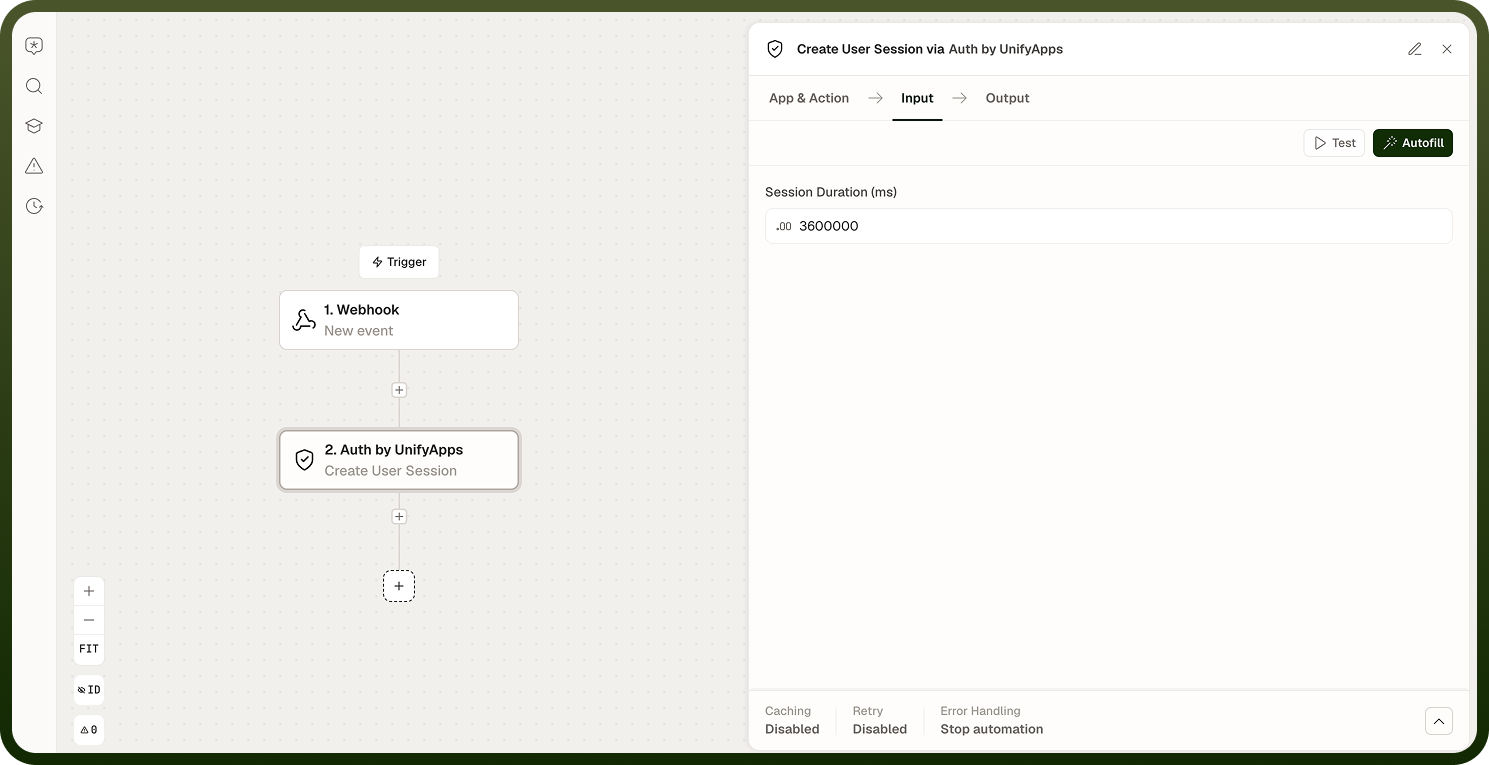
Creates a new user session. Specify the duration; the default is one hour if no duration is provided. The operation returns the session identifier, which downstream steps use to identify the authenticated user.
Clone Session
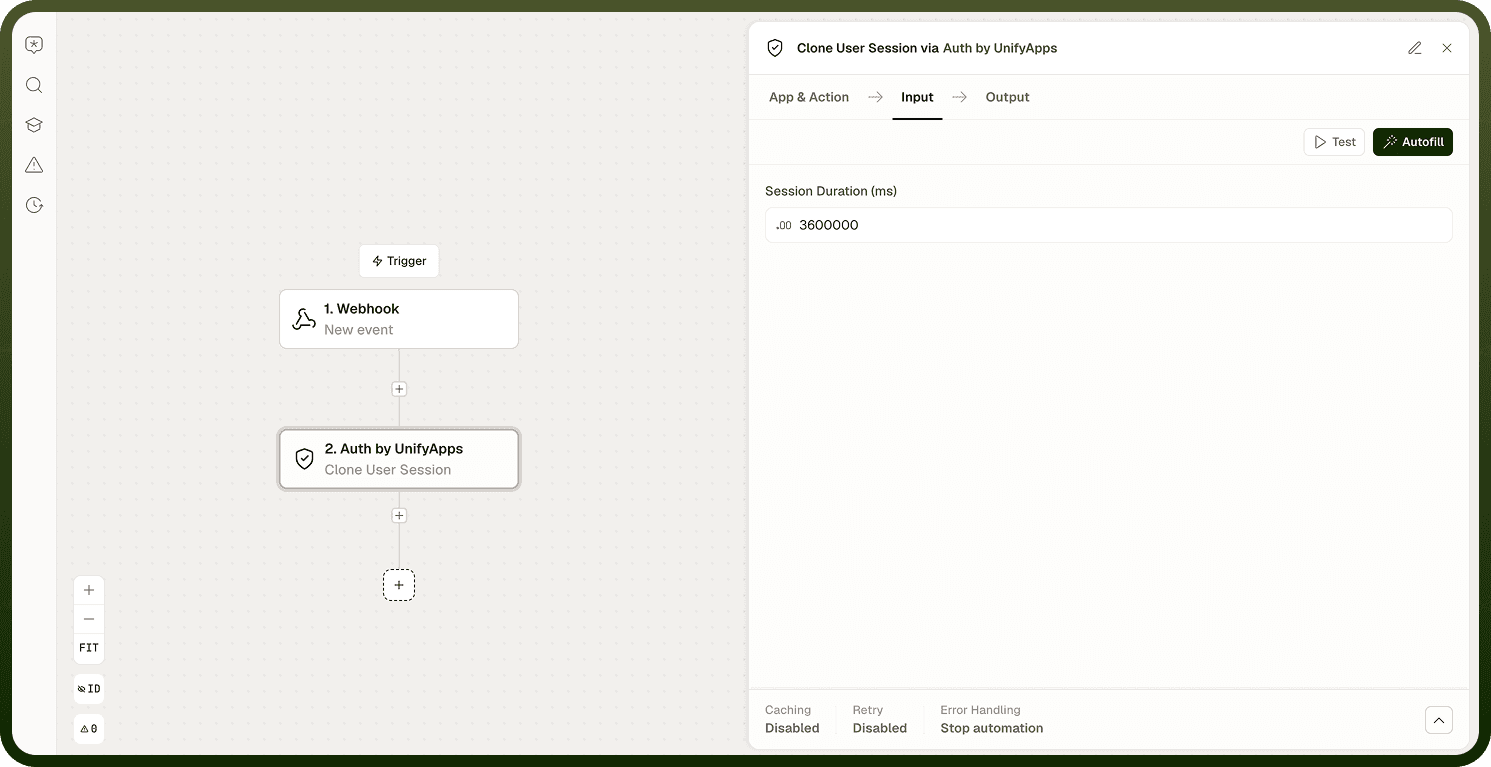
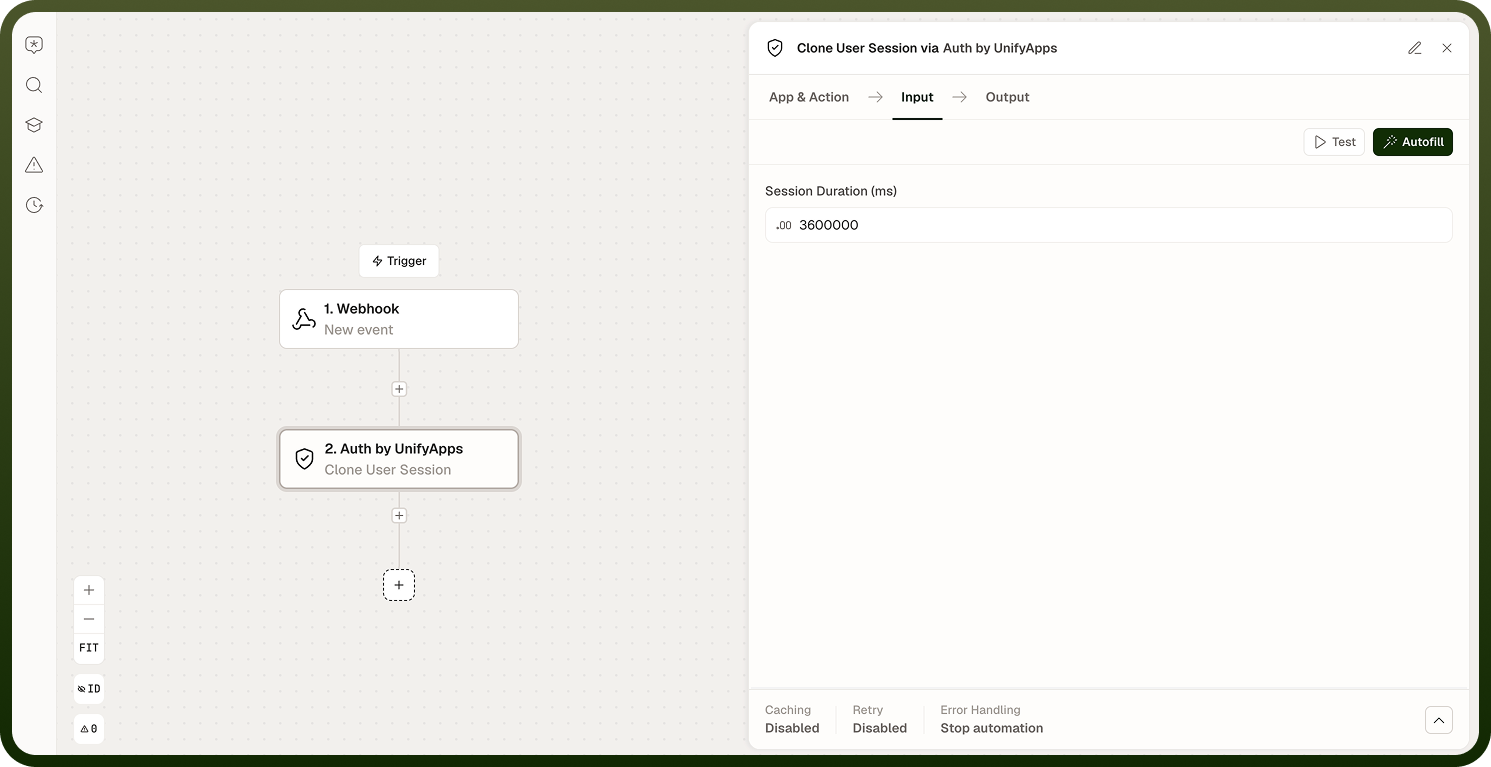
Copies the attributes of an existing session into a new session. The original session is not affected and continues to be valid. Use Clone to create a derived session — for example, a narrower-scope session based on an existing one — without ending the source.
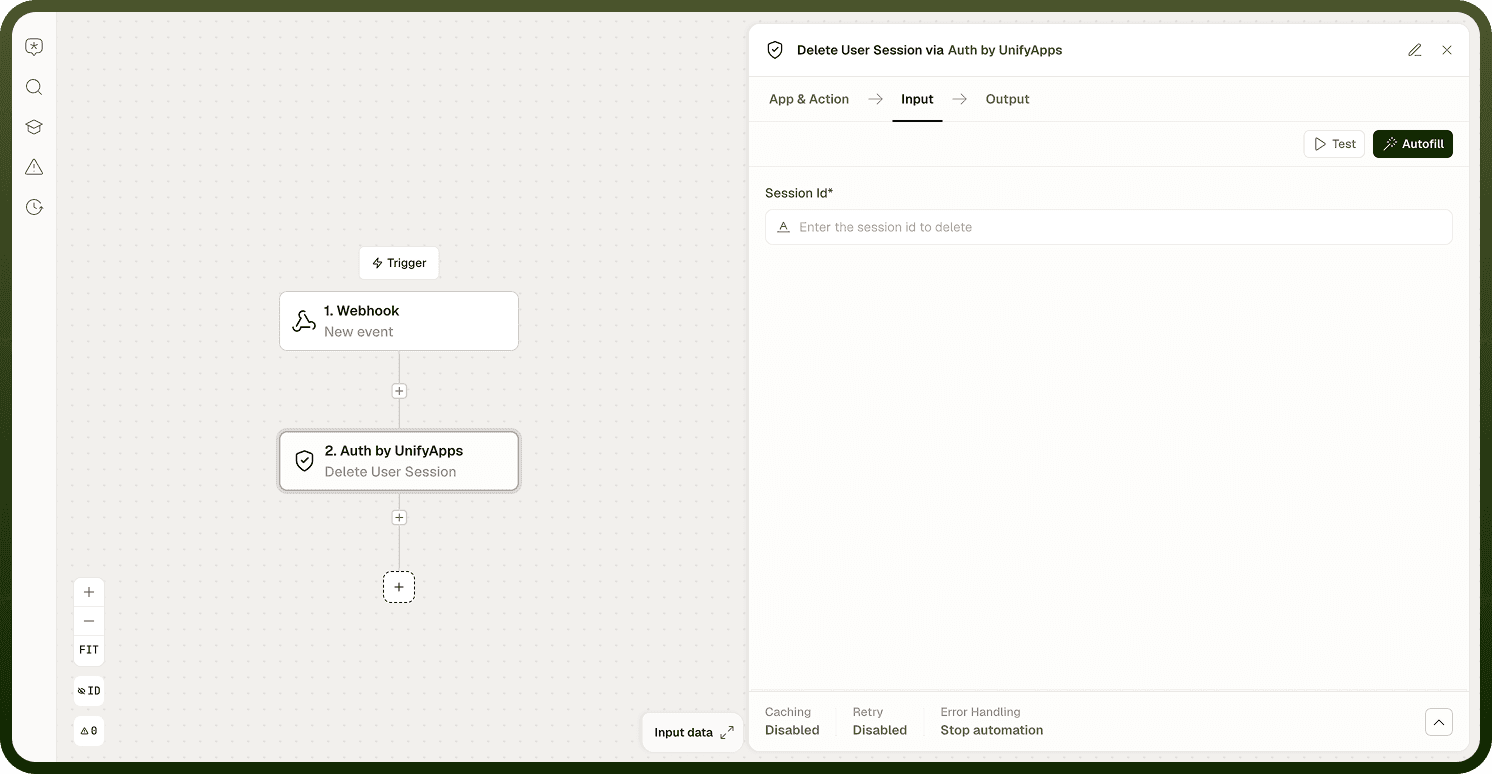
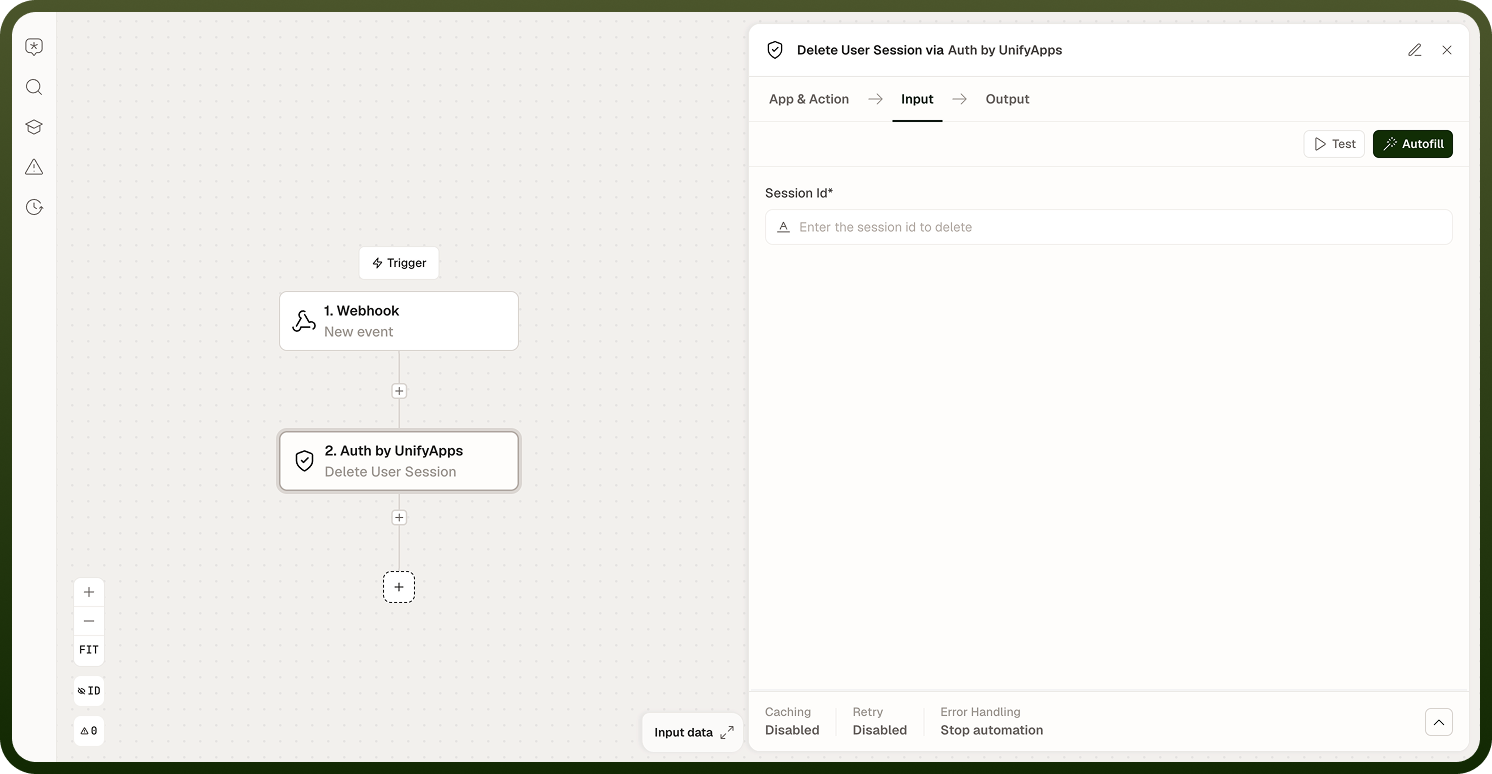
Delete Session
Ends the session immediately, logging the user out. The session identifier becomes invalid. Use Delete for explicit logout flows rather than relying on TTL expiry for security-sensitive transitions.
Session Types
The Auth node works with three distinct session kinds:
User session — the standard session for an authenticated user. Defaults to one hour; configurable at creation.
External session — bridges a login from an outside identity provider into a platform session. The user authenticated elsewhere; this session type translates that into a recognized platform identity.
Multipurpose session — a short-lived session used internally by the Auth node's reset and MFA flows. You typically encounter this type in password-reset and MFA automations rather than creating it directly.
Notes
Keep the following in mind when working with Auth sessions.
Sessions are opaque identifiers backed by server-side state — they are not self-contained tokens you can decode client-side.
The default user session lasts one hour; configure the TTL at creation time to match your security policy.
Sessions expire automatically; design flows to handle re-authentication rather than assuming a session lasts indefinitely.
Clone Session creates a new session with the source's attributes; it does not extend the original session's lifetime.
Deleting a provider does not automatically invalidate sessions previously issued under it — delete sessions explicitly if needed when removing a provider.
When building logout flows, always delete the session explicitly rather than relying on TTL expiry alone — this is especially important for security-sensitive flows such as post-reset or post-MFA transitions.