


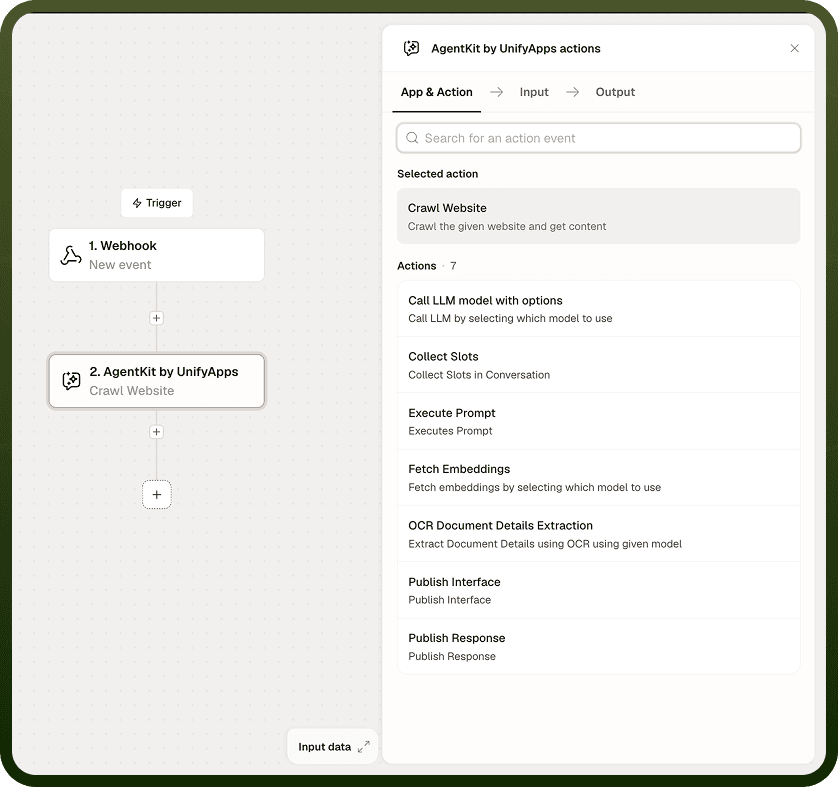
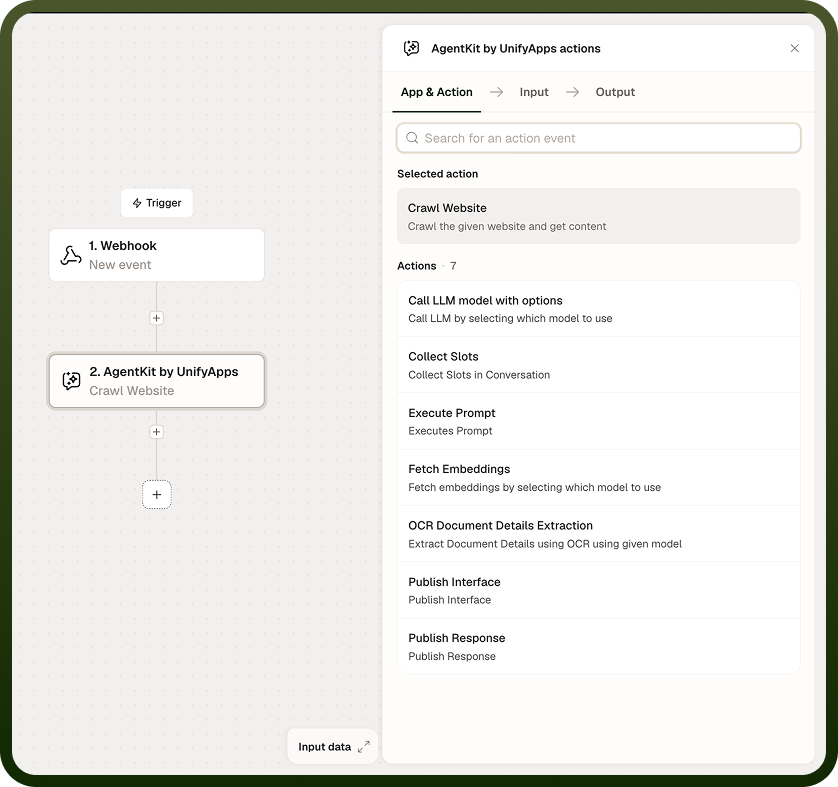
Crawl Website fetches and parses the content of a web page for use in downstream automation steps. Supply a URL and the node returns the page's text content, which you can pass directly to a language model or embed for semantic search using Fetch Embeddings.
Overview
Crawl Website is a retrieval step: it reaches out to a URL and brings back the page's readable content. It fits naturally at the start of a retrieval-augmented pipeline — crawl a page, embed the content with Fetch Embeddings, then search or summarize it with an LLM call. The content returned reflects what is publicly accessible at the URL at run time; pages that require authentication or block automated access will not yield usable content.
Input
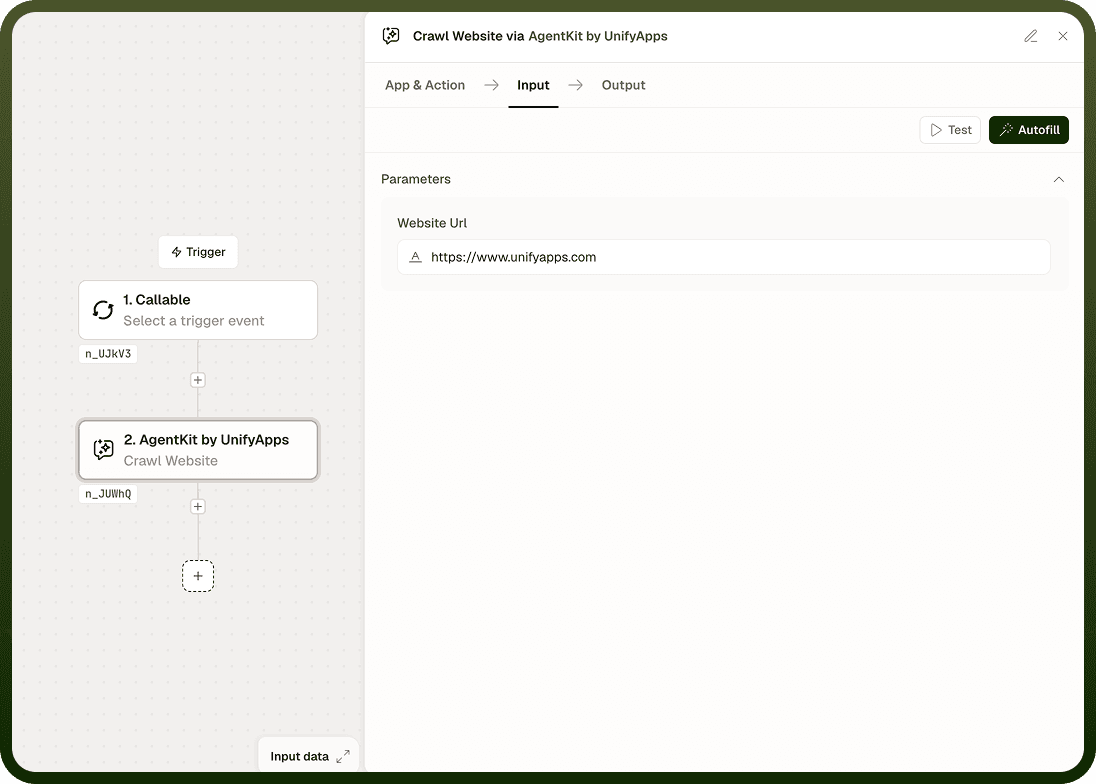
Field | Description | Required* |
|---|---|---|
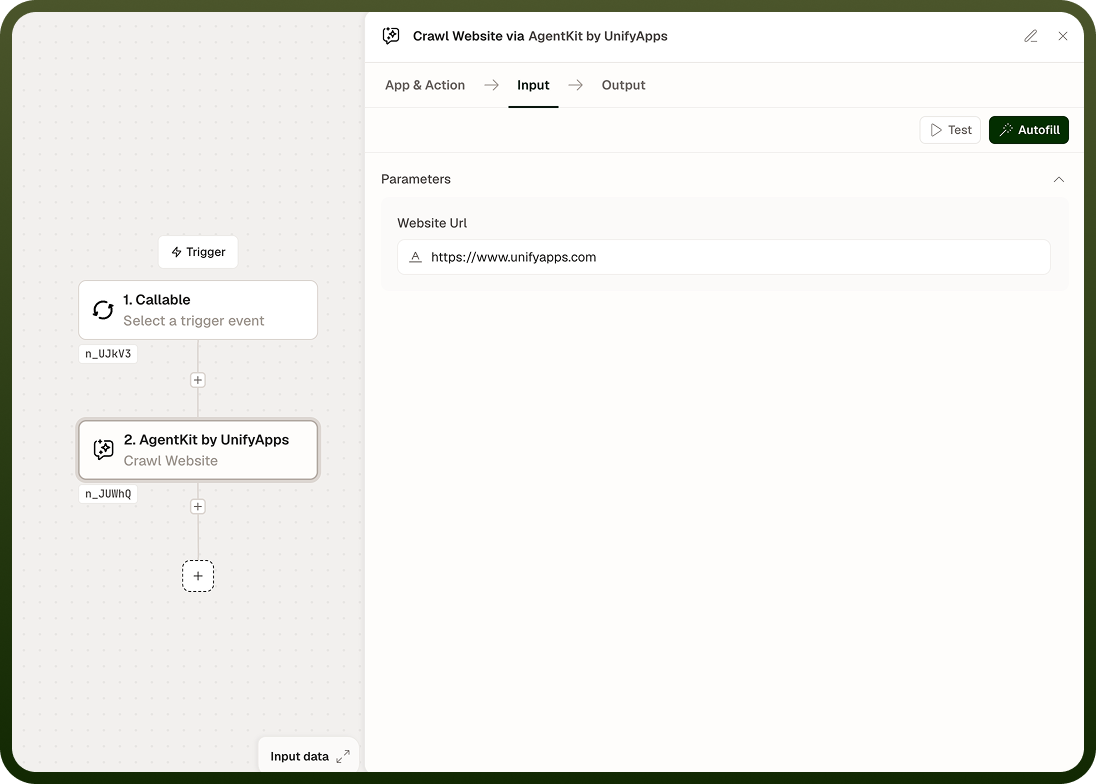
URL | The web address of the page to crawl. Must be a publicly accessible URL. Accepts dynamic values from prior steps. | Yes |
Output
The node returns one value:
Content — the fetched and parsed text content of the page. Navigation menus, footers, and other boilerplate may be included depending on the page's structure.
Notes
Content quality depends on the structure and accessibility of the target page. Well-structured pages with clear article content return cleaner text; heavily JavaScript-rendered or layout-heavy pages may return less useful content.
Some sites block automated crawling via robots.txt rules or rate limiting. Verify that the target site permits programmatic access before building automations that rely on it.
Pages behind authentication (login walls, paywalls) will not return useful content — only publicly accessible pages are supported.
For a retrieval pipeline, combine Crawl Website with Fetch Embeddings (to vectorize the content) and a Call LLM Model with Options node (to query or summarize it).
The URL can be dynamic — supply it from a prior step if the target page varies per run.