


The Java Archive node resolves Java dependencies and exports both the resolved JARs and a generated POM file from within an automation. Use it when a workflow needs to produce an artifact bundle — the JARs plus their dependency manifest — for handoff to a build system, a registry, or an artifact store.
Overview
The Java Archive node resolves the full dependency tree for a set of declared coordinates and packages the result as a downloadable archive. Unlike the Maven node (which focuses on downloading JARs for immediate use), Java Archive is oriented toward producing a distributable artifact with its POM for downstream consumption.
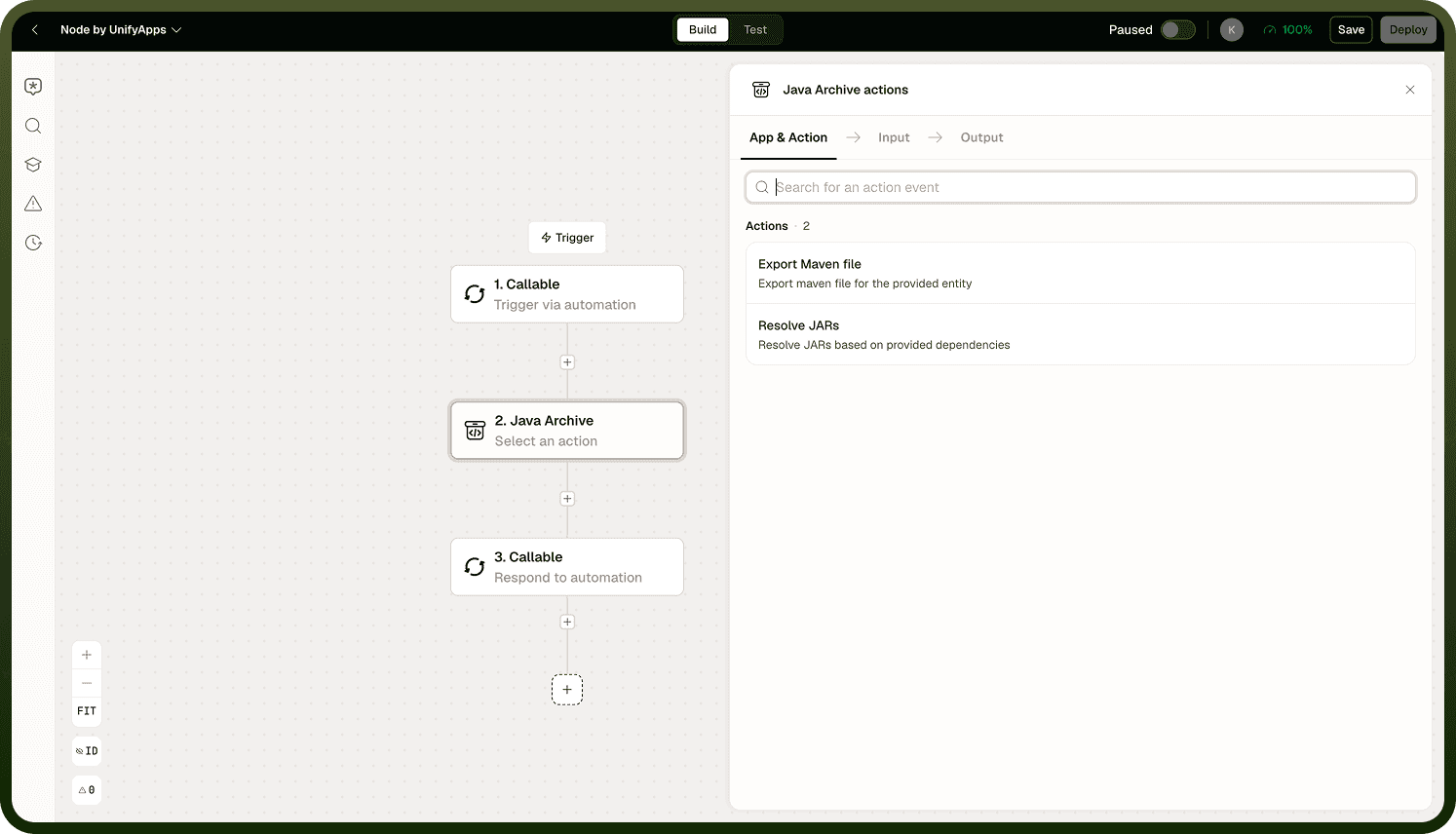
Download Link
The node produces a time-limited download link for the resolved archive. This link is valid for approximately 30 minutes after the node runs. If the automation is slow to complete subsequent steps, download the archive promptly or pass the link to a Storage node to persist it before the link expires.
Note: The download link does not auto-renew. If you need the archive available beyond the 30-minute window, store it explicitly in a file storage destination as part of the automation.
Versioning
The node does not automatically increment the version of the artifacts it resolves. You control the version by specifying it in the dependency coordinates. If your workflow requires version bumping as part of a release process, manage that in a preceding step (for example, reading and incrementing a version number from a file or variable) and pass the result into this node.
Output
The node returns the time-limited download URL for the resolved archive and the generated POM file contents. Pass the URL to a downstream HTTP or notification step, or use a Storage node to write the archive to a persistent location.
Notes
Keep these constraints in mind when using the Java Archive node:
Download or persist the archive within the 30-minute window — the link expires regardless of whether it has been used.
The node does not increment versions automatically — manage version numbers upstream before invoking this node.
Use the Maven node instead if you only need the JARs for immediate in-automation use (e.g., passing to a Code node classpath) without producing a distributable POM bundle.
Specify exact coordinates (group ID, artifact ID, version) — the node resolves whatever you declare, so a typo produces a failed resolution, not a warning.
Managing the download window and version numbers upstream keeps the node's behavior deterministic across automation runs.