


The RTSP Inference node performs real-time object detection on a live video stream delivered over RTSP (Real Time Streaming Protocol). Use it in automations that need to monitor camera feeds — security cameras, factory floor cameras, or any RTSP-capable source — and detect objects or events in the video as they happen.
Overview
The node connects to an RTSP stream, runs an object detection model against the incoming frames for a specified duration, and buffers the detection results. You then fetch the results from the buffer, which clears it on each fetch. When monitoring is complete, stop the session to release resources.
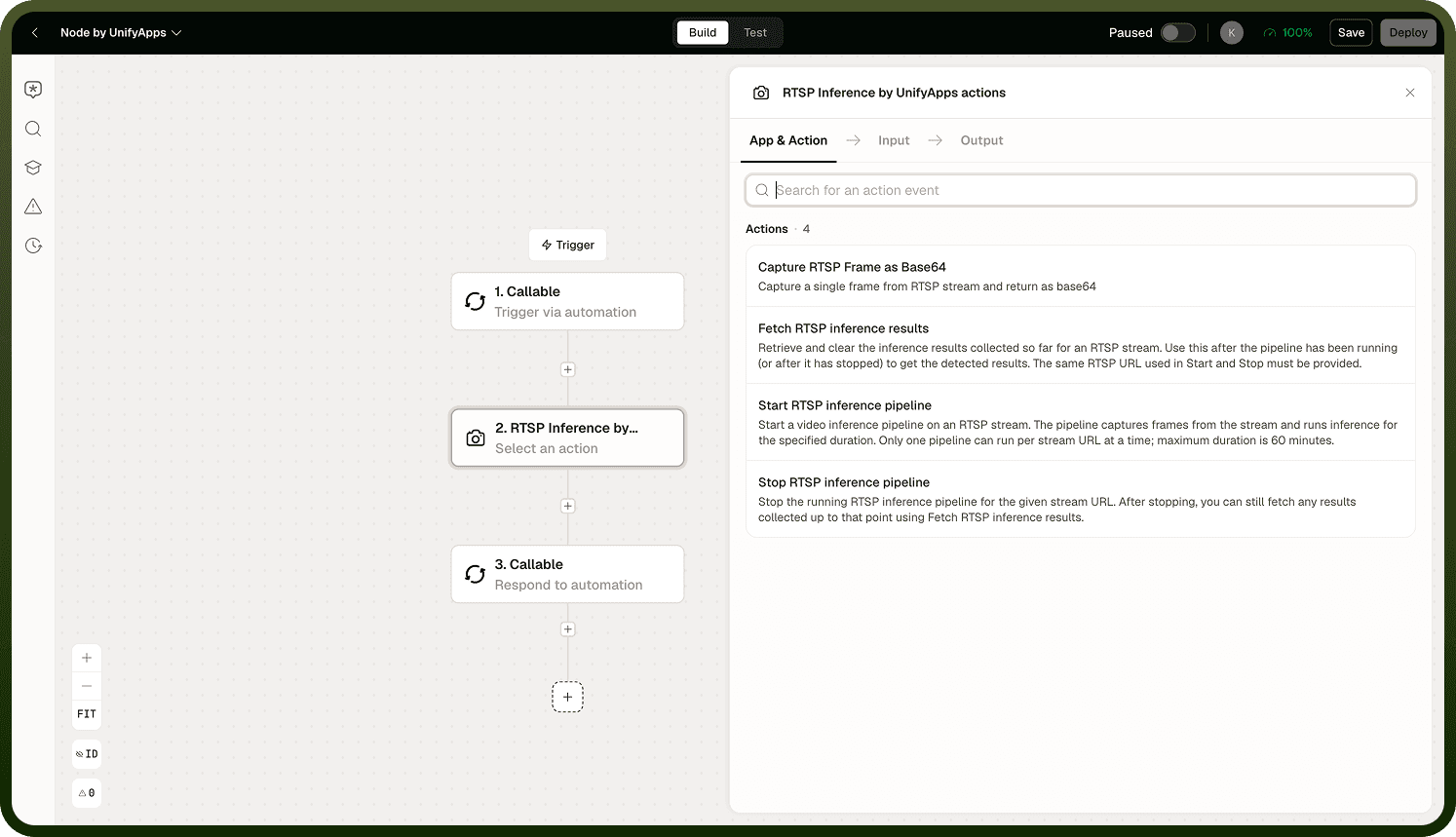
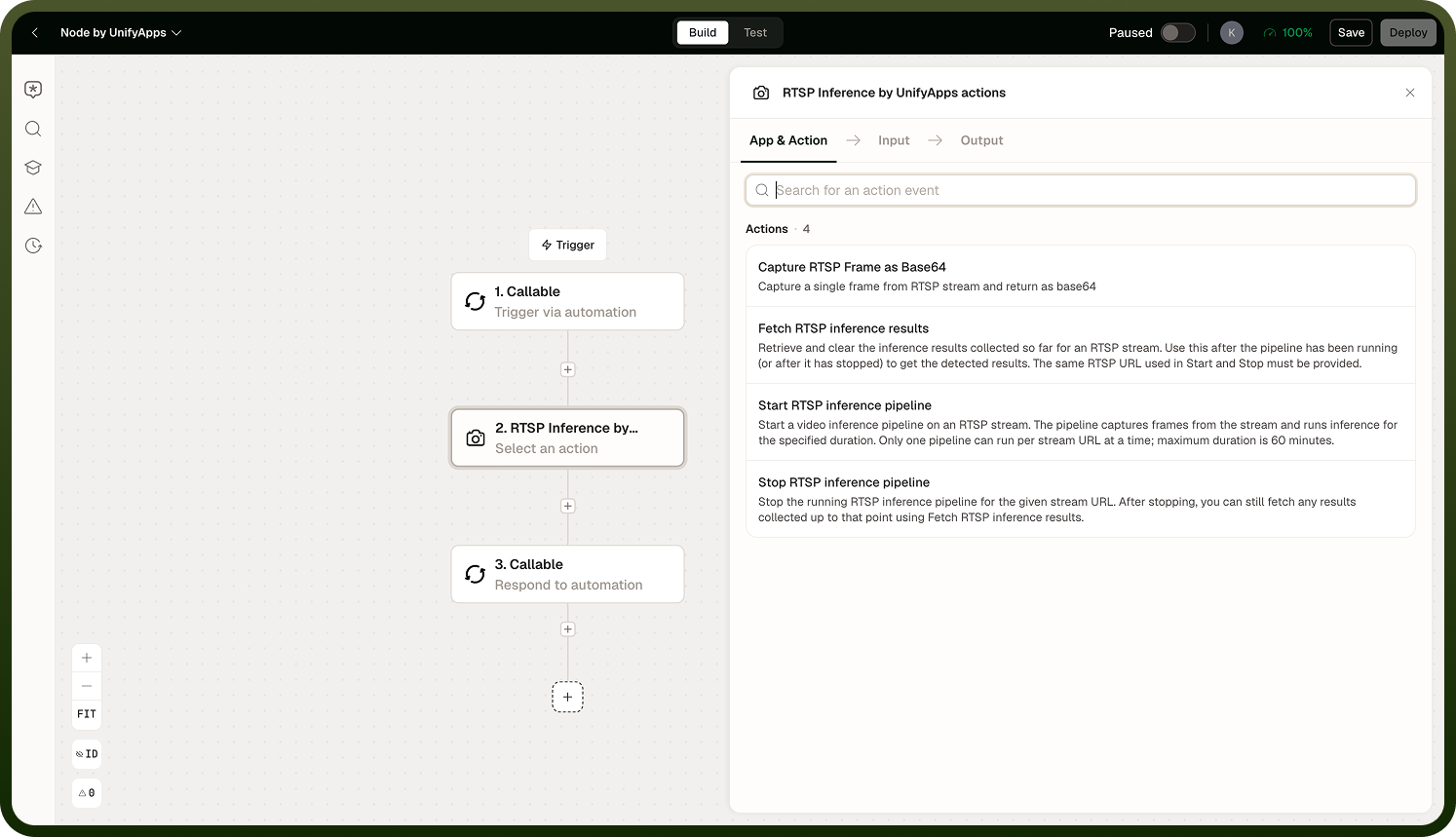
Starting a Session
Start inference by providing:
Stream URL — the RTSP URL of the camera or stream source.
Duration — how long to run inference on the stream. A maximum duration cap applies; the session will not run beyond this limit regardless of the value you provide.
Region of Interest (ROI) — an optional polygon defining the area of the frame to analyse. Objects detected outside the polygon are ignored. Useful for focusing detection on a specific zone (an entrance, a conveyor belt section) and reducing noise from irrelevant motion.
Model — the object detection model to use for inference.
The start operation is asynchronous — the automation continues while inference runs in the background. Use subsequent steps to wait, fetch results, or take action based on detections.
Fetching Results
Use the Fetch Results operation to retrieve the detections accumulated since the last fetch. Each fetch call clears the buffer — results are not cumulative across fetches. If you need to retain all detections, store the fetched results in a Variable or a Storage node before fetching again.
Stopping the Session
Call Stop when monitoring is complete. This terminates the connection to the stream and releases the inference session. One session per stream URL is allowed at a time — starting a new session on the same URL while one is active will fail or replace the existing session.
Note: Always call Stop when you are done — leaving sessions open wastes resources and may prevent new sessions on the same URL from starting.
Notes
Keep the following in mind when using the RTSP Inference node:
Only one active inference session per stream URL is permitted at a time.
Fetch results clear the buffer — store results immediately if you need to preserve them across multiple fetches.
The maximum session duration is capped by the platform — design your automation to stay within this limit.
Inference runs asynchronously; use a Loop or a wait step between fetch calls if you need to poll over time.
Always call Stop when monitoring is complete to free the session and allow new inference sessions to start on the same stream URL.