


The Date & Time operations in the Utility node compute differences between dates, convert between human-readable dates and Unix epoch timestamps, and handle blank date inputs automatically. All operations work in UTC.
Overview
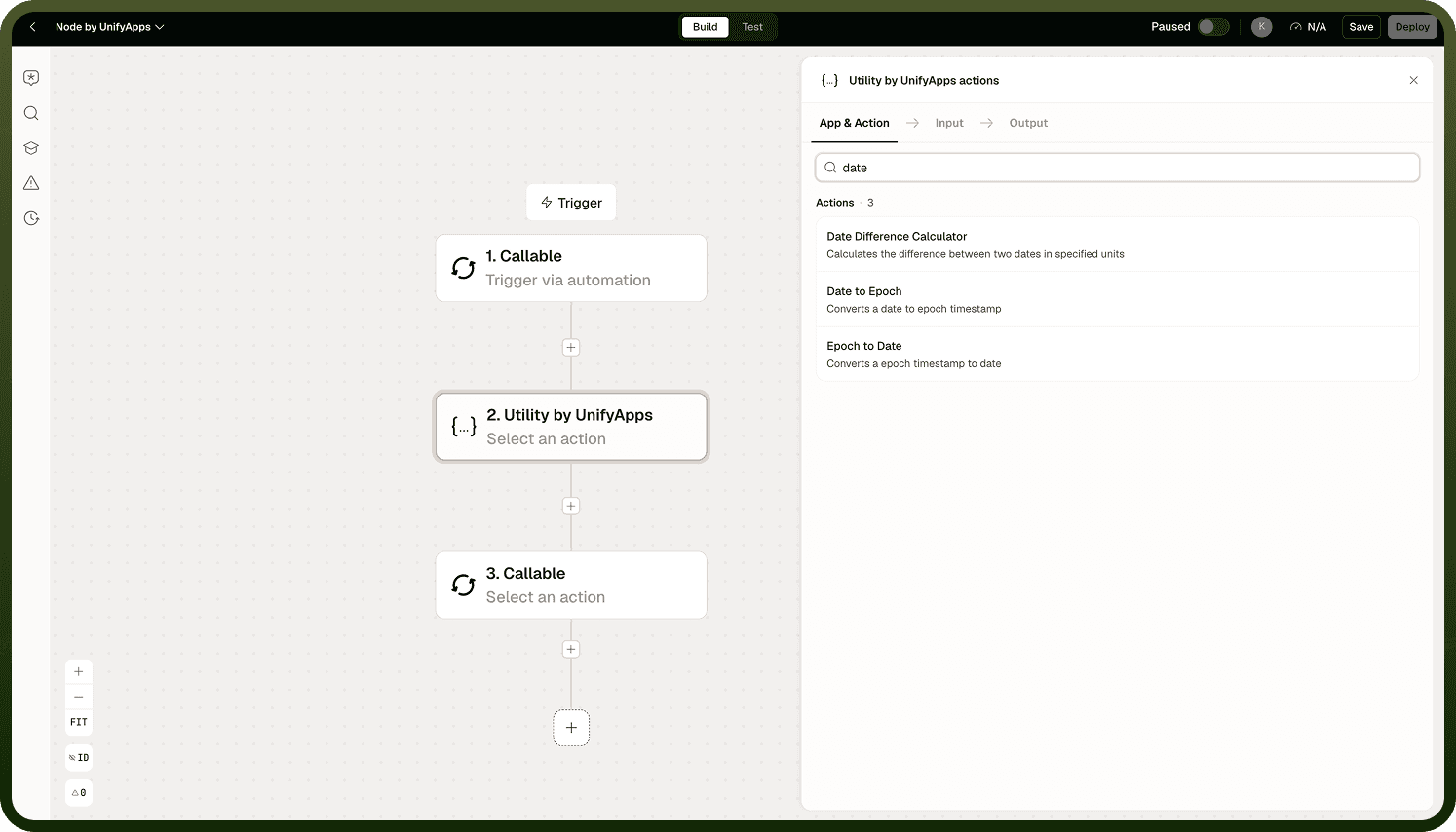
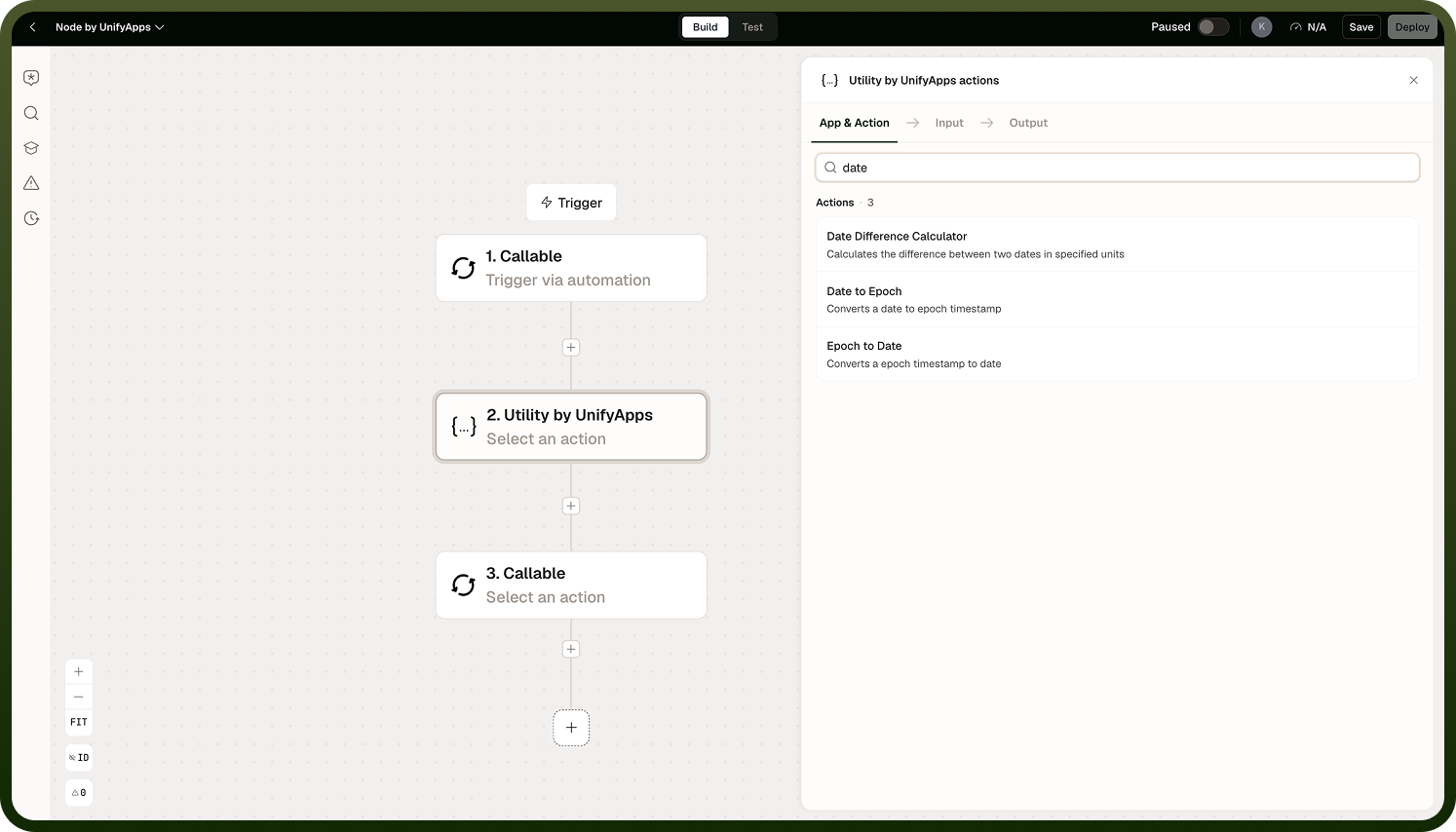
Three operations cover the most common date-handling needs in automation: calculating the gap between two points in time, converting a date string to an epoch value for numeric comparison or storage, and converting an epoch back to a readable date. These are lightweight, composable steps — use them to normalize timestamps, compute deadlines, or prepare date values for downstream API calls.
Operations
Operation | What it does |
|---|---|
Date Difference Calculator | Returns the difference between two dates in a chosen unit: years (approximate), days, hours, minutes, seconds, or milliseconds. |
Date to Epoch | Converts a date string to a Unix epoch timestamp. Returns the value in milliseconds, seconds, or nanoseconds as selected. |
Epoch to Date | Converts a Unix epoch timestamp to a formatted date string. Accepts the epoch value in milliseconds, seconds, or nanoseconds as selected. |
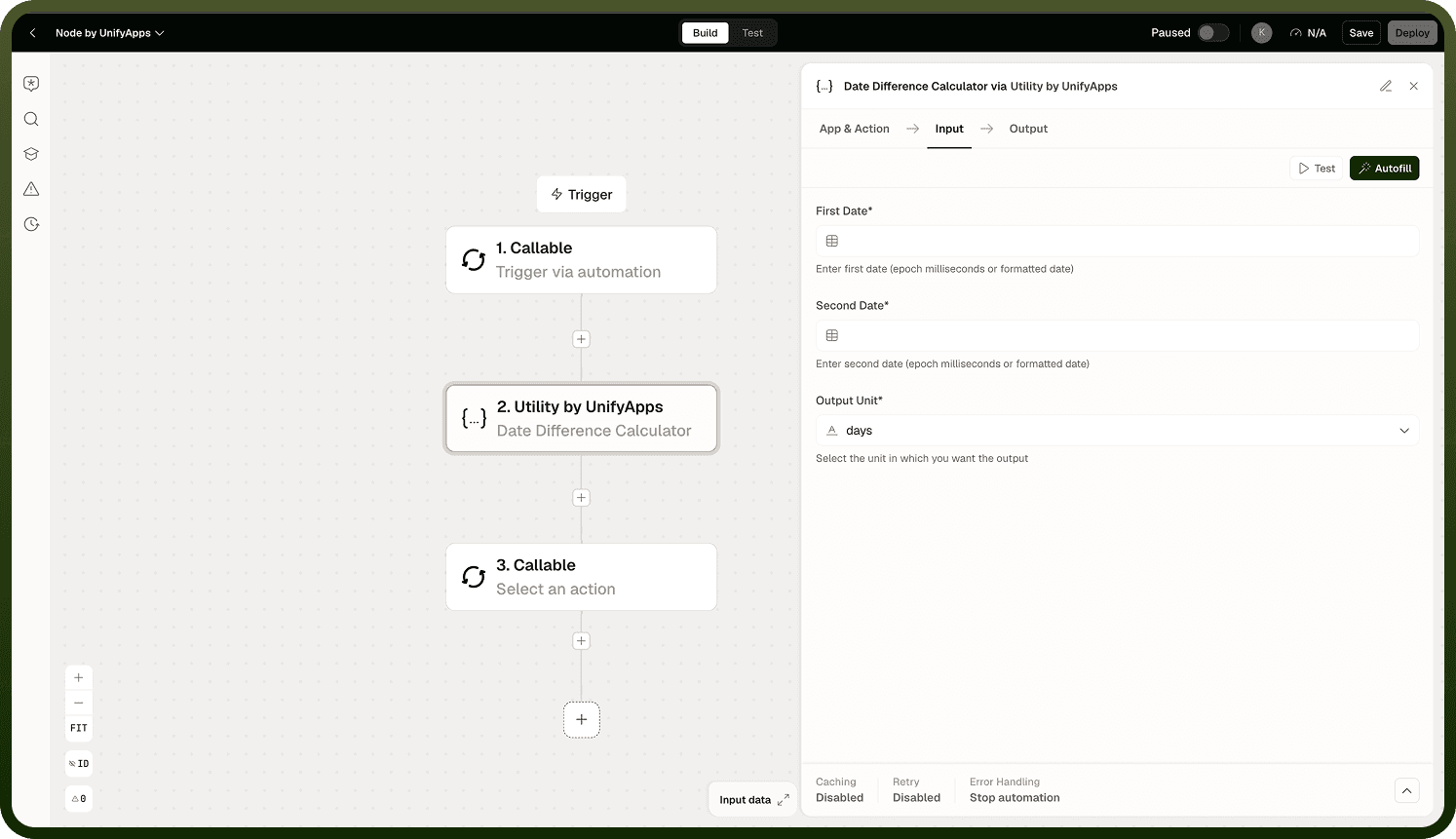
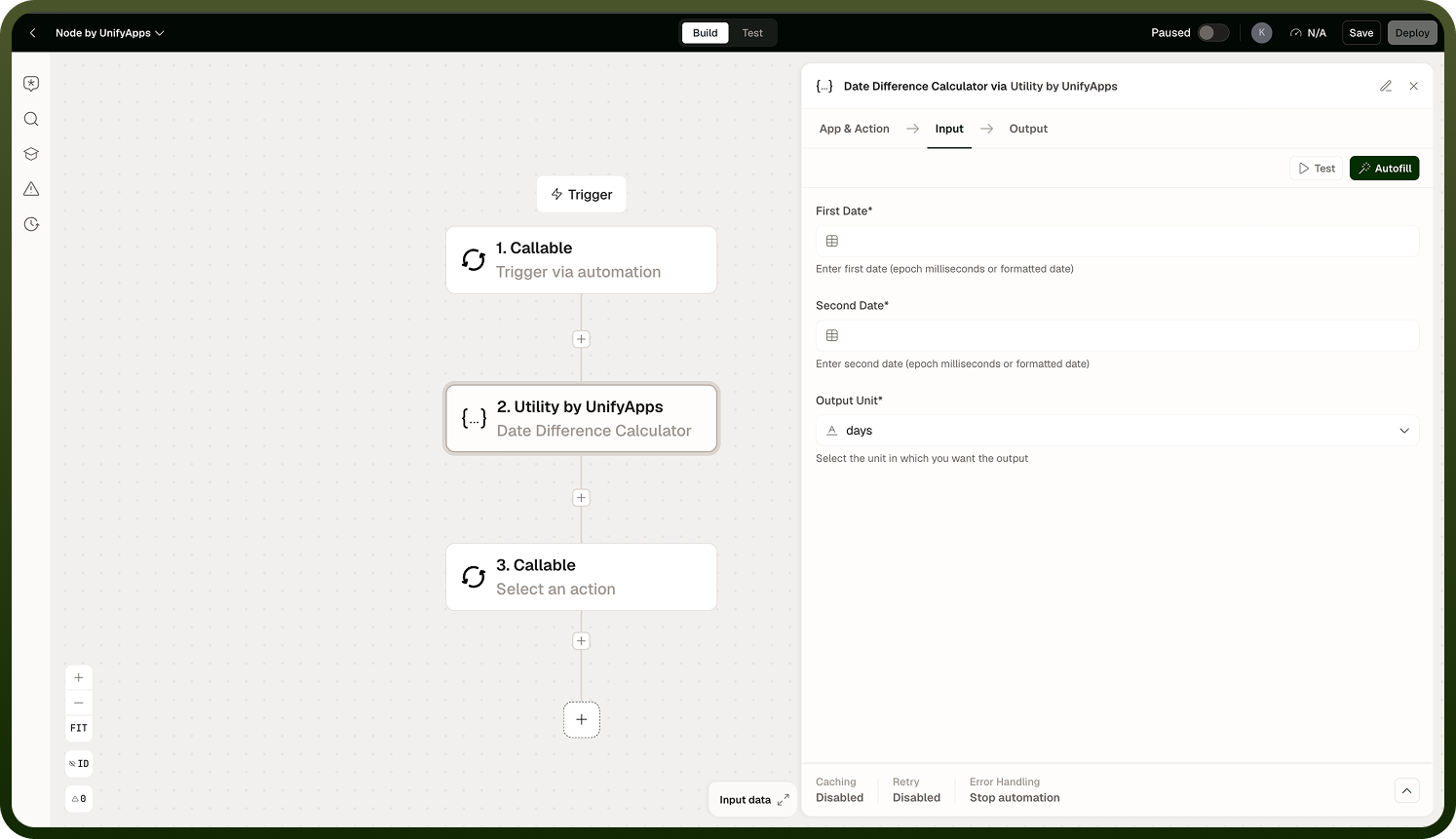
Watch the epoch unit: Milliseconds is the default. Selecting the wrong unit (seconds vs. milliseconds vs. nanoseconds) is the most common cause of dates landing in 1970 or far in the future.
Notes
Keep the following in mind when using these operations.
All three operations work in UTC. There is no timezone parameter. If you need local wall-clock time, apply a timezone offset conversion in a subsequent step.
Epoch values are returned or expected in one of three units — milliseconds (the default), seconds, or nanoseconds. Mismatching the unit is the most common source of incorrect date output.
If a blank date is passed to any of these operations, the operation substitutes the current time automatically.
Date Difference Calculator returns years as an approximate value. Use days or smaller units when precision is required.