


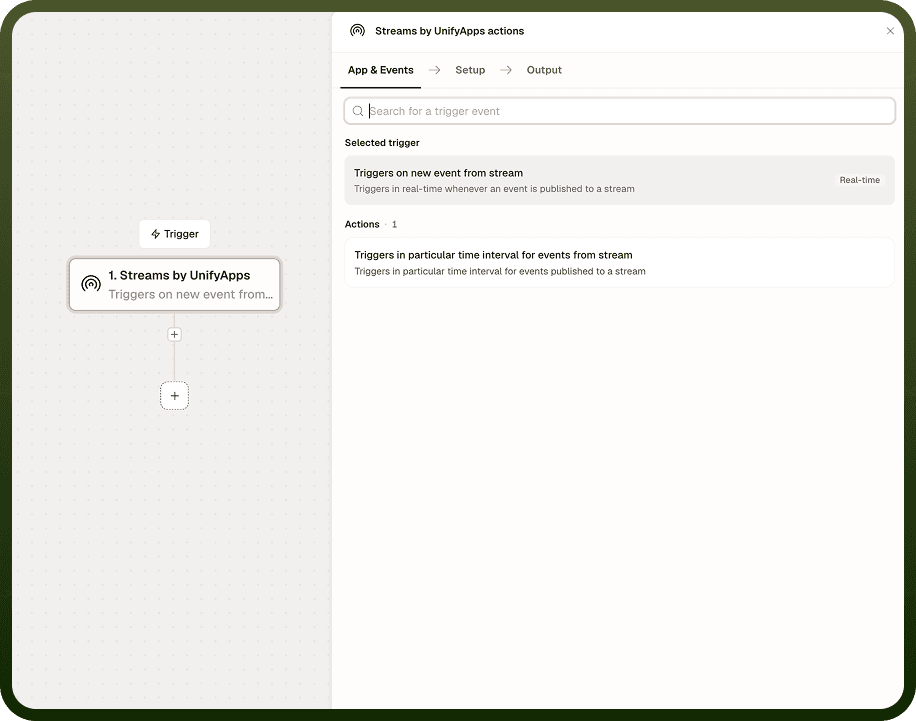
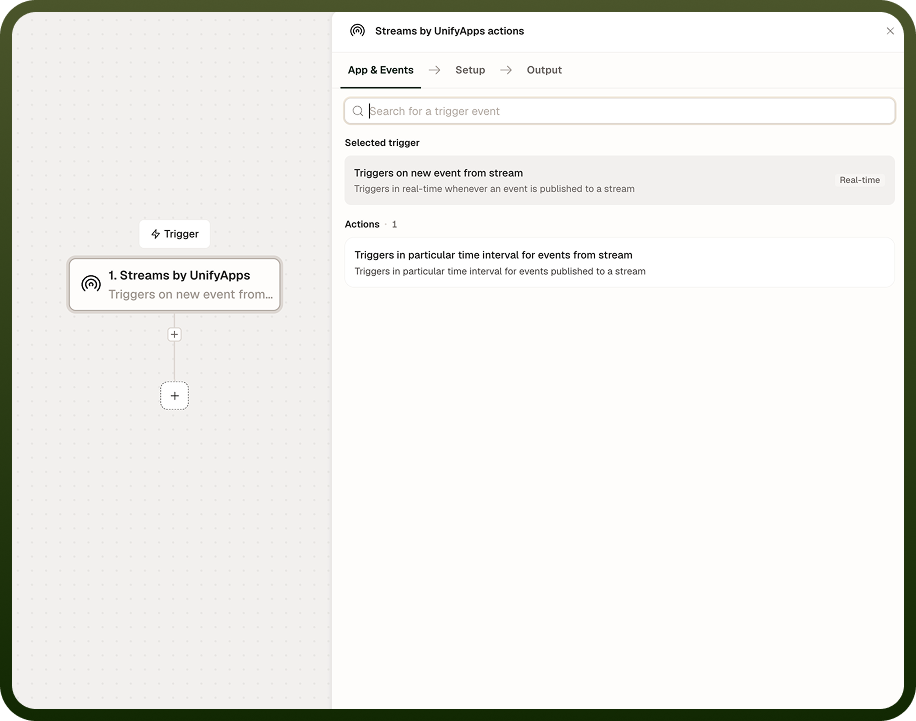
On Event Trigger starts an automation the moment a new event is published to a stream. There is no polling interval — the automation fires in real time as soon as the event arrives. A variant, On Event (Polling), checks the stream on a schedule and processes waiting events in batches. Use the real-time mode for immediate reactions; use polling mode when scheduled batch processing is preferred.
Overview
The On Event Trigger is the trigger entry point for event-driven automations. Configuring it tells the platform to watch a named stream on behalf of a consumer group and dispatch a new run for every event it detects. The polling variant fires on a schedule instead of reacting instantly, which gives more control over when processing happens and how load is spread. Both modes use a consumer group to track the stream offset, so events are not missed between runs.
Input
Field | Type | Required | Description |
|---|---|---|---|
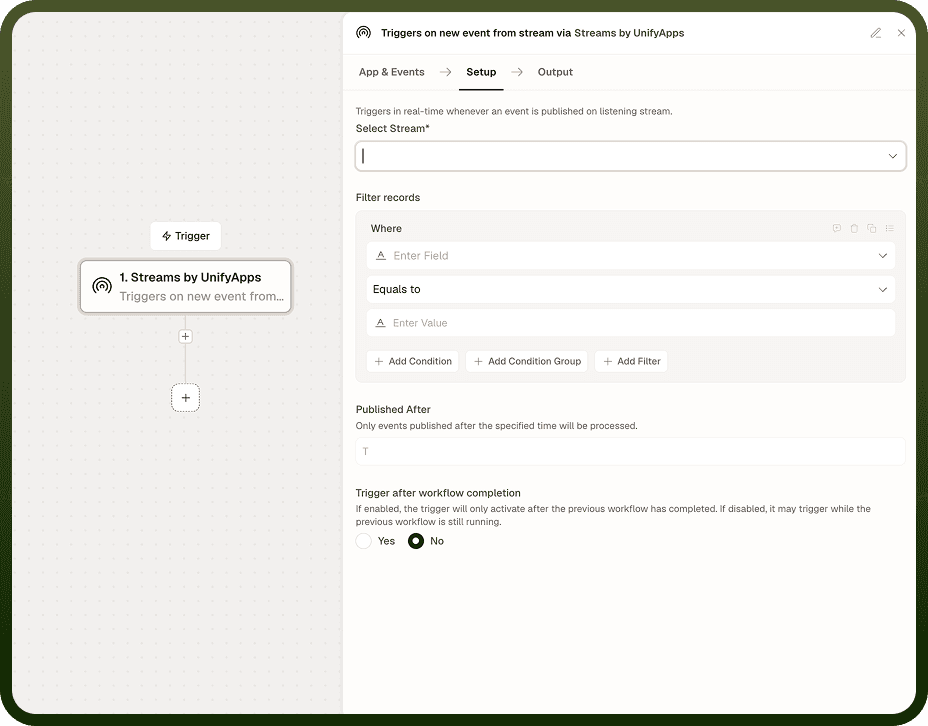
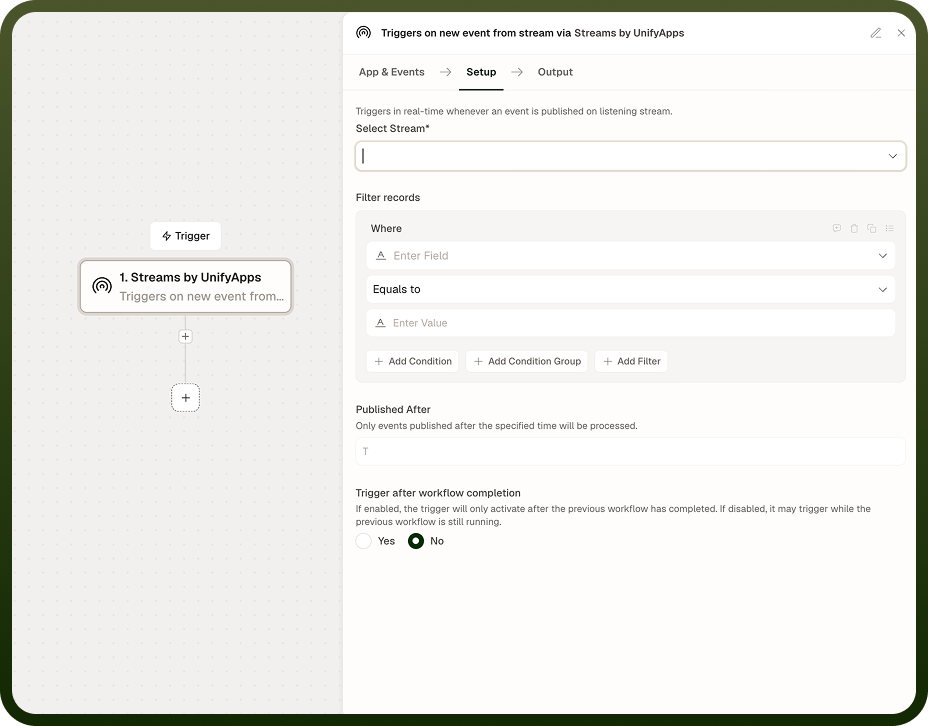
Stream | String | Yes | Name of the stream to listen on. |
Consumer group | String | Yes | Consumer group that tracks the position. Each group receives every event independently from other groups. |
Trigger mode | Enum | Yes | Real-time — fires instantly per event; Polling — checks the stream on a defined schedule. |
Polling interval | String | Conditional | Schedule expression (cron or interval) controlling how often to check for new events. Required when Trigger mode is Polling. |
Starting position | Enum | Yes | Where a brand-new consumer group begins: Earliest (from the start of the stream) or Latest (only events published after the group is created). |
Enable DLQ tracking | Boolean | No | When enabled, holds failed events so they can be routed to the dead-letter queue via the Update DLQ action. Default: off. |
Output
Each run receives the event or events that triggered it.
Field | Type | Description |
|---|---|---|
event | Object | The event that triggered this run: ID, key, payload, and timestamp. In polling mode, this may be an array of events accumulated since the last check. |
offset | Number | Stream offset of the triggering event. |
Notes
Real-time mode fires once per published event — one automation run per event.
Polling mode fires once per check interval, processing any events that have accumulated since the last run.
Both modes use a consumer group to track position; events are not missed between runs even if the automation is temporarily paused.
Starting position only applies to brand-new consumer groups. An established group always resumes from its last committed offset.
Enable DLQ tracking if you plan to route failed events to the dead-letter queue using the Update DLQ action later in the automation.