


The Encoding, Hashing & Security operations in the Utility node handle character-set re-encoding, cryptographic hashing, base64 file encoding and decoding, HTML sanitization, and JSON Web Token decoding. Use them to protect data, validate integrity, or prepare payloads for downstream systems.
Overview
Seven operations cover the most common encoding and integrity tasks in automation: stripping cross-site-scripting vectors from HTML, computing checksums or hashes over strings and files, encoding file content to base64 for transport, and decoding JWT tokens for inspection. These are composable building blocks — place one where you need to transform or verify a value before passing it on.
Operations
Operation | What it does |
|---|---|
Change text encoding | Re-encodes a text string from one character encoding to another (for example, from Latin-1 to UTF-8). |
Clean XSS | Sanitizes an HTML string by removing scripts, event handlers, and other cross-site-scripting vectors, returning safe HTML. |
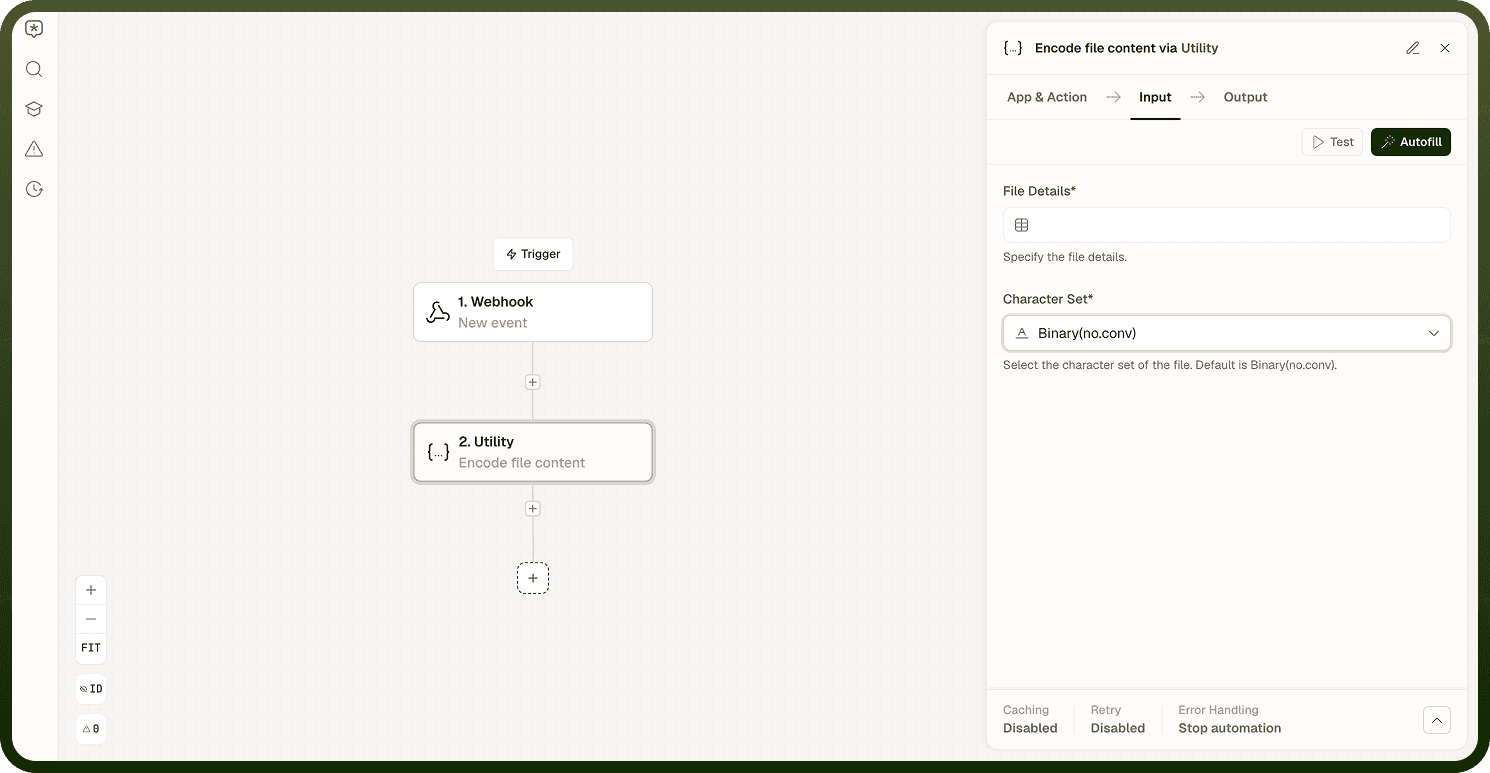
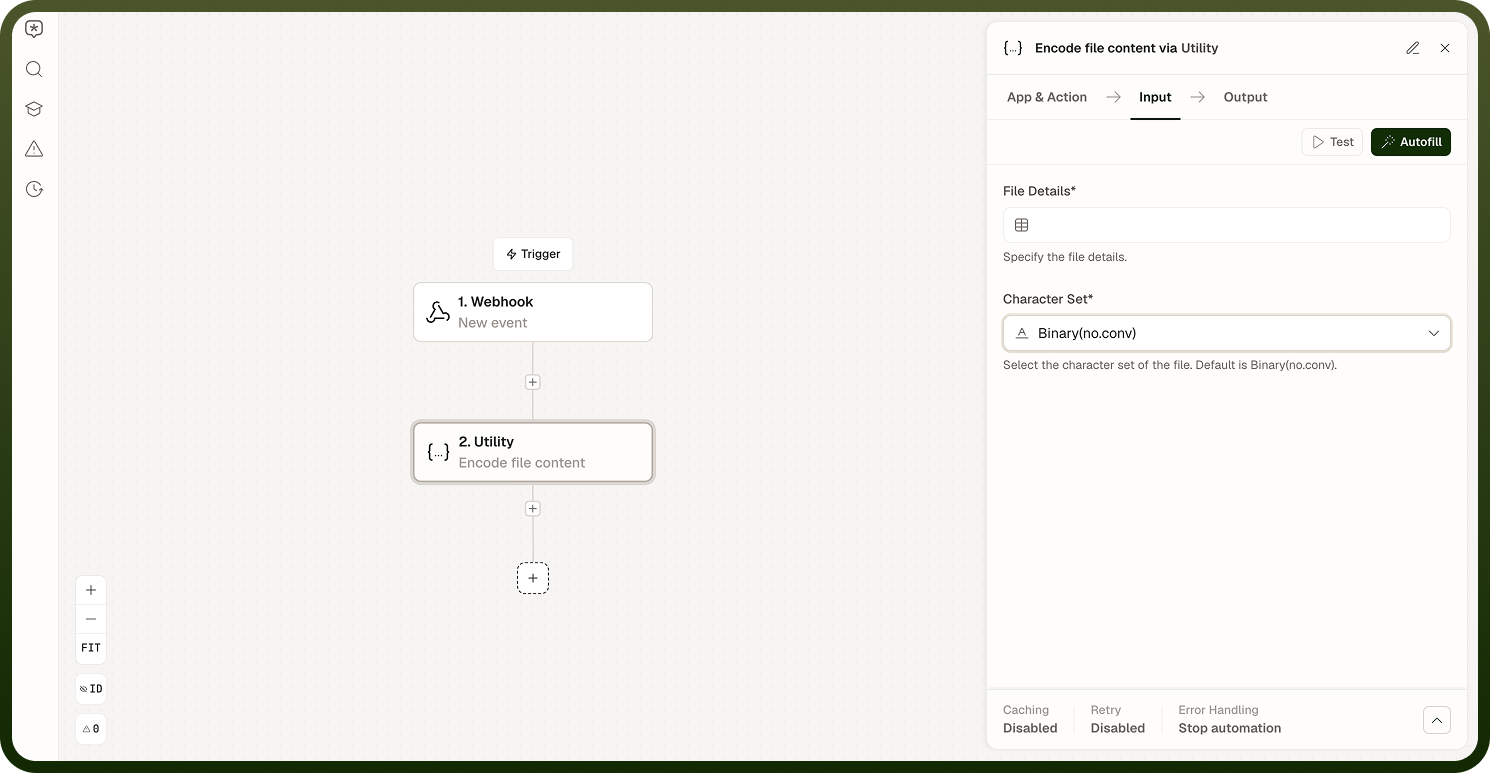
Encode file content | Encodes a file's binary content to base64, streaming in chunks so large files are handled without memory issues. |
Decode file content | Decodes a base64-encoded file back to its original binary content. Auto-detects the output file type from the decoded bytes. |
Decode base64 text | Decodes a base64-encoded string to plain text. |
Decode JWT Token | Base64-decodes the header and payload sections of a JSON Web Token and returns them as structured objects. Does not verify the signature. |
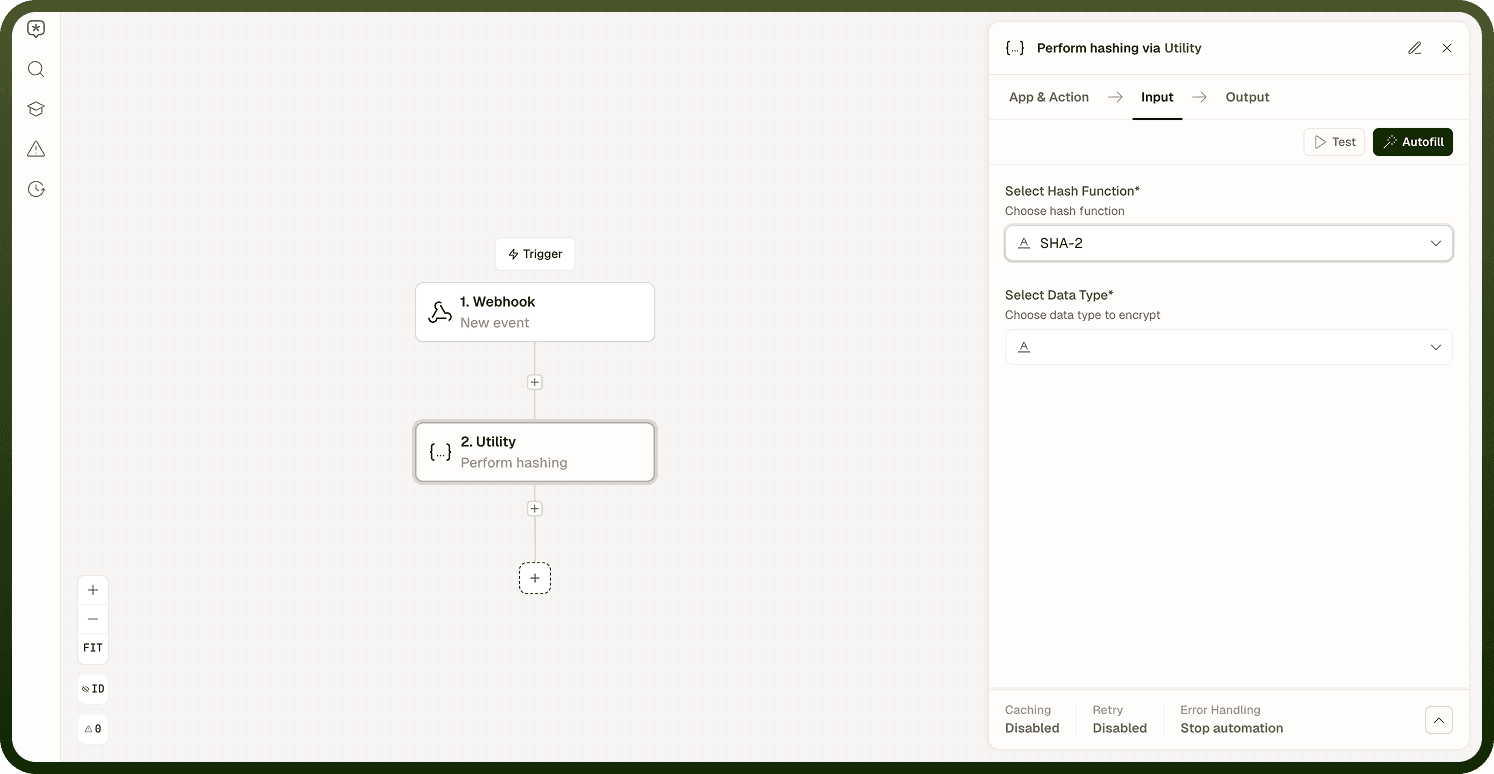
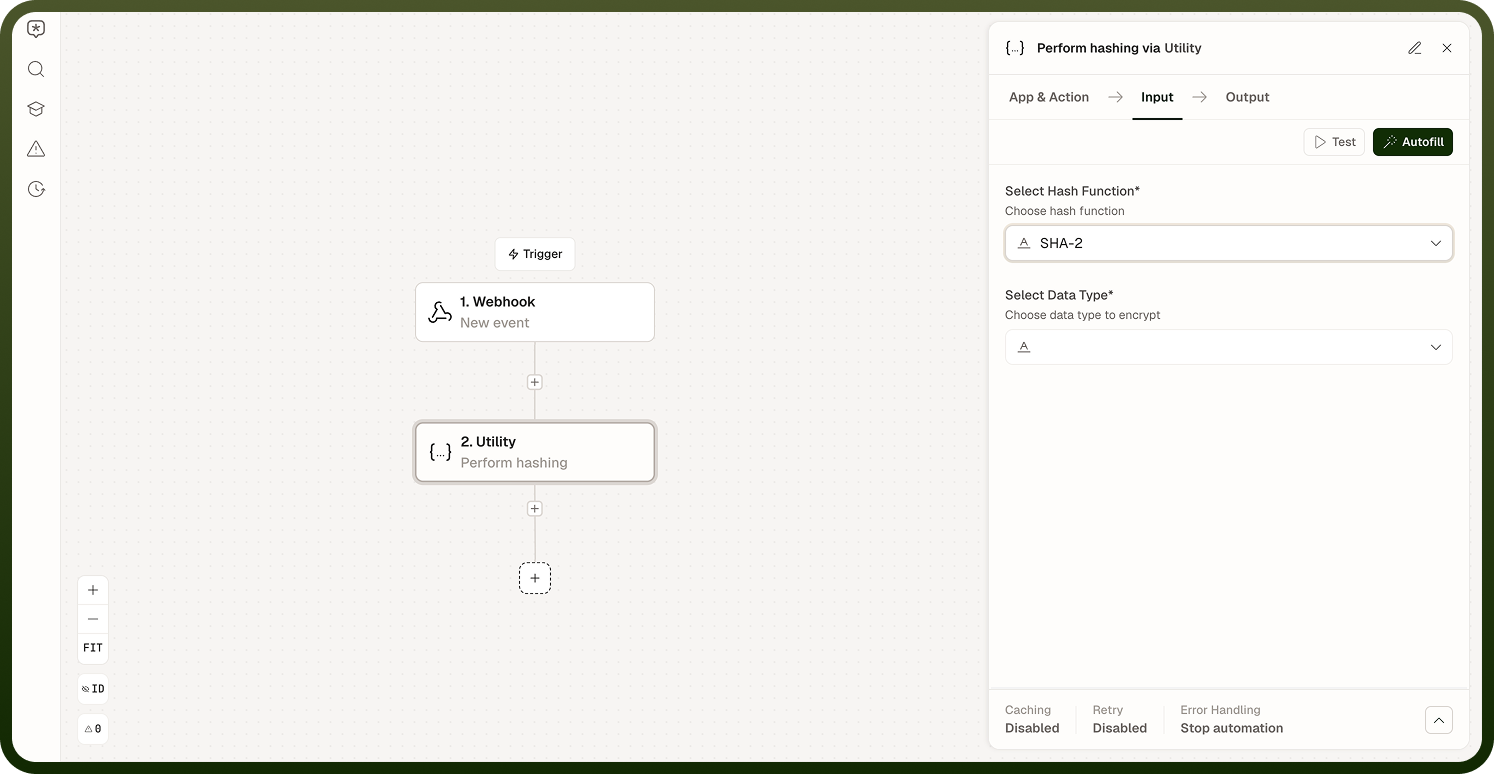
Perform hashing | Hashes a string or file using MD5, SHA-256, or CRC32 and returns the hash value. |
Decode JWT does not verify authenticity: It only decodes the header and payload. A successfully decoded JWT is not a trusted or authenticated JWT — verify the signature through a separate mechanism before trusting any claims.
Notes
Keep the following in mind when using these operations.
Decode JWT Token does not verify the token's signature. It only decodes the header and payload. Anyone can craft a token with any claims and it will decode successfully. Never make authorization decisions based on decoded claims alone — verify the signature separately.
Perform Hashing supports MD5, SHA-256 (SHA-2), and CRC32, over either a string or a file. Use SHA-256 for integrity checks; MD5 and CRC32 are checksums, not cryptographic security primitives.
Encode file content and Decode file content stream in chunks, so they handle large files without loading the entire file into memory.
Decode file content auto-detects the output file type from the decoded bytes; you do not need to specify the format manually.
Clean XSS targets XSS vectors specifically — it sanitizes scripts and event handlers but is not a general-purpose HTML security filter.