


The List & Data Utilities operations in the Utility node filter, sort, index, and query lists of objects using familiar concepts — conditions, sort keys, positional access, and SQL. Use them to reshape in-flight list data without writing custom code or routing to an external service.
Overview
Five operations handle the most common list-manipulation tasks: reducing a list to matching items, sorting by one or more fields, retrieving an item at a specific position, evaluating a filter expression, and running a full SQL query across one or more lists using the DuckDB engine. Reach for these instead of a Code node when a single composable step will do.
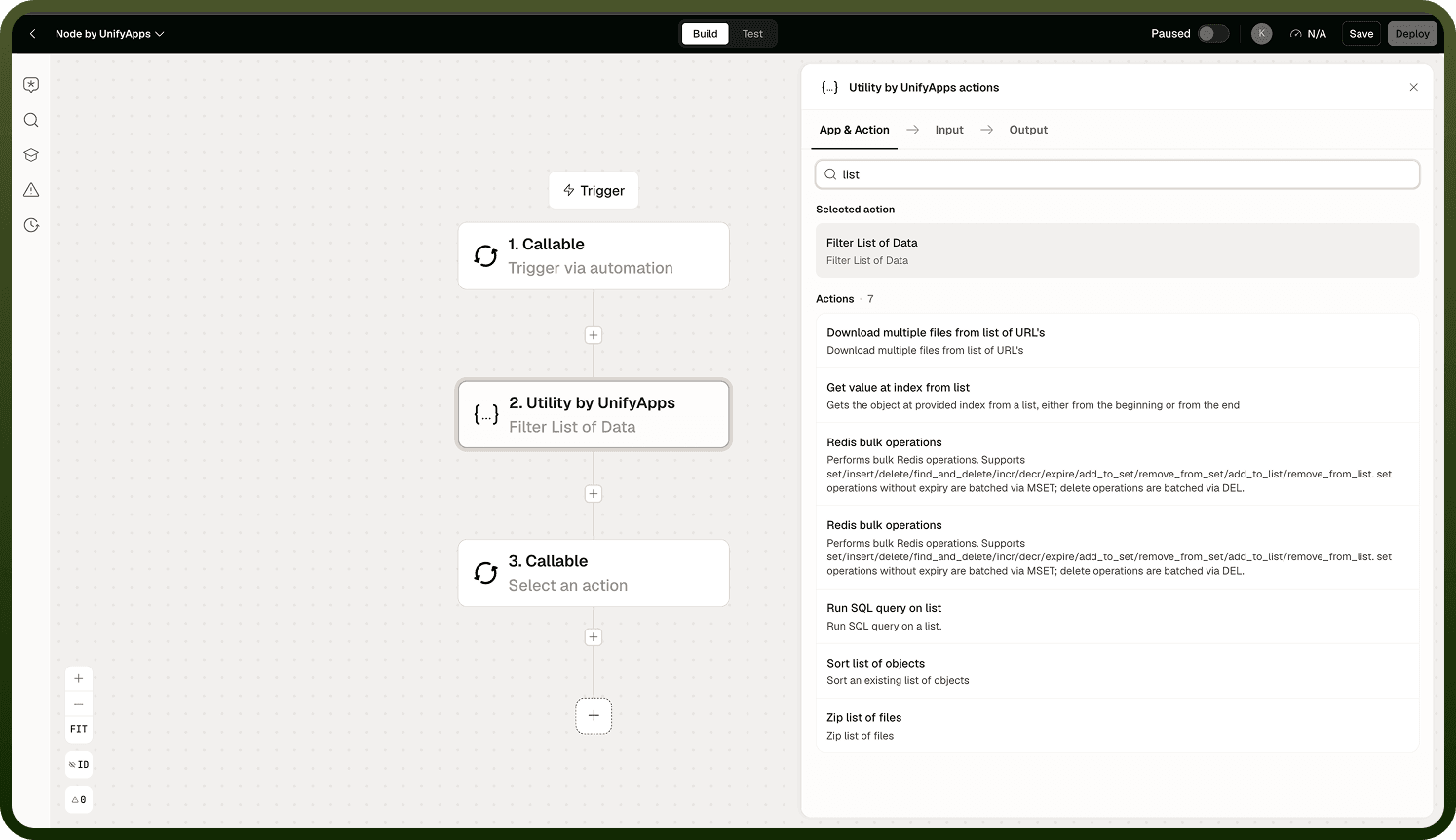
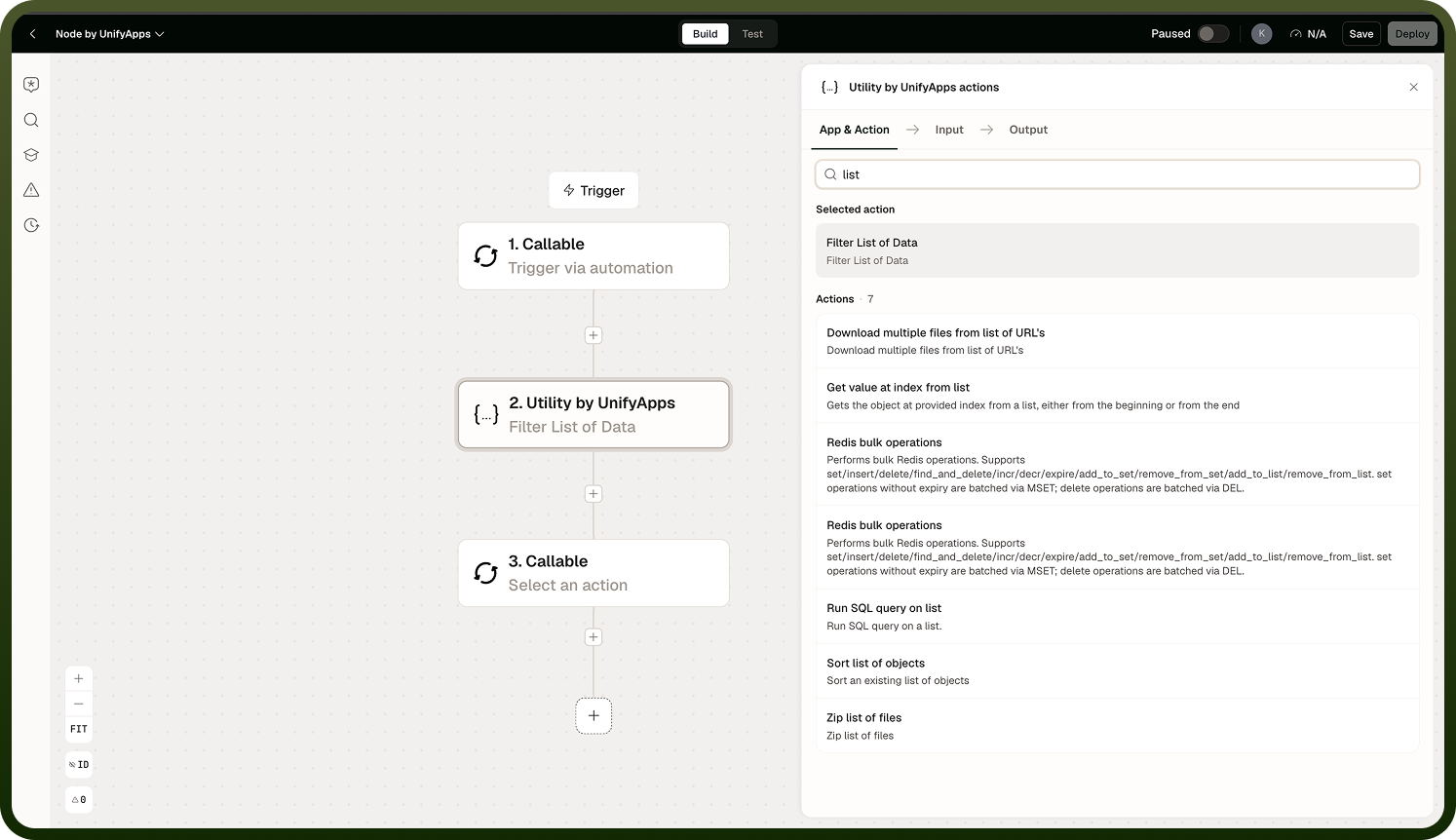
Operations
Operation | What it does |
|---|---|
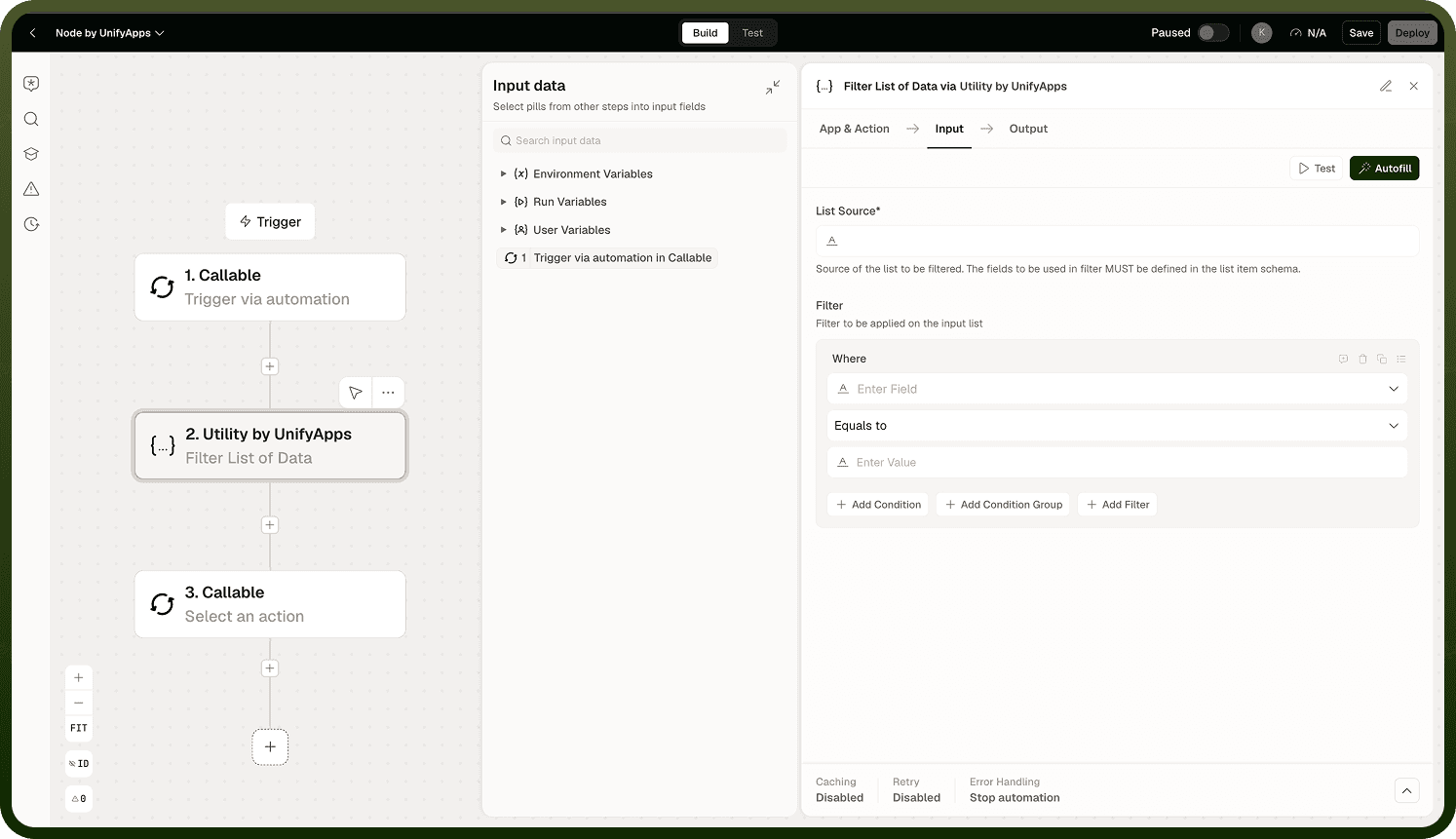
Filter List of Data | Filters a list of objects by a condition and returns the matching items. |
Get value at index from list | Returns the item at a specified position. Positions are 1-based (position 1 is the first item). Supports counting from the end of the list. |
Sort list of objects | Sorts a list of objects by one or more fields in ascending or descending order. |
Evaluate Filter | Evaluates a filter expression against a value or object and returns a boolean result. Useful for driving conditional logic downstream. |
Run SQL query on list | Runs a SQL SELECT query against one or more in-memory lists using the DuckDB engine. Supports joins across multiple list sources. |
Notes
Keep the following in mind when using these operations.
List positions in Get value at index are 1-based: position 1 returns the first item, not position 0. If you want to count from the end of the list, enable the "count from end" option in the node configuration.
Run SQL query on list uses the DuckDB SQL dialect. Do not use your data warehouse's dialect — functions and keywords may differ.
Run SQL query on list supports joins across multiple list sources, making it possible to relate two lists without writing a Code node.
These operations are optimized for moderate-sized, in-memory datasets. For very large lists, a database or warehouse query may be more appropriate.
Evaluate Filter returns a boolean value — use it to feed a conditional branch node rather than to produce filtered output directly.