


The Variable node supports 2D and 3D lists — lists whose items are themselves lists. Use them to represent tabular data (rows and columns) or layered structures (rows, columns, and depth), built and updated entirely within a single automation run.
Overview
A 2D variable is a list of lists — a table where each outer item is a row and each inner item is a cell value. A 3D variable extends this by one dimension: each outer item is a 2D list. Because 2D and 3D variables are standard list variables containing nested list values, you use the same Variable node list operations — Set, Get, Add to List, Modify Item at Index — to read and write at specific positions. Access a cell by navigating the nesting: first get the item at the outer index, then the item at the inner index within that result.
Operations
Create a 2D Variable — Set a list variable whose items are themselves lists. Each inner list represents one row; each item within the inner list is a cell value in that row. Initialize with an empty outer list, then use Add to List to append rows as the automation progresses.
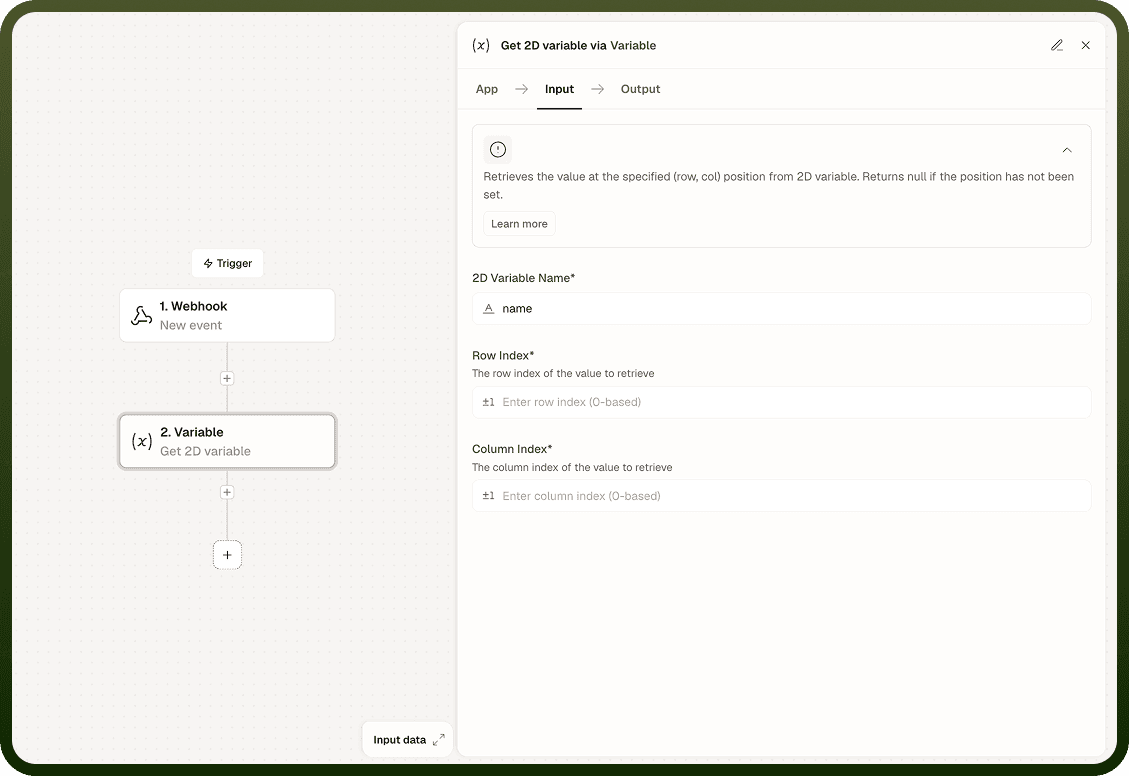
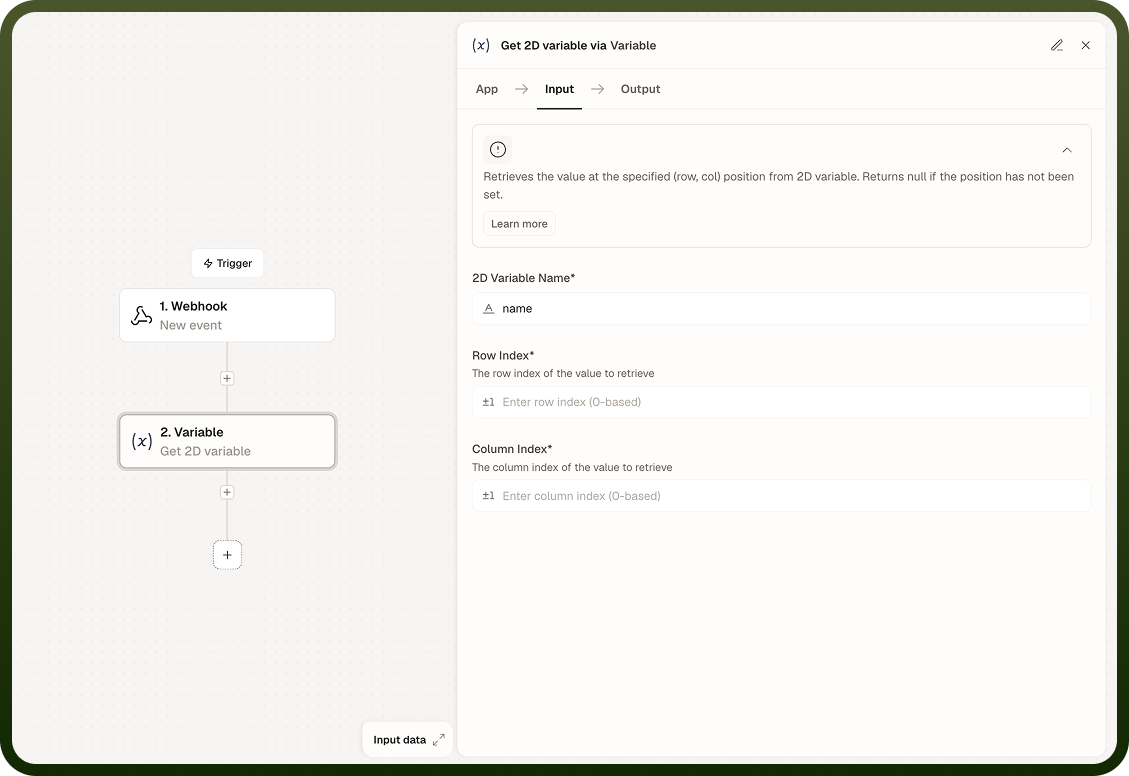
Access a Row — Use Get (or Modify Item at Index) with the outer index to retrieve or update an entire row — the result is the inner list at that position. Use the returned inner list in downstream steps or pass it as input to subsequent operations.
Access a Cell — Get the row at the outer index first, then get the item at the inner index within that row. To update a cell, Get the row, modify the inner item at its position using Modify Item at Index, and write the updated row back with Modify Item at Index at the outer level.
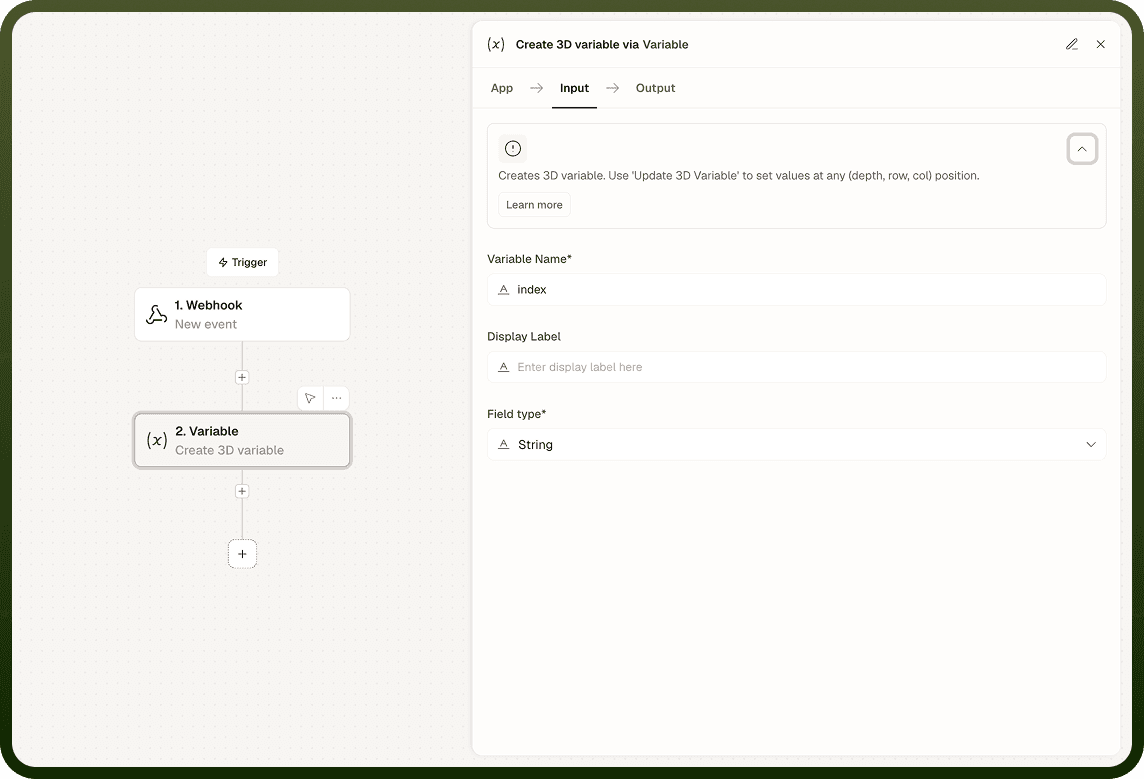
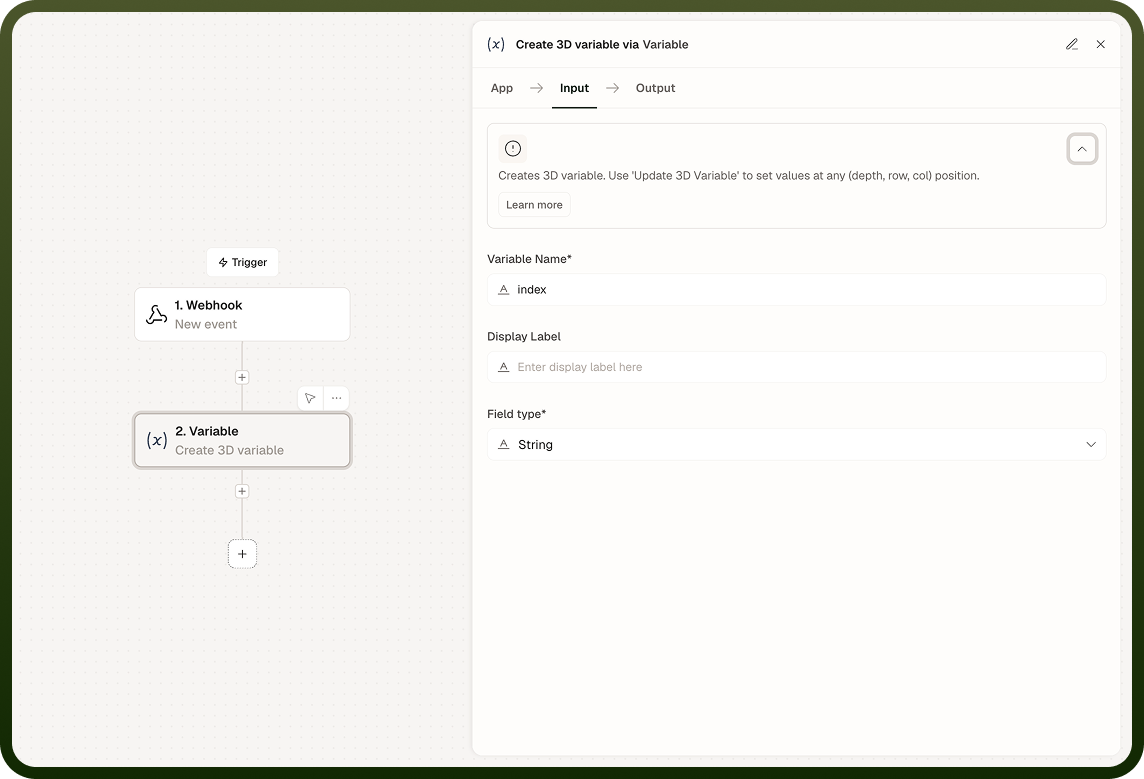
Create a 3D Variable — Set a list variable whose items are 2D lists. Each outer item is a plane (a table); each middle item is a row within that plane; each innermost item is a cell. Use the same layered get-and-modify pattern, now applied at three levels of nesting.
Notes
Keep the following in mind when working with 2D and 3D variables.
Nested list variables are session-scoped: they exist only for the duration of a single run and are not persisted across runs.
Like all session variables, 2D and 3D variables persist across loop iterations within the same run, making them suitable for row-by-row accumulation inside a loop.
Deeply nested structures become harder to debug; prefer a 2D list over a 3D list wherever the data shape allows it.
Sub-automations have isolated variable scope — a parent's 2D list is not accessible in a child sub-automation unless passed explicitly.
For data that must survive between runs, write the nested structure to a Storage record instead.
Test nested list operations on small, known data before using them in production loops to confirm that indexing behaves as expected for your specific data shape.