


The Code node runs every script in an isolated sandbox — no implicit access to the host or other scripts. Declare the inputs the script needs, write the logic, and the platform handles execution and returns the result to the next step.
Overview
Sandboxed execution isolates your script from the host environment and from other running scripts. Inputs declared on the node become named variables available inside the script — inputs can be nested. The script does its work and returns a result; you declare the output shape on the node so downstream steps can access values as data pills. Scripts that produce files capture them by a pattern you specify. For longer-running scripts, async execution lets the automation pause at the Code step and resume automatically when the script finishes — no thread held open.
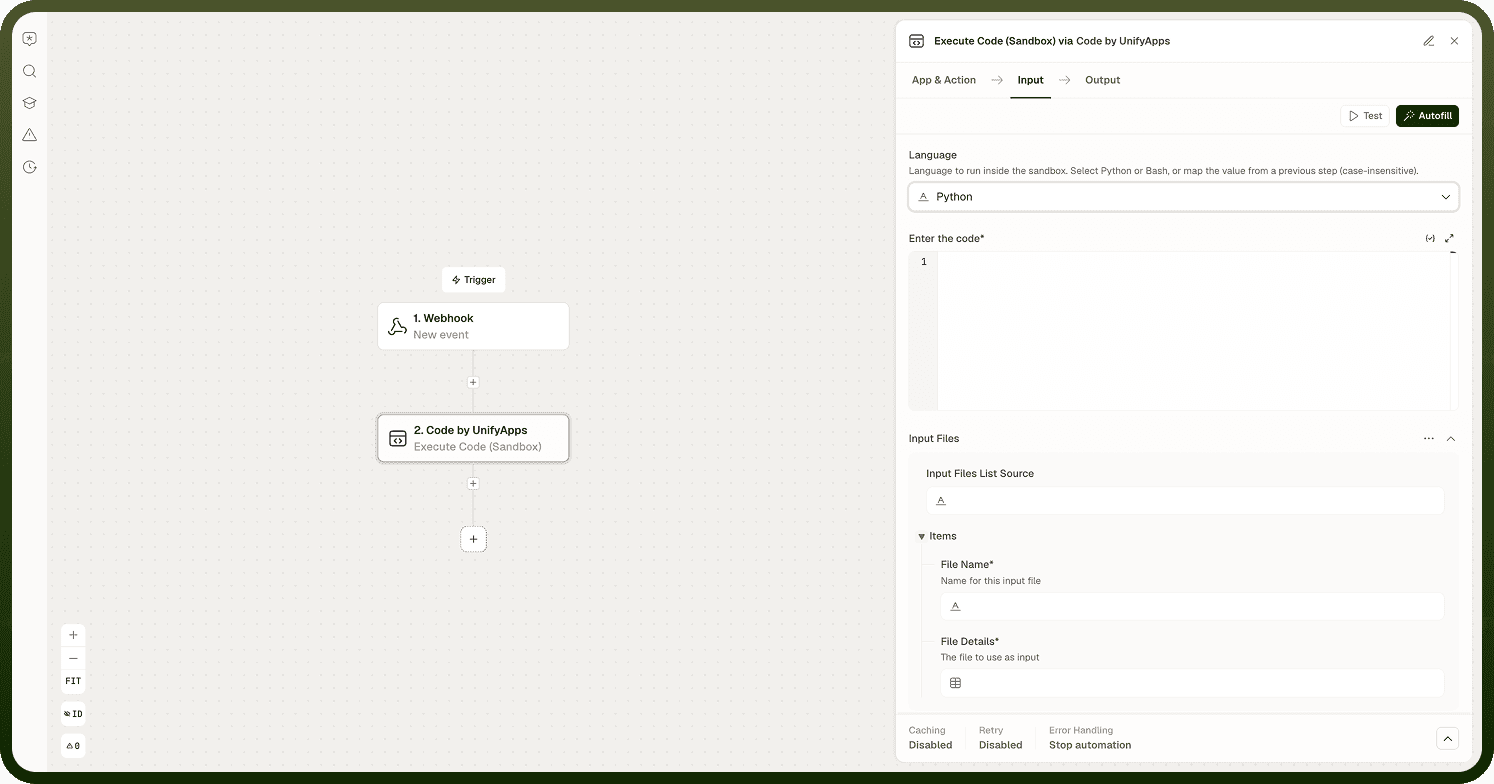
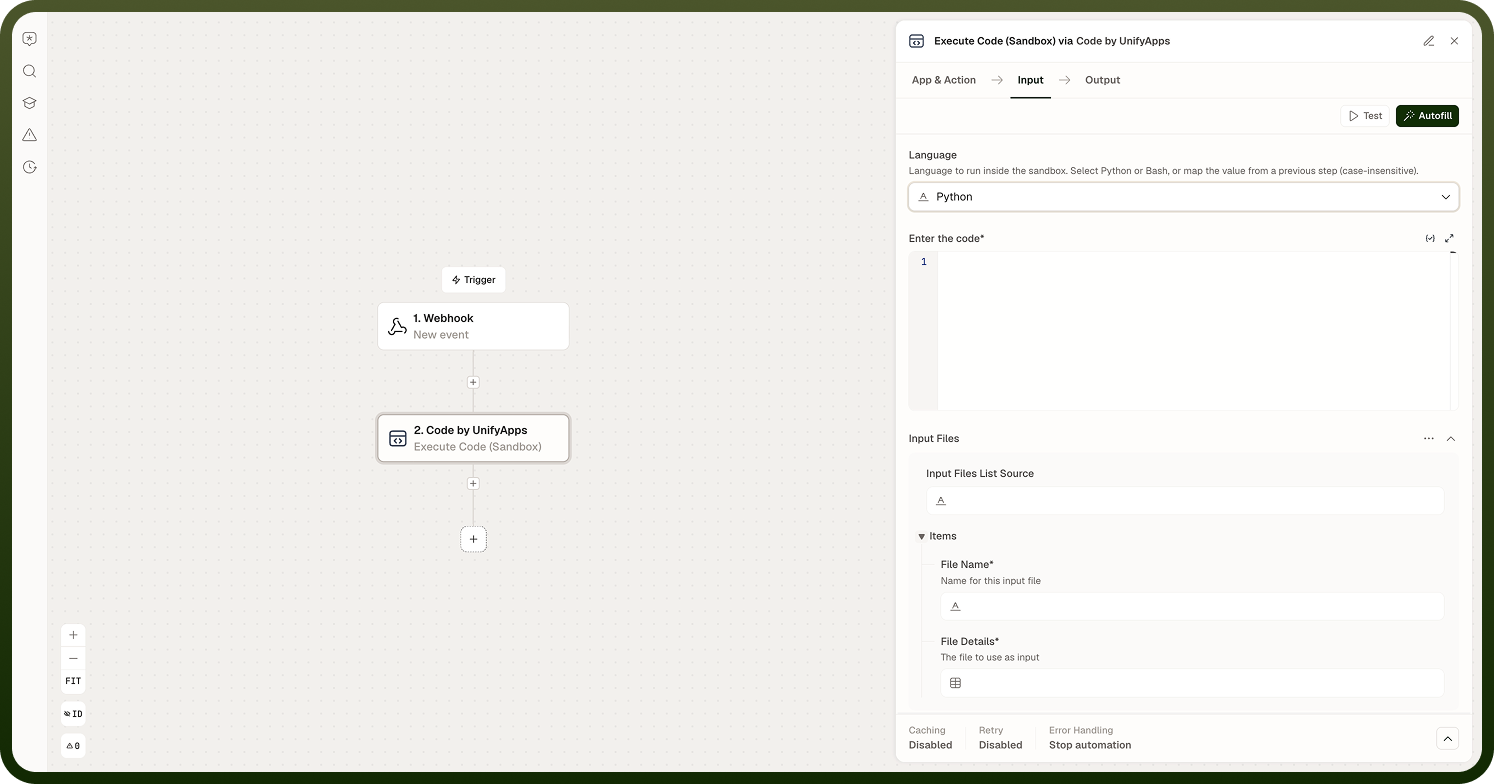
Inputs and Outputs
Every Code node step follows the same data-passing contract regardless of language:
Inputs
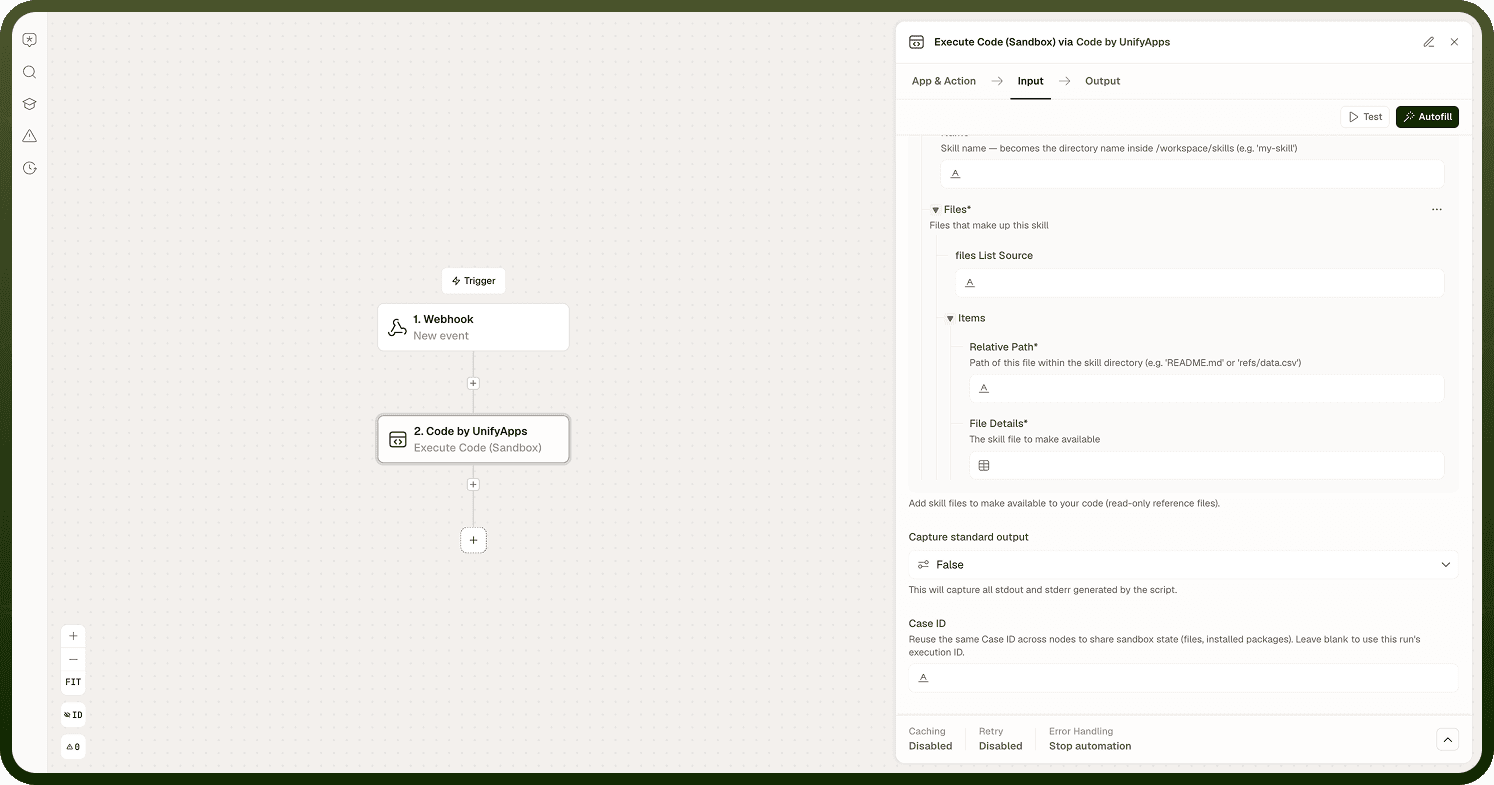
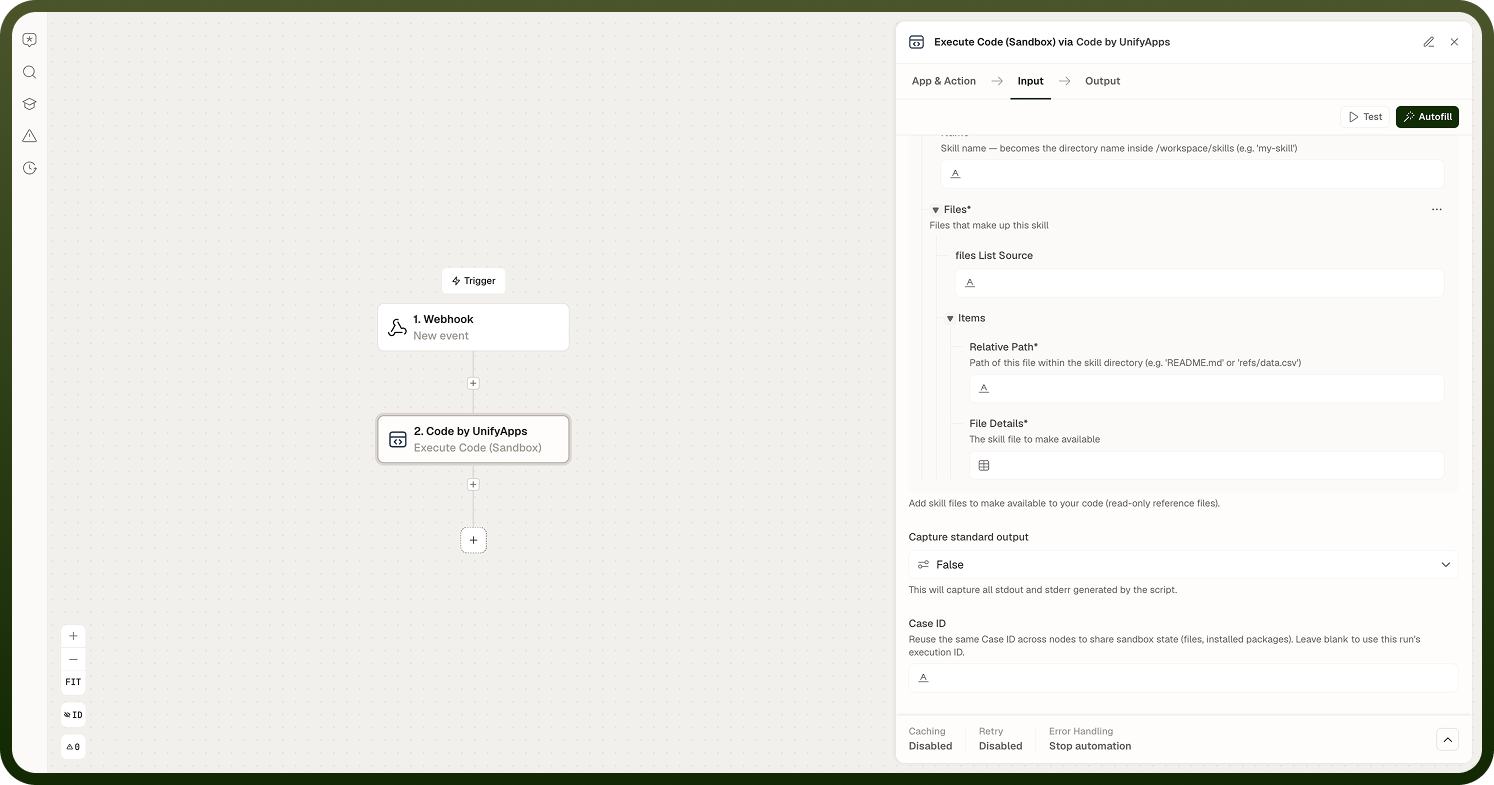
Inputs declared on the node become named variables inside the script. Each input is accessible by name in the script body. Inputs can be nested — a nested input is accessible by its qualified name. Provide all data the script needs as declared inputs; do not rely on the script reaching outside the sandbox to fetch values.
Outputs
The script returns a result; declare the output shape on the node so the automation builder can expose each field as a data pill for downstream steps. The declared output shape is for builder convenience and is not strictly enforced at runtime — ensure your script actually returns the keys it declares. If the shape does not match, downstream steps that reference missing keys will receive empty values.
Output Files
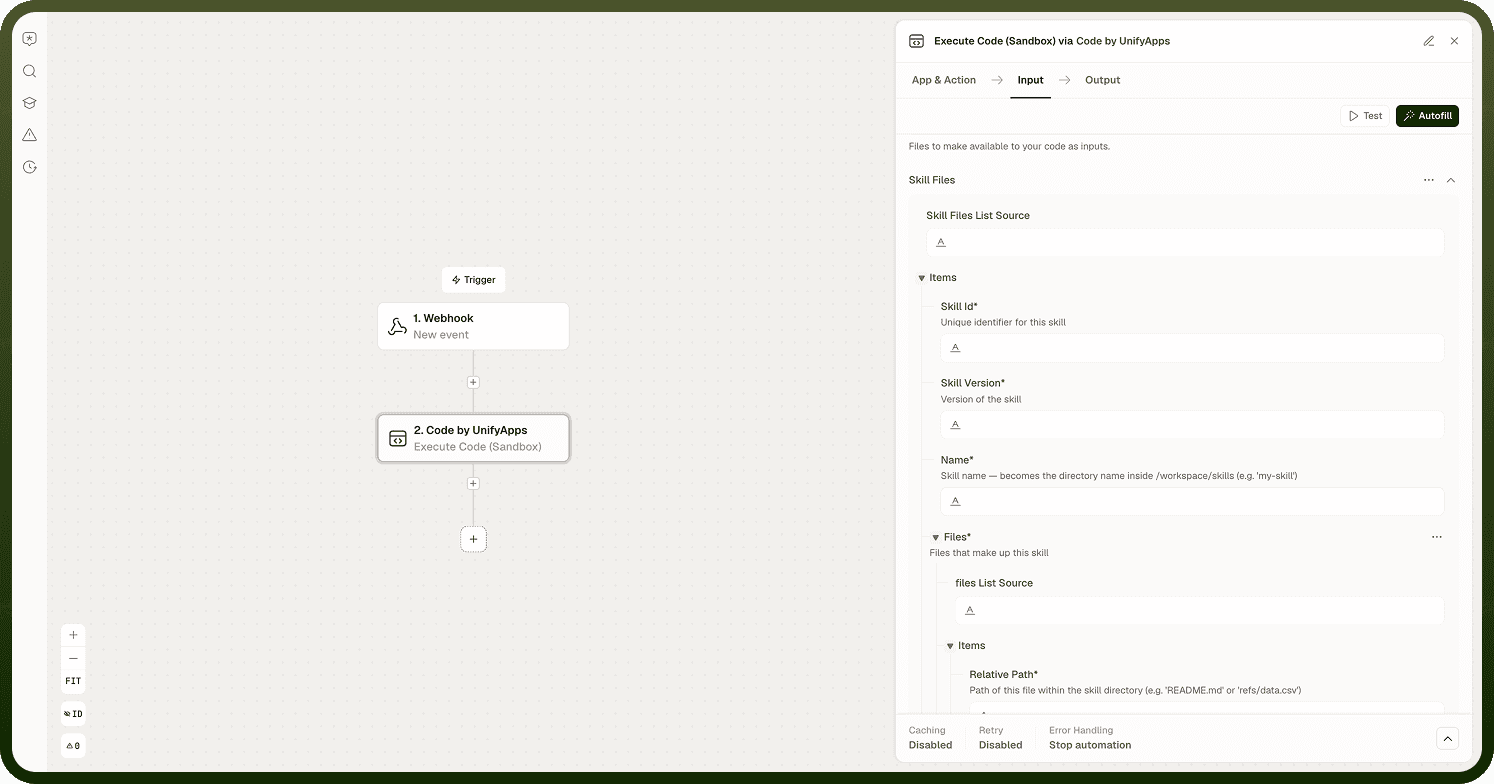
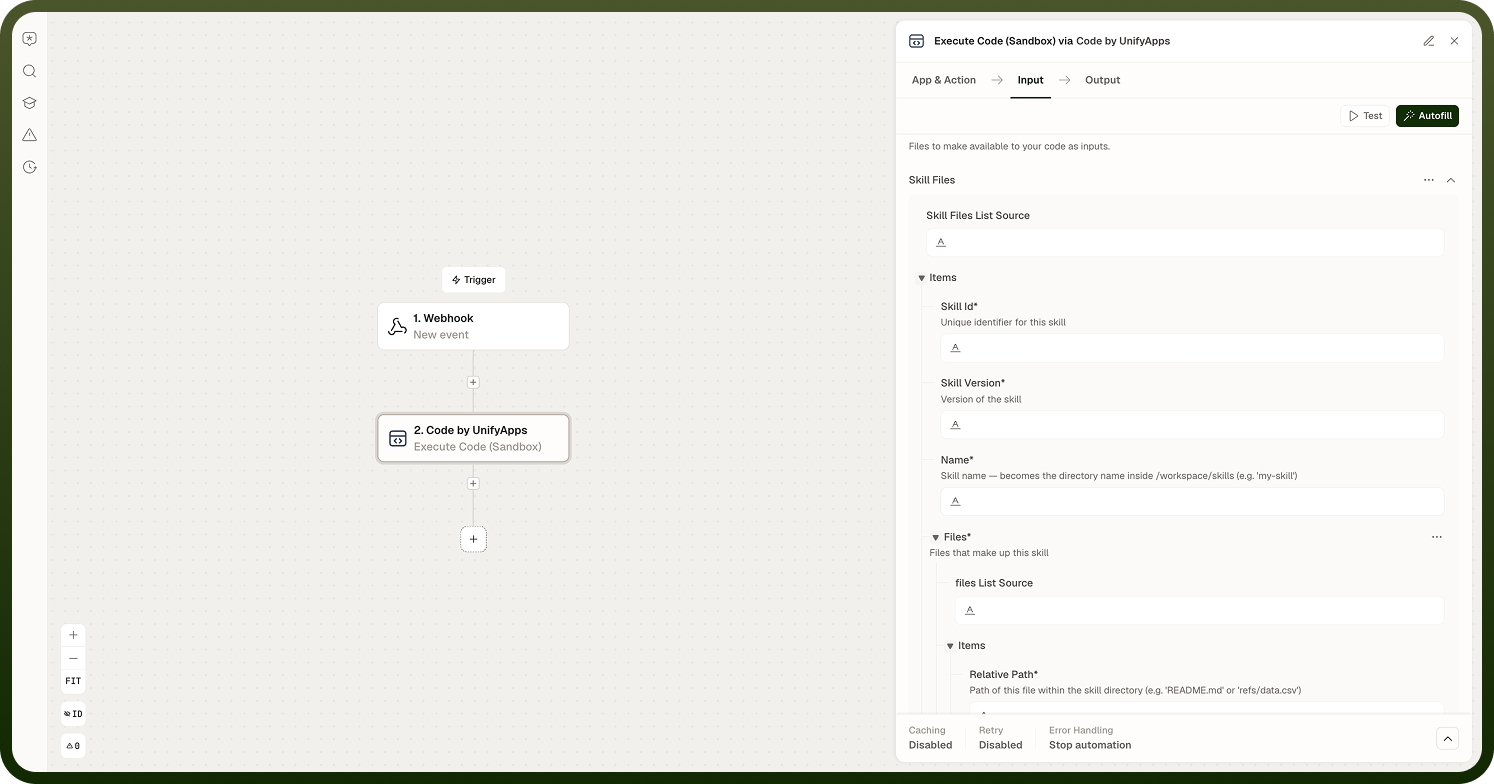
Scripts that produce files — written to disk during execution — are captured by a pattern you specify on the node. Configure the pattern to match the filename or file path your script writes; the platform collects matching files and makes them available as outputs alongside the result.
Async Execution
A Code step can run asynchronously. When configured as async, the automation pauses at the Code step, the script runs in the sandbox on its own, and the run resumes when the script finishes — no worker thread is held open during execution. Use async for scripts that take longer to complete. Synchronous steps block until the script returns; for quick, bounded scripts the synchronous path is simpler.
Sandbox Isolation and Caching
Scripts run in isolation — no implicit access to the host system and no shared state with other scripts' sandboxes. For performance, the platform briefly caches a registered script: re-running the same code within a short window skips the re-registration step. If you modify the script, the cache is invalidated and the updated version is registered before the next run.
Keep scripts focused and bounded. Heavy, long-running work is better split into smaller steps or moved to async execution. Use the Code node as an escape hatch for the parts of an automation that built-in nodes cannot cover — keep everything else in standard nodes.
Notes
Keep the following in mind when using sandboxed code execution.
Scripts run isolated — no implicit access to the host or other scripts' state.
Declare all data the script needs as inputs; they become named variables inside the script.
The declared output shape is for builder convenience and is not strictly enforced at runtime. Return the keys your script declares.
For output files, specify a capture pattern; the platform collects matching files after the script completes.
Async execution is available for longer-running scripts; the automation pauses and resumes when the script finishes.
The platform briefly caches a registered script — re-running the same code in a short window skips re-registration.
Keep scripts focused and bounded; heavy work should be split or moved to async.
Treat the Code node as an escape hatch for what built-in nodes genuinely cannot do. Favour standard nodes for the rest of the automation to keep it readable and maintainable.