


OCR Document Extraction reads a scanned document or image and pulls out the structured fields you define — invoice number, total amount, date, and so on. Extraction quality tracks the quality of the input image, so cleaner, higher-resolution scans produce more reliable results.
Overview
This node applies optical character recognition to an uploaded document or image and returns the values of the fields you name. Rather than returning raw OCR text, it targets specific fields, making it straightforward to extract structured data from invoices, receipts, forms, and other document types without writing parsing logic. The extracted field values are returned as a map and can feed directly into downstream steps such as a database write, a calculation, or a Fetch Embeddings call for search.
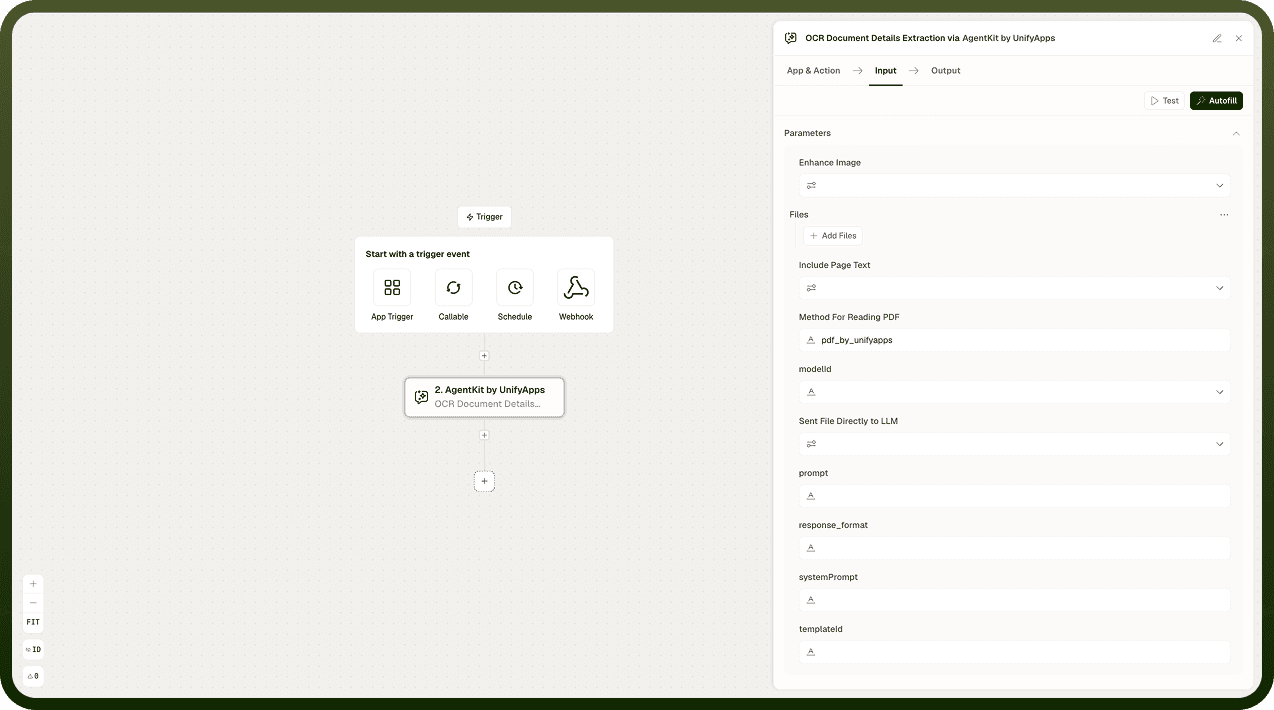
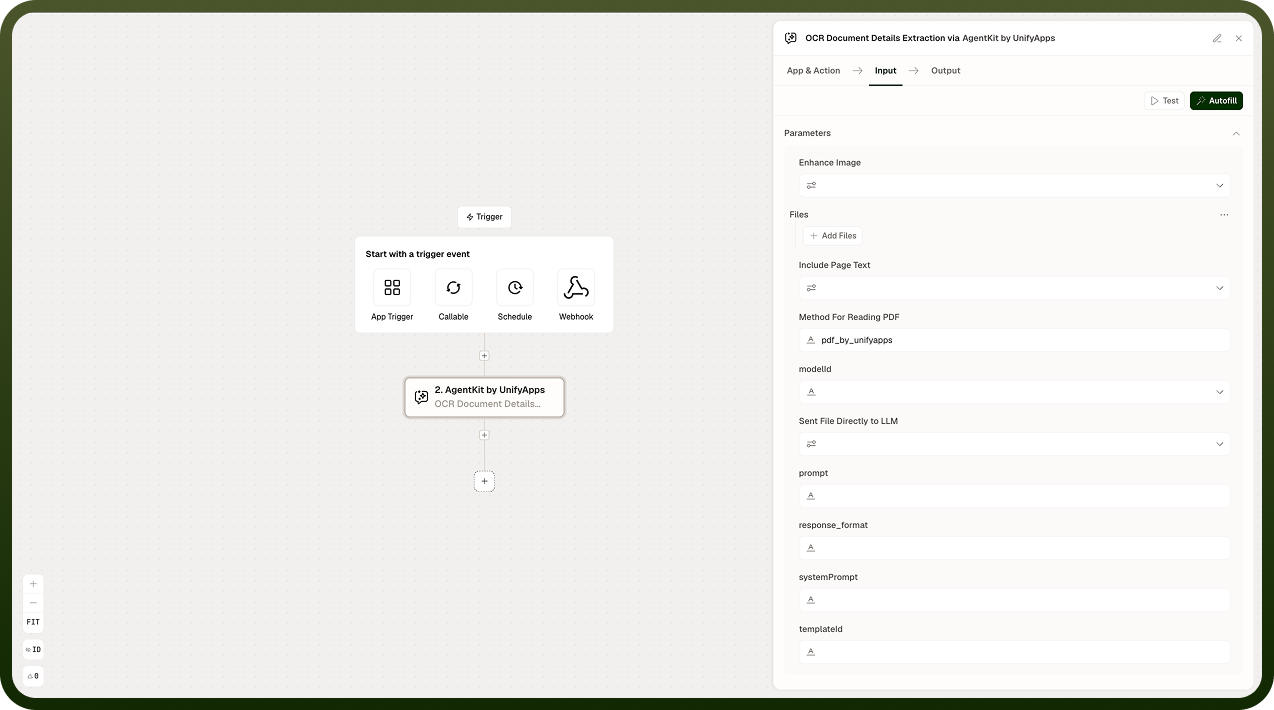
Input
Field | Description | Required* |
|---|---|---|
Document | The scanned document or image to process. Higher-resolution inputs with good contrast produce more reliable extraction results. | Yes |
Fields | The structured fields to extract from the document — for example, invoice number, total amount, issue date, vendor name. Define each field name precisely; vague names produce less reliable results. | Yes |
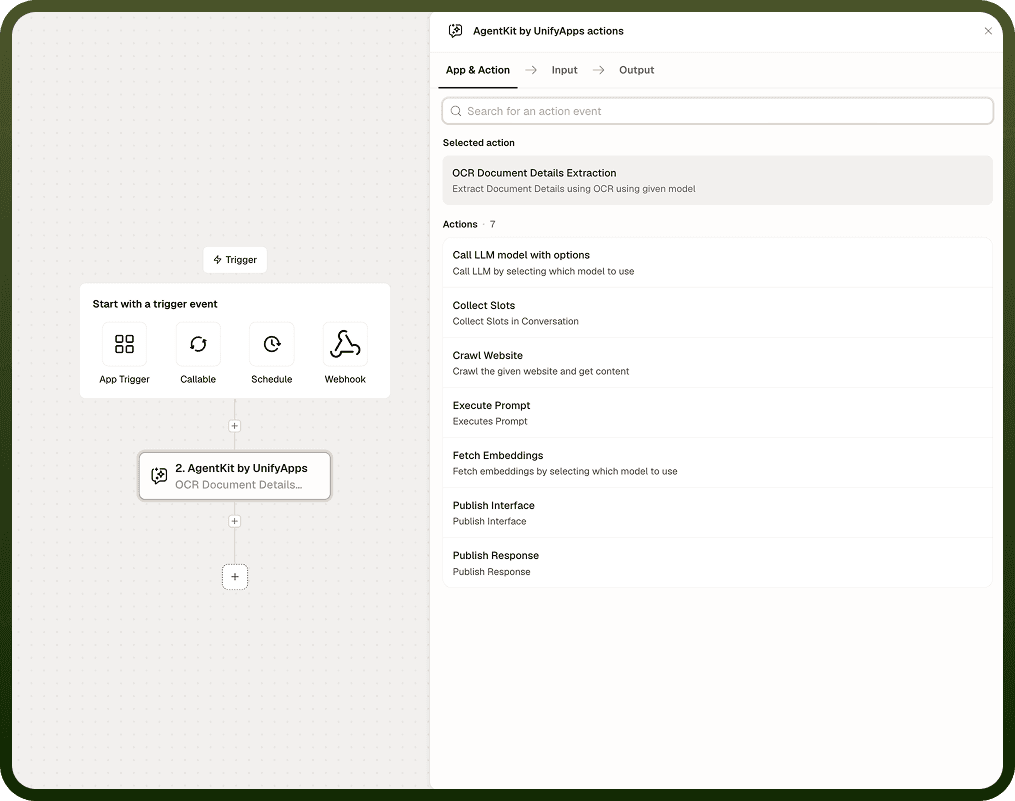
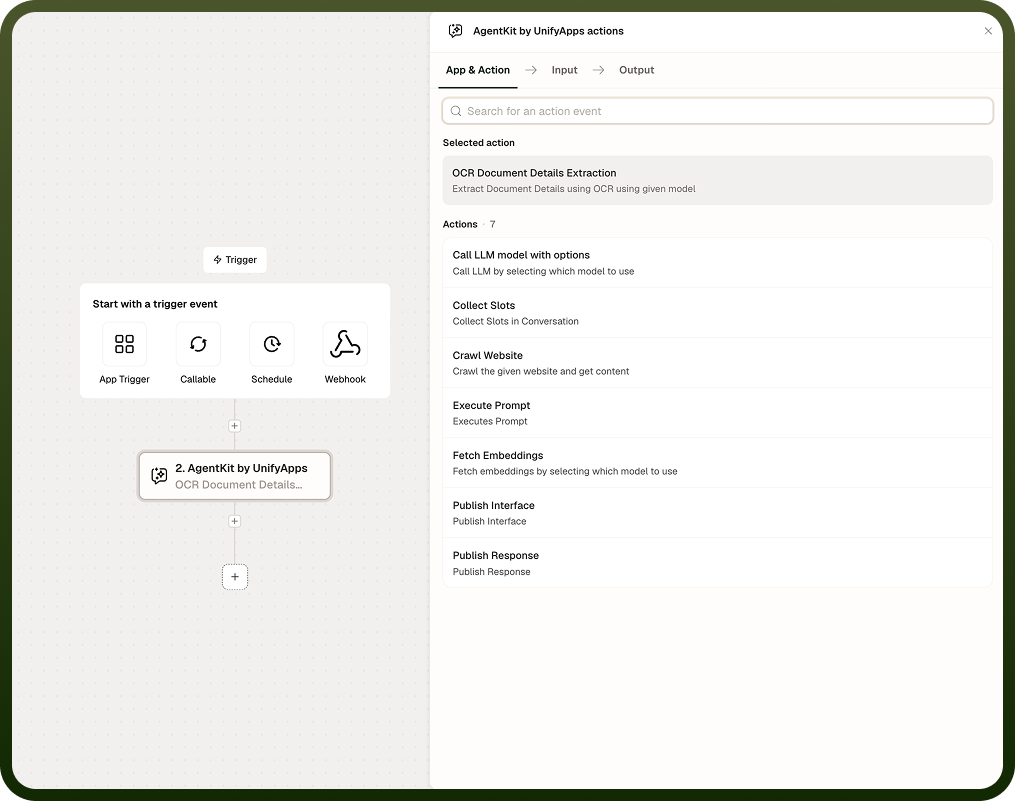
Output
The node returns one value:
Extracted Fields — a map of field names (as defined in the Fields input) to the values read from the document. Fields that could not be located or read will be absent from the map or returned as empty.
Notes
Extraction quality is directly tied to image quality. Use high-resolution scans or photographs with good lighting and contrast. Blurry, skewed, or low-contrast images will produce less accurate results.
Field names should be specific and match the terminology used in the document type. For example, invoice_number is more reliable than number.
Fields that cannot be found in the document will be missing from the output map — downstream steps should check for the presence of each field before using its value.
This node pairs naturally with Fetch Embeddings when you need to index extracted content for semantic search, or with a Call LLM Model with Options node to summarize or reason over the extracted data.
For best results across a document corpus, use consistent document formats and scan settings.
Image quality is the main variable: If extraction results are unreliable, improve the source image before adjusting field definitions. A sharper scan almost always helps more than rewording a field name.