


Convert Image transforms an image into the format required by downstream ML and automation pipeline steps. It is a self-contained utility — call it wherever a format mismatch would otherwise block the pipeline.
Overview
The Convert Image operation is a self-contained image processing utility within the Unify AI toolkit. It prepares image data in the format required by subsequent pipeline steps, decoupling the source format from what downstream nodes expect. Use it when your automation receives images in one format and a later step — such as a model inference call, an embedding operation, or a storage action — requires another.
Convert Image handles general format conversion. For face-specific ML work, use Extract Face Embeddings instead.
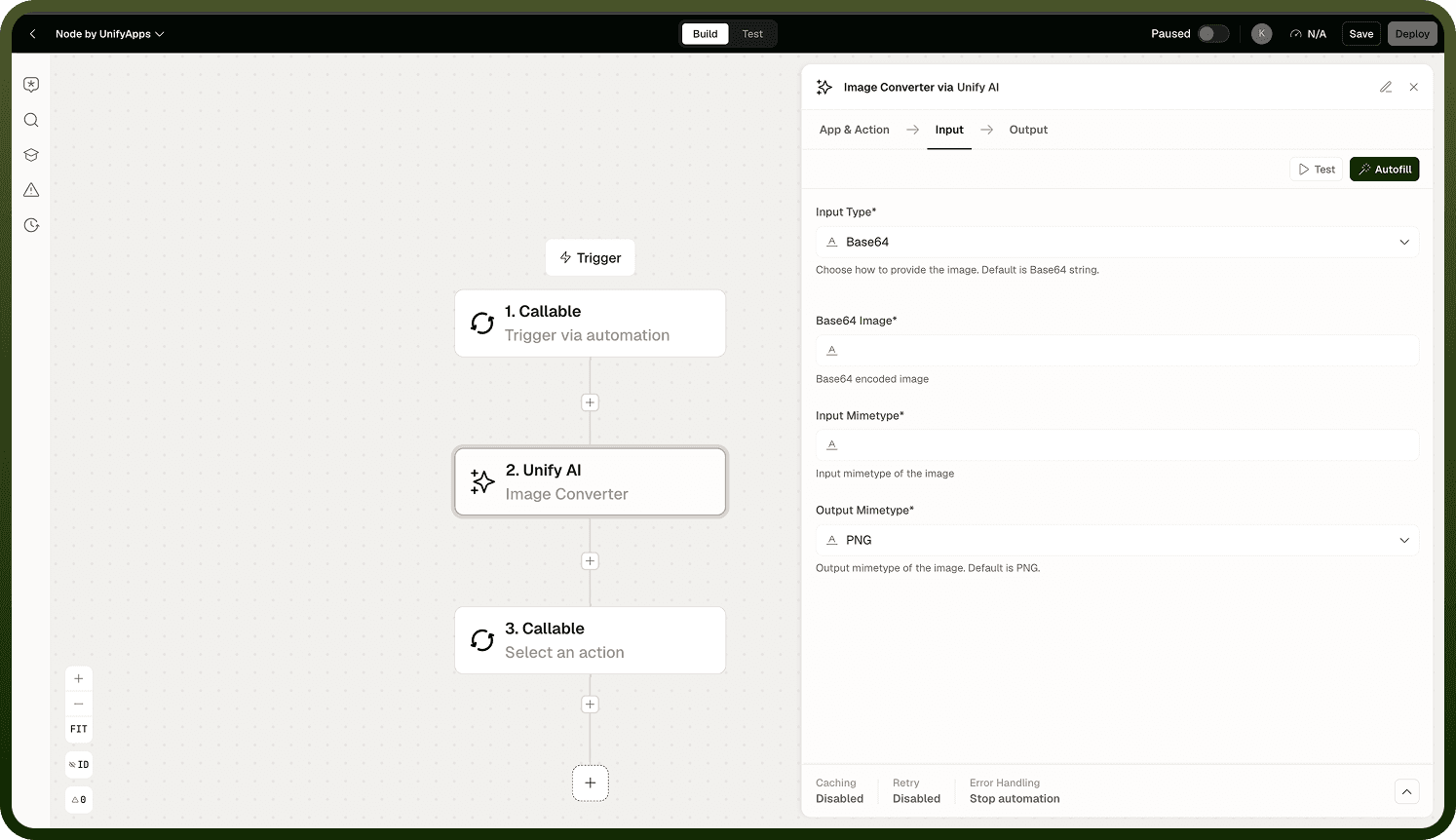
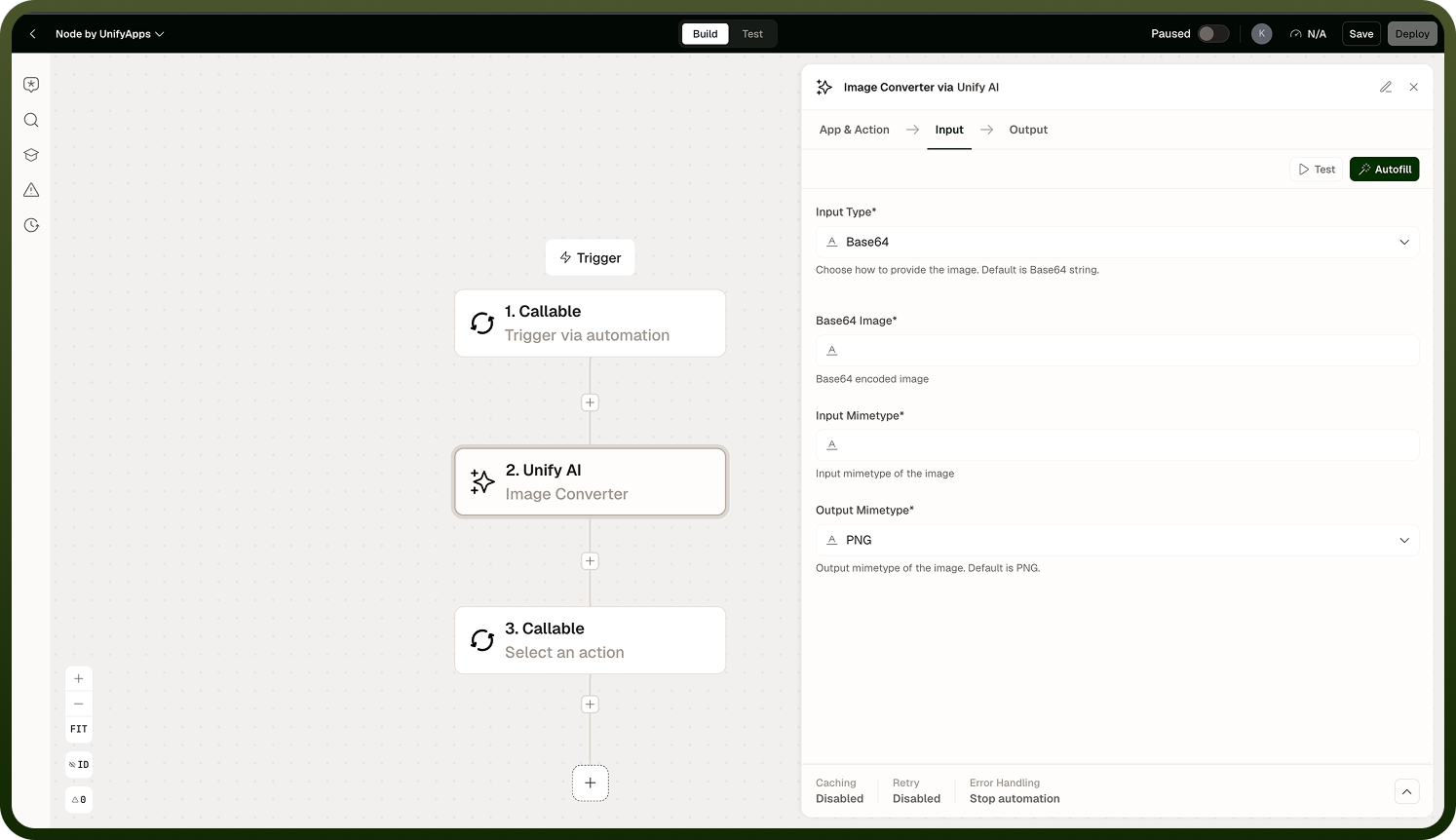
Input
Field | Type | Required | Description |
|---|---|---|---|
Image | file | Yes | The source image to convert. |
Target Format | string | Yes | The format to convert the image into, as required by downstream pipeline steps. |
Output
Returns the converted image in the specified target format, ready for use by subsequent pipeline steps.
Notes
Convert Image is a self-contained utility — it does not call an external model or depend on other Unify AI operations.
Use it between steps when a format mismatch would otherwise block the pipeline.
For face-related processing — generating embeddings from detected faces — use Extract Face Embeddings instead.
Place Convert Image immediately before the step that requires the target format to keep the pipeline shape clean.