


The Excel node's sheet management operations let you add, remove, and inspect the sheets in a workbook — useful for dynamically building multi-sheet reports, cleaning up stale tabs before writing new data, or discovering a file's structure before operating on it.
Overview
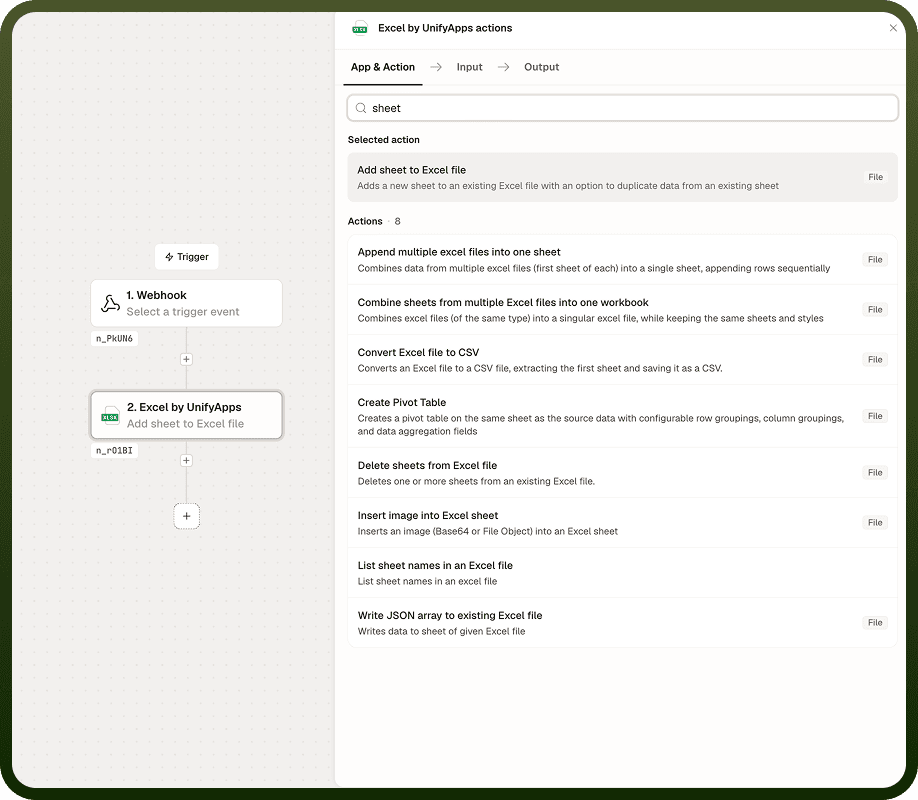
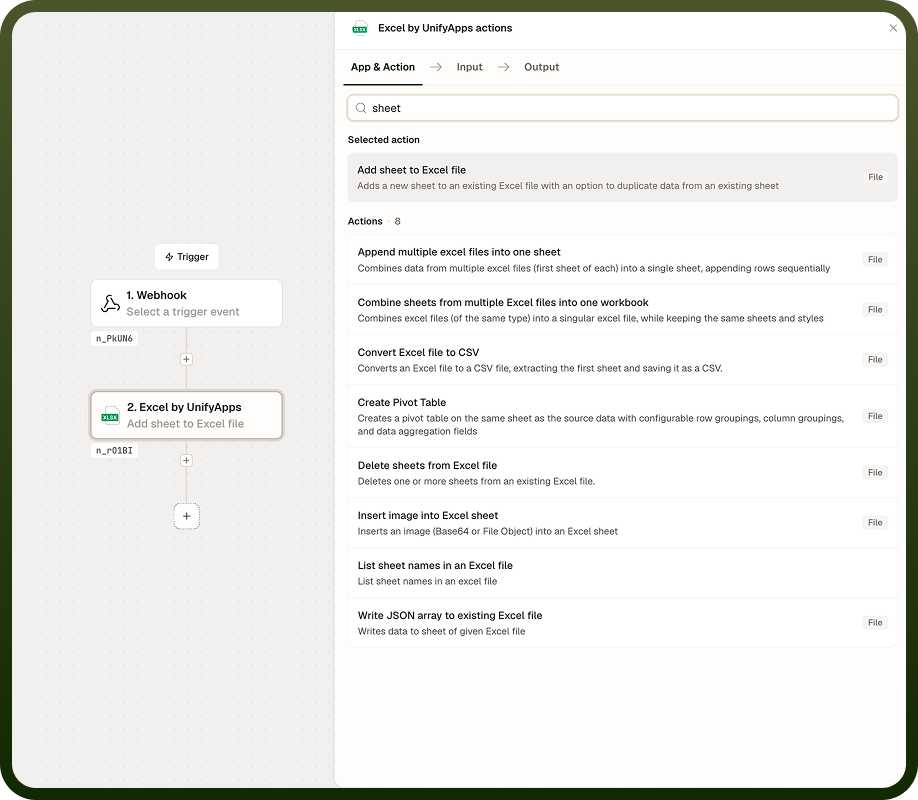
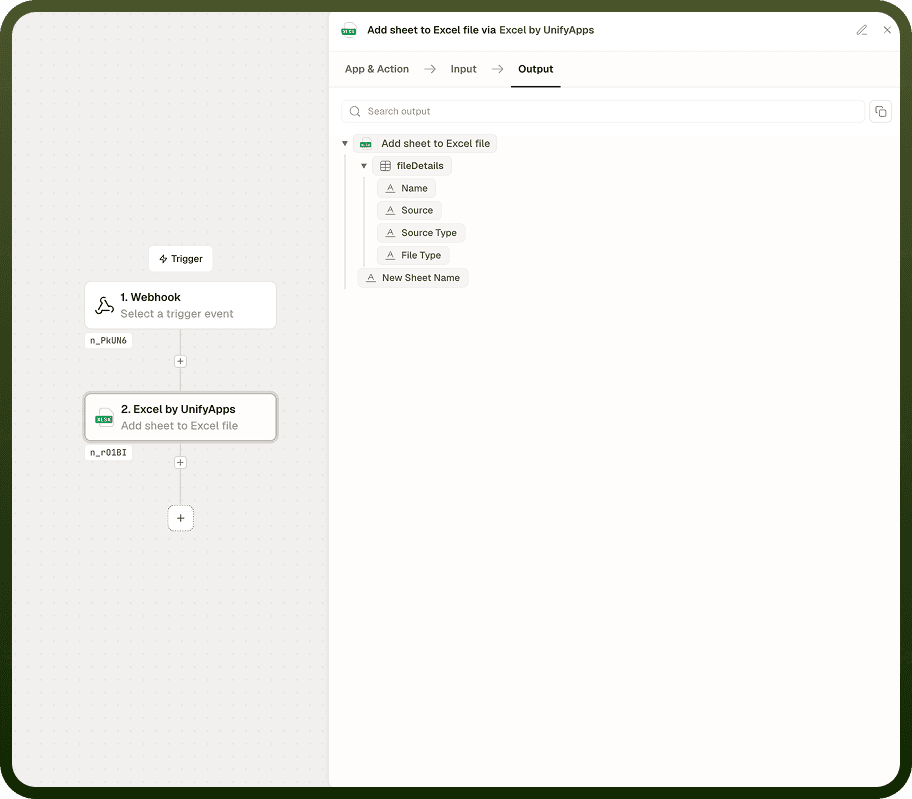
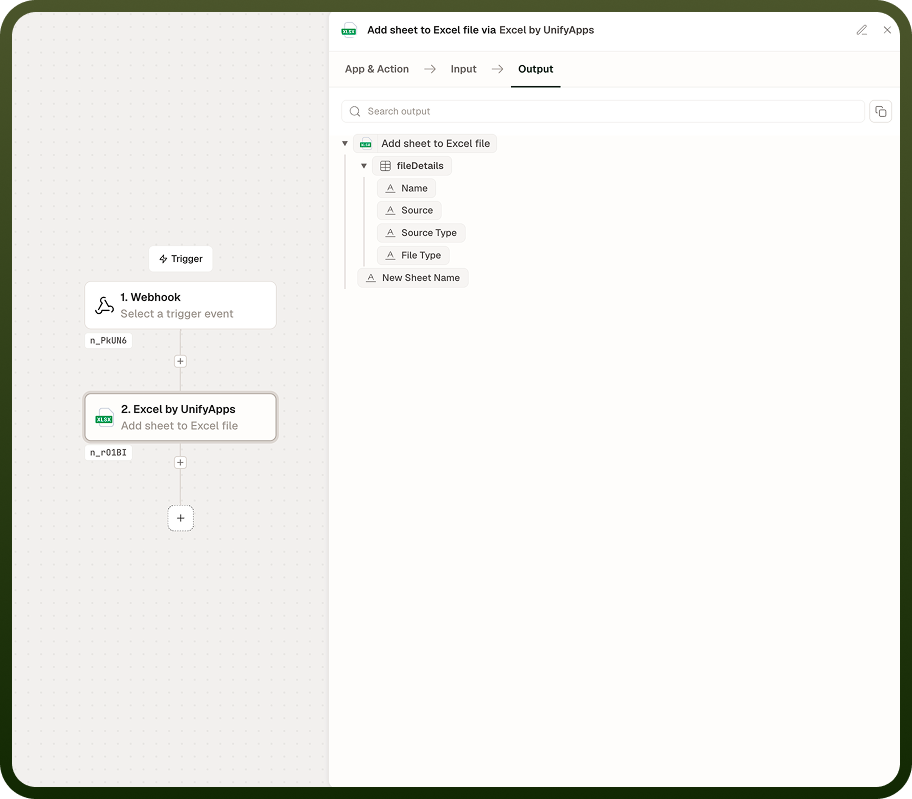
Add sheet to Excel file inserts a new blank sheet into an existing workbook at a specified position. Delete sheets from Excel file removes one or more named sheets. List sheet names in an Excel file returns an ordered array of every sheet name in the workbook — use this to inspect the file's structure before targeting a specific sheet in a read or write operation. All three operations work on XLSX, XLS, and XLSB files.
Operations
Operation | Description | Key inputs |
|---|---|---|
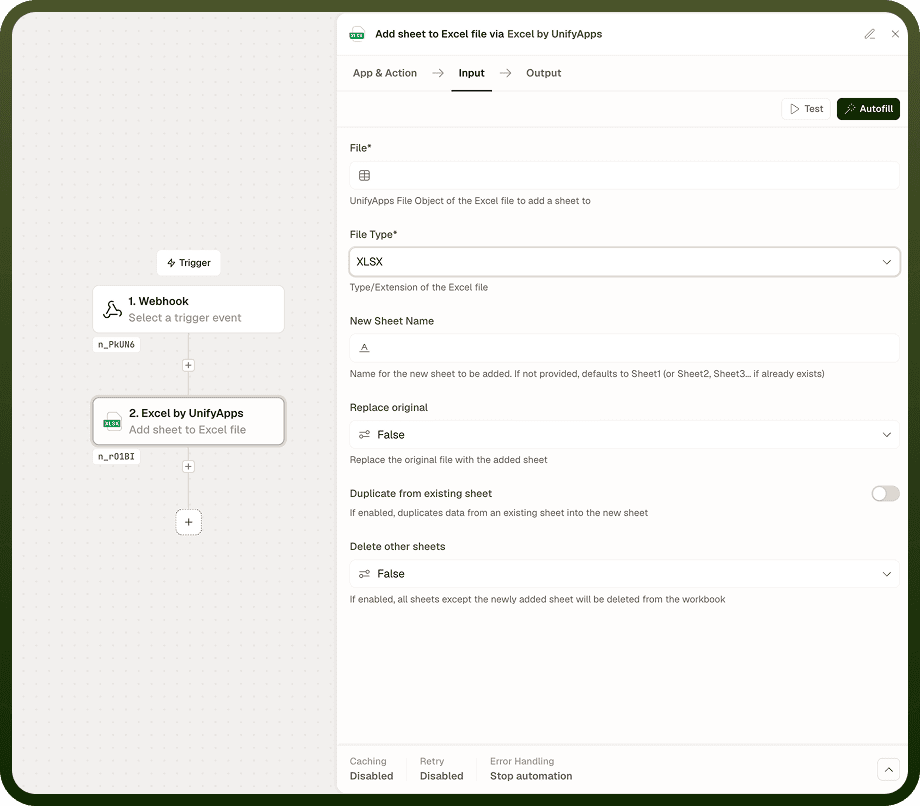
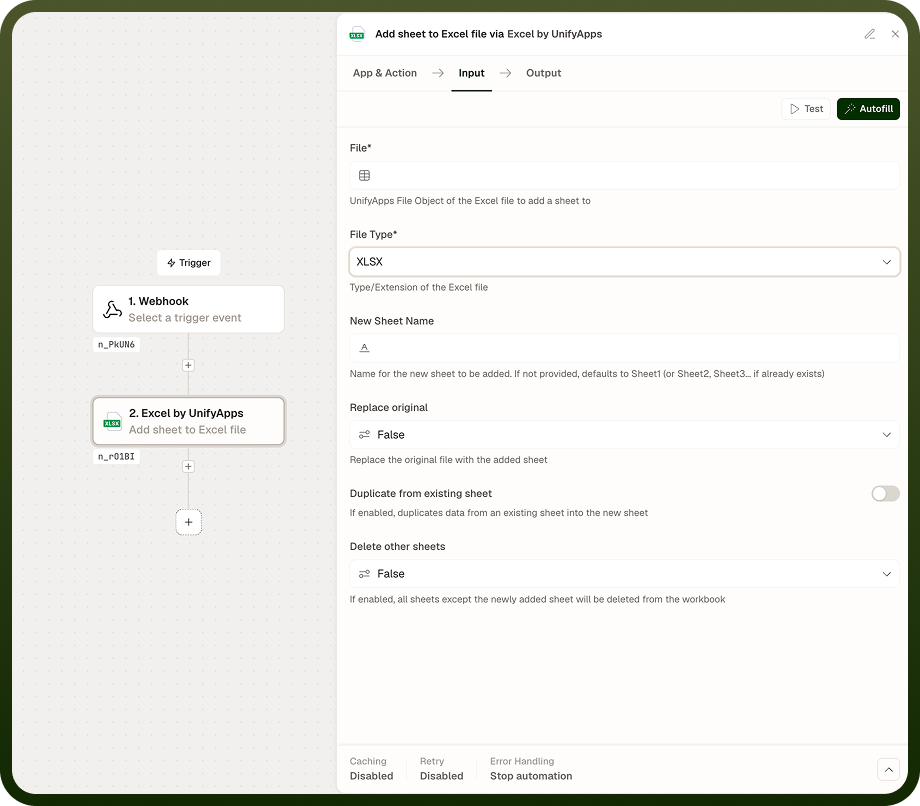
Add sheet to Excel file | Inserts a new blank sheet into an existing workbook. The sheet position within the tab order can be controlled relative to an existing sheet. | File, Sheet name, Position (before / after sheet) |
Delete sheets from Excel file | Removes one or more sheets from a workbook by name. All data on the deleted sheets is permanently removed from the returned file object. | File, Sheet names (list) |
List sheet names in an Excel file | Returns an ordered array of all sheet names present in the workbook. No data is modified — this is a read-only inspection operation. | File |
Input
Field | Type | Required | Description |
|---|---|---|---|
File | File reference | Yes | The Excel workbook to operate on. Supports XLSX, XLS, and XLSB formats. |
Sheet name | String | Yes — Add sheet | Name for the new sheet to be added. Must be unique within the workbook; Excel sheet names are case-sensitive. |
Position | Object | No — Add sheet | Controls where in the tab order the new sheet is inserted. Specify before or after an existing sheet name. Defaults to appending the sheet at the end. |
Sheet names | Array of strings | Yes — Delete sheets | One or more sheet names to remove. Each name must match exactly (case-sensitive). Sheets not found are silently skipped. |
Output
Add sheet to Excel file — returns the updated workbook as a file object, with the new blank sheet inserted at the requested position.
Delete sheets from Excel file — returns the updated workbook as a file object, with the specified sheets removed.
List sheet names in an Excel file — returns an ordered array of strings, each being a sheet name as it appears in the workbook's tab order.
Notes
Sheet names are case-sensitive across all operations. A sheet named Summary and one named summary are treated as distinct.
Deleting sheets removes all data on those sheets from the returned file object. This change is reflected in the output file, not the original source — the original file in storage is unmodified unless you explicitly write the output file back.
Use List sheet names before a Delete or Add operation when the workbook's sheet structure is not known at build time. Pass the list output into a condition or loop to determine which sheets to act on.
Adding a sheet with a name that already exists will cause the operation to fail. Check for name conflicts with a List operation first if the workbook content is dynamic.
Supported file formats are XLSX, XLS, and XLSB.
Non-destructive by default: Sheet management operations return a new file object — the source file in storage is not overwritten unless you write the output back explicitly. This means you can safely inspect, add, or delete sheets in an automation without affecting the original stored file.