


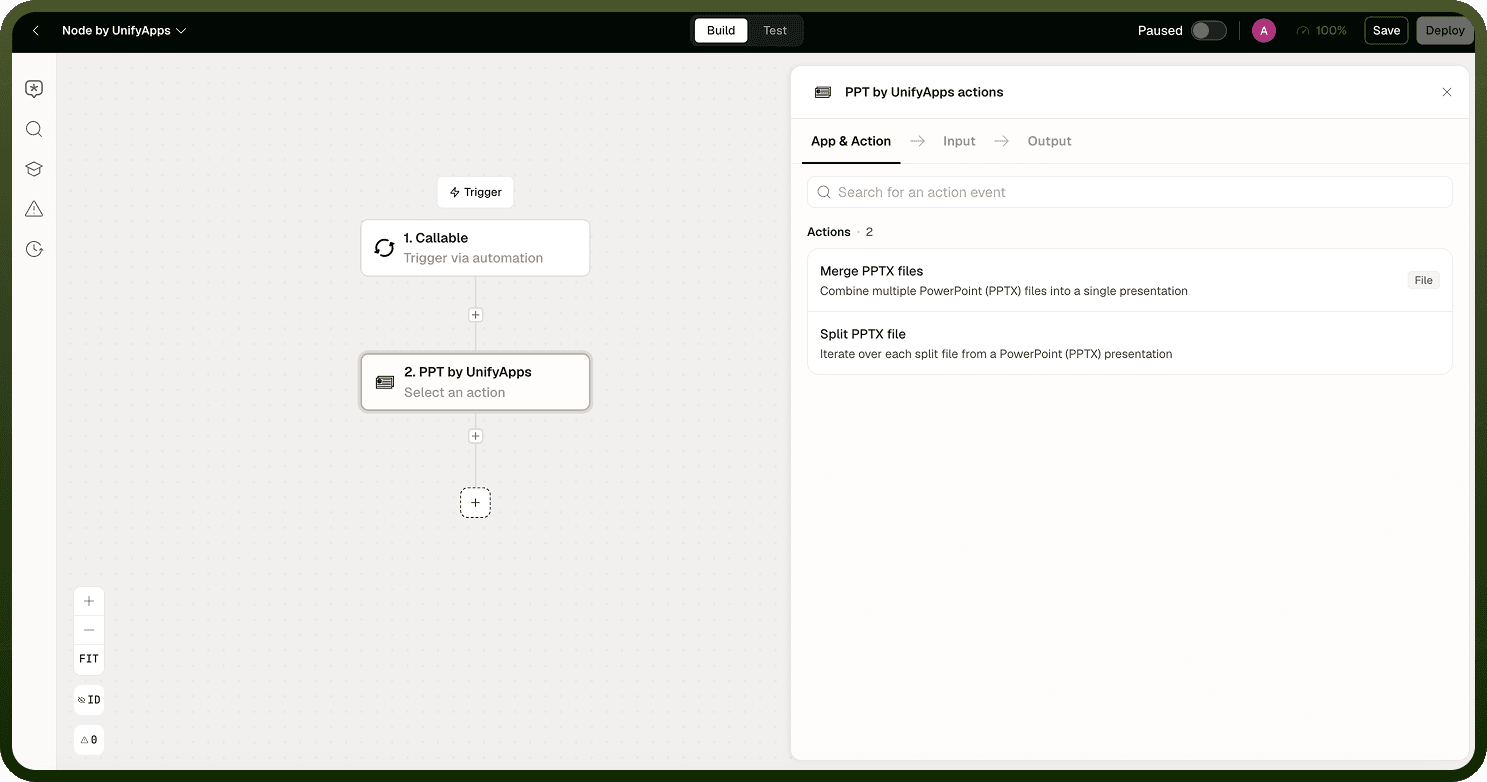
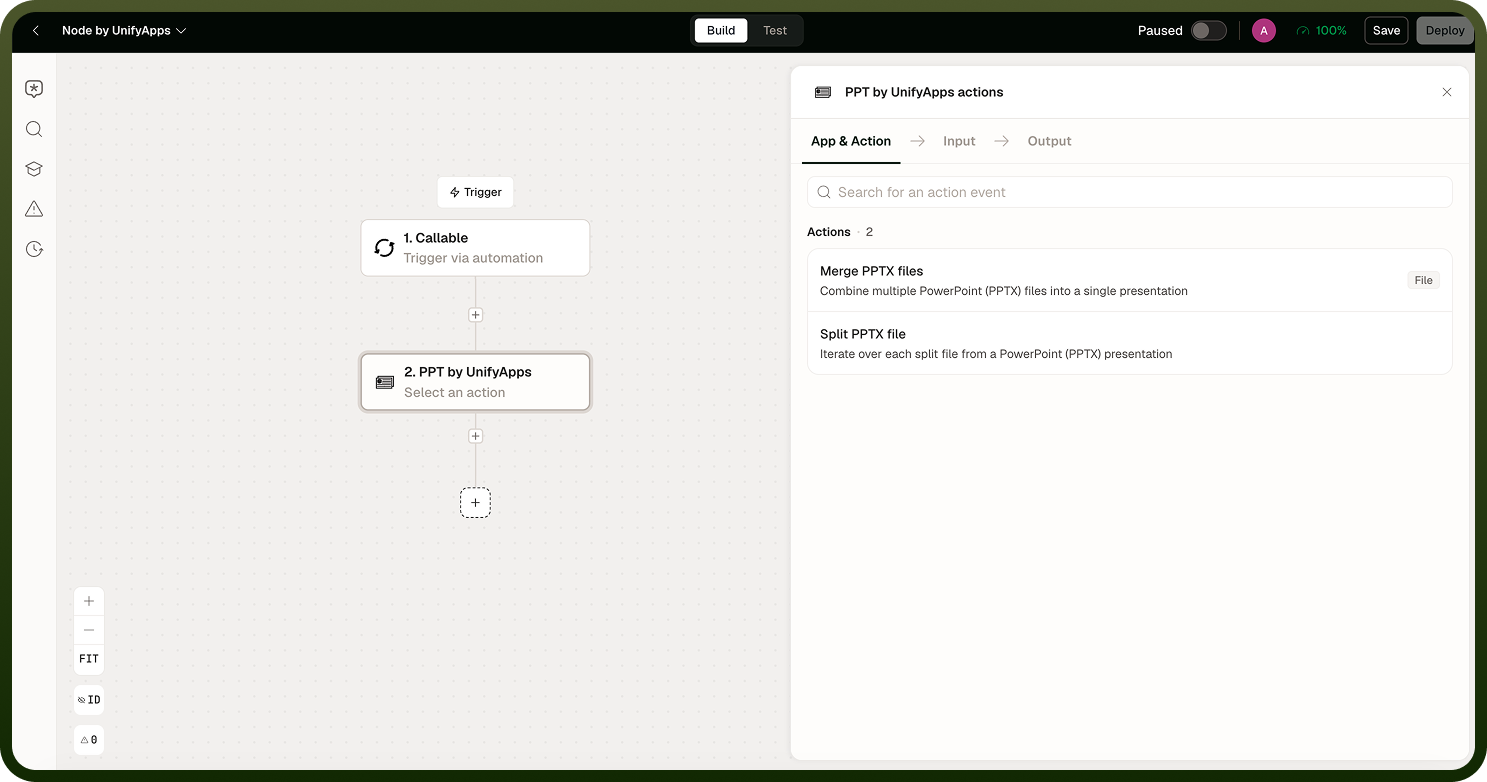
The PPT node works with PowerPoint presentations in an automation. Use it to assemble a deck from parts, or to process slides individually.
Overview
The PPT node provides two operations:
Merge — combine several .pptx files into a single presentation
Iterate slides — loop through a presentation one slide at a time, yielding each slide as an individual file for per-slide processing
Note: The PPT node works with the modern .pptx format only. Legacy .ppt files are not supported — convert them first before passing them to this node (the Utility node can perform that conversion).
Merging Presentations
Merge combines the source presentations in the order you provide them, importing each slide into the output file one by one. Two practical notes:
Order matters — slides appear in the merged output in the exact order you supply the input files. Feed them in the final order you want.
Complex effects may not carry over — because merge copies slide content rather than re-authoring it, some animations and transitions may not transfer perfectly. Check the merged deck if your slides use heavy animation.
The result is a single .pptx file you can hand off, store, or export.
Iterating Slides
The iterate operation yields each slide from a presentation as an individual file, one per iteration. Use a Loop step to process each slide — for example, to extract images, generate per-slide summaries with an AI step, or perform quality checks on individual slides before reassembling the deck.
Notes
Convert legacy .ppt files to .pptx before using this node.
If you are assembling a deck from generated sections (cover, body, appendix), generate each section first and then merge them in order.
Check the merged output visually for any slide layout issues caused by blank-layout handling during import.