


Read PDF Pages extracts the embedded text layer from a PDF document, returning content page by page. It is fast and direct — but it reads only text that is already present in the file, not text rendered within images.
Overview
The Read PDF Pages operation reads the text layer that a PDF contains natively. Each page is returned as a separate item, preserving page boundaries for downstream processing. Because the operation targets embedded text only, it is best suited for PDFs produced by word processors, publishers, or digital exports where real, selectable text exists.
This operation is not OCR. A scanned or image-only PDF will return little or no text for the affected pages. For those cases, use the Read Document operation, which supports OCR and handles the same content correctly.
Input
Field | Type | Required | Description |
|---|---|---|---|
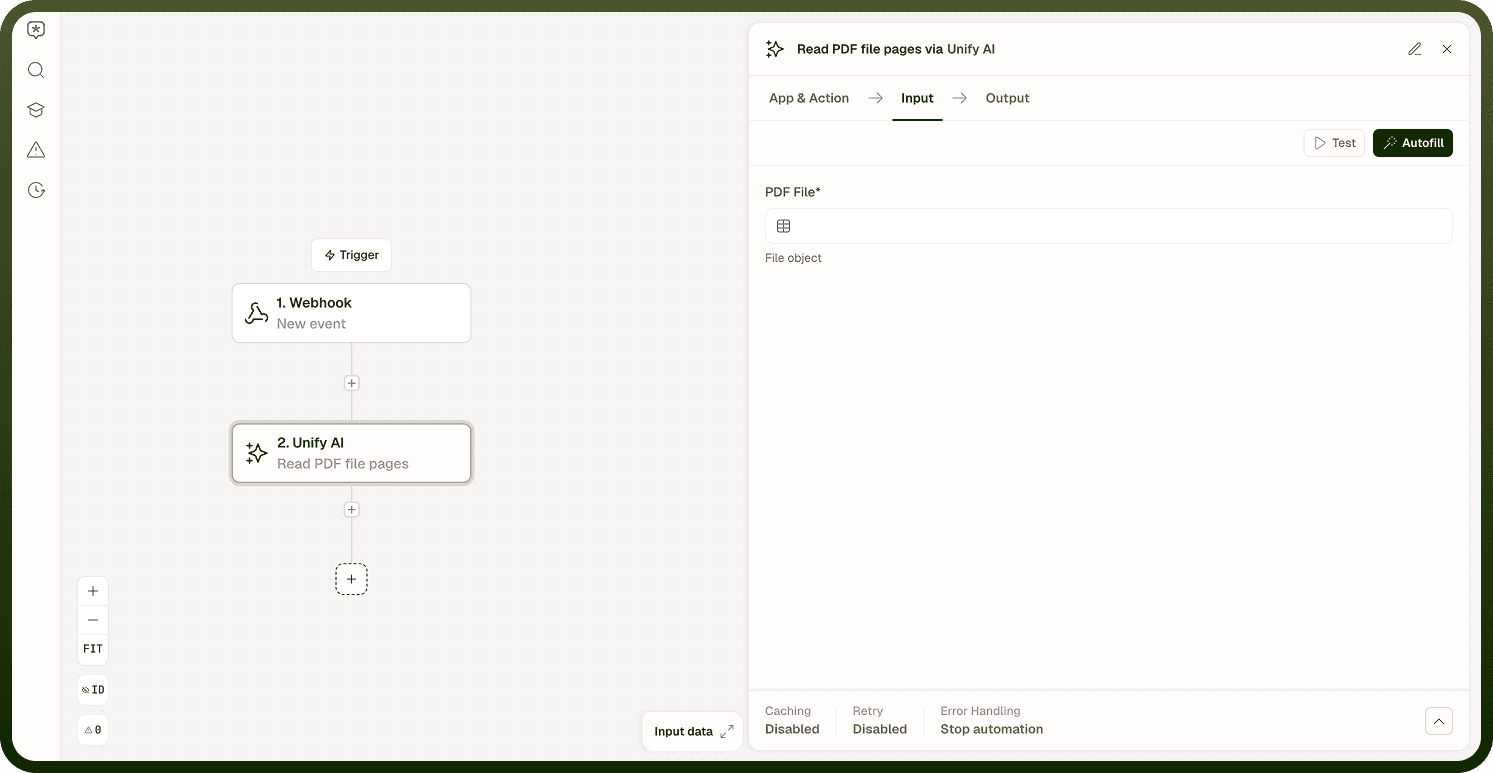
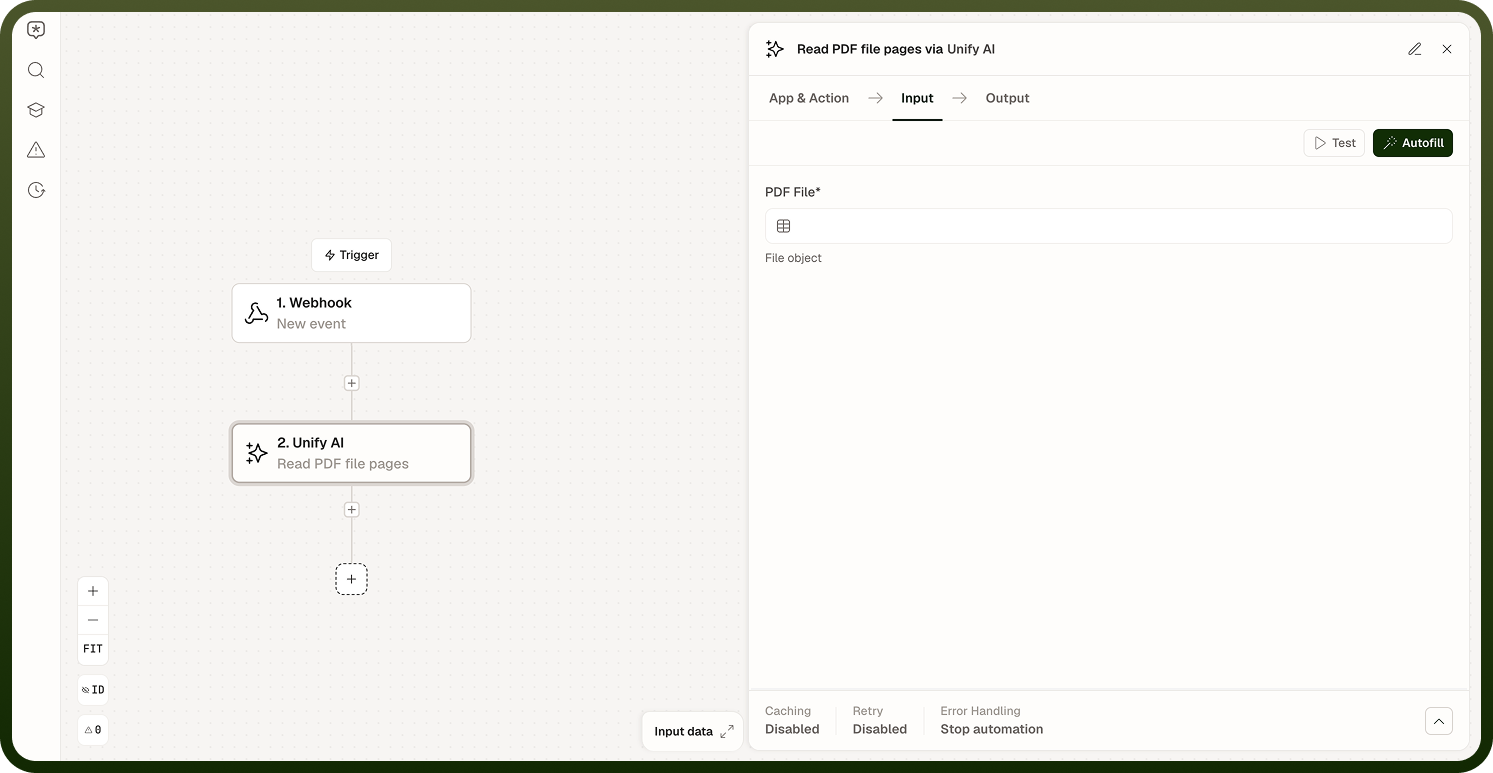
PDF File | file | Yes | The PDF document to read. Must contain an embedded text layer for meaningful output. |
Read PDF Pages takes only the PDF file as input — there is no field for selecting a page range. The operation always reads every page and returns each one as a separate item in the output; if you only need certain pages, filter the resulting array in a later step.
Output
Returns an array of page objects. Each object includes the page number and the extracted text content for that page. Pages with no embedded text return an empty text value.
Notes
This operation is not OCR. A scanned PDF or image-only PDF will return empty or near-empty text for affected pages.
For scanned documents or PDFs with image-embedded content, use Read Document instead.
Page boundaries are preserved in the output — each page is a separate item in the result array.
Use Read PDF Pages when you know your PDF has real, selectable text; it is faster than OCR-based alternatives.
Text layer quality depends on how the PDF was created. Digitally produced PDFs consistently yield the best results.