


Extract Face Embeddings detects faces in an image and returns a numerical vector representation for each one, enabling similarity search, verification, and other face-based ML workflows downstream.
Overview
The Extract Face Embeddings operation is a self-contained ML utility in the Unify AI toolkit. It takes an image as input, identifies any faces present, and generates a compact embedding vector for each detected face. These vectors can then be stored in a vector database, compared against a reference set for recognition, or passed as features into a broader ML pipeline.
The operation produces embeddings only — it does not perform identification itself. Matching or recognition logic must be handled by subsequent pipeline steps that act on the returned vectors.
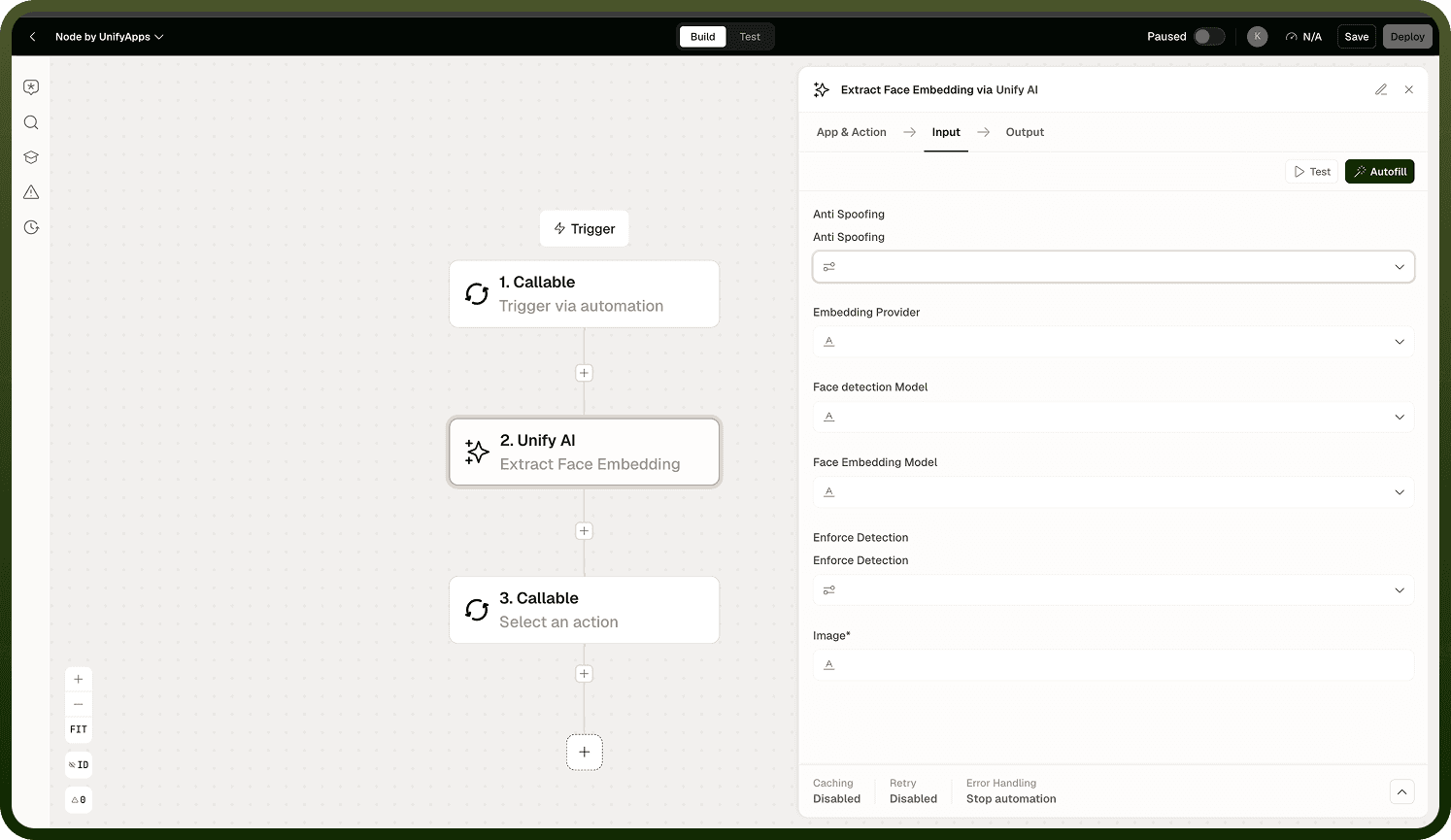
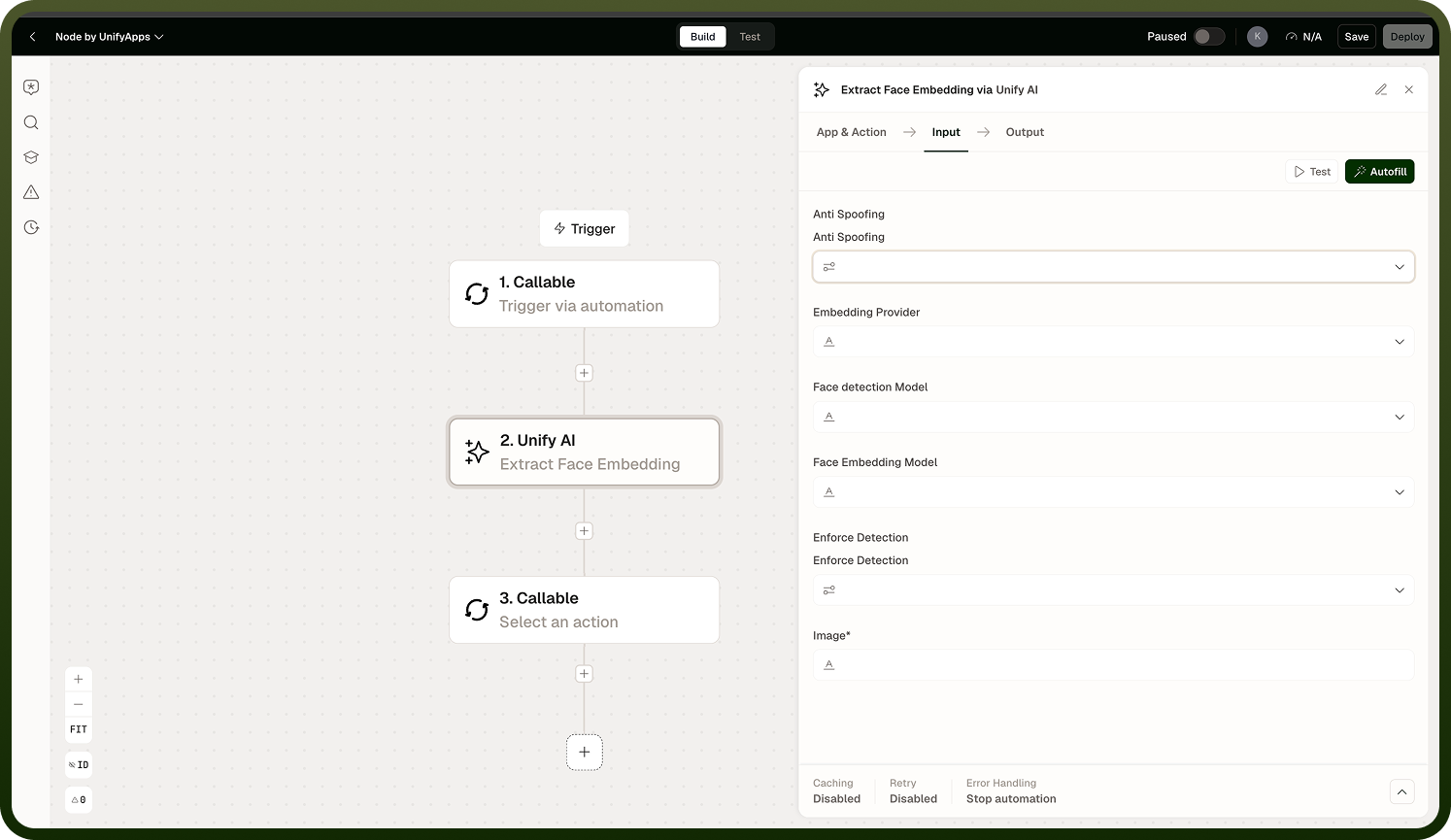
Input
Field | Type | Required | Description |
|---|---|---|---|
Image | file | Yes | The image in which to detect and embed faces. May contain one or more faces. |
Output
Returns an array of face embeddings. Each item in the array corresponds to one detected face and contains the embedding vector for that face. If no faces are detected, the array is empty.
Notes
If no faces are detected in the image, the output array will be empty. Handle this case in downstream steps if your automation requires at least one face to proceed.
The output embeddings are numerical vectors — they represent facial features but are not human-readable labels or identifiers.
Identification or matching logic must be implemented in subsequent pipeline steps using the returned vectors.
This operation is self-contained — it does not call a separate model service or depend on other Unify AI operations.
For general image format conversion, use Convert Image instead.