


The DuckDB node runs analytical SQL over your data inside an automation. Load data into a fast, in-process columnar database, then query it with full DuckDB SQL syntax. It's the right tool for real analytical work — aggregations, window functions, joins across sizeable files — when the simpler Utility node operations are not enough.
Overview
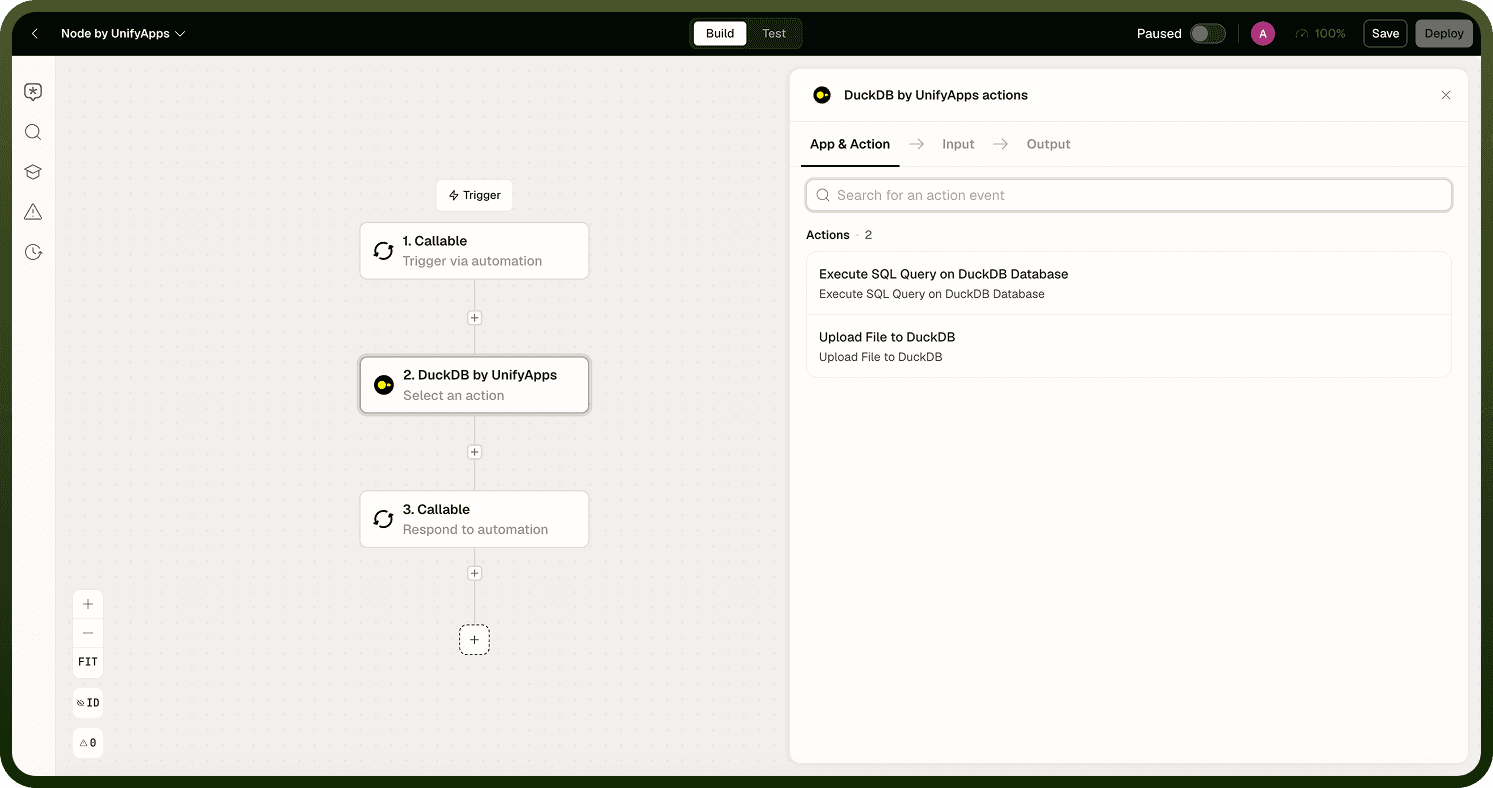
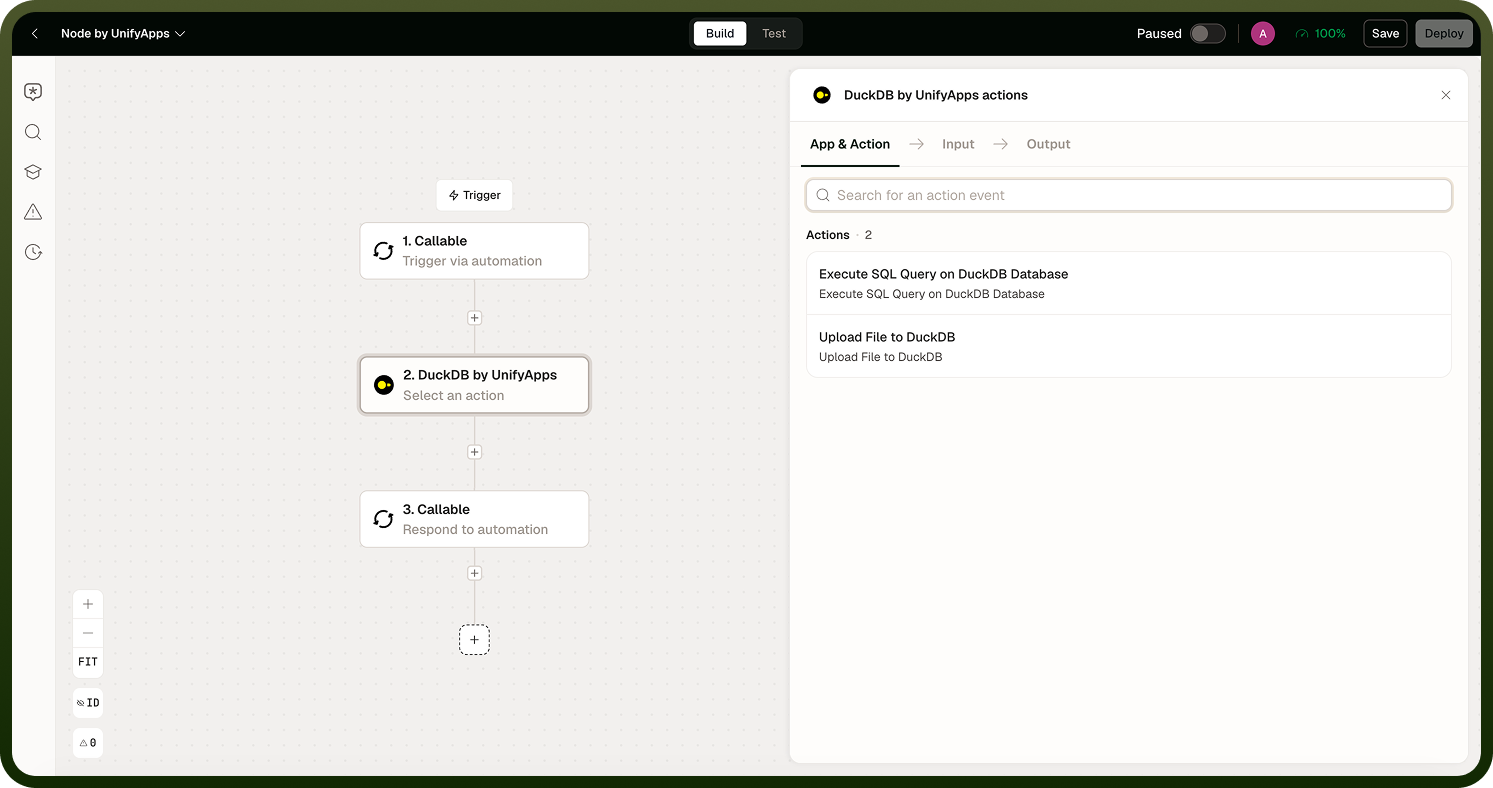
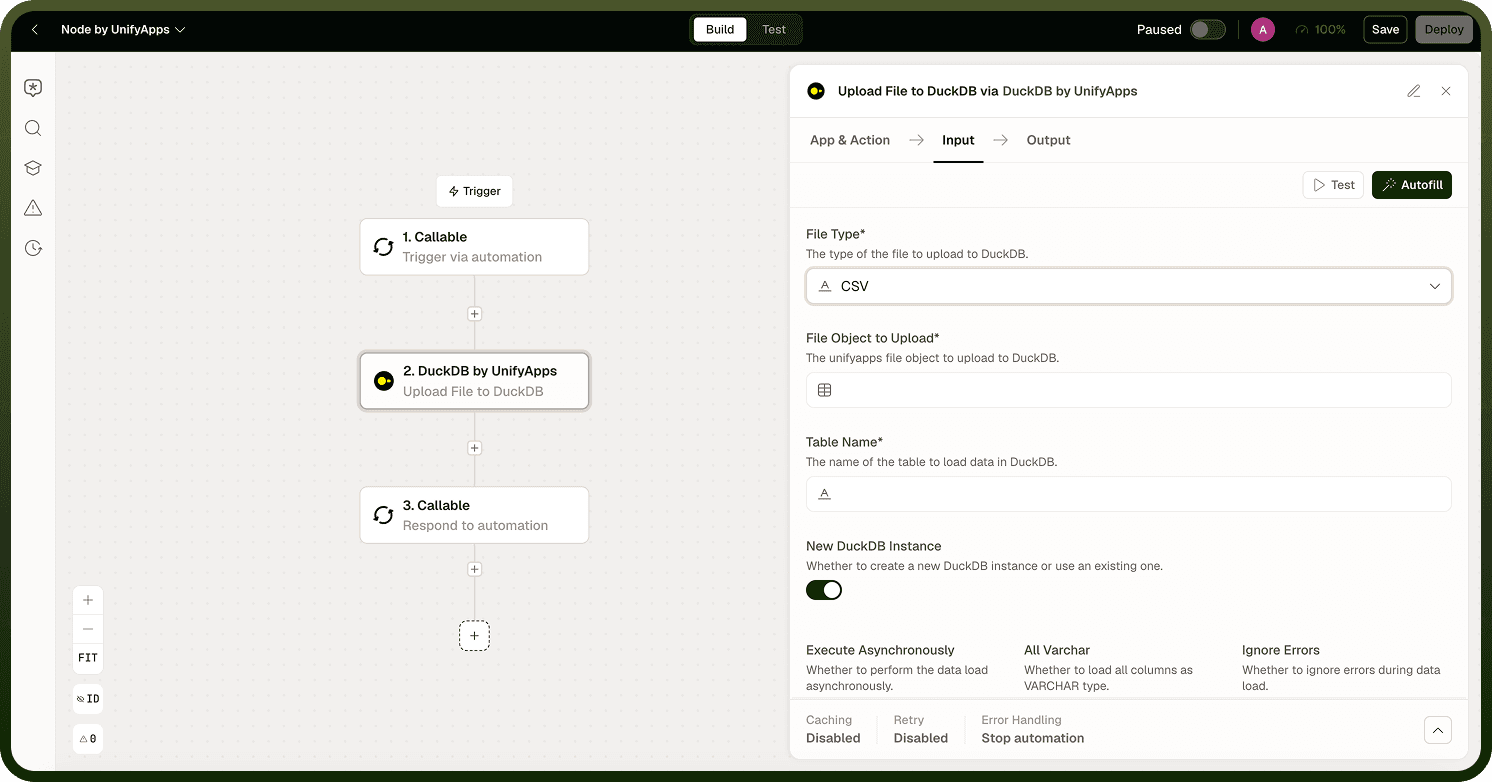
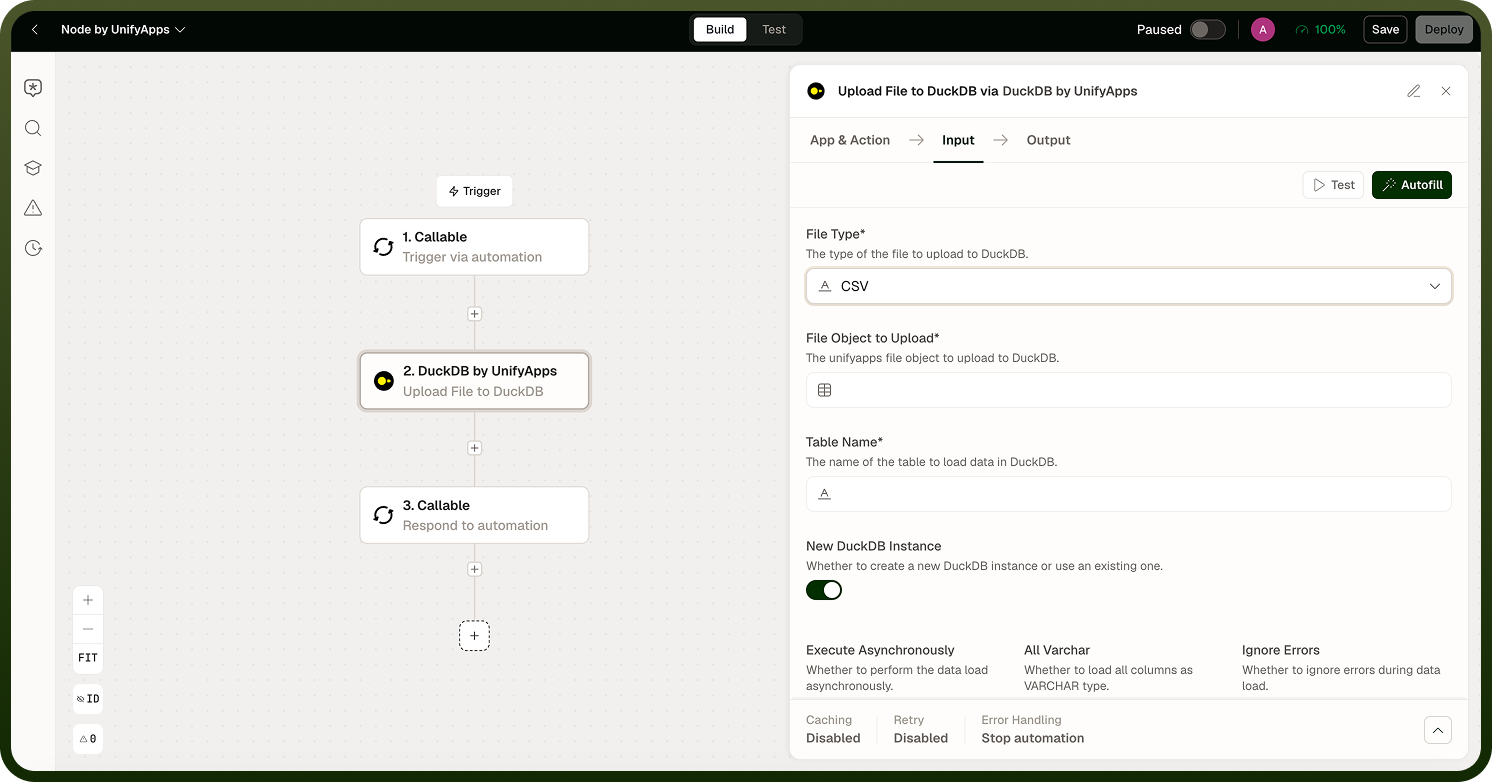
You upload data from a file (CSV, TSV, JSON, Parquet, or Excel) into a named table, then execute SQL against it. Results can be exported back as CSV, TSV, JSON, or Parquet. The node handles the engine lifecycle — you work with tables and SQL, not infrastructure.
Instance Lifecycle
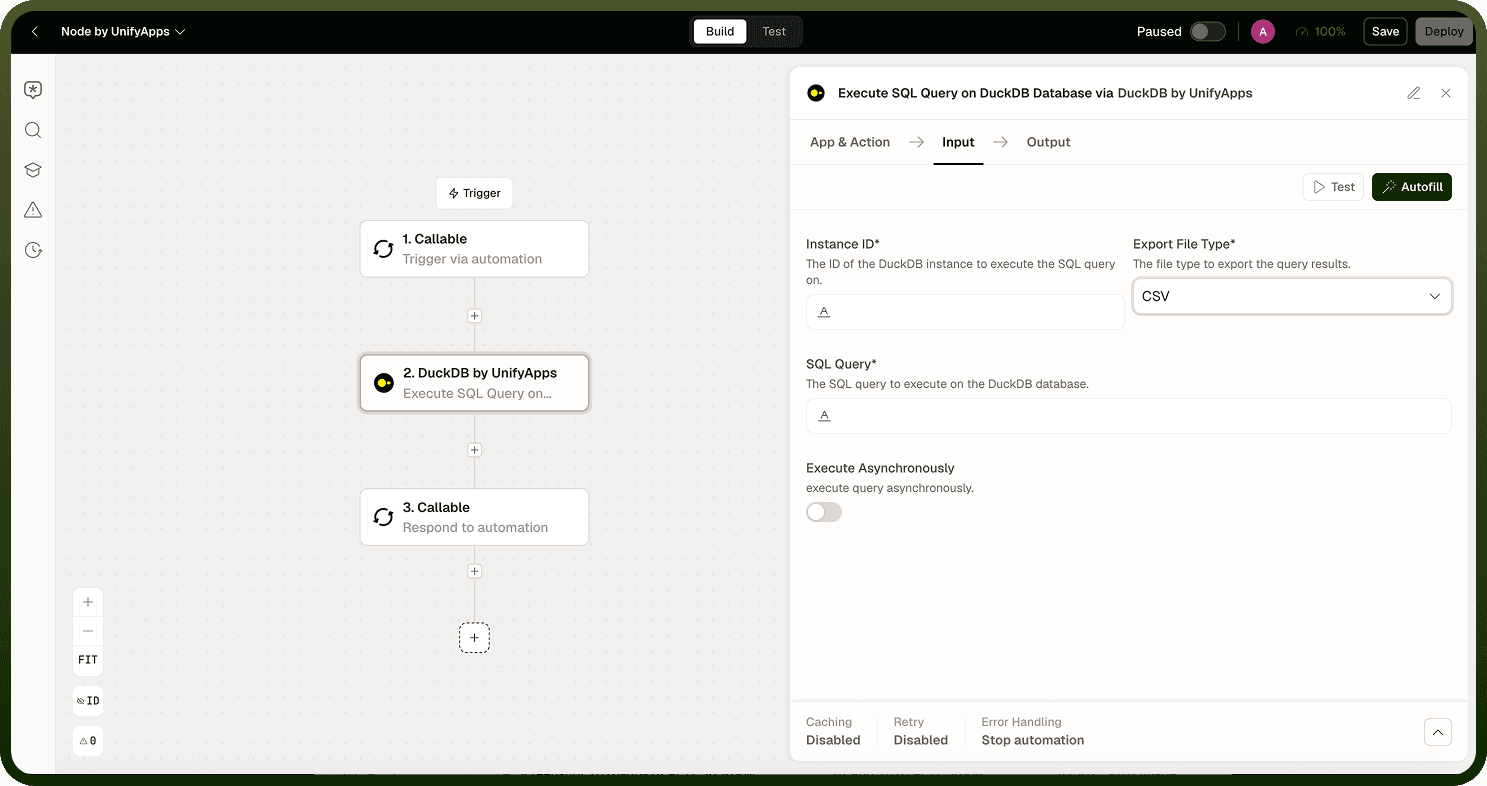
By default, each operation creates a fresh, ephemeral DuckDB instance. To carry data across multiple steps — load once, query several times — reuse an instance by passing the instance reference returned by the upload operation into subsequent operations.
Behind the scenes, a reused instance is saved to and reloaded from storage, so the instance reference is effectively a stored-file handle you must manage. If queries come back empty against a table you thought you created, the common cause is a new ephemeral instance that doesn't see tables from a previous step.
Loading Data
Two behaviors matter when loading:
Type inference — by default DuckDB infers column types, so "123" becomes a number. If you need everything kept as text (to preserve leading zeros, codes, or mixed values), enable the all-as-text option.
Create, not append — loading creates a table. There is no append operation. Model your flow around create-then-query rather than incremental inserts.
Skip malformed rows — enable this option so a single bad line does not fail the entire load.
Notes
The DuckDB Node works best when you follow these practices:
Use DuckDB for complex analytical queries; use the Utility node's list-to-SQL operations for simple filtering and aggregation on small lists.
Store the instance reference from the upload step in a Variable if you need to reference it in multiple downstream steps.
DuckDB SQL syntax is supported in full — window functions, CTEs, lateral joins, and aggregations all work as expected.
A well-configured DuckDB Node reduces errors and keeps automations maintainable.