


Execute SQL Query runs a SQL SELECT statement against the platform's analytics and reporting store, returning rows of data your automation can inspect or pass downstream. It is the primary way to read from your reporting data inside a workflow.
Overview
The Execute SQL Query action lets you issue a read query directly against the analytics and reporting store from within an automation. Write standard SQL, use named placeholders to bind runtime values safely, and receive paginated results your next nodes can act on — filtering records, routing branches, or populating outputs.
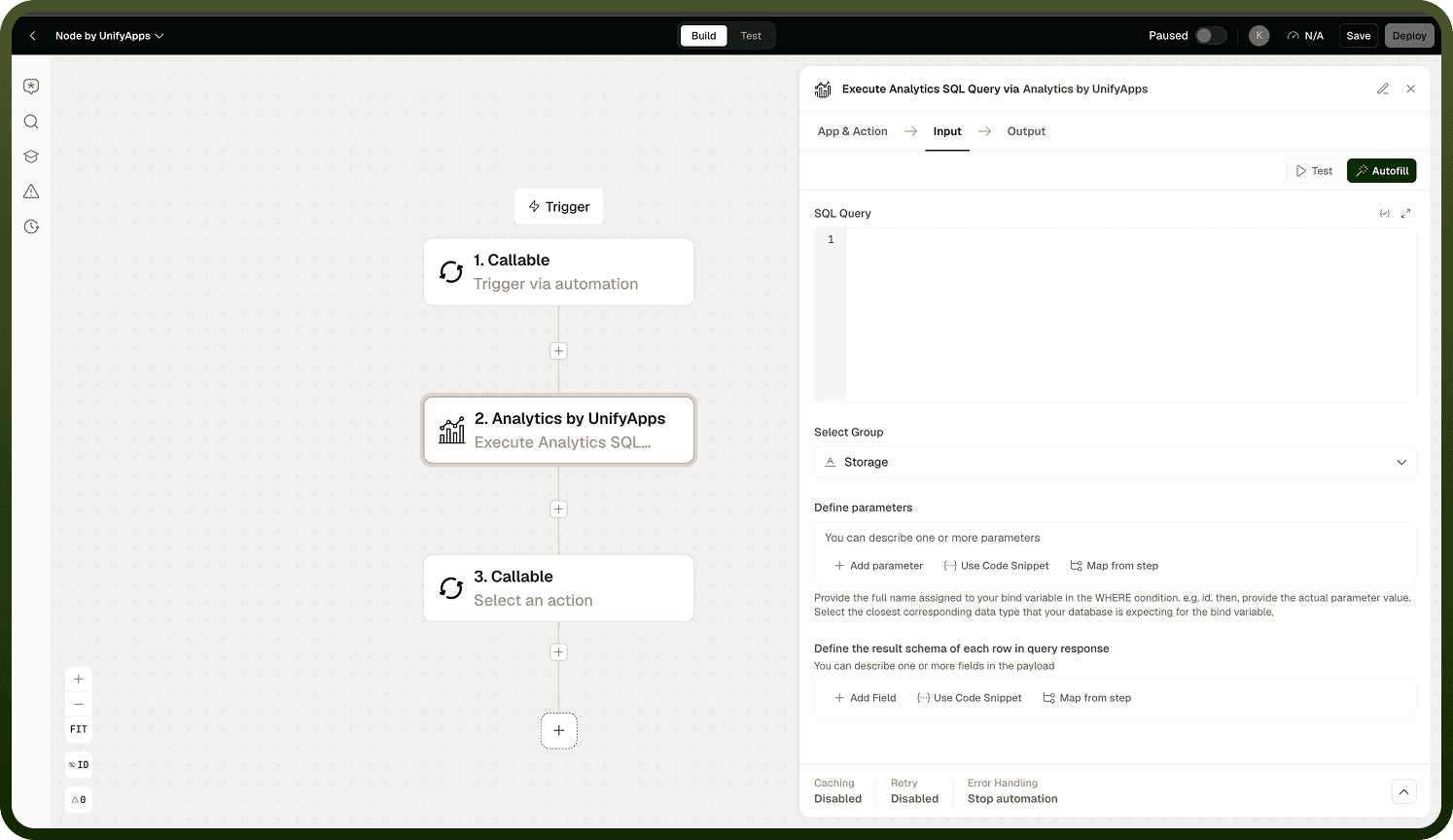
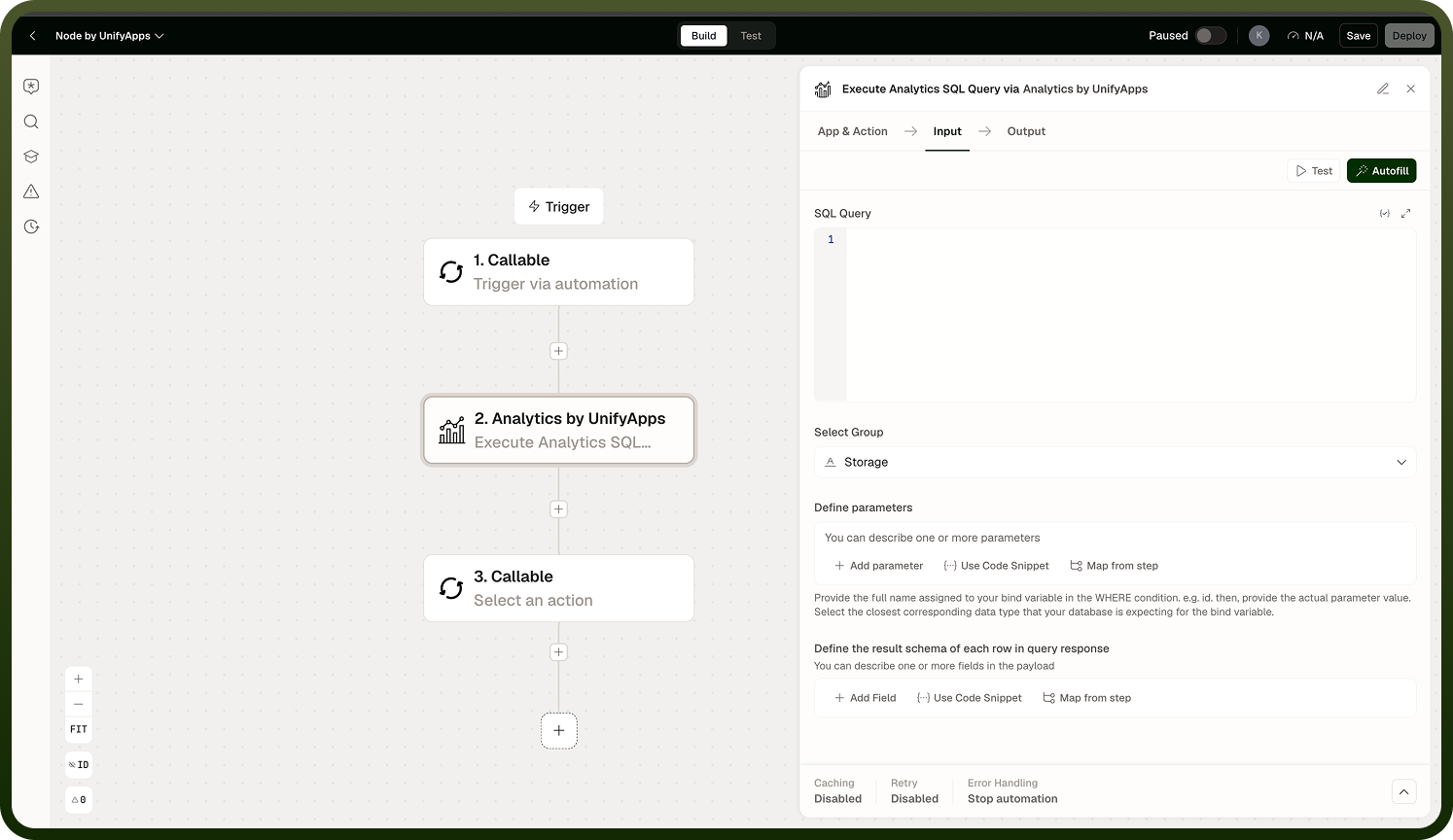
Because the analytics store holds your reports and entity data, this action is the right choice when you need to read existing records, check values before taking an action, or pull data that drives a decision later in the same run. For write operations such as inserts, updates, or deletes, use Execute SQL Update instead.
Input
Field | Description | Required |
|---|---|---|
SQL Query | A valid SQL SELECT statement to run against the analytics and reporting store. Use named placeholders in the form :name rather than positional ? markers. | * |
Parameters | Key-value pairs that bind values to the named placeholders in your query. Each key must match a :name placeholder exactly. | |
Page | The page number to retrieve from a paginated result set. Defaults to the first page when omitted. | |
Page Size | Maximum number of rows to return per page. Reduce this for large result sets to avoid memory pressure on downstream nodes. |
Output
The action returns a paginated result object containing:
An array of row objects matching the query, where each object's keys correspond to the selected column names.
A has more boolean flag indicating whether additional pages of results exist beyond the current page.
The current page index, so downstream nodes can request the next page if needed.
Notes
Keep the following in mind when using Execute SQL Query.
Always use named placeholders (:name) rather than positional ? markers. Positional placeholders are not supported in this node.
This action targets the analytics and reporting store — your reports and entity data. It does not query workflow execution logs; use the LogQL actions for that.
Results are paginated. For large result sets, loop over pages using the has more flag rather than expecting all rows in a single response.
This action is read-only. It cannot modify data; any attempt to use INSERT, UPDATE, or DELETE should be directed to Execute SQL Update.
Test your query and parameter bindings with a small, known dataset before running against production reporting data.
If your query returns no rows, the output array is empty and has more is false — this is not an error condition; handle the empty case explicitly in your automation logic.