


The Maven node resolves and downloads Java dependencies from a Maven repository inside an automation. Use it when a workflow needs to pull specific JAR files — for a Code node, a build pipeline, or downstream processing — without running a full build tool locally.
Overview
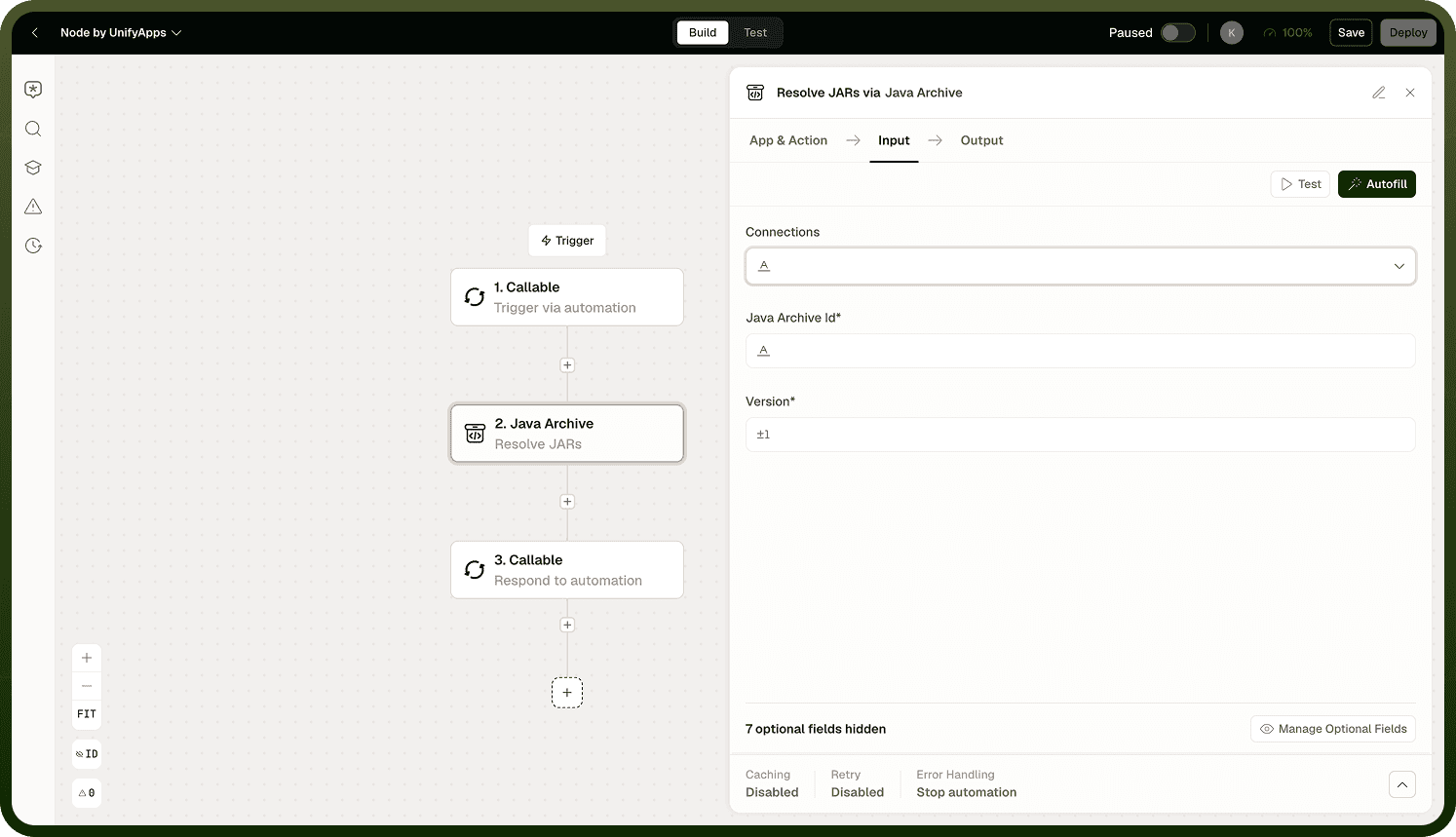
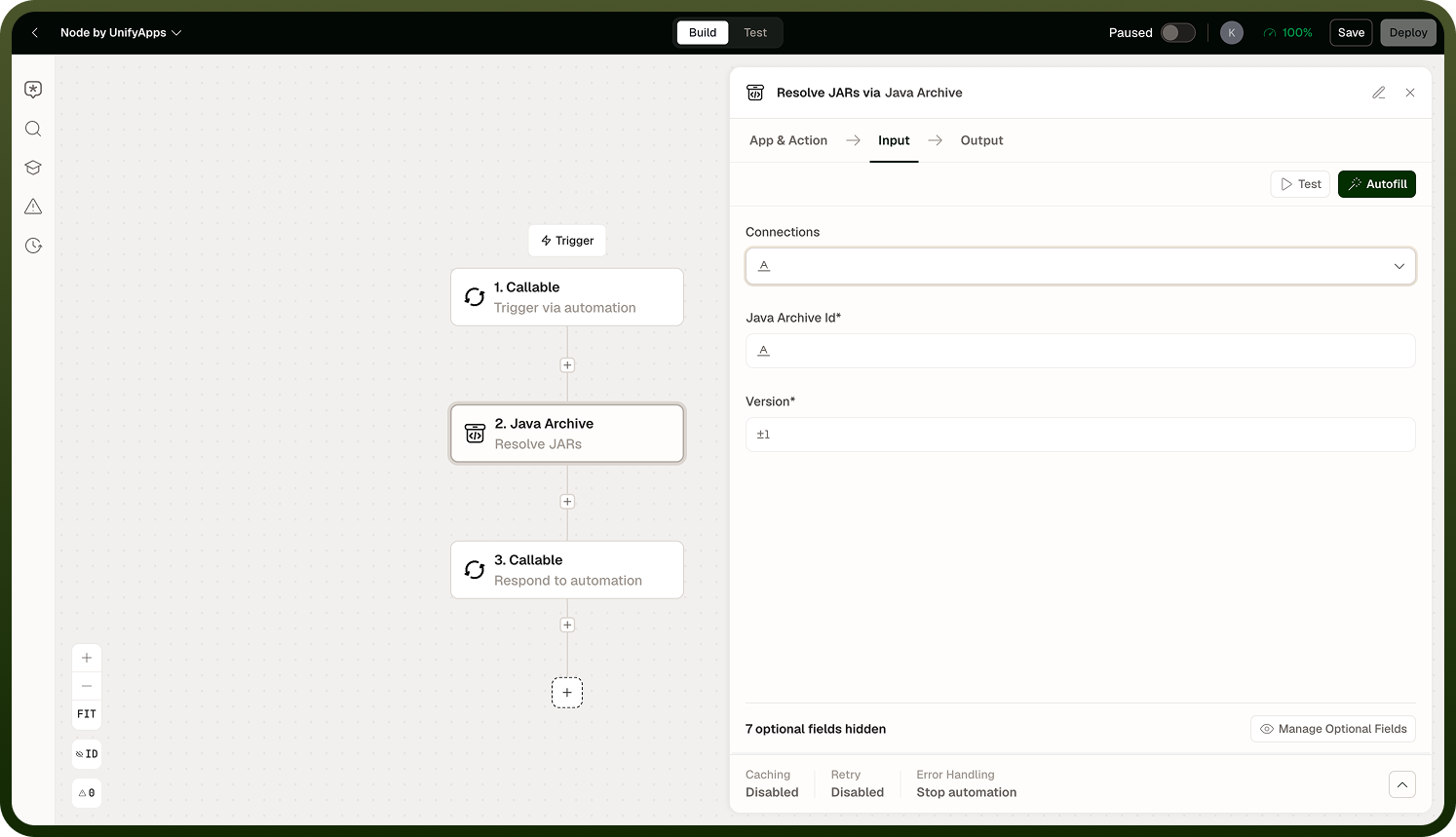
Given a set of Maven coordinates (group ID, artifact ID, version), the node resolves the full dependency tree, downloads all required JARs, and makes them available for subsequent steps. License information is included in the download output, so compliance checks can be done in the same automation.
Repository Sources
By default, the node resolves dependencies from Maven Central. To use a private or internal repository — a Nexus or Artifactory instance, for example — configure a Maven connection and select it in the node. The node will resolve from the private repository first, falling back to Maven Central if a dependency is not found there.
Dependency Options
Transitive dependencies — by default, the node downloads the full dependency tree (the artifact you specified, plus everything it depends on). To download only the directly declared artifacts without their transitive dependencies, enable the exclude-transitives option.
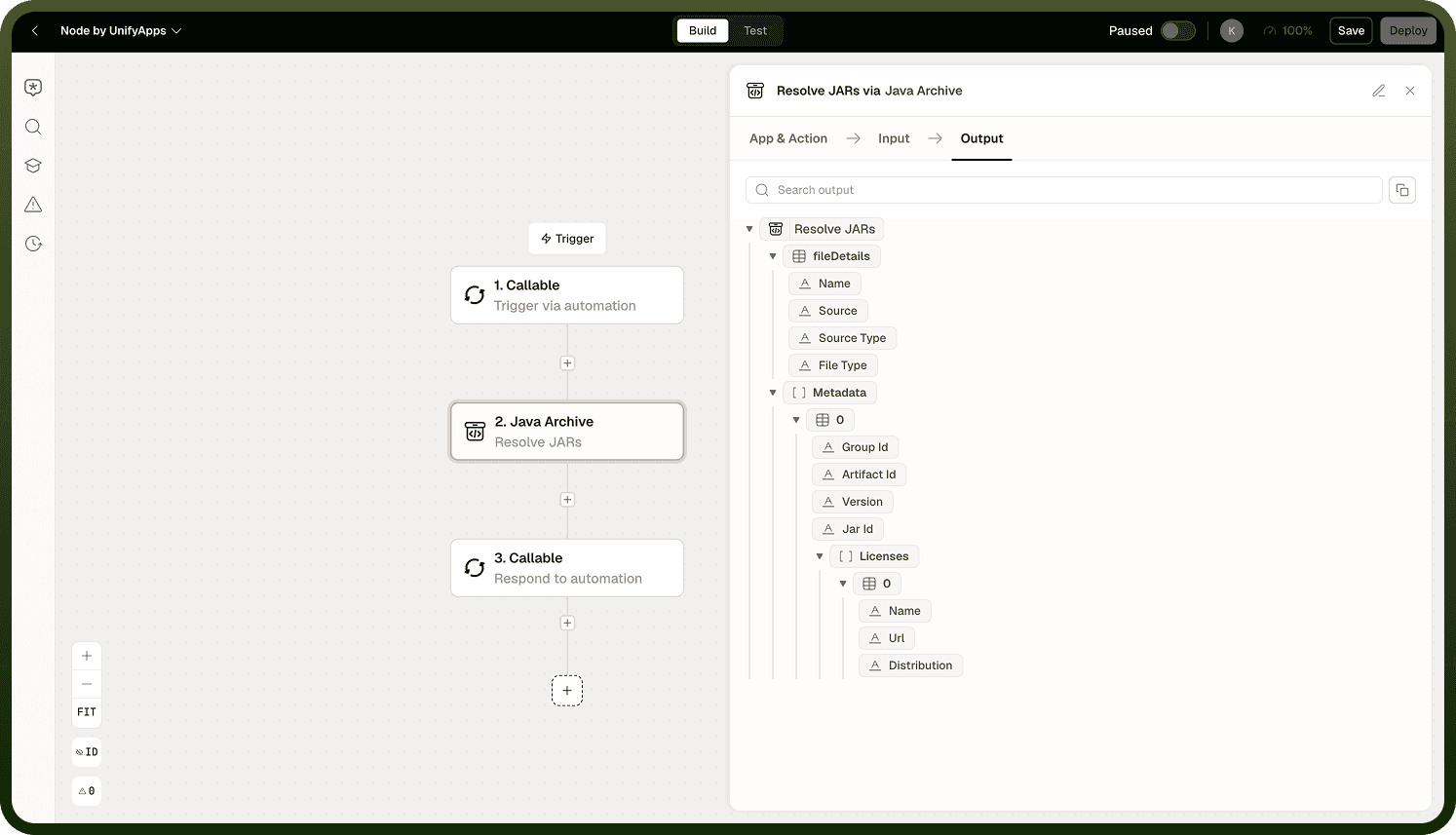
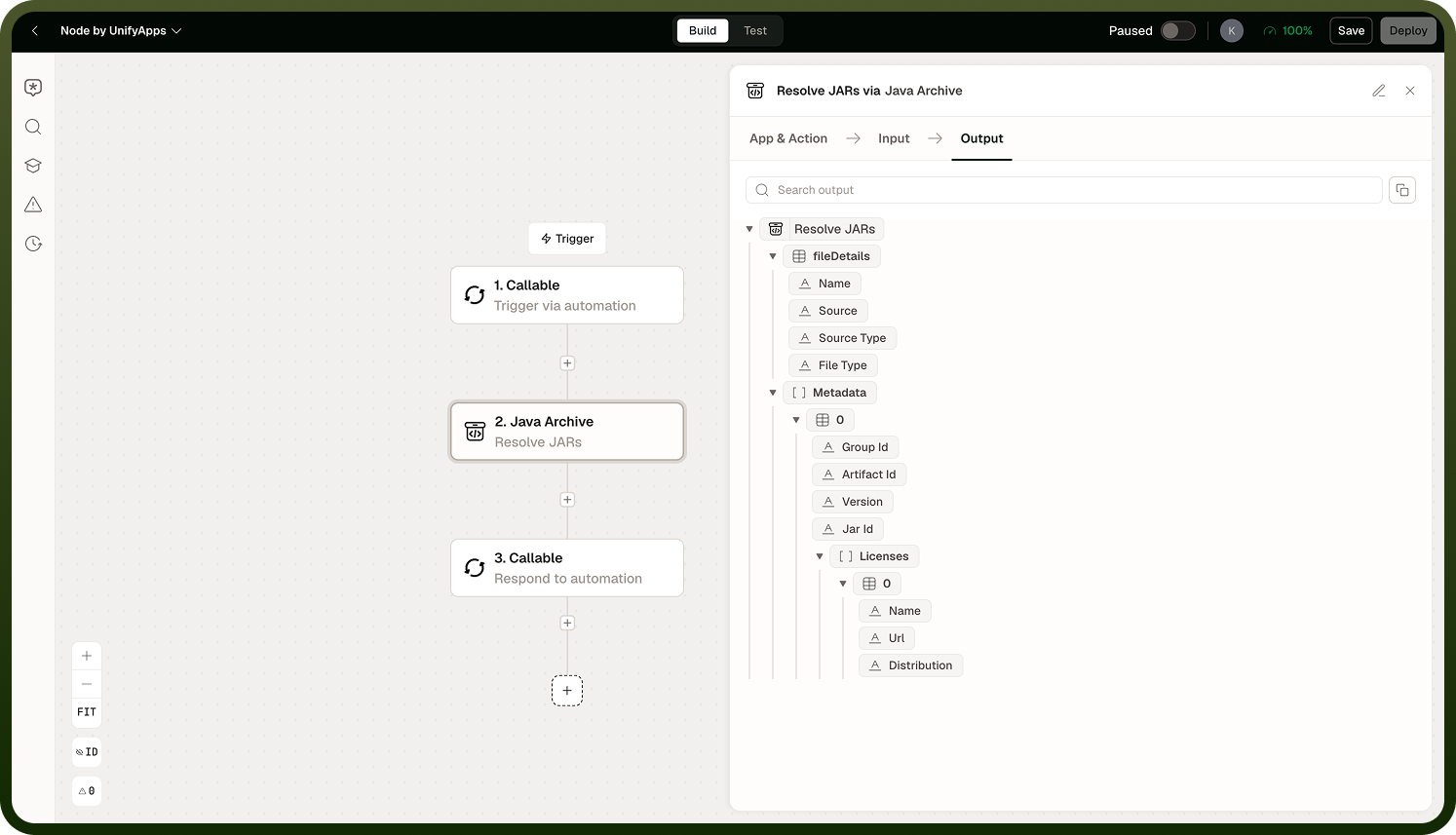
License information — the download result includes the license metadata for each resolved artifact. Use this in a downstream step to flag or block artifacts with licenses that conflict with your project's requirements.
Note: Resolving a large dependency tree can take time, especially over a slow or rate-limited registry connection. If the automation is time-sensitive, narrow the dependency set or exclude transitives where the calling code manages them directly.
Output
The node returns the resolved JAR files and their associated license data. Pass the JARs to a Code node or a subsequent build step that expects them on a classpath. The license output can be passed to a condition or a notification step for compliance gating.
Notes
Keep these practices in mind when using the Maven node:
Use exact version numbers rather than version ranges — ranges can resolve to different artifacts on different runs, making the automation non-deterministic.
Configure a private Maven connection before referencing internal artifacts — the node will not infer credentials from the environment.
Review the license output before deploying automations in environments with strict open-source compliance requirements.
Exclude transitive dependencies when the calling code manages them directly — this keeps the download set small and avoids version conflicts.
Pinning versions and supplying explicit connections ensures the Maven node resolves consistently across every run.