


Import / Export a Request as cURL converts a cURL command into a Custom HTTP node configuration (import) or exports an existing node configuration as a cURL command for testing and sharing. Use it to speed up node setup when you already have a working cURL command, or to produce a reproducible command that developers can run in a terminal.
Overview
The cURL format is a widely used shorthand for HTTP requests. The Import / Export action bridges between the command-line cURL representation and the visual Custom HTTP node configuration in two directions:
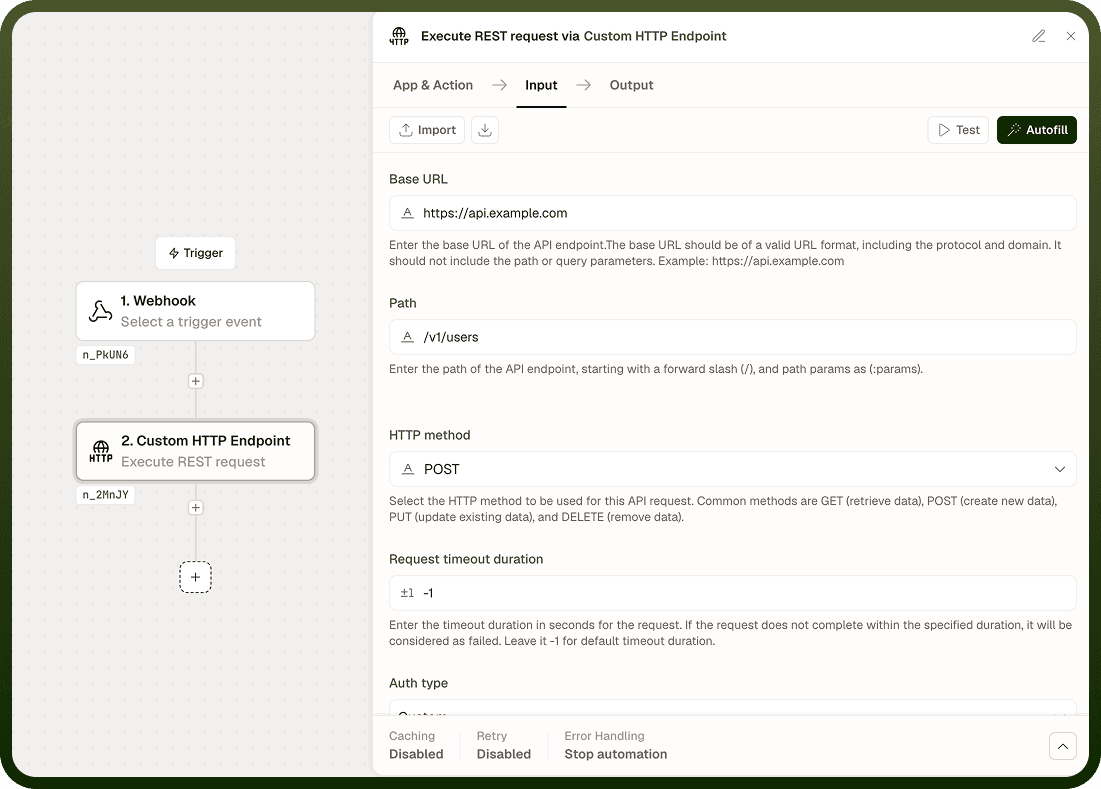
Import — Paste a cURL command and the node parses it: method, URL, each -H header flag, query parameters, the -d body, and --user credentials all become the corresponding node fields. You can then run, adjust, and integrate the request into your automation without retyping every field manually.
Export — Read the current node configuration and produce a curl command string you can copy, run in a terminal, share with a developer for debugging, or store in documentation.
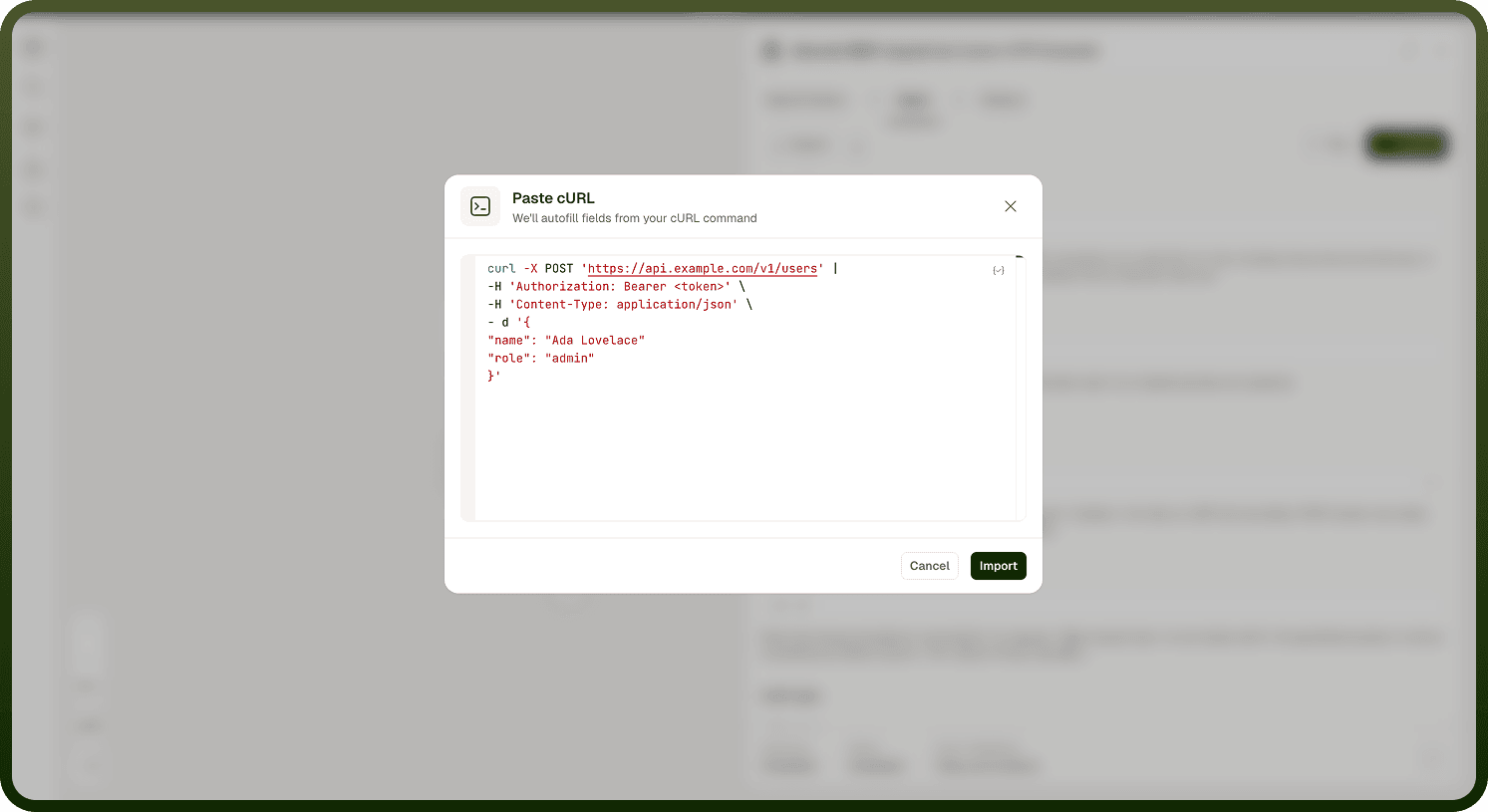
Input
Field | Description | Required* |
|---|---|---|
Action | Whether to Import a cURL command into the node or Export the current node configuration as a cURL command. | Yes |
cURL Command | The full cURL command string to parse, including curl and all flags (e.g., -X, -H, -d, --url). Required when Action is Import. | No |
* Required fields must be populated for the node to run.
Output
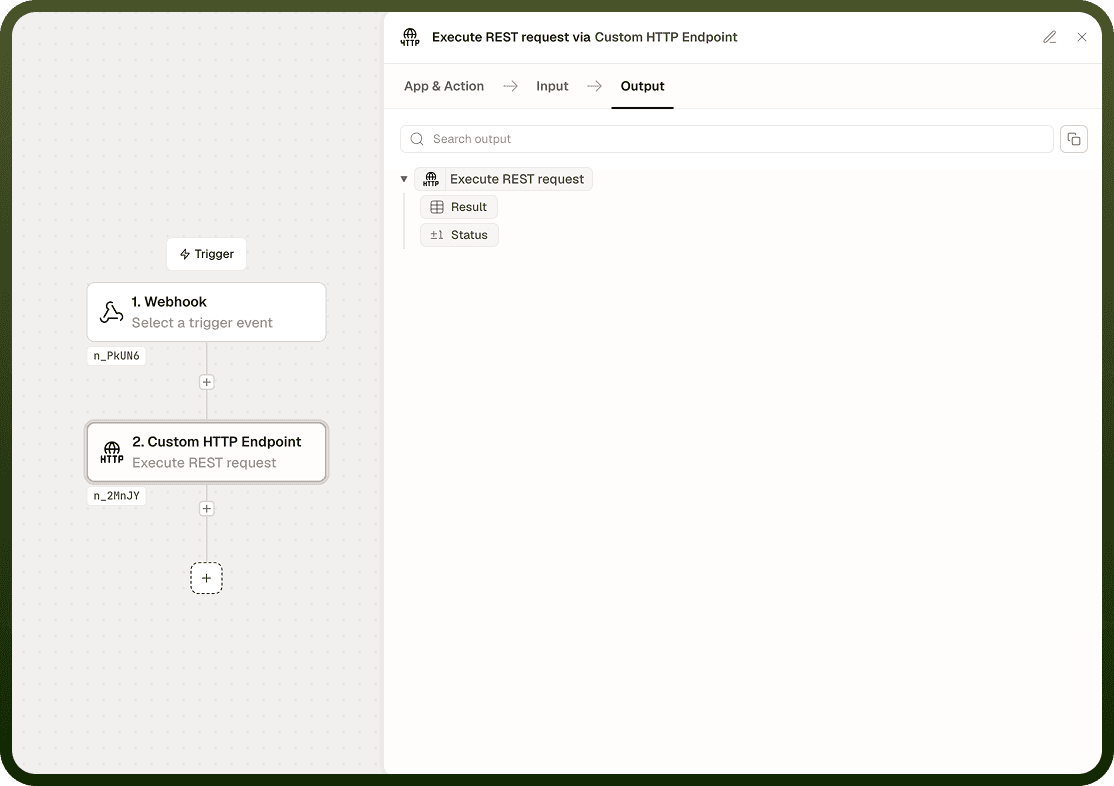
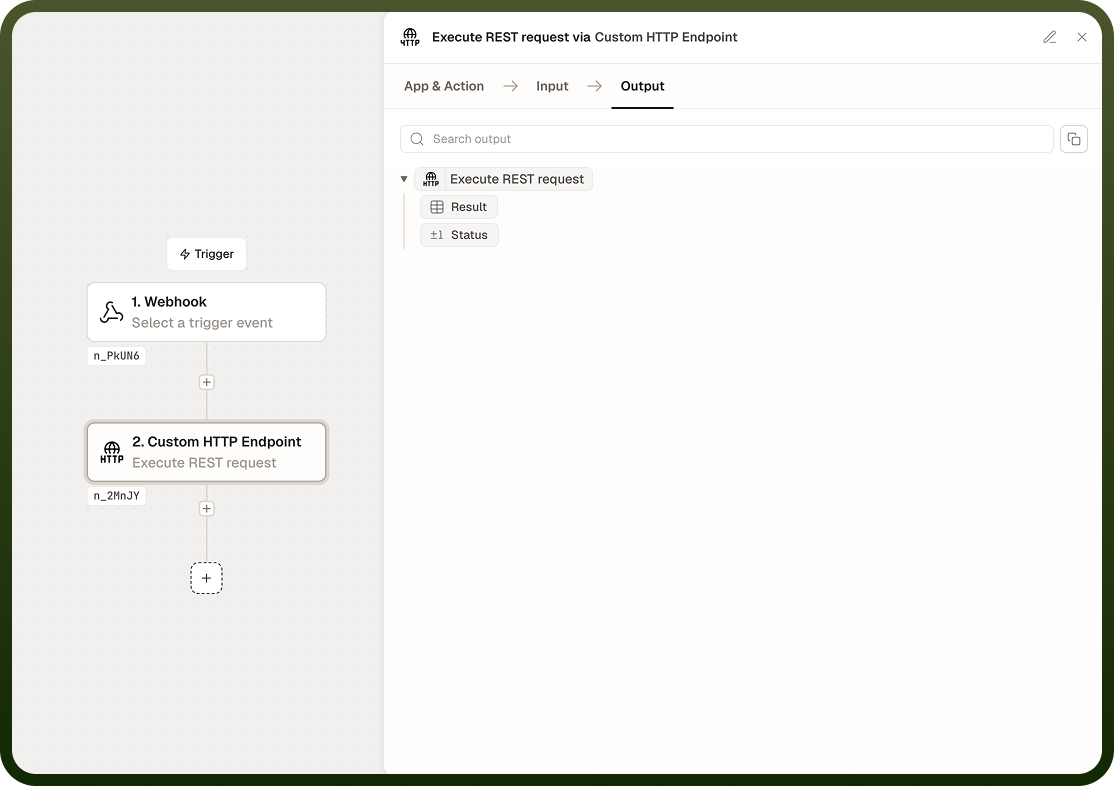
Output depends on the selected Action.
Action | Output |
|---|---|
Import | The node fields — Method, URL, Headers, Query Parameters, Request Body, Authentication Type, Username, Password — are populated from the parsed cURL command. Review each field before activating the automation. |
Export | A curl command string that reproduces the current node configuration. Headers appear as --header flags; the request body appears as -d; Basic credentials appear as --user. |
Notes
Only the fields the node supports are imported. cURL flags without a corresponding node field — such as --verbose, --output, or --limit-rate — are silently ignored.
After importing, review every field before activating the automation. Some cURL commands use shorthand or shell-specific quoting that may not parse exactly as expected.
Sensitive values such as API keys or passwords present in the cURL command are stored as plain text in node configuration. Use dynamic references or a secrets manager where possible instead of hardcoding credentials.
The exported cURL command uses --header for each header and -d for the request body. Adjust flags if your shell or tooling expects a different form (e.g., -H instead of --header).
Custom authentication configurations may be represented as headers in the exported command; review and adjust the output before sharing or using it externally.