


The MCP node connects your automation to an external Model Context Protocol (MCP) server, letting the automation — or an AI agent — discover and call the tools that server exposes. MCP is the emerging standard for giving AI agents access to external capabilities; this node is how you plug a third-party or self-hosted MCP server's toolset into a UnifyApps workflow.
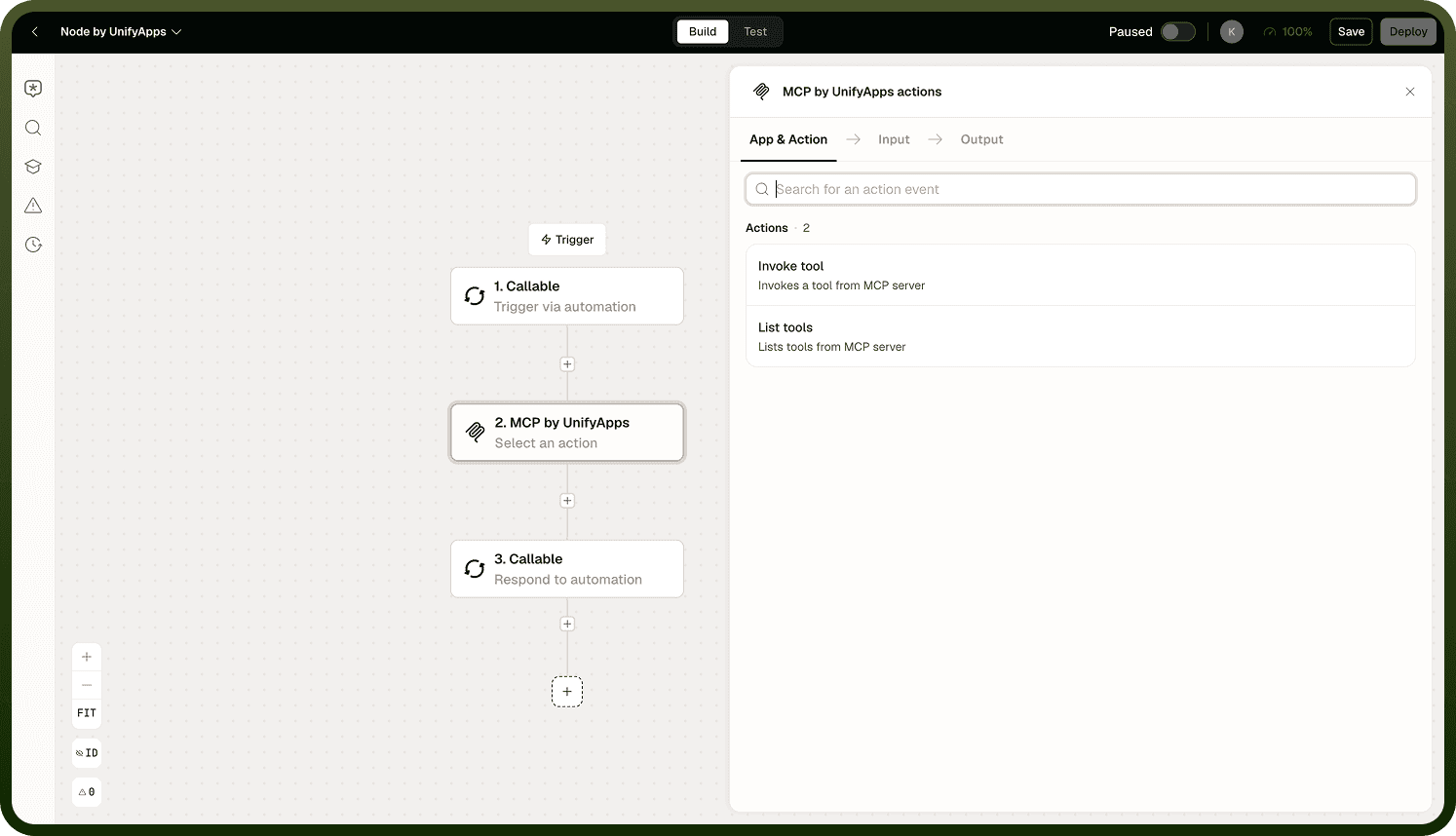
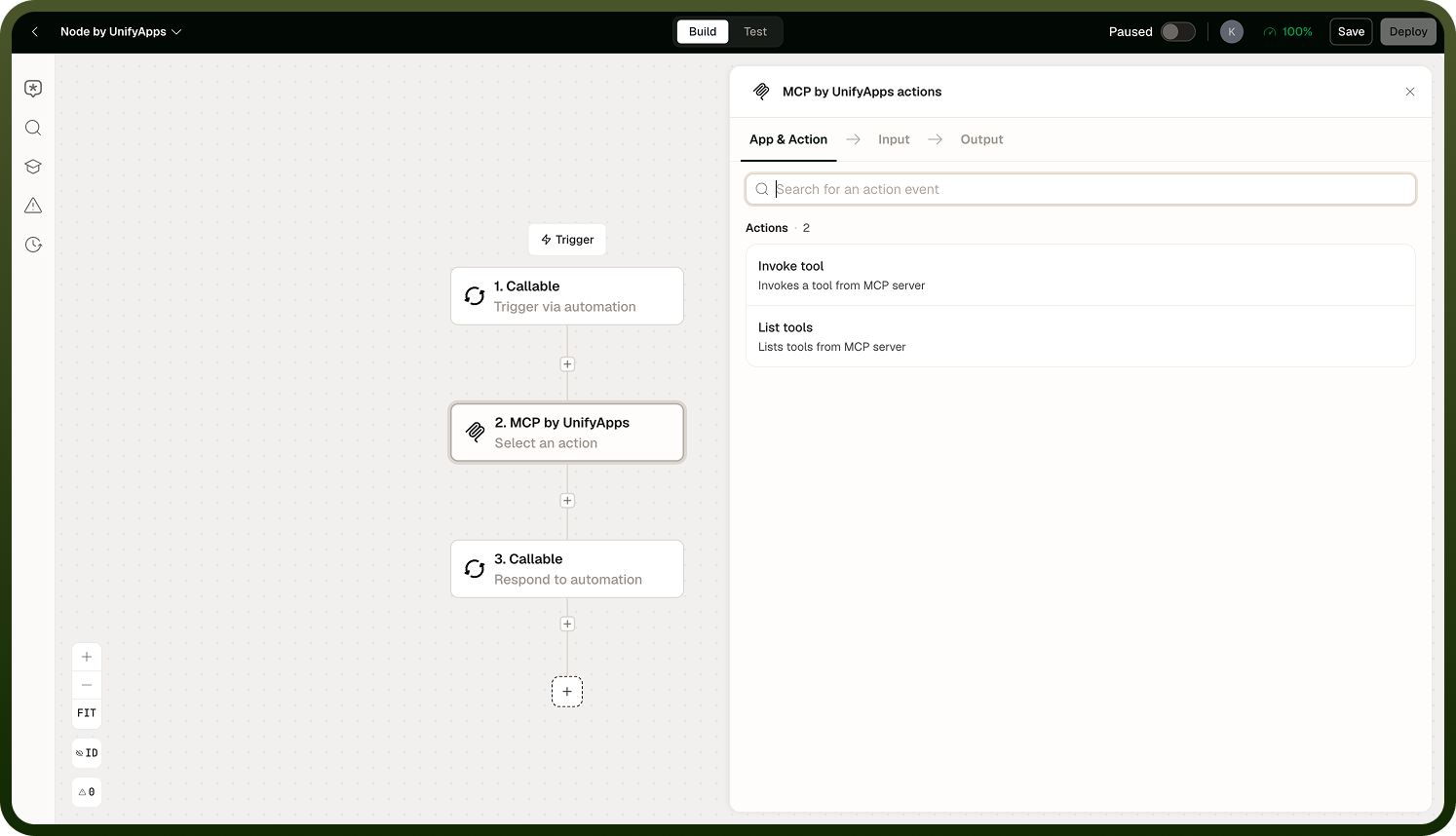
The node has two operations: List Tools to discover what the server offers, and Invoke Tool to call one with the arguments you supply.
Connection and Transport
You configure the MCP node by pointing it at an MCP server through a connection. The node supports the standard MCP transports:
Server-Sent Events (SSE)
Streamable HTTP
Authentication options cover the common cases: none, basic, API key, or bearer token — so the node can reach both open and protected MCP servers.
Operations
List Tools — Returns the tools available on the connected MCP server. Use this to discover what the server exposes before invoking a specific tool, or to dynamically enumerate capabilities at runtime.
Input
Input Field | Description |
|---|---|
Connection | The MCP server connection to query for available tools. |
Output
Returns a list of tool definitions — each includes the tool's name, description, and input schema as recorded in the platform's stored catalog for that server.
Note: List Tools returns the tools the platform has on record for that server — a stored catalog — not necessarily a live query to the server each time. If you update the tools on your MCP server and do not see the changes reflected here, re-sync the server's tool catalog in the connection settings before relying on the list.
Invoke Tool — Calls a specific tool on the MCP server by name with the arguments you provide. Use this to execute any capability the server exposes — file operations, search, data retrieval, code execution, or anything else the server implements.
Input
Input Field | Description |
|---|---|
Connection | The MCP server connection to invoke the tool on. |
Tool Name | The name of the tool to call, as returned by List Tools. |
Arguments | The input arguments for the tool, matching the tool's declared input schema. |
Output
Returns the tool's result as provided by the MCP server. The shape of the output depends on the specific tool invoked — consult the server's tool schema (available via List Tools) for the expected return structure.
Notes
To make the most of it:
Run List Tools first when building a new integration to confirm which tools are available and what arguments they expect, then wire Invoke Tool with the correct name and schema.
If a tool you added to your MCP server is missing from List Tools, re-sync the connection's tool catalog — the stored list can lag behind live server changes.
Match argument names and types exactly to the tool's input schema; MCP servers typically validate inputs and return an error on mismatches.
Store credentials for protected MCP servers in a platform credential rather than embedding them directly in the connection configuration.
When using the MCP node inside an AI agent, pair it with List Tools to give the agent a dynamic view of available capabilities rather than hardcoding tool names.