


Fetch Embeddings converts a text input into a vector embedding for use in semantic search and similarity matching. You select the embedding model at build time; the node calls that model at run time and returns the vector representation of the supplied text. Use it as part of a retrieval pipeline alongside Crawl Website and an LLM call.
Overview
Embeddings are numerical representations of text that capture semantic meaning — two pieces of text that mean similar things produce vectors that are mathematically close, even if the wording differs. Fetch Embeddings handles the model call and returns the raw vector; what you do with it — storing it for later retrieval, computing similarity against other vectors, or passing it to a search index — is handled by downstream steps. The embedding model is selected when building the automation and is fixed for the node's lifetime, so choose it deliberately: the model determines the vector's dimensionality, and that dimensionality must match whatever index or search system consumes the output.
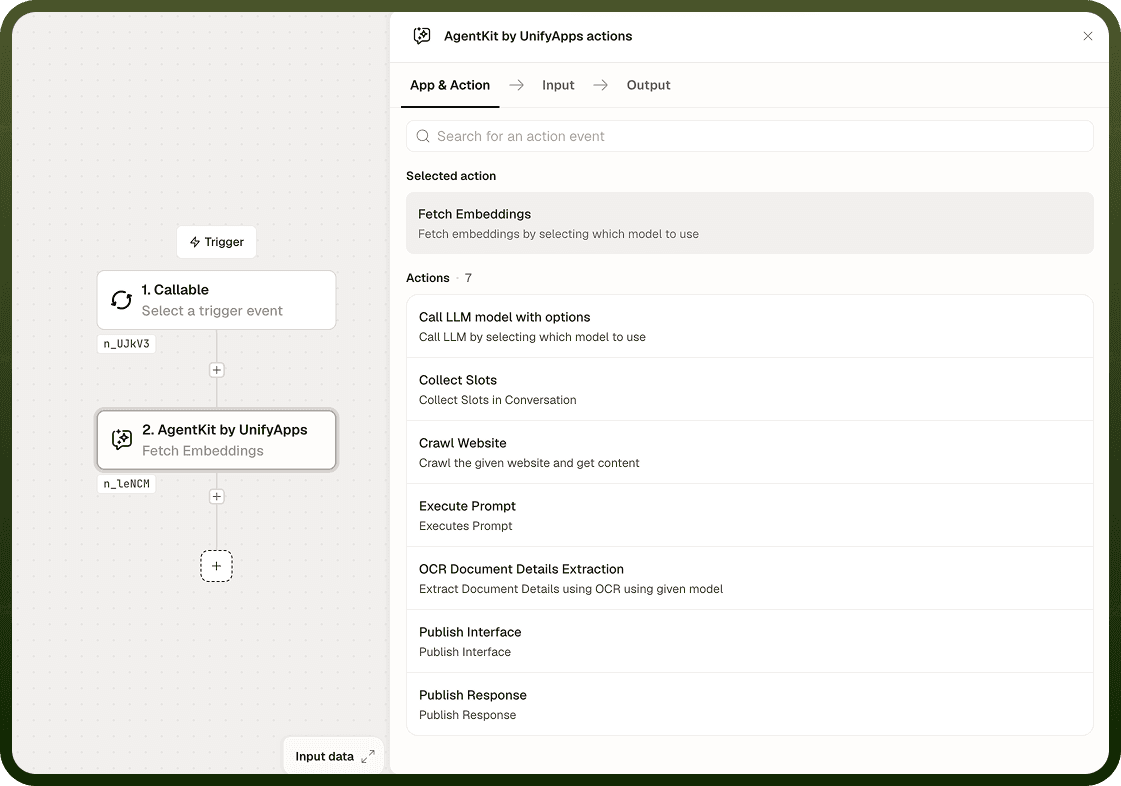
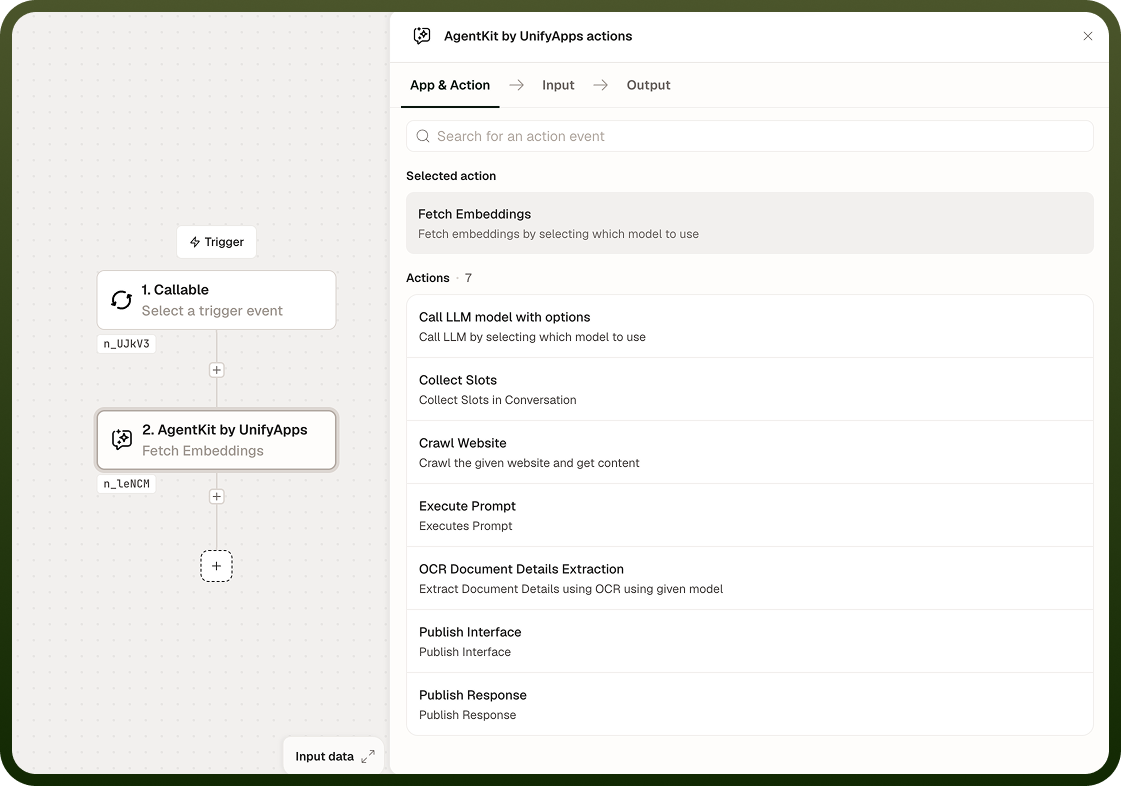
Input
Field | Description | Required* |
|---|---|---|
Text | The text to convert into a vector embedding. Accepts static strings or dynamic values from prior steps such as crawled page content or extracted document fields. | Yes |
Embedding Model | The embedding model to use. Selected at build time and fixed for the node — the output vector's dimensionality depends on the model chosen. | Yes |
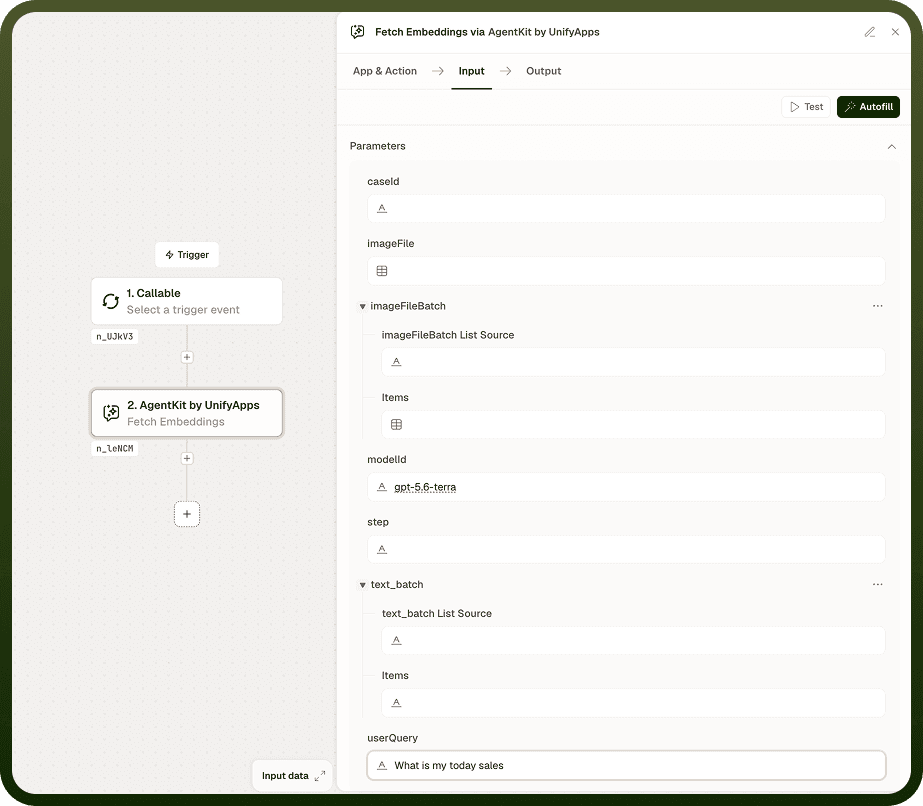
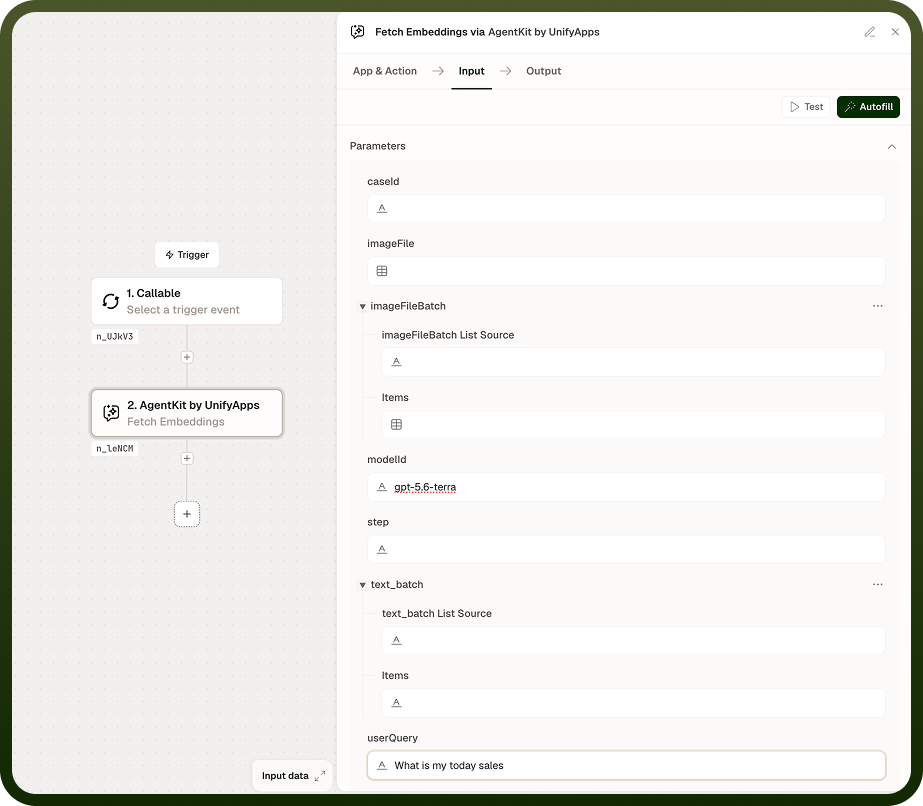
Output
The node returns one value:
Embeddings — the vector representation of the input text. Dimensionality depends on the embedding model selected at build time. Pass this to a vector store, similarity search, or retrieval step.
Notes
The embedding model is fixed at build time. If you need a different model — for a different dimensionality or provider — add a separate Fetch Embeddings node rather than modifying an existing one.
Vector dimensionality varies by model. Ensure that any downstream index or search system is configured to accept vectors of the same size the chosen model produces.
Embedding quality depends on the model. For best semantic search results, use the same model to embed both the stored content and the query text.
This node pairs naturally with Crawl Website (to obtain text to embed) and with an LLM call (to query or summarize retrieved results).
Pick the embedding model deliberately before building. Changing it later means re-embedding all stored content so the vectors remain consistent.
Consistency matters: Always use the same embedding model to embed both your stored documents and the queries you run against them. Mixing models produces meaningless similarity scores.