


Execute GraphQL Request sends a GraphQL query or mutation to any GraphQL endpoint and returns the full response. Use it to query or mutate data in services that expose a GraphQL API without a dedicated connector.
Overview
GraphQL requests are always POST requests sent to a single endpoint. You supply the query or mutation text, optional variable values, and any required headers — such as an Authorization header for bearer-token APIs. The node returns the raw GraphQL response body, including both the data and errors fields if present, so your automation can handle partial results and API-level errors without the node itself failing.
Note: HTTP 4xx and 5xx status codes from the remote server are returned as output, not raised as node failures. An errors array inside a 200 response body is a GraphQL-level error - check the response body, not just the status code.
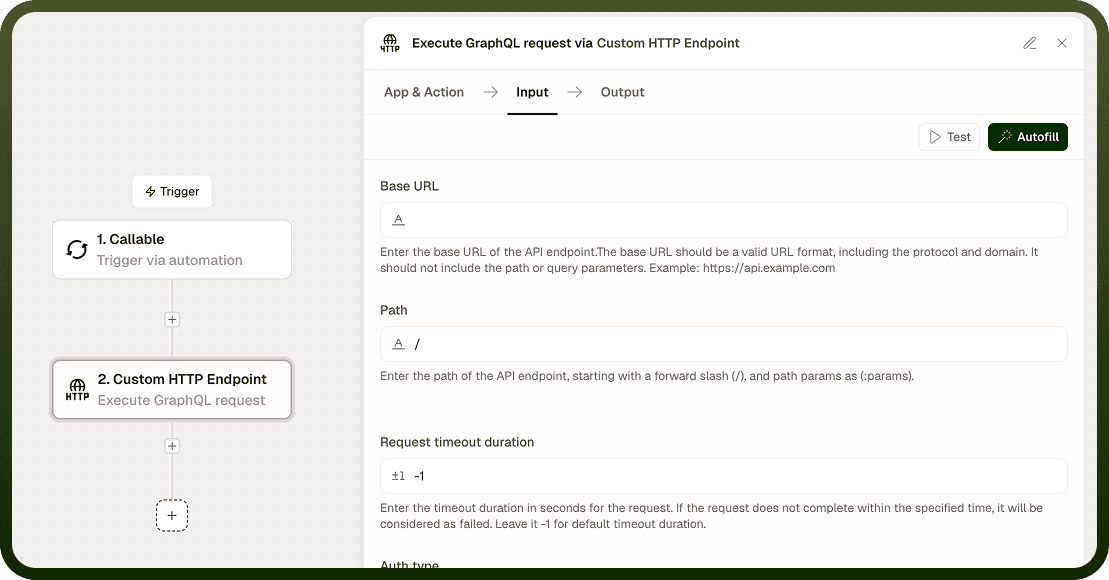
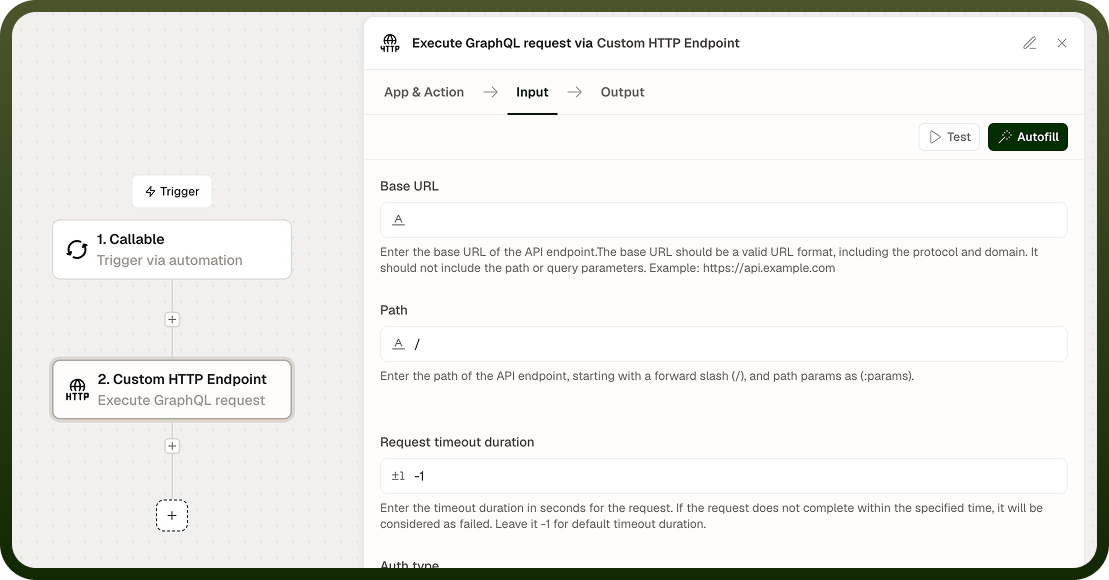
Input
Field | Description | Required* |
|---|---|---|
URL | The GraphQL endpoint URL (e.g., https://api.example.com/graphql). | Yes |
Query / Mutation | The GraphQL operation string. Use standard GraphQL syntax for queries (query { … }) and mutations (mutation { … }). | Yes |
Variables | A JSON object of variable values referenced in the query or mutation (e.g., {"id": "123"}). Must be valid JSON. | No |
Headers | Additional HTTP headers to send, such as Authorization for bearer-token APIs or custom headers required by the service. | No |
Authentication Type | Authentication scheme: None, Basic, or Custom. | No |
Username | Username for Basic authentication. Active only when Authentication Type is Basic. | No |
Password | Password for Basic authentication. Active only when Authentication Type is Basic. | No |
Custom Auth Configuration | Configuration object for a custom authentication scheme. Active only when Authentication Type is Custom. | No |
SSL Verification | Verify the server's SSL/TLS certificate before sending. Enabled by default; disable only in trusted, non-production environments. | No |
Proxy URL | Route the request through an HTTP or HTTPS proxy. | No |
Run Asynchronously | Execute the request in the background and continue the automation immediately. Useful for slow GraphQL operations. | No |
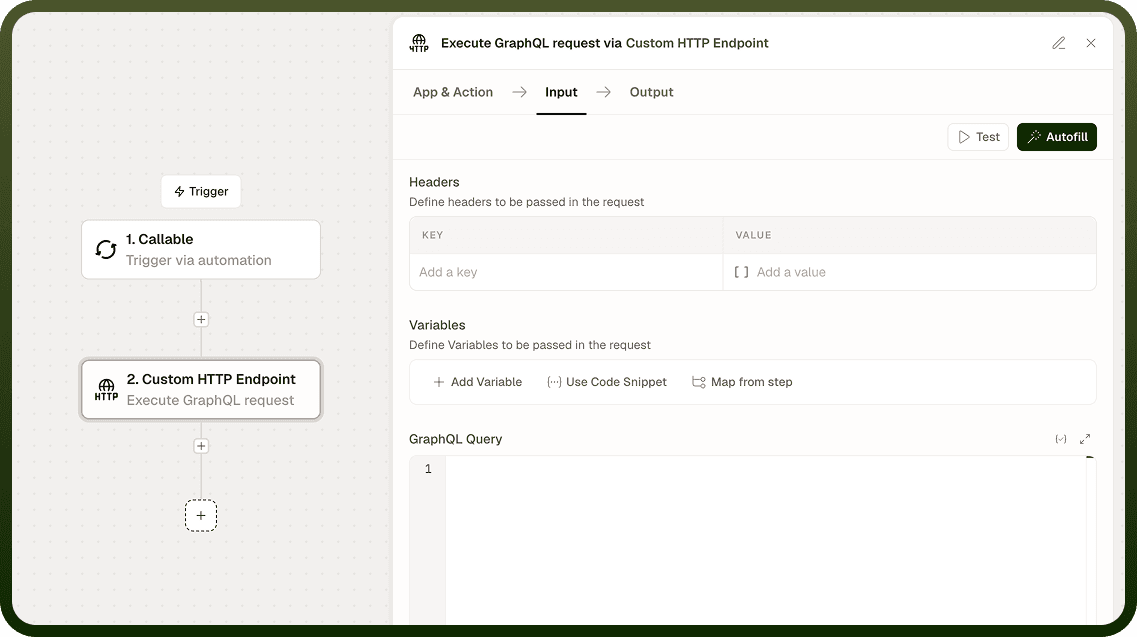
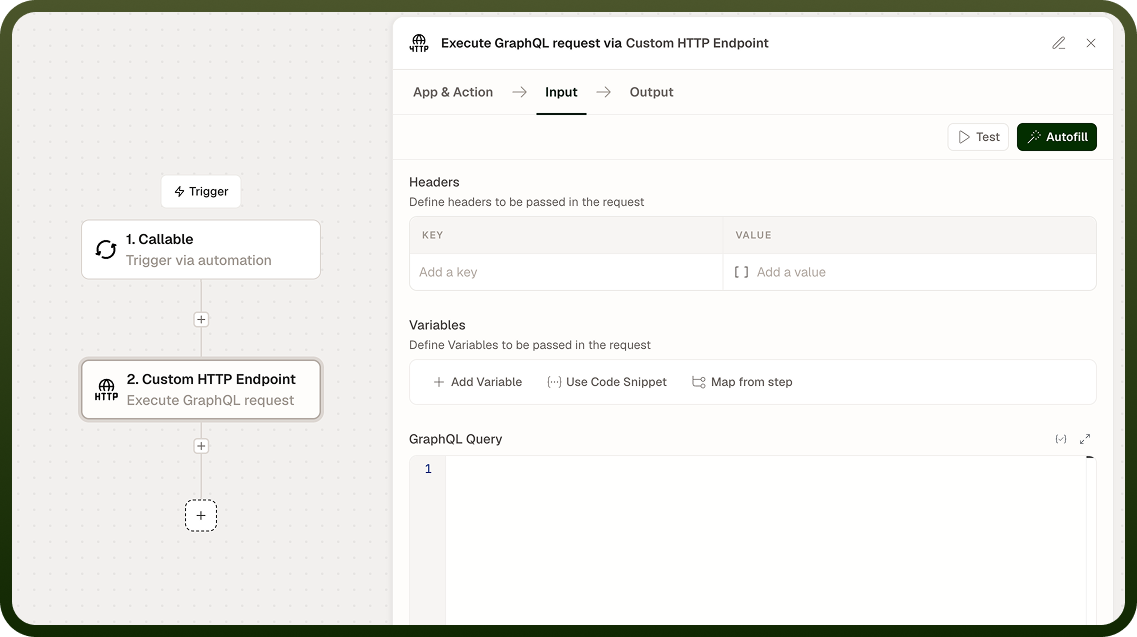
* Required fields must be populated for the node to run.
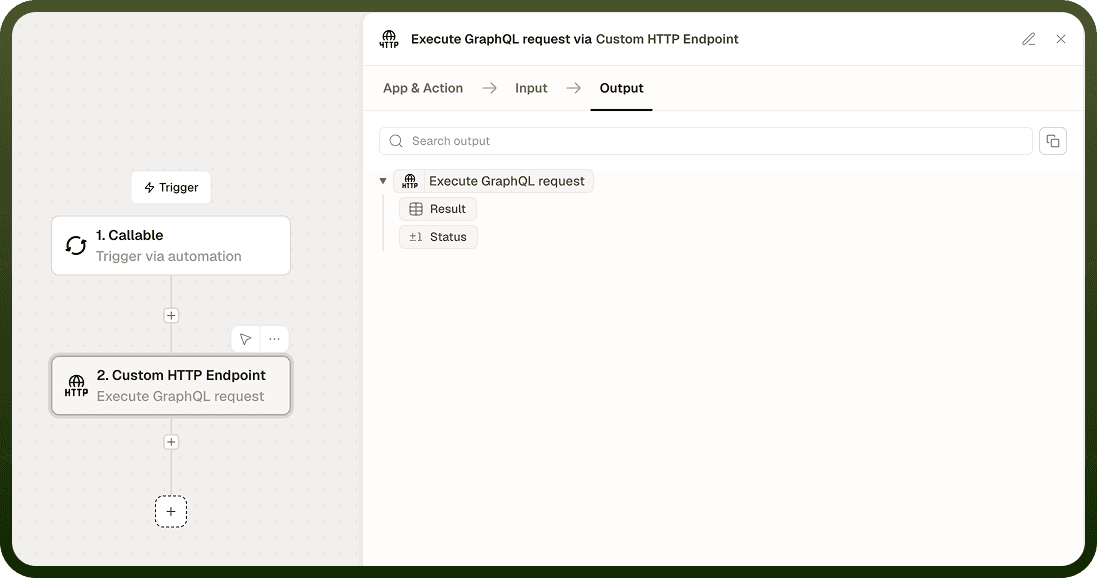
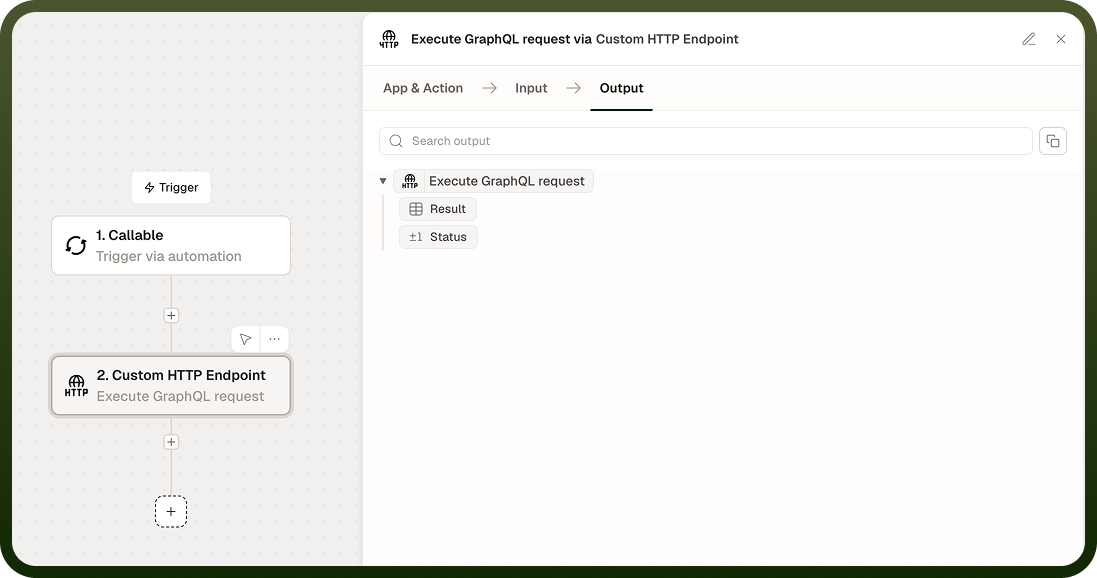
Output
Field | Description |
|---|---|
Status Code | The HTTP status code returned by the GraphQL server (e.g., 200, 401, 500). |
Response Body | The raw GraphQL JSON response as a string, typically containing a data key and optionally an errors array. |
Response Headers | A map of HTTP response header names and values returned by the server. |
Notes
GraphQL always uses POST; the HTTP method is fixed and is not a configurable field in this action.
An errors array in the response body is a GraphQL API-level error, not a node failure. The node returns Status Code 200 alongside the errors — inspect the response body in your automation logic.
Variables must be valid JSON. Invalid JSON causes a request error before the call is sent.
For bearer-token APIs, add an Authorization: Bearer <token> entry in the Headers field rather than using Basic authentication.
HTTP 4xx and 5xx responses from the server are returned in Output and do not halt the automation. Check Status Code and branch appropriately.