


Execute SOAP Request sends an XML-based SOAP message to any SOAP web service endpoint and returns the service's XML response. Use it to integrate with legacy or enterprise systems that expose WSDL-described APIs.
Overview
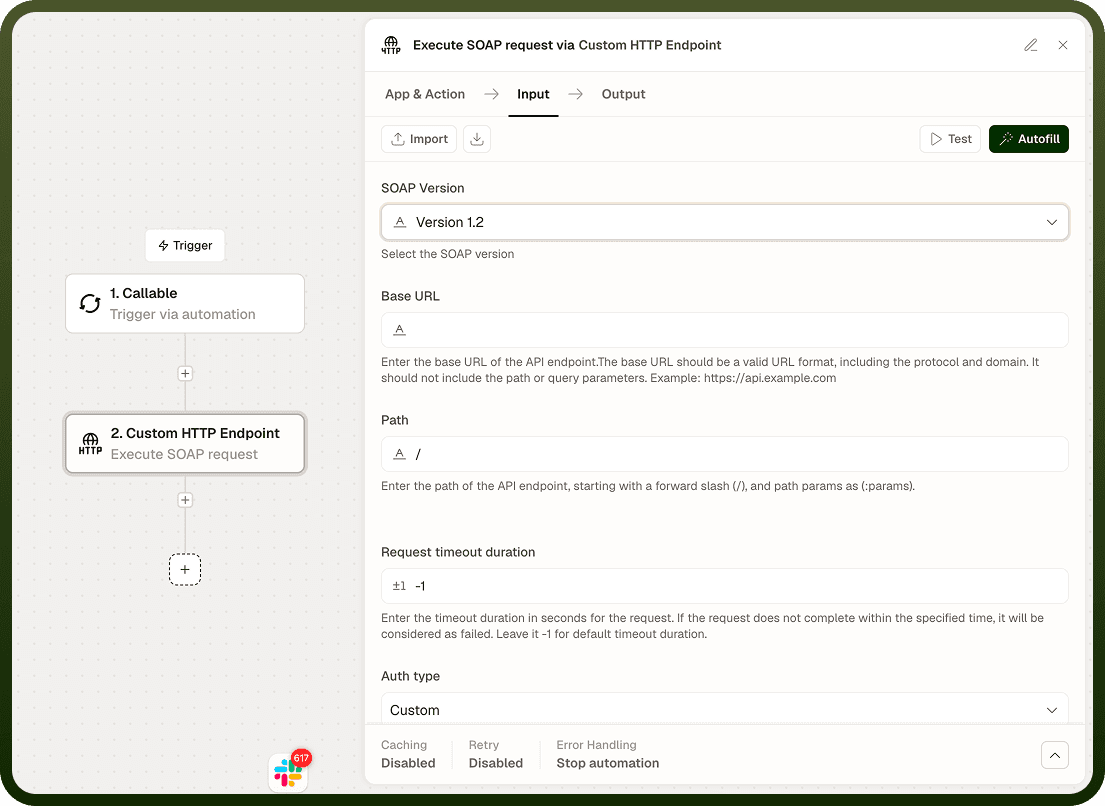
SOAP (Simple Object Access Protocol) services exchange XML-formatted messages over HTTP. The Execute SOAP Request action sends a POST request containing your XML envelope to the specified endpoint. You can specify a SOAP Action header for services that require it and choose the SOAP version your target service expects. The node sets the appropriate Content-Type automatically based on the SOAP version you select.
SOAP fault responses — HTTP 500 with a <Fault> element in the body — are returned as output, not raised as node failures. Your automation receives the full XML response and can parse it to detect and handle faults without stopping the run.
Input
Field | Description | Required* |
|---|---|---|
URL | The SOAP service endpoint URL (e.g., https://service.example.com/soap/endpoint). | Yes |
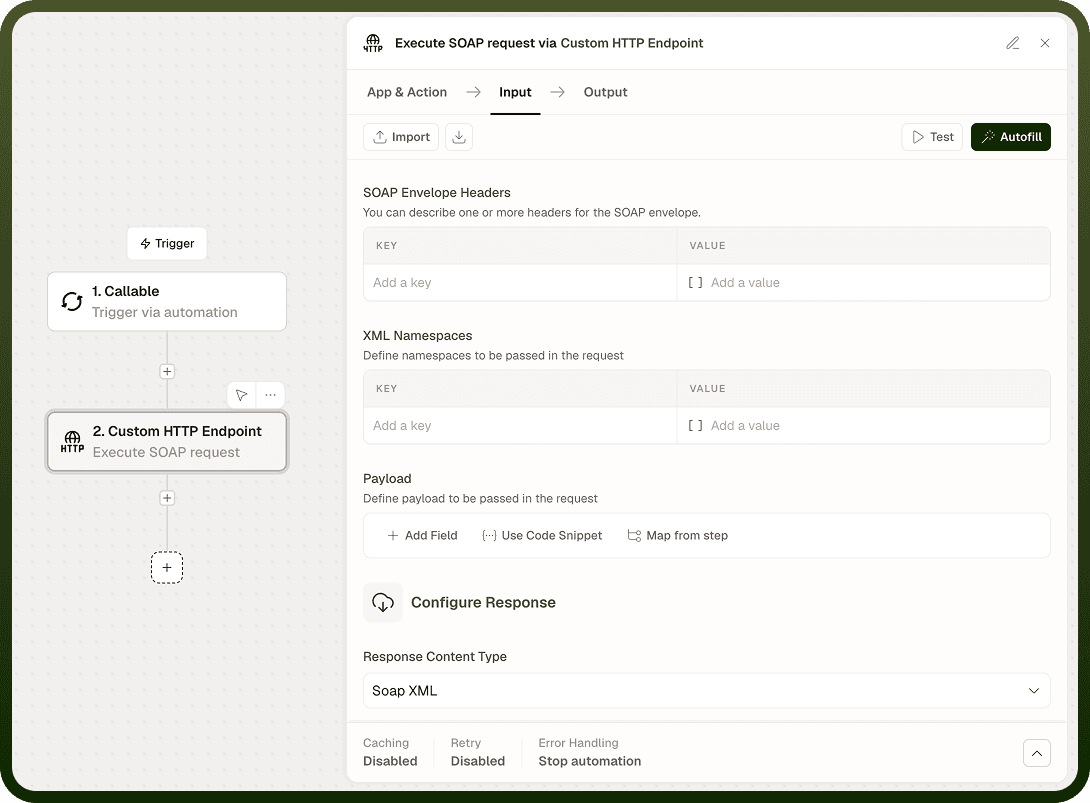
Request Body | The complete SOAP XML envelope to send. Must be valid XML and include the <Envelope>, <Header> (if required), and <Body> elements. | Yes |
SOAP Action | Value for the SOAPAction HTTP header. Required by most SOAP 1.1 services to identify the operation being called. Check the service WSDL for the correct value. | No |
SOAP Version | SOAP protocol version: 1.1 or 1.2. Defaults to 1.1. The node sets Content-Type accordingly. | No |
Headers | Additional HTTP headers to include alongside the SOAP-specific headers the node generates. | No |
Authentication Type | Authentication scheme: None, Basic, or Custom. | No |
Username | Username for Basic authentication. Active only when Authentication Type is Basic. | No |
Password | Password for Basic authentication. Active only when Authentication Type is Basic. | No |
Custom Auth Configuration | Configuration object for a custom authentication scheme. Active only when Authentication Type is Custom. | No |
SSL Verification | Verify the server's TLS certificate. Enabled by default; disable only in trusted, non-production environments. | No |
Proxy URL | Route the request through an HTTP or HTTPS proxy. Useful for SOAP services behind a corporate firewall or VPN. | No |
Run Asynchronously | Execute the request in the background; the automation continues immediately and the response is delivered when the call completes. | No |
* Required fields must be populated for the node to run.
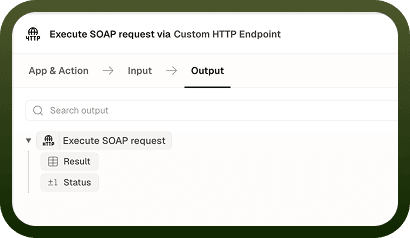
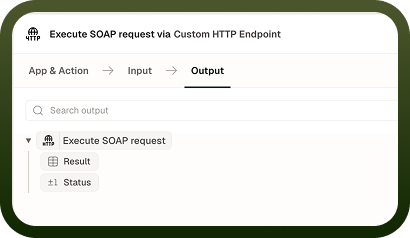
Output
Field | Description |
|---|---|
Status Code | The HTTP status code returned by the SOAP server (e.g., 200 for success, 500 for a SOAP fault). |
Response Body | The raw XML response body as a string, including the full SOAP envelope returned by the service. |
Response Headers | A map of the HTTP response header names and values returned by the server. |
Notes
The Request Body must be a complete, valid SOAP envelope — it must include <Envelope> and <Body> at minimum. Consult the service WSDL for the correct element names, namespaces, and structure.
SOAP 1.1 uses Content-Type: text/xml and the SOAPAction header. SOAP 1.2 uses Content-Type: application/soap+xml and encodes the action as a parameter of that header. The node sets these values automatically based on the SOAP Version you select.
SOAP fault responses (typically HTTP 500 with a <Fault> body) are returned in Output and do not halt the node. Parse the response XML to detect faults and handle them in your automation.
HTTP 4xx responses (e.g., 401 Unauthorized, 404 Not Found) are also returned in Output rather than raised as errors.
For services behind a corporate firewall or VPN, configure Proxy URL to route the request through an appropriate proxy.