


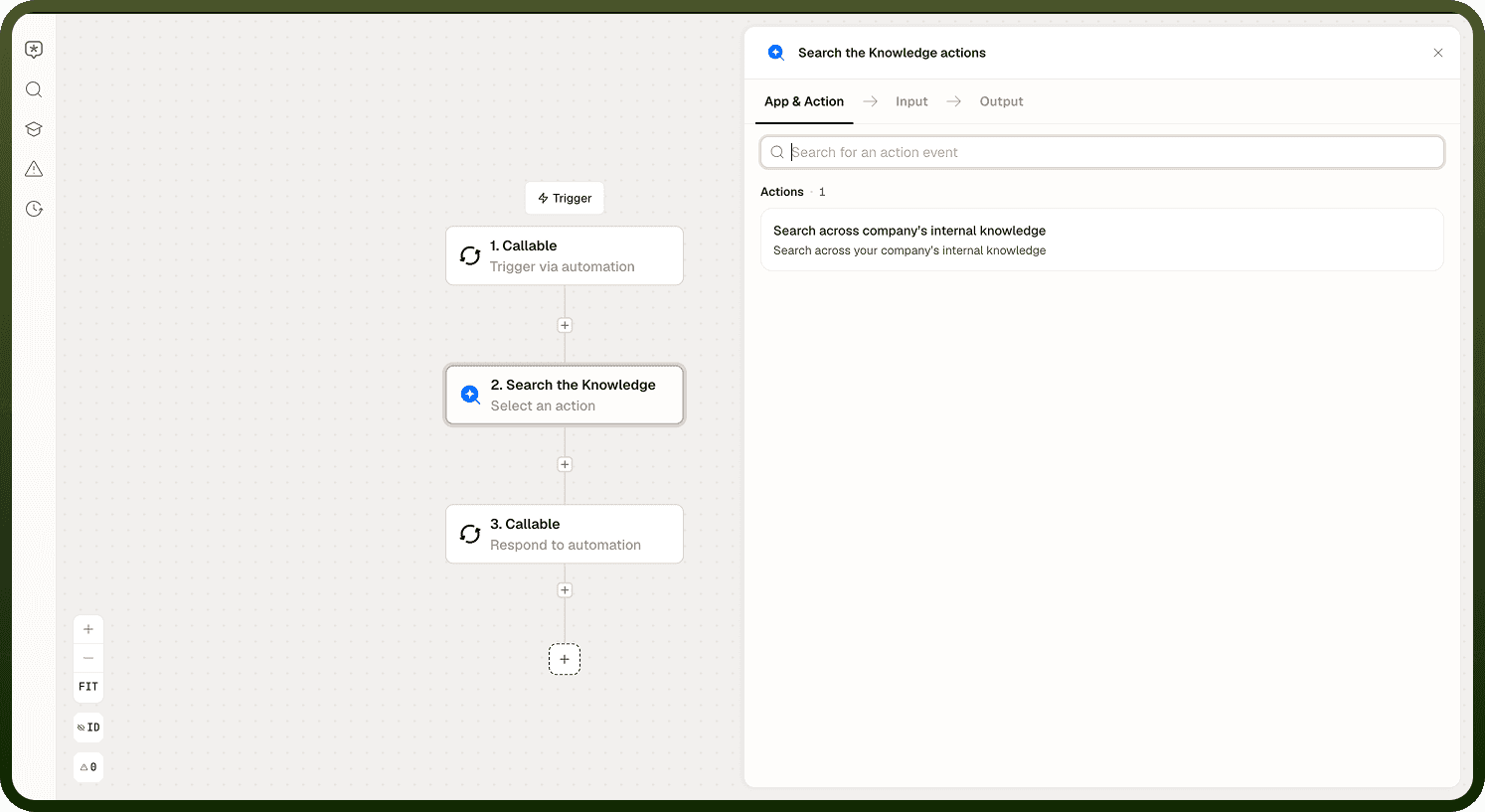
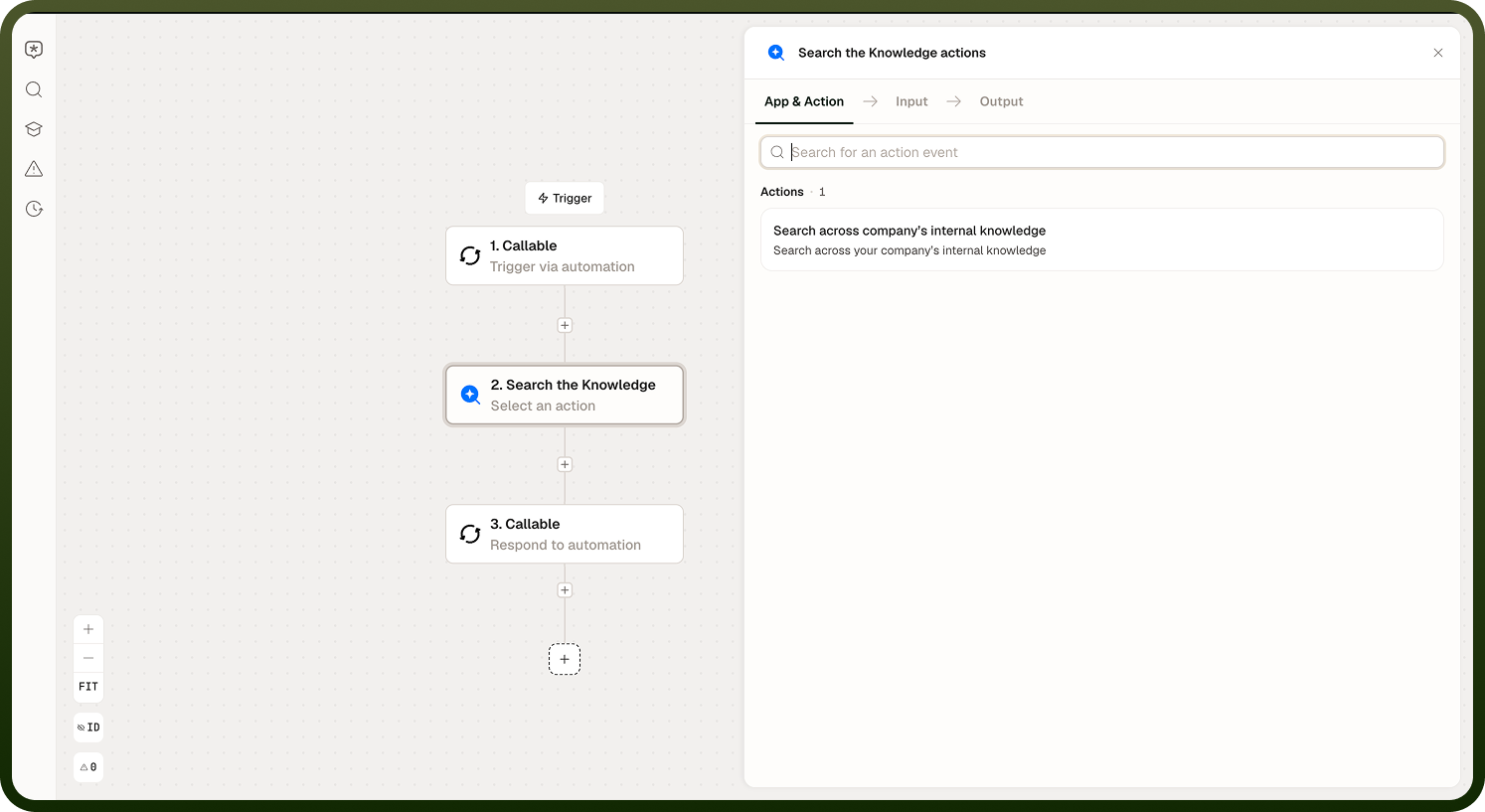
The Search the Knowledge node retrieves relevant content from one or more knowledge bases using a language model to interpret the search and rank results. Use it when an automation needs to look up information from a document store — policy documents, product catalogs, support articles — as part of a larger workflow.
Overview
This node combines retrieval and model-guided interpretation in a single step. You provide search instructions — a natural-language description of what to find — and the node queries the knowledge bases you select, returning the most relevant content as a Result along with a Success flag.
Configuration
Three inputs control the search:
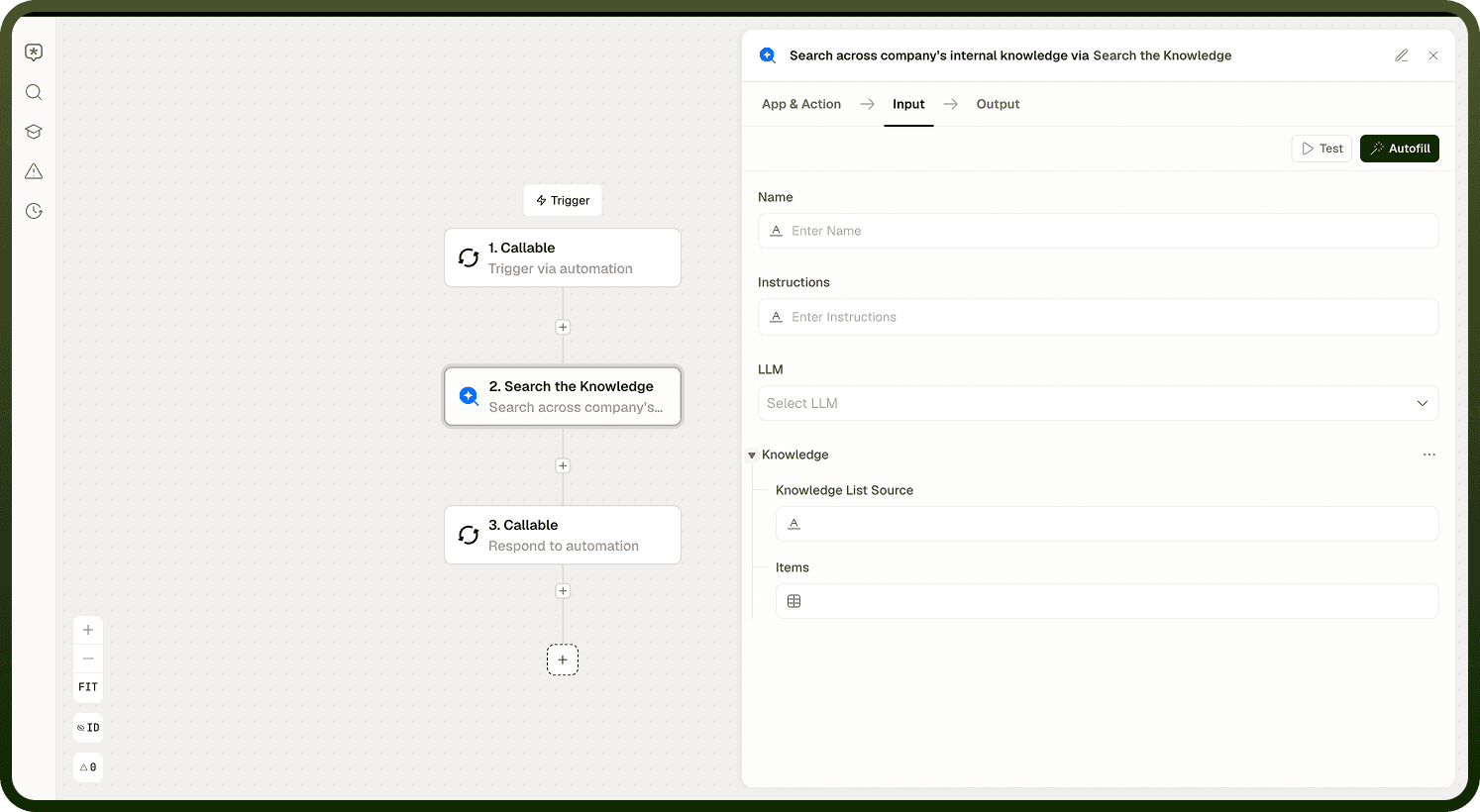
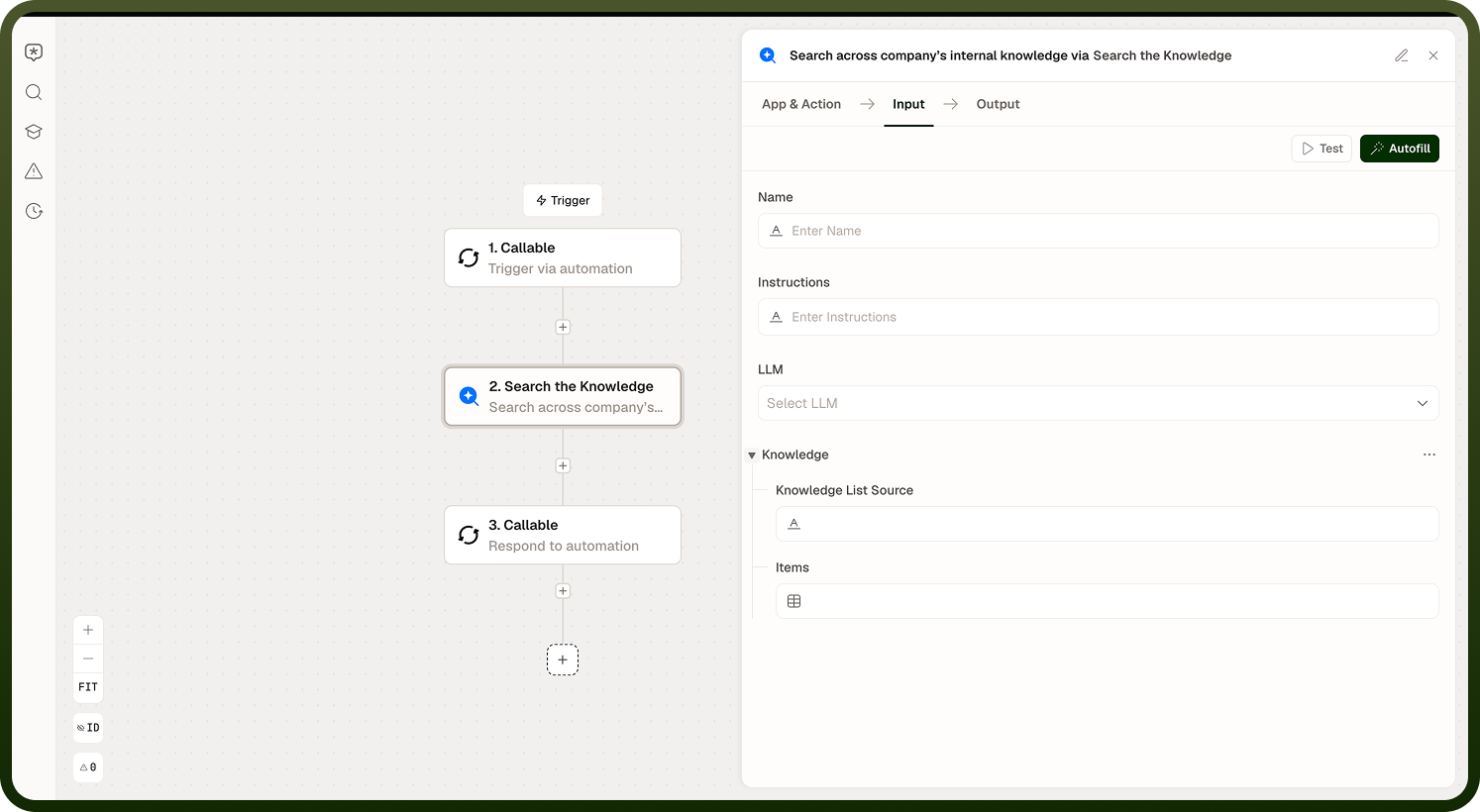
Search instructions — the natural-language query or description of what to retrieve. This is not a keyword search; the model uses the instructions to guide retrieval. Write instructions as you would write a prompt, not a search query.
Model — the language model used to interpret the instructions and rank results. Different models may produce different retrieval quality on the same knowledge base.
Knowledge bases — the set of knowledge bases to search. You can select one or more. Results are drawn from all selected bases.
Note: The quality of the result depends heavily on how the search instructions are written. Invest time in crafting clear, specific instructions. Vague instructions ("find something about returns") retrieve less relevant content than specific ones ("find the return policy for orders placed more than 30 days ago").
Output
The node returns two outputs:
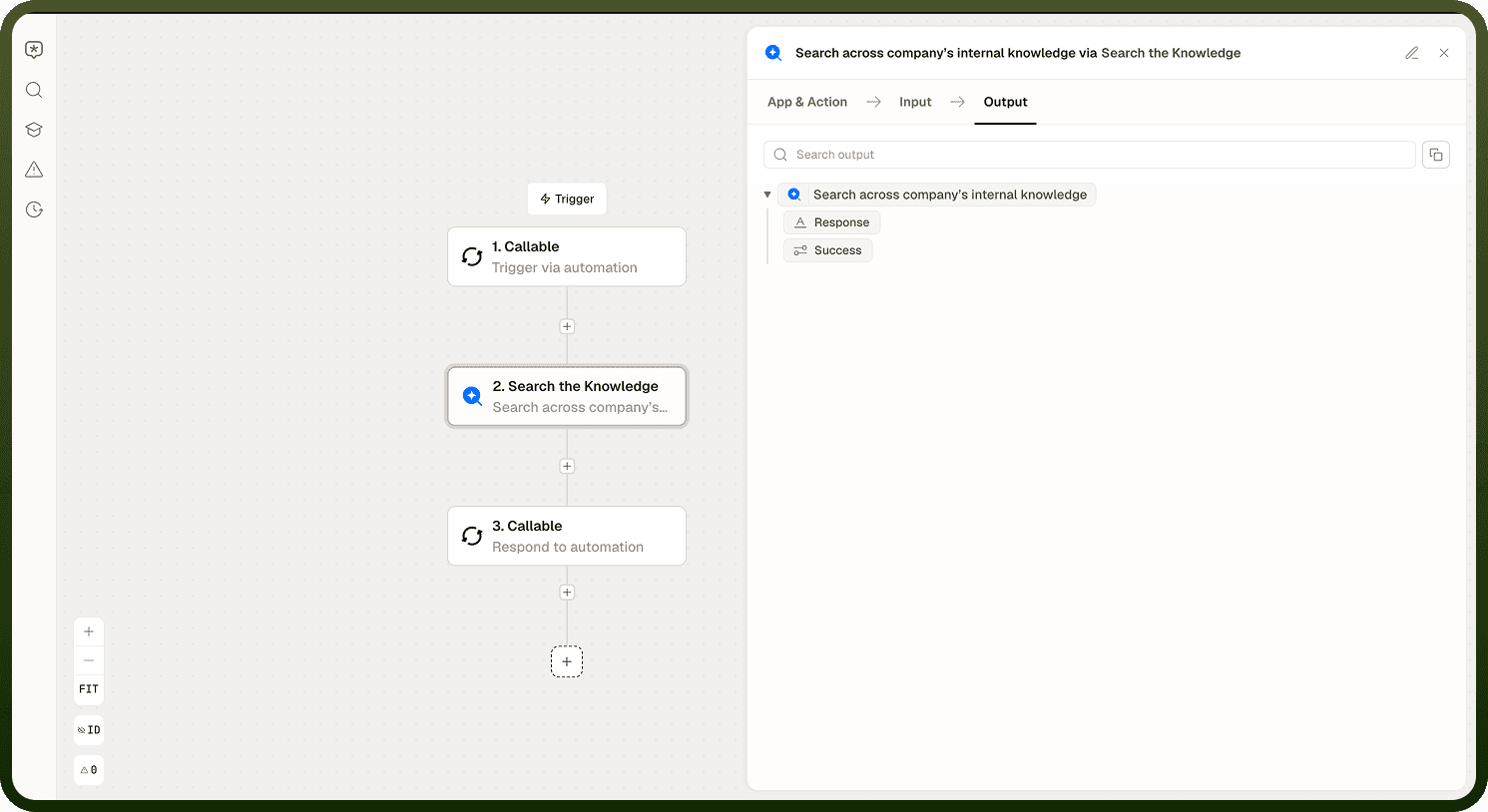
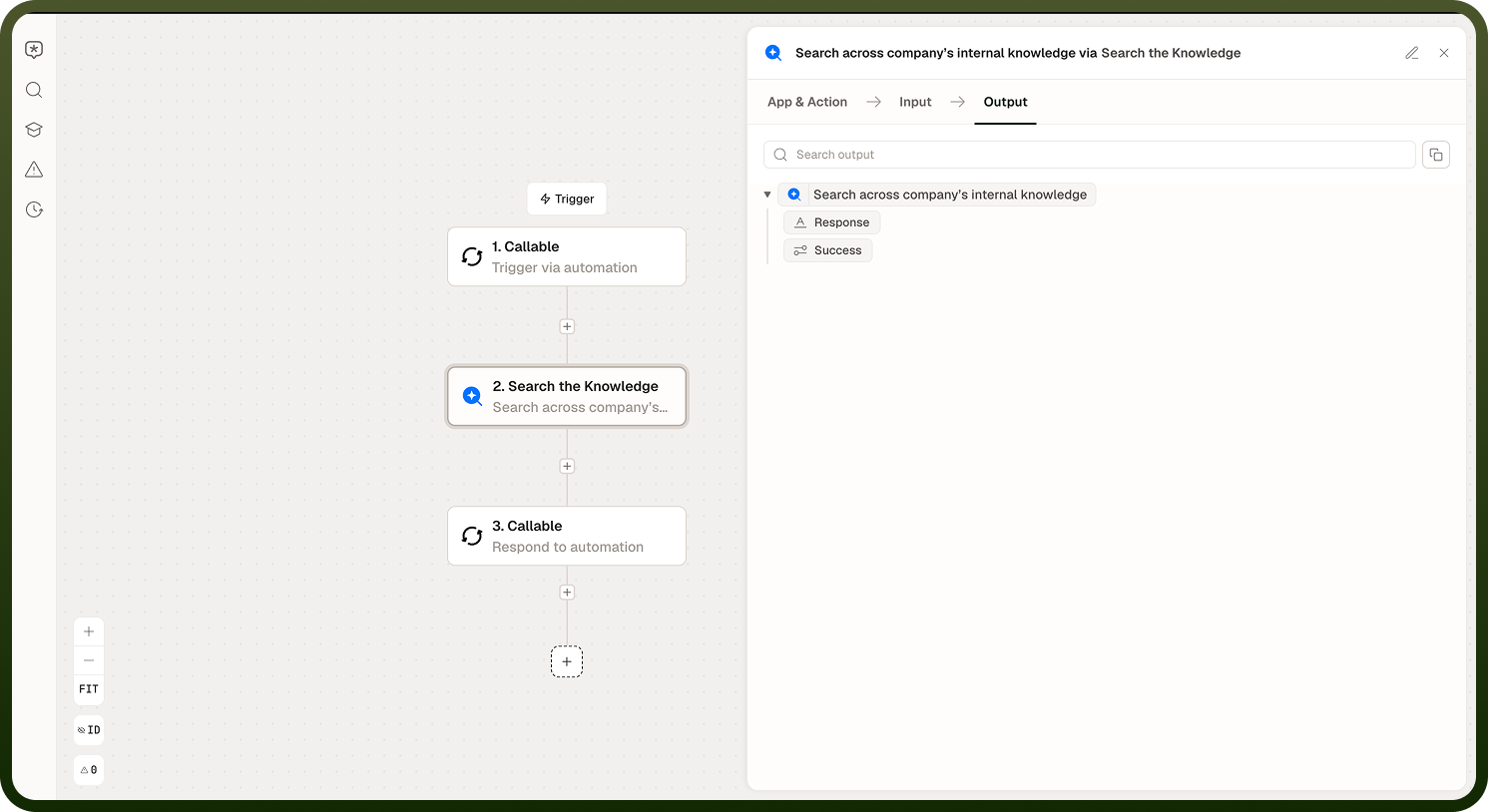
Result — the retrieved content that best matches the search instructions. This is a text value you can pass to downstream steps — typically a Prompt or Agent node that uses the retrieved content to answer a question or complete a task.
Success — a boolean flag indicating whether the search found relevant content. Check this before using the Result value. A false value means the search ran but did not find a good match in the knowledge bases.
Use Cases
Retrieve the relevant section of a policy document before generating a response to a customer query.
Look up product specifications from a catalog to answer a question.
Find precedents or similar cases from a document store before routing a support ticket.
Pull onboarding content from a knowledge base to personalize an automated welcome flow.
Notes
Keep the following in mind when using the Search the Knowledge node:
Always check the Success flag. If the search did not find relevant content, pass the failure to an error handler or fallback branch rather than using an empty or irrelevant Result.
Write search instructions as clear, specific prompts — the model uses them to decide what counts as relevant.
If results are consistently poor, review the content and chunking configuration in the knowledge base itself — retrieval quality starts with good source data.
Strong search instructions and well-maintained knowledge bases work together — invest in both to get consistently relevant results.