


Publish Response sends a text message to the user from within an automation. Use it to deliver a result, provide a status update, or surface the output of an earlier step — such as an LLM-generated reply or an extracted document field — in the conversational interface.
Overview
Publish Response is a one-way output step: it pushes a message to the user and continues without waiting for a reply. The message content supports dynamic values from prior steps, so you can compose a response that includes LLM-generated text, slot values, crawled content, or any other run-time data. For situations where you need structured user input in return, use Publish Interface instead.
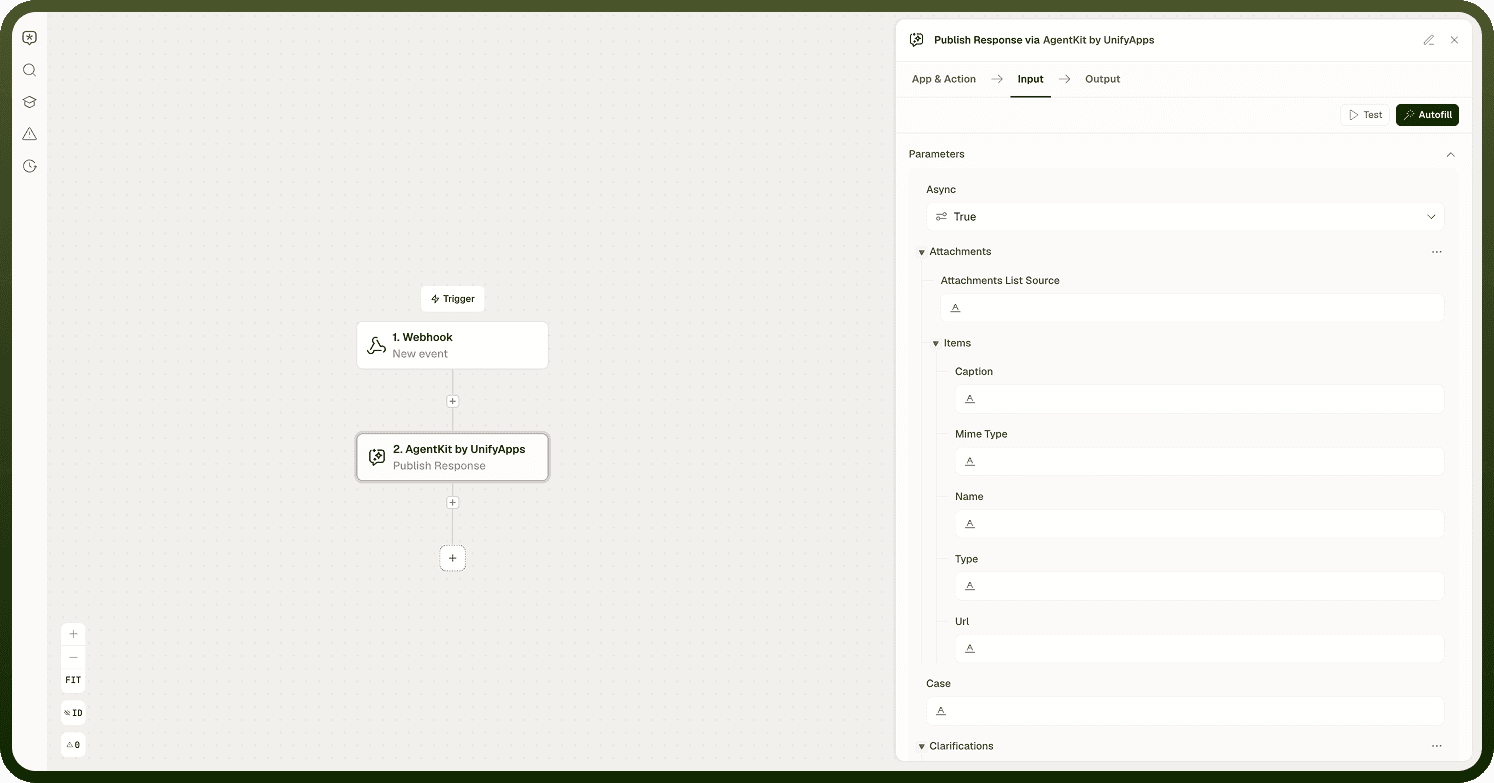
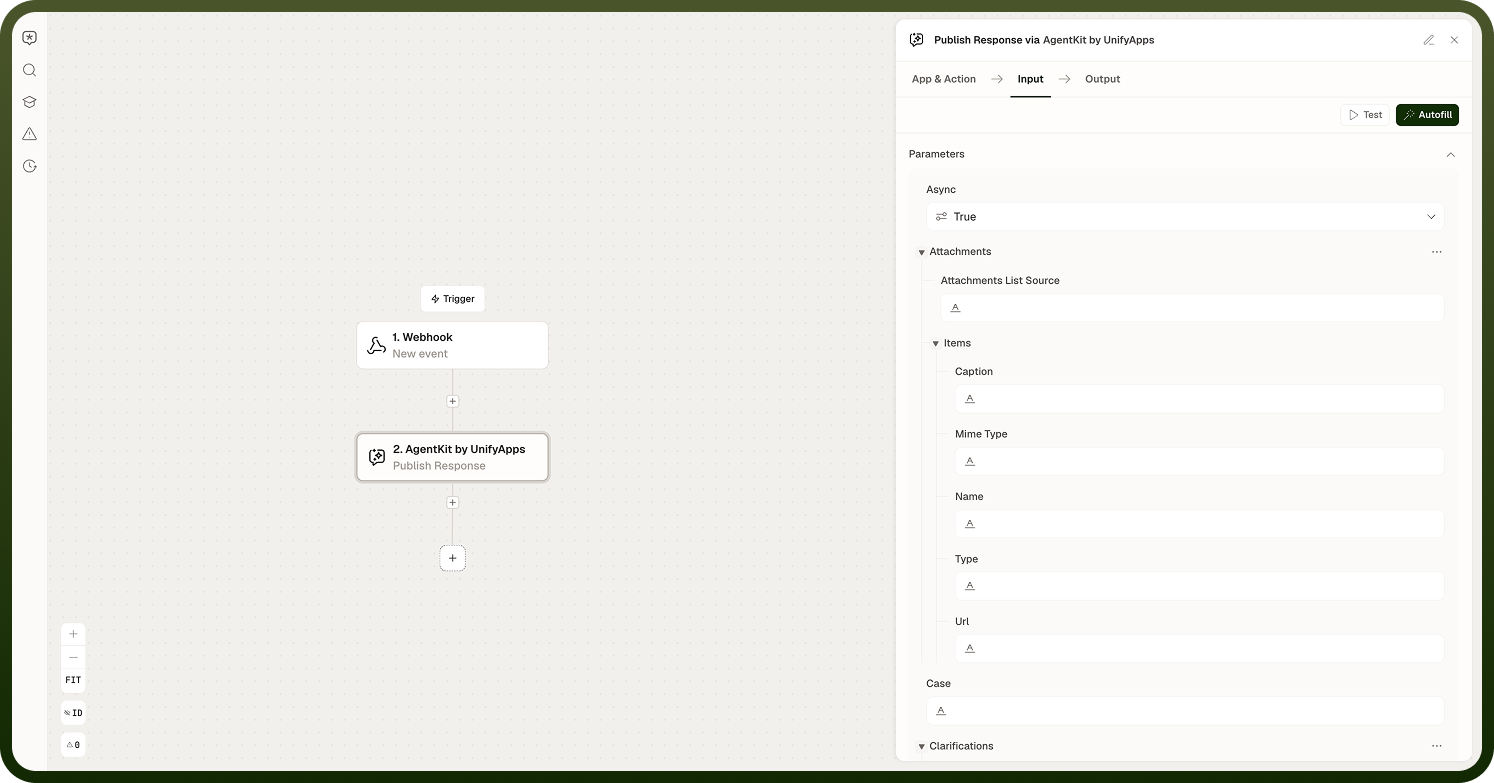
Input
Field | Description | Required* |
|---|---|---|
Message | The text content to send to the user. Supports static text and dynamic values from prior steps — for example, the response from a Call LLM Model with Options node or a value collected by Collect Slots. | Yes |
interface_payload_loader | The underlying field that loads and holds the message content shown as Message in the Input tab. It is populated dynamically from the node's built-in interface definition (__ua__publish_response_interface) and carries the actual text — static or interpolated from prior steps — that gets published to the user. | Yes |
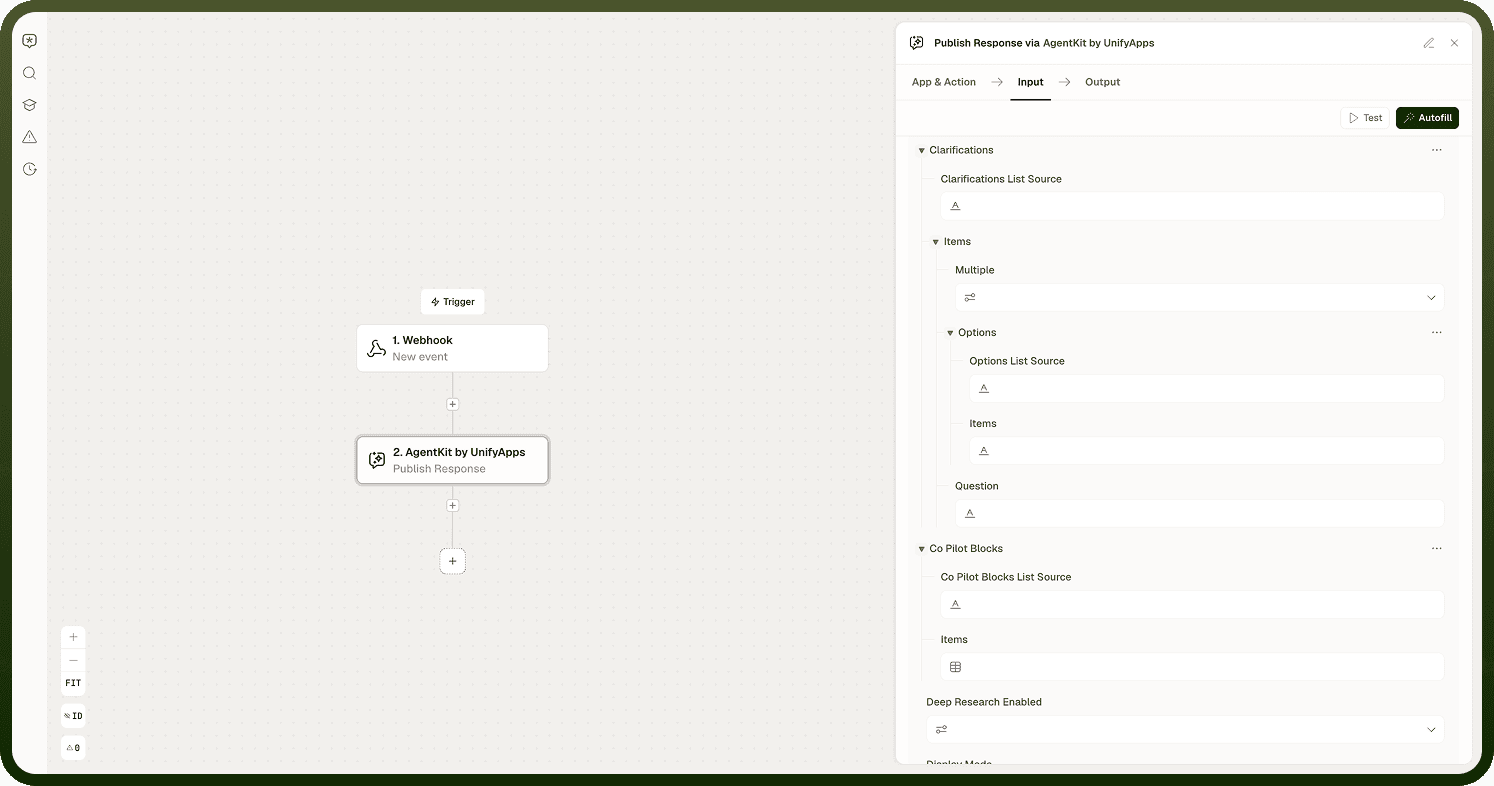
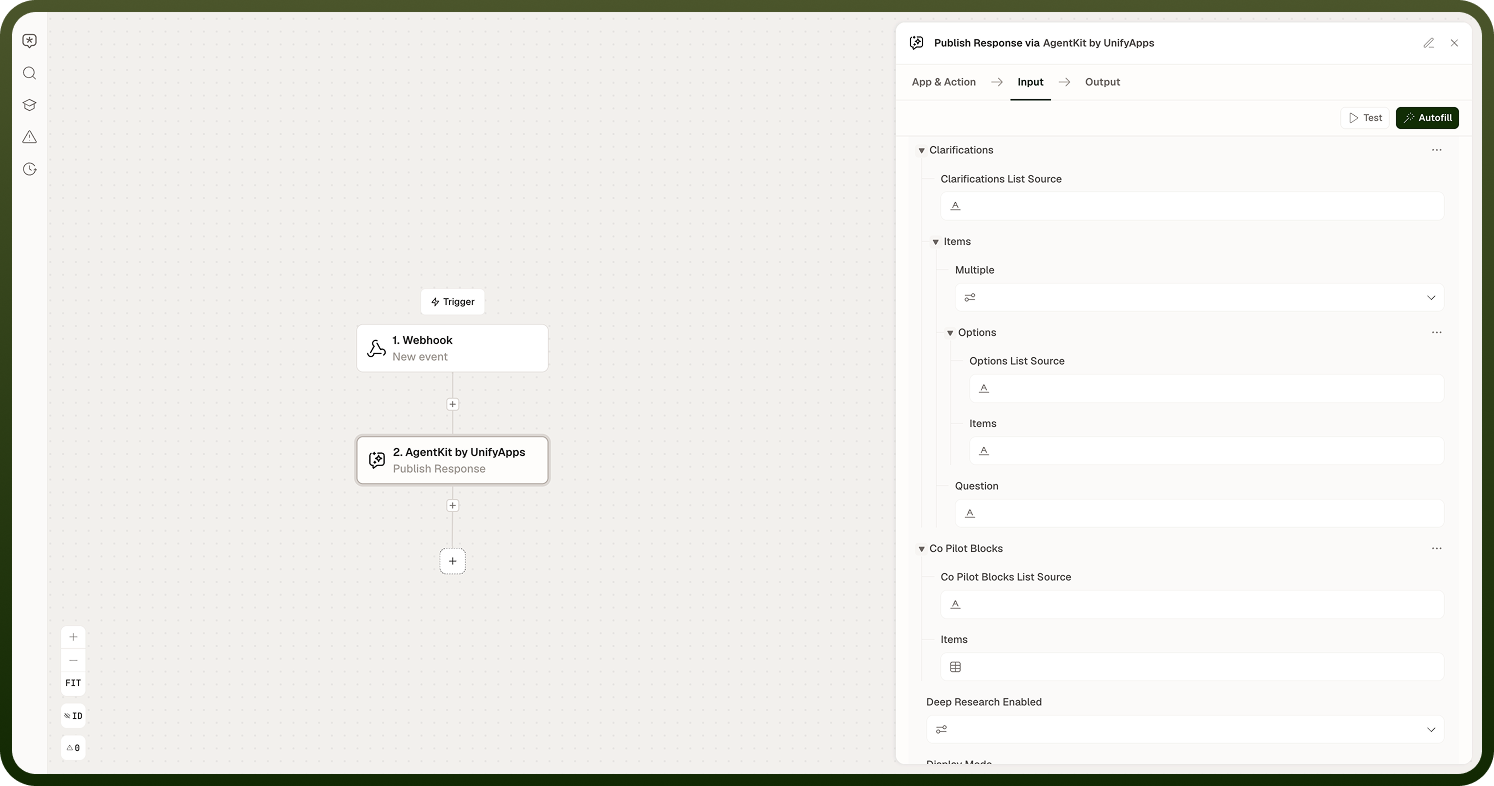
Output
The node returns one value:
Status — the delivery status of the message, confirming that the message was sent to the conversational interface.
Notes
Publish Response does not wait for a user reply. The automation continues to the next step immediately after the message is sent. If you need to collect a response, use Collect Slots or Publish Interface.
The Message field accepts dynamic values — interpolate output from any earlier step to personalize or contextualize the message.
Use Publish Response for plain text output. If you need the user to interact with a form or select from options, use Publish Interface instead.
Multiple Publish Response nodes can appear in a single automation to send messages at different stages of a flow — for example, a status update at the start and a summary at the end.