


Bulk Upsert writes a batch of records to a UnifyApps Storage object in one step, updating each record that already exists by its ID and creating any that do not — reporting per-record results so failures are visible without stopping the rest of the batch.
Overview
The Bulk Upsert action applies upsert logic to many records at once. Each record in the input list is matched by its ID: existing records are updated, records with no matching ID are created. The action processes each record independently and reports back detailed results — how many records succeeded, how many failed, and a per-record error for each failure. A few bad rows do not silently sink the whole batch; successful records are written regardless of which others failed. Like single Upsert Record, the same per-field blank and null handling options apply across the batch.
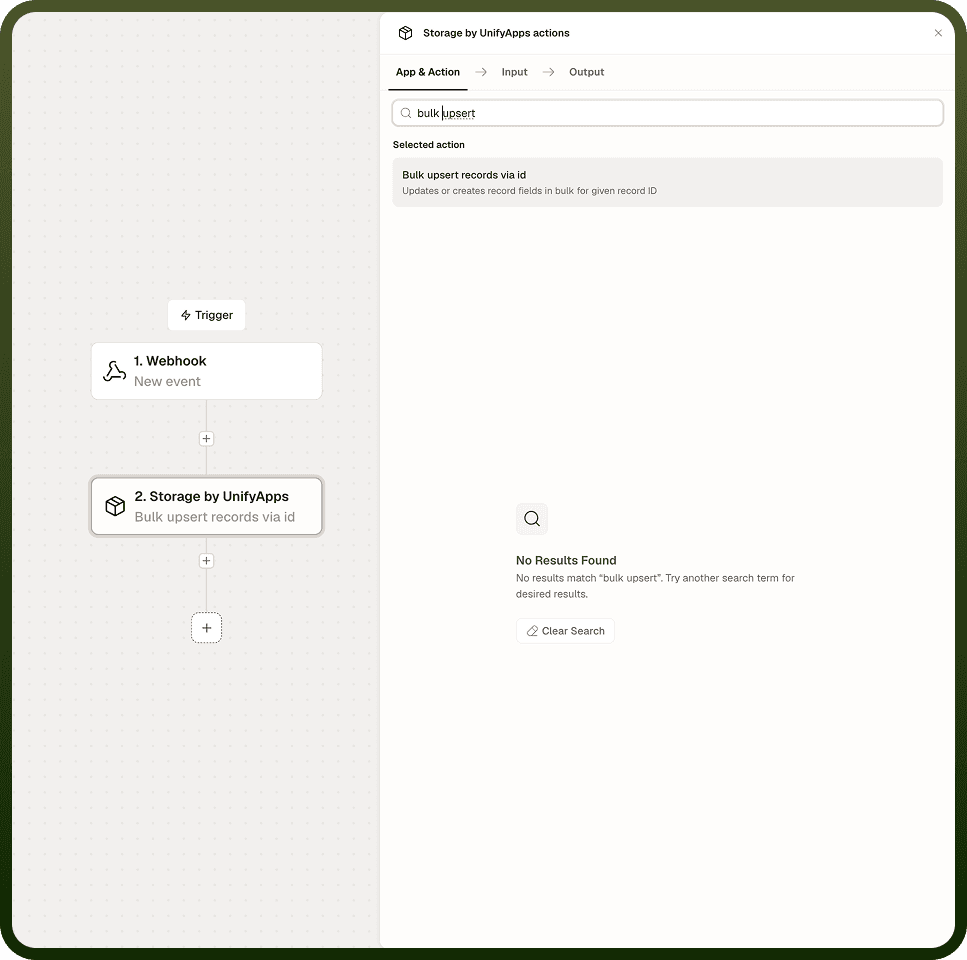
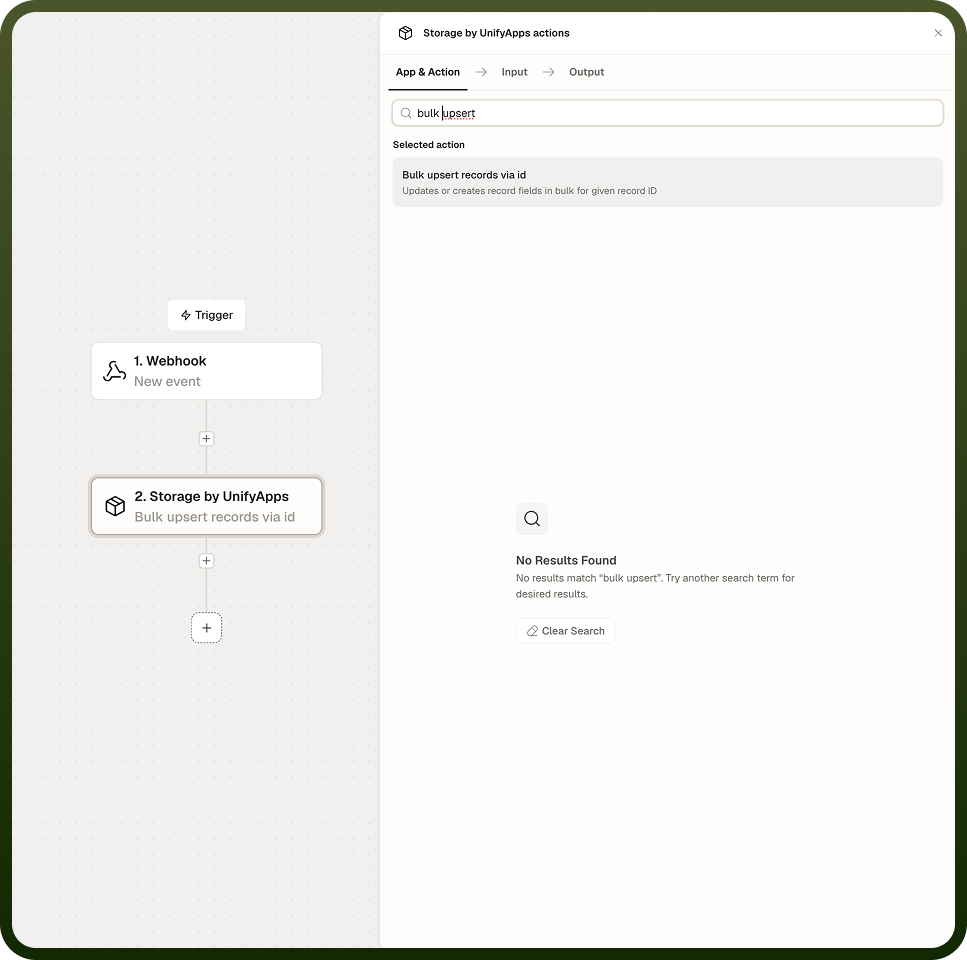
Input
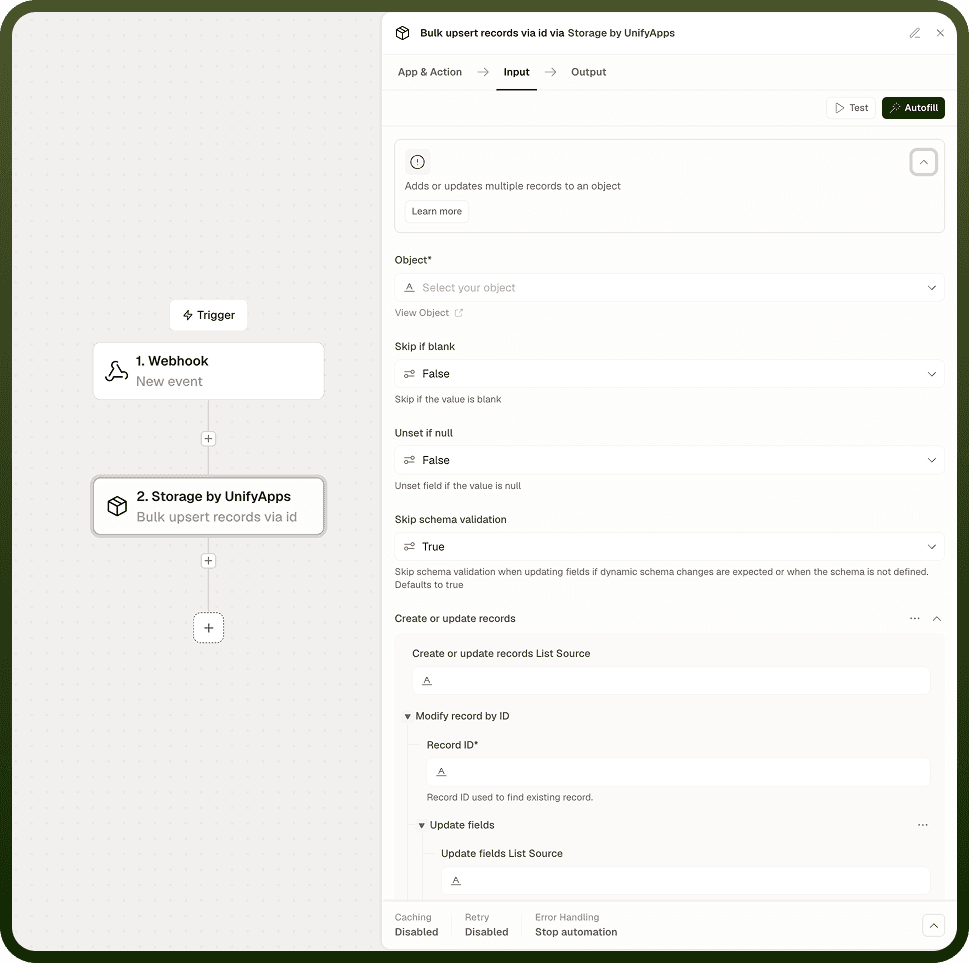
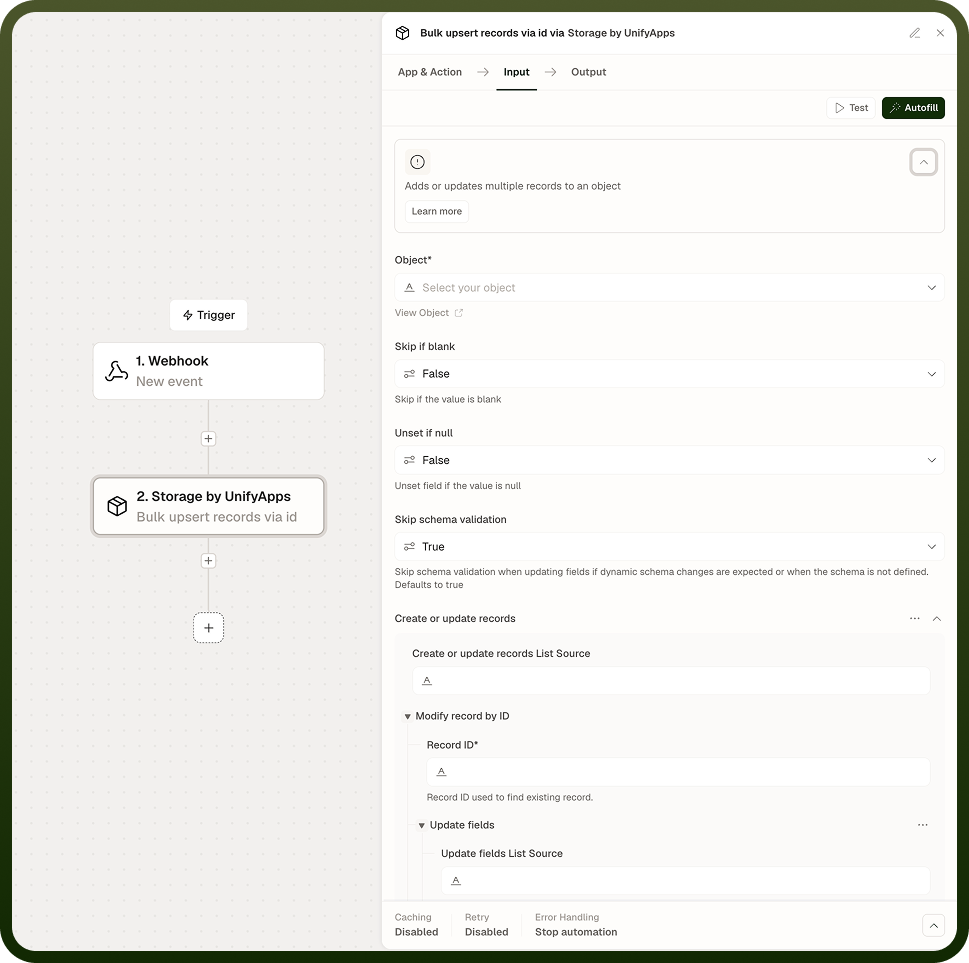
Field | Description | Required |
|---|---|---|
Object | The Storage object (table) to write the batch of records into. | * |
Records | A list of records to upsert. Each record should include an ID (used for matching) and the field values to write. An empty ID forces a create with a system-generated ID. | * |
Skip if blank | Per-field option applied across all records in the batch. When enabled for a field, the field is skipped if its value is empty or null. | |
Unset if null | Per-field option applied across all records in the batch. When enabled and a field value is genuinely null, the field is removed rather than stored as null. |
Output
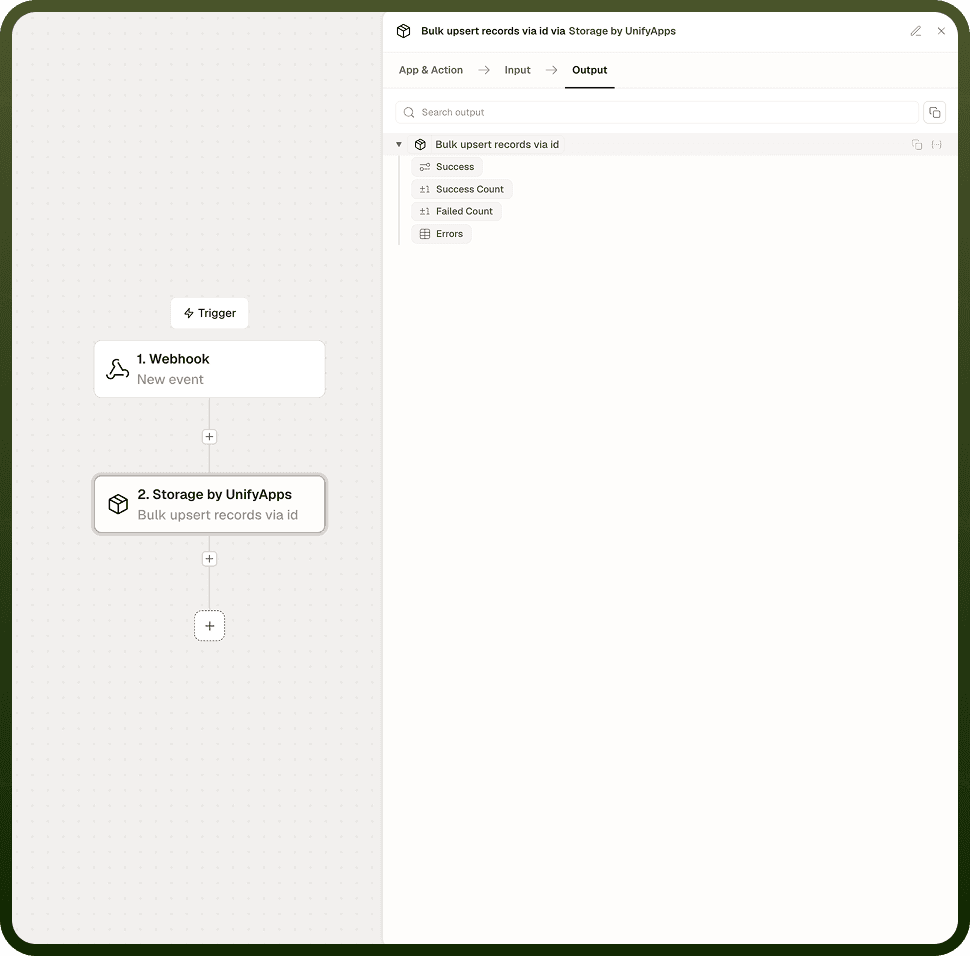
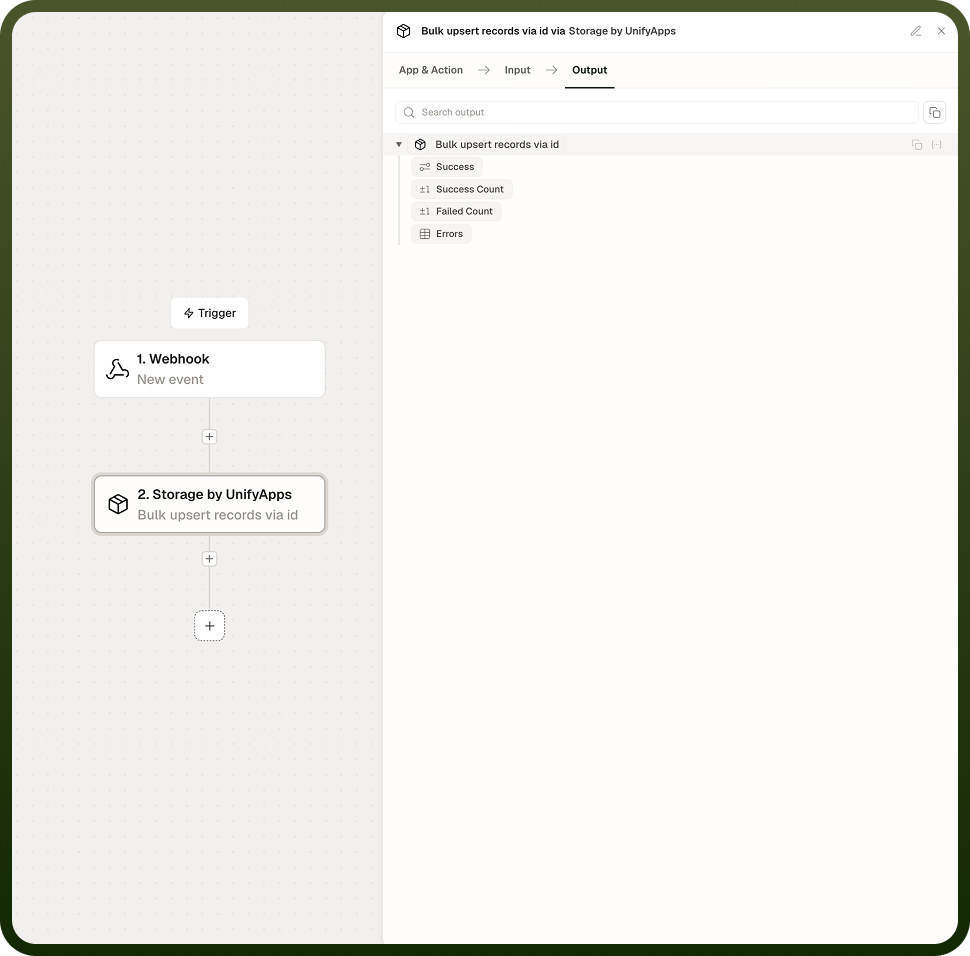
Per-record results for the entire batch: the number of records that succeeded, the number that failed, and a specific error for each failed record. Successful records are written to the Storage object regardless of which other records in the batch failed.
Notes
Keep the following in mind when using Bulk Upsert.
A few bad rows do not stop the whole batch — each record is processed independently, and failures are reported without blocking the records that succeeded.
The output includes a succeeded count, a failed count, and per-record error details for any failures; map these to a downstream step when reliability matters.
Like single Upsert Record, matching is by record ID: an empty ID forces a create with a system-generated ID, and a matching ID forces an update.
An empty string in any field is stored as-is across all records — it is not treated as null.
Bulk Upsert is the recommended approach when persisting many records in a single automation step rather than looping over individual Upsert Record calls.
Inspect the per-record error details in a downstream step — for example, log failures to a separate Storage object or trigger an alert — rather than assuming all records succeeded because the step itself completed without a top-level error.